
53Chapter 53 of 74
Service Client in Python: Calling AddTwoInts
Introduction
In the previous chapter we wrote a service server that adds two numbers, and called it from the terminal with ros2 service call. Now we write the other side in Python: a service client node that sends the request itself and prints the answer.
The client takes the two numbers from the command line, for example ros2 run bumperbot_py_examples simple_service_client 5 3, waits until the server is there, sends the request and prints Service Response 8.
Two new ideas appear in this chapter:
- Command-line arguments with
sys.argv: the words typed after the program name. - A future from
call_async: a placeholder for an answer that has not arrived yet, with a function that runs once it does.
The server and the AddTwoInts service from the previous chapter must already be built. This chapter only adds the client.
Create the file
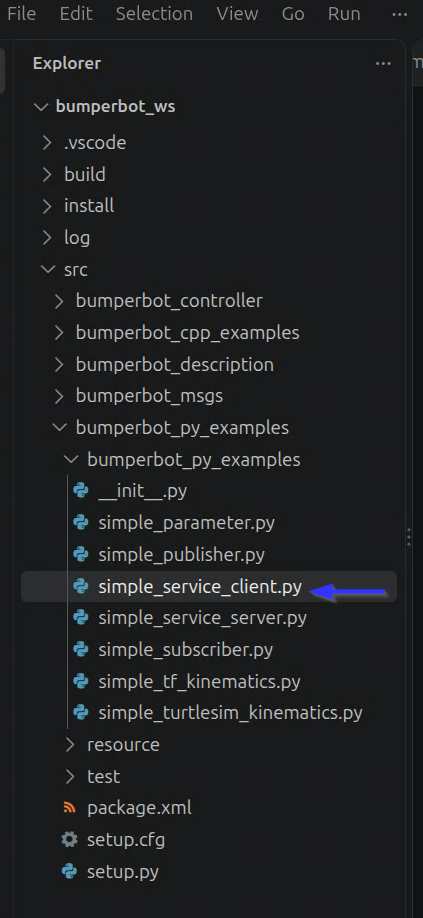
Create simple_service_client.py inside bumperbot_py_examples/bumperbot_py_examples, next to the other example nodes.
Write the client
import sys
import rclpy
from rclpy.node import Node
from bumperbot_msgs.srv import AddTwoInts


class SimpleServiceClient(Node):

    def __init__(self, a, b):
        super().__init__("simple_service_client")
        self.client_ = self.create_client(AddTwoInts, "add_two_ints")

        while not self.client_.wait_for_service(timeout_sec=1.0):
            self.get_logger().info("service not available, waiting again...")

        self.req_ = AddTwoInts.Request()
        self.req_.a = a
        self.req_.b = b
        self.future_ = self.client_.call_async(self.req_)
        self.future_.add_done_callback(self.responseCallback)

    def responseCallback(self, future):
        self.get_logger().info('Service Response %d' % future.result().sum)


def main():
    rclpy.init()

    if len(sys.argv) != 3:
        print("Wrong number of arguments! Usage: simple_service_client A B")
        return -1

    simple_service_client = SimpleServiceClient(int(sys.argv[1]), int(sys.argv[2]))

    rclpy.spin(simple_service_client)

    simple_service_client.destroy_node()
    rclpy.shutdown()


if __name__ == '__main__':
    main()
What it does, in short
- Line 1 imports
sys, which gives the program the words typed on the command line. - Line 11 creates the client: type
AddTwoIntsand the service nameadd_two_ints, the same name the server uses. - Lines 13 and 14 wait, checking once per second, until a server with that name exists. Until then it prints "service not available, waiting again...".
- Lines 16 to 18 build the request and put
aandbinto it. - Line 19 sends it with
call_async. It does not wait for the answer: it gets back a future, a placeholder for the answer. Line 20 says which function to run when the answer arrives. - Lines 22 and 23:
responseCallbackruns once, when the answer is there, and prints the sum. main()checks that exactly two numbers were given, turns them from text into whole numbers withint(), creates the node and spins, which is what lets the answer arrive and the callback run.
A future, step by step
The picture below shows what happens between sending the request and getting the answer, and why spin is needed for the callback to run.
How the code works, line by line
The visualizer covers this file and the line added to setup.py. Pick a level, click any line, follow a run, or break something on purpose.
Register the node
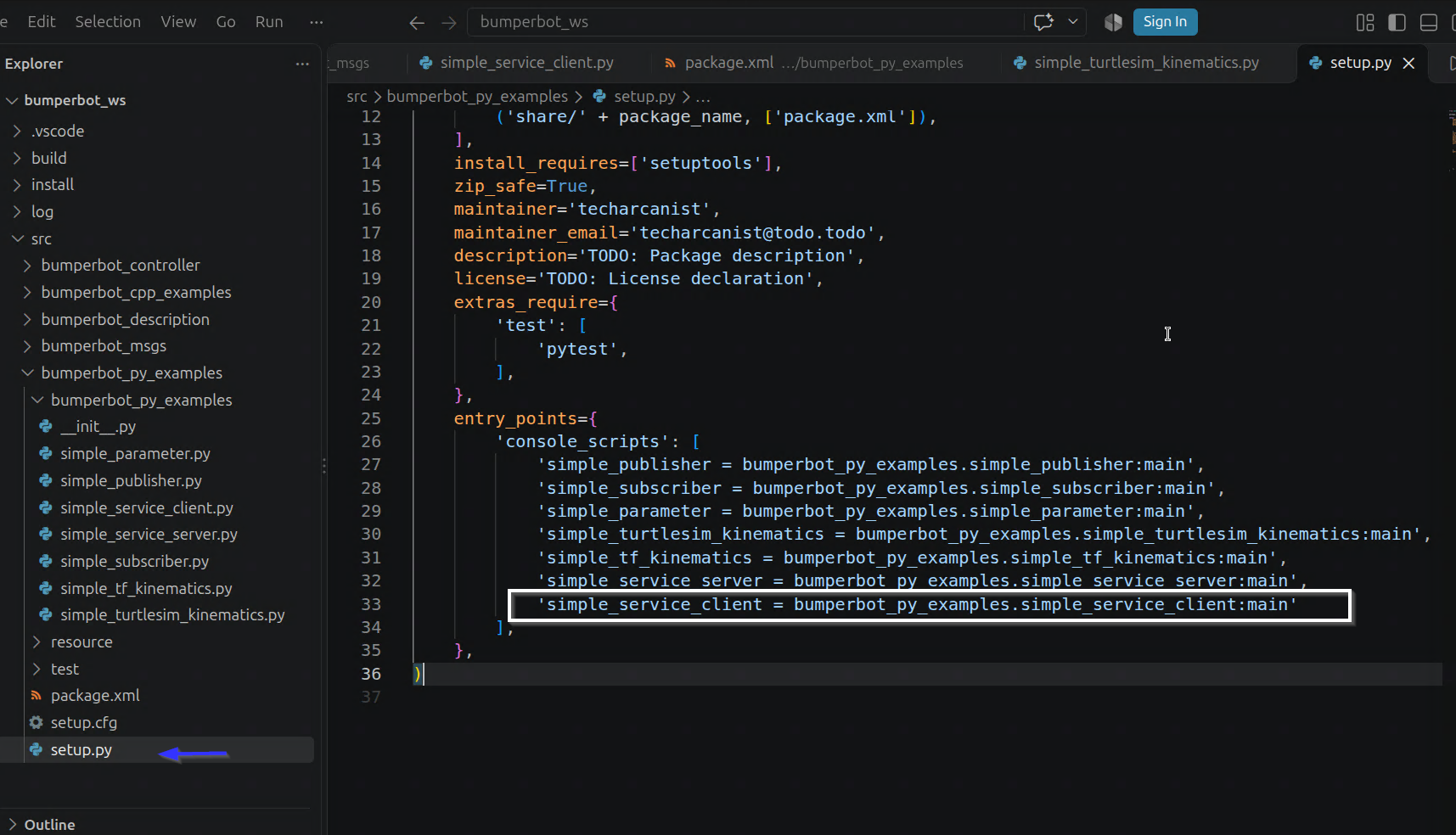
In setup.py of bumperbot_py_examples, add the new executable to console_scripts, below the server you added last time:
entry_points={
    'console_scripts': [
        # ... the executables you added earlier stay here ...
        'simple_service_server = bumperbot_py_examples.simple_service_server:main',
        'simple_service_client = bumperbot_py_examples.simple_service_client:main',
    ],
},
The bumperbot_msgs dependency in package.xml is already there from the previous chapter, so nothing else changes.
Build, run and test
Build
Build again, because setup.py changed:
cd ~/bumperbot_wscolcon build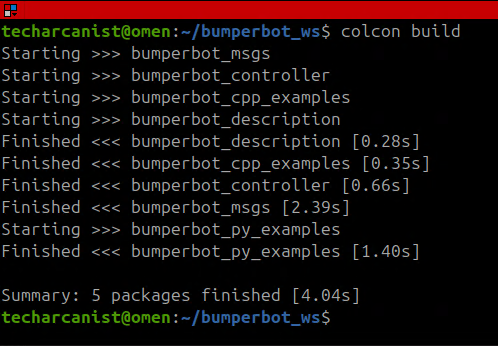
Start the server
Open a new terminal (terminal 1). Source the workspace and start the server from the previous chapter:
cd ~/bumperbot_ws. install/setup.bashros2 run bumperbot_py_examples simple_service_serverWhat you should see (the number in the first brackets is the time, so yours differs)
[INFO] [1794227307.977538642] [simple_service_server]: Service add_two_ints Ready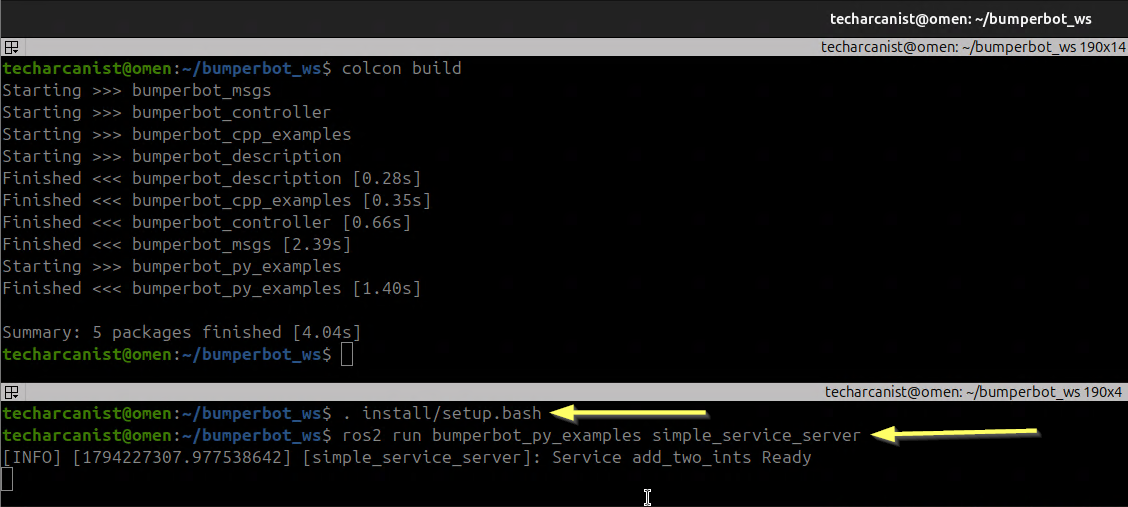
Check the service
Open another terminal (terminal 2). Source the workspace and list the services:
cd ~/bumperbot_ws. install/setup.bashros2 service listWhat you should see
/add_two_ints
/simple_service_server/describe_parameters
/simple_service_server/get_parameter_types
/simple_service_server/get_parameters
/simple_service_server/get_type_description
/simple_service_server/list_parameters
/simple_service_server/set_parameters
/simple_service_server/set_parameters_atomically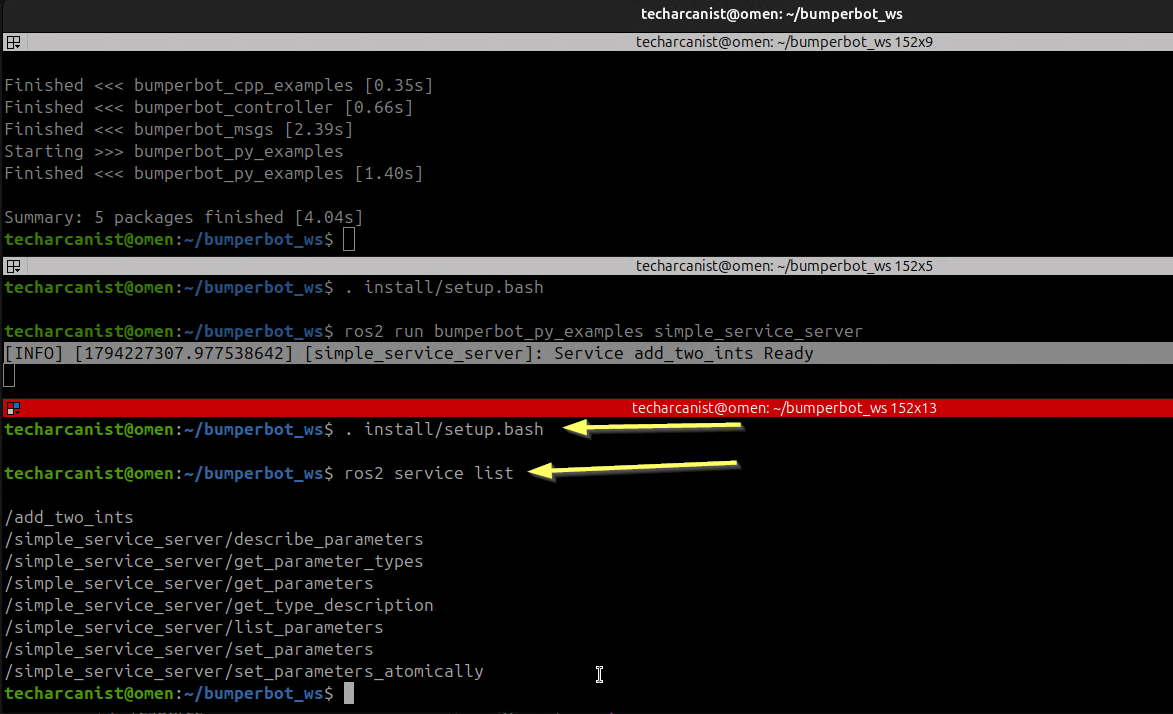
Run the client
In terminal 2, run the client with two numbers after its name:
ros2 run bumperbot_py_examples simple_service_client 5 3What you should see
[INFO] [1794227843.335588217] [simple_service_client]: Service Response 8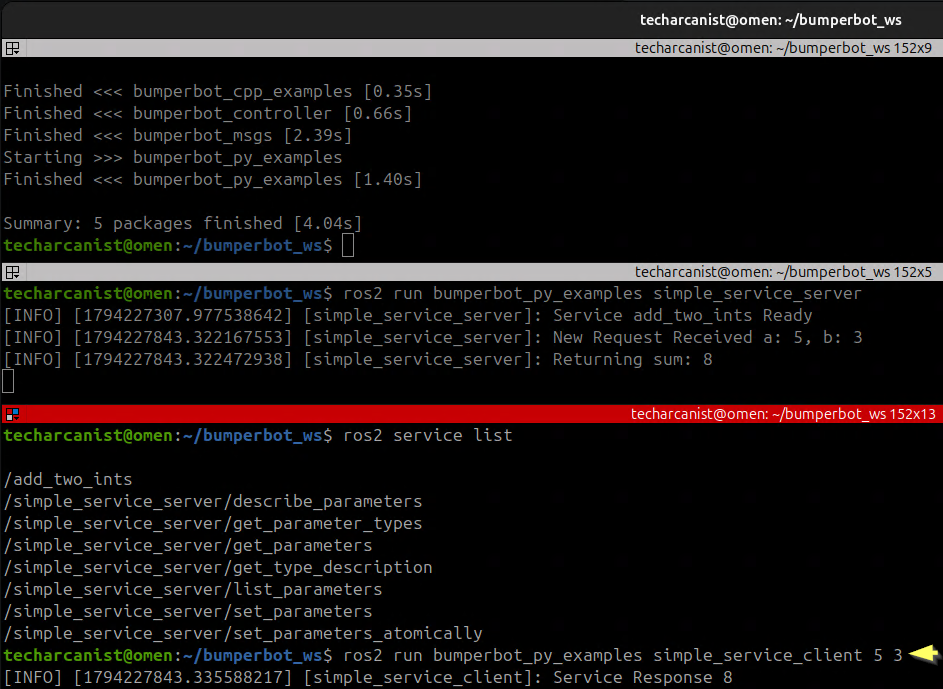
The client keeps running after it prints the answer, because rclpy.spin on line 35 only returns when the program is stopped. Press Ctrl+C to end it. In terminal 1 the server logs the request it answered.
Try it with wrong input
- No numbers, or only one: the client prints
Wrong number of arguments! Usage: simple_service_client A Band stops. - Text instead of a number, for example
five 3:int("five")fails with aValueError. - Server not started: the client prints "service not available, waiting again..." once per second until you start it.
The second small visual shows how the words you type become a and b:
Remember
- A client uses
create_client(type, name)with the same type and name as the server. wait_for_service(timeout_sec=1.0)waits up to one second and returns True once the server exists; the loop keeps trying.- A request object comes from
AddTwoInts.Request(); fill its fields before sending. call_asyncsends without waiting and returns a future.add_done_callbacknames the function that runs when the answer arrives, andfuture.result()is the response.- The callback only runs while the node spins.
sys.argvholds the program name and the words after it, as text;int()turns them into numbers.