
19Chapter 19 of 51
C++ Parameters
NOTE: I will be prioritizing Python and temporarily pausing C++ implementations after Chapter 36. You can go through the C++ chapters covered up to Chapter 36. After that, I will complete the remaining topics in Python first, then revisit the skipped chapters to add their C++ implementations.
Introduction
In ROS 2, parameters allow us to configure the behavior of a node without having to modify its source code every time we want to change a value.
In this example, we will create a simple c++ node that declares two parameters:
- An integer parameter
- A string parameter
We will also add a callback that detects when these parameters are changed.
What Are Parameters?
A ROS 2 parameter can be thought of as a setting belonging to a node.
For example:
simple_parameter
       │
       ├── simple_int_param
       │       └── 23
       │
       └── simple_string_param
               └── "lavitra"
The important idea is that these values belong to the node and can be changed while the node is running.
Key Idea
Parameters allow us to change configurable values without changing the source code.
Create the CPP File
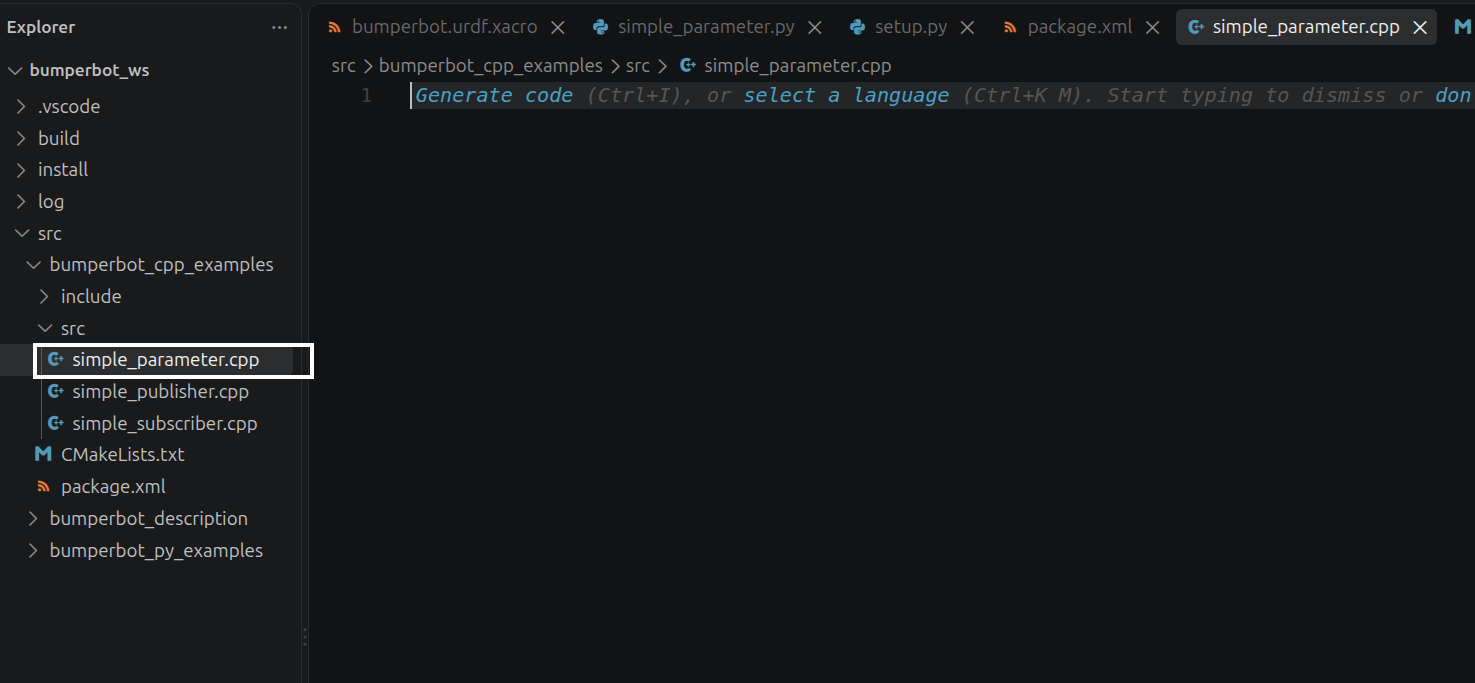
Now we will create the cpp node that will contain our parameters.
Inside the src directory of the bumperbot_cpp_examples package, create a file named:
simple_parameter.cppWrite the Parameter Node
Open simple_parameter.cpp and add:
<rclcpp/rclcpp.hpp>
<rcl_interfaces/msg/set_parameters_result.hpp>
<vector>
<string>
<memory>
using std::placeholders::_1;
class SimpleParameter : public rclcpp::Node
{
public:
SimpleParameter() : Node("simple_parameter")
{
declare_parameter<int>("simple_int_param", 23);
declare_parameter<std::string>("simple_string_param", "lavitra");
param_callback_handle_ = add_on_set_parameters_callback(std::bind(&SimpleParameter::paramChangeCallback, this, _1));
}
private:
OnSetParametersCallbackHandle::SharedPtr param_callback_handle_;
rcl_interfaces::msg::SetParametersResult paramChangeCallback(const std::vector<rclcpp::Parameter> ¶meters)
{
rcl_interfaces::msg::SetParametersResult result;
for(const auto& param : parameters)
{
if(param.get_name() == "simple_int_param" && param.get_type() == rclcpp::ParameterType::PARAMETER_INTEGER)
{
RCLCPP_INFO_STREAM(get_logger(), "Param simple_int_param changed! New value is " << param.as_int());
result.successful = true;
}
if(param.get_name() == "simple_string_param" && param.get_type() == rclcpp::ParameterType::PARAMETER_STRING)
{
RCLCPP_INFO_STREAM(get_logger(), "Param simple_string_param changed! New value is " << param.as_string());
result.successful = true;
}
}
return result;
}
};
int main(int argc, char* argv[])
{
rclcpp::init(argc, argv);
auto node = std::make_shared<SimpleParameter>();
rclcpp::spin(node);
rclcpp::shutdown();
return 0;
}Explanation for simple_parameter.C++
Add rcl_interfaces to CMake
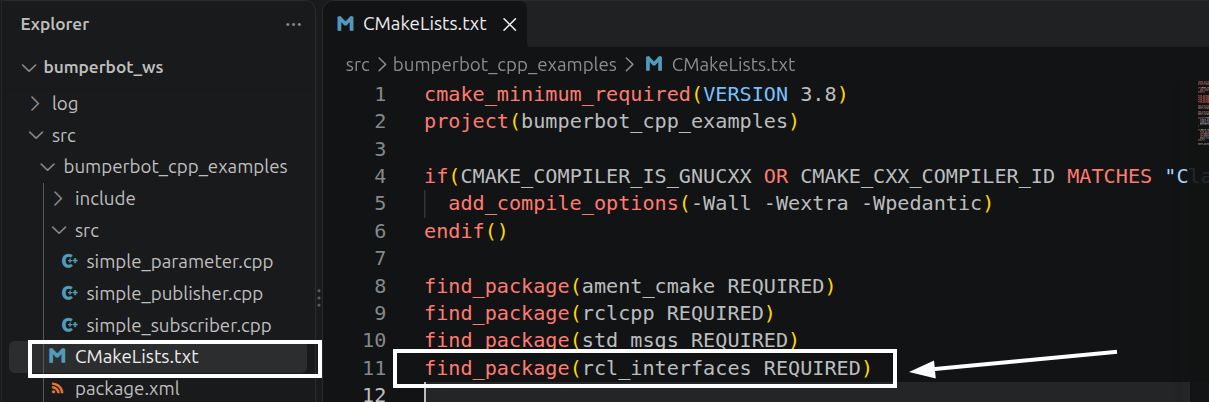
Open:
CMakeLists.txtand add:
find_package(rcl_interfaces REQUIRED)find_package
This tells CMake:
Find a package that my C++ project needs.
Create the Executable
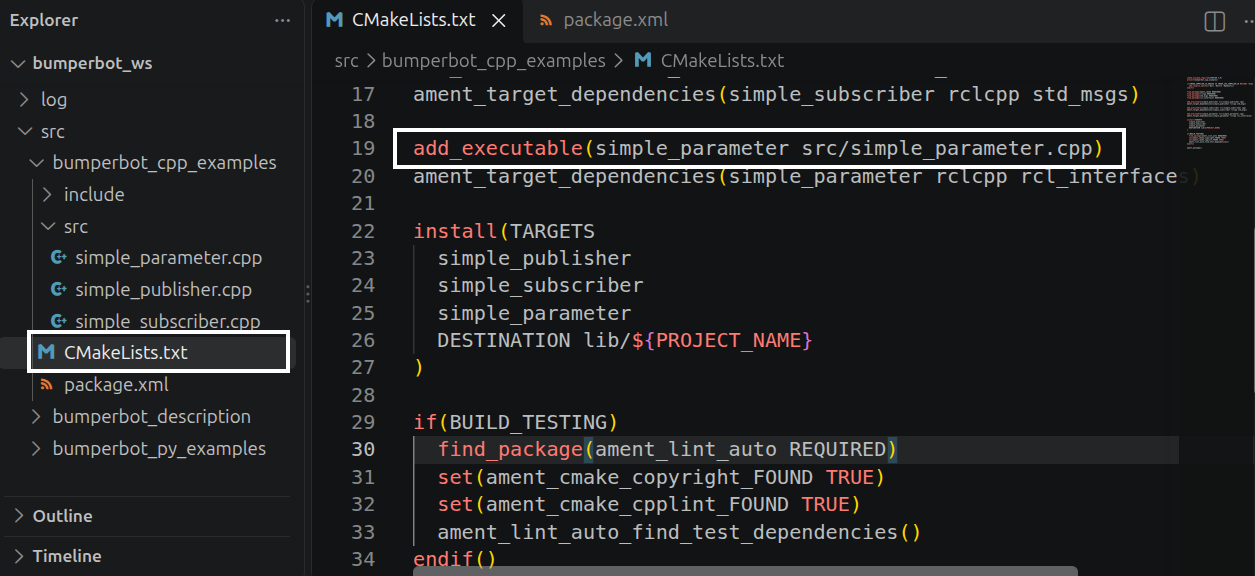
Now CMake knows that our package uses rcl_interfaces.
Next, we need to tell CMake what to build.
Add:
add_executable(simple_parameter src/simple_parameter.cpp)This line connects the source file to the executable.
Break it down:
add_executable(
       │
       ├── simple_parameter
       │       ↓
       │   executable name
       │
       └── src/simple_parameter.cpp
               ↓
           source file
)
So:
add_executable(simple_parameter src/simple_parameter.cpp)means:
Compile
src/simple_parameter.cppand create an executable namedsimple_parameter.
Add Dependencies to the Executable
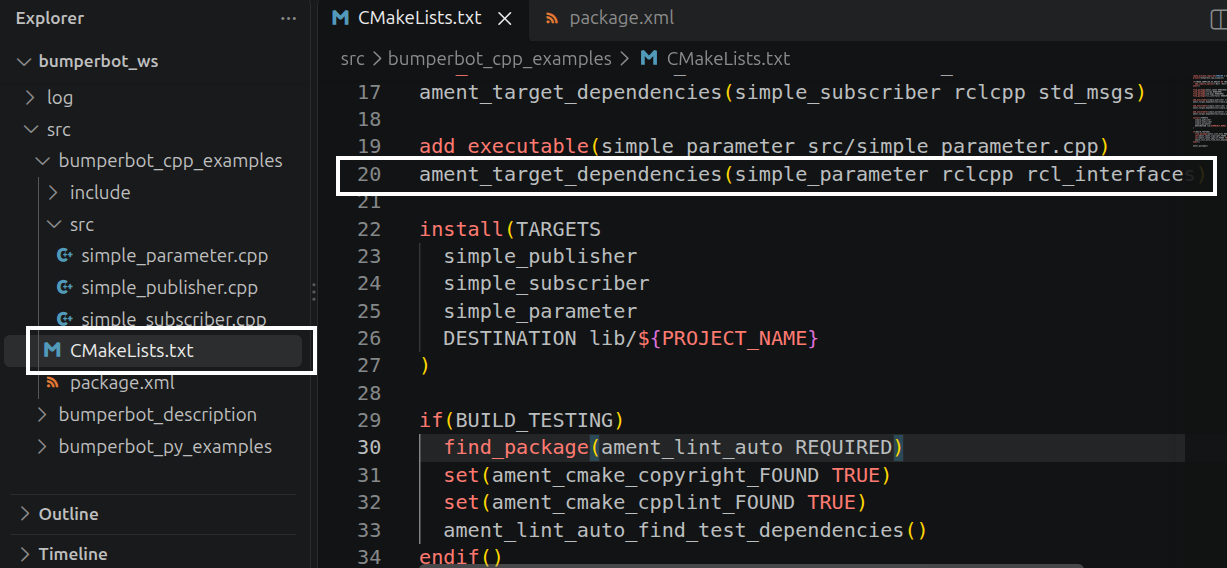
Now we have created an executable called:
simple_parameterBut this executable uses ROS 2 packages such as:
rclcpp
rcl_interfaces
So we connect these dependencies to our executable:
ament_target_dependencies(simple_parameter rclcpp rcl_interfaces)The first simple_parameter is the same executable/target name that we created with:
add_executable(simple_parameter src/simple_parameter.cpp)Install the Executable
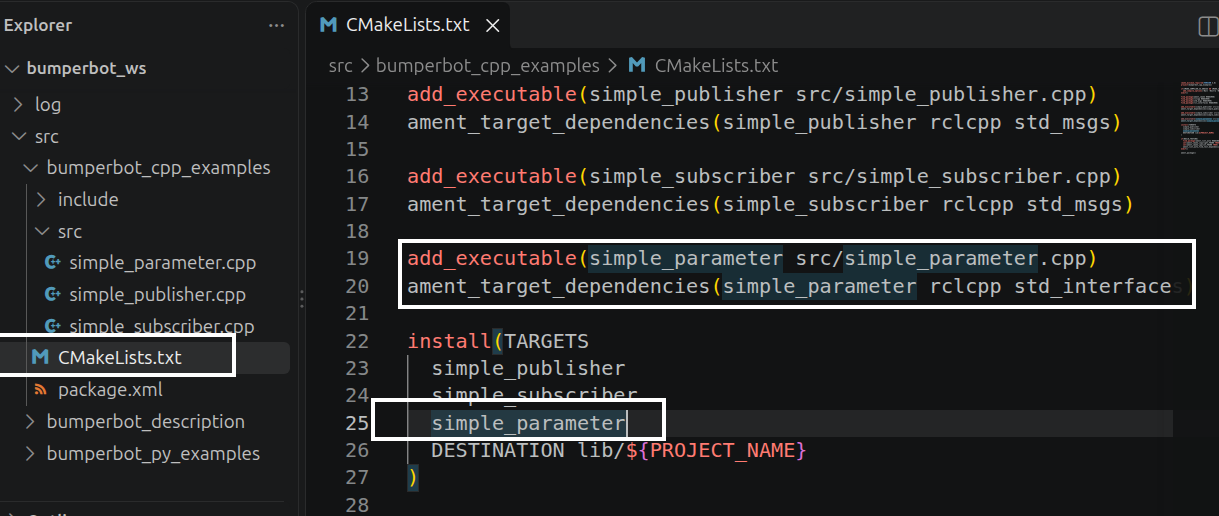
Finally, we need to tell CMake to install our executable as part of the ROS 2 package.
Add simple_parameter to the existing install section:
install(TARGETS
  simple_publisher
  simple_subscriber
  simple_parameter
  DESTINATION lib/${PROJECT_NAME}
)
Again, this:
simple_parameterrefers to the same target created earlier by:
add_executable(simple_parameter src/simple_parameter.cpp)Add the Dependency to package.xml
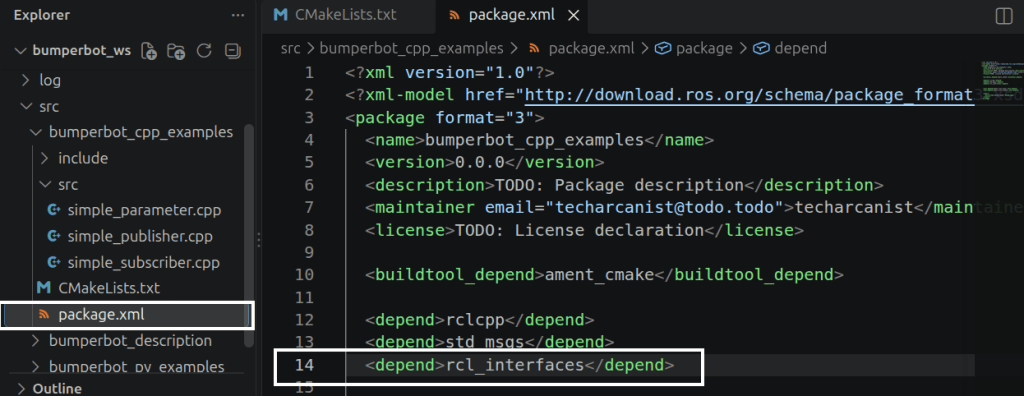
After configuring CMakeLists.txt, we also need to tell ROS 2 that our package depends on rcl_interfaces.
Open:
package.xmland add:
<depend>rcl_interfaces</depend>Why Did We Add It to CMakeLists.txt Too?
This is where it can become confusing because we mention rcl_interfaces in both files.
They are doing different jobs.
CMakeLists.txt
We tell the build system that we need the package:
find_package(rcl_interfaces REQUIRED)and that our executable uses it:
ament_target_dependencies(
  simple_parameter
  rclcpp
  rcl_interfaces
)
So CMake knows how to build the executable.
package.xml
We tell ROS 2 that the package itself depends on rcl_interfaces:
<depend>rcl_interfaces</depend>So the package's dependency information is properly declared.
Think of the Difference Like This
               rcl_interfaces
                      │
             ┌────────┴────────┐
             │                 │
             ▼                 ▼
       CMakeLists.txt      package.xml
             │                 │
             ▼                 ▼
       "I need this       "My package
        to BUILD          DEPENDS on this"
        my code."
Simple rule to remember:
CMakeLists.txt→ How do I build my C++ code?
package.xml→ What does my ROS 2 package depend on?
Build the Workspace
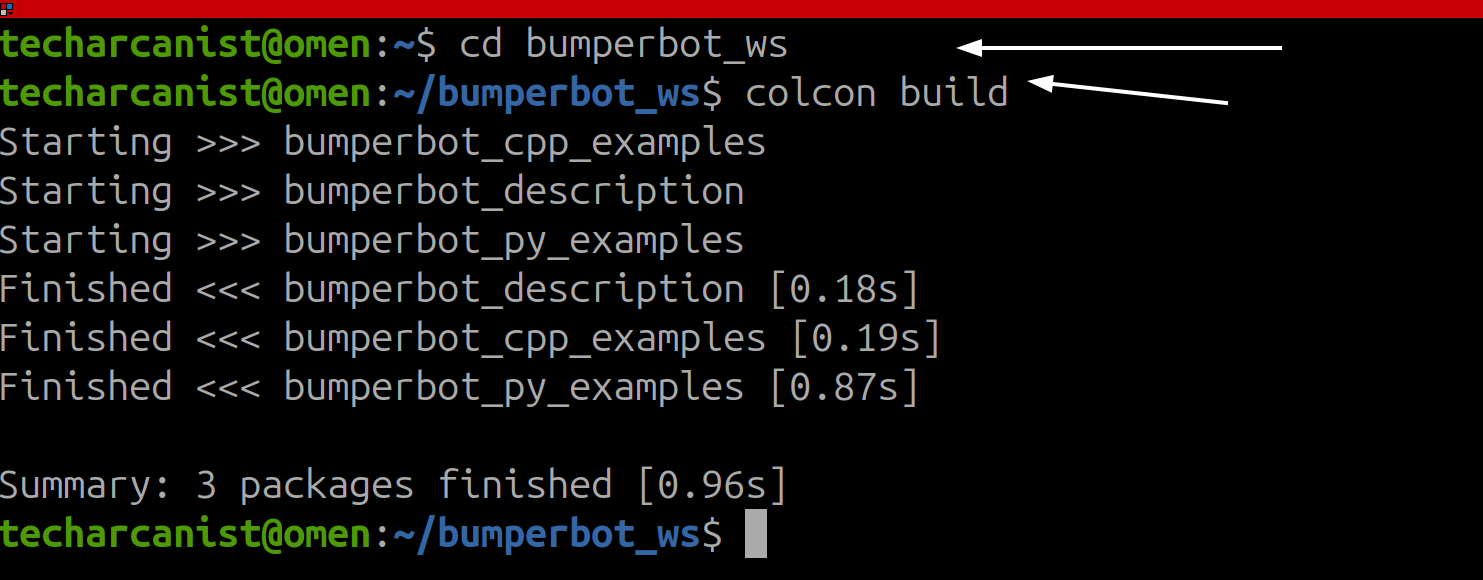
After modifying the package, go back to the workspace and build
cd bumperbot_ws
colcon build
Connection to the Next Chapter
In the chapter 20, we will use these parameters and see how they can be accessed and changed while the node is running.