
05Chapter 5 of 51
ROS 2 Workspace & Package Creation
Creating a ROS 2 Workspace, Building It, and Creating Python & C++ Packages
What is a ROS 2 Workspace?
A ROS 2 workspace is simply a folder on your PC that contains:
- All ROS 2 packages
- All source code for your robot
- Build and install artifacts generated by ROS 2 tools
Think of it as a container for all robot software.
This workspace acts as a ROS 2 overlay, meaning:
- You can use all default ROS 2 packages
Creating the Workspace Structure
Step 1: Open a New Terminal
Use Terminator (recommended).
Step 2: Create Workspace and src Folder
mkdir -p bumperbot_ws/srcmkdir= make directory-p→ creates parent folders if they don’t existbumperbot_ws→ workspace namesrc→ source folder (mandatory for ROS 2)
Step 3: Verify Creation
lsYou should see bumperbot_ws

Exploring the Workspace
Move into Workspace
cd bumperbot_wsList Contents
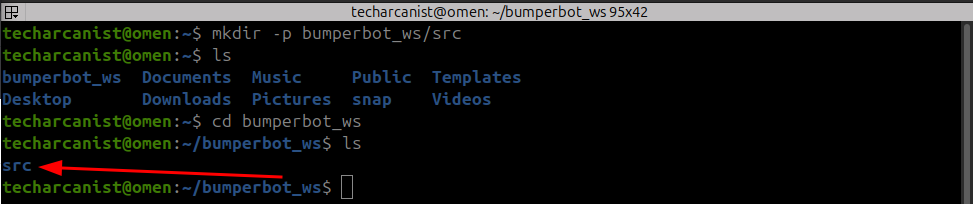
ls- Workspace only contains source folder
- No ROS 2 structure yet
Initializing the Workspace with colcon
Build the Workspace
colcon buildcolconis the ROS 2 build tool- Converts source code (Python / C++) into executable files
- Generates required ROS 2 structure
Check Generated Folders

lsROS 2 Workspace Folder Structure
| Folder | Purpose |
|---|---|
src/ | All source code & packages |
build/ | Intermediate build files |
install/ | Final executables & setup files |
log/ | Build logs |
Creating ROS 2 Packages
Packages must always be created inside src/.
Python Package
cd src/ros2 pkg create --build-type ament_python bumperbot_py_examplesros2 pkg create, build-type <BUILD_SYSTEM> <PACKAGE_NAME>
ros2→ ROS 2 command-line toolpkg→ work with packagescreate→ create a new package--build-type→ defines how the package is built (most important)ament_python→ Python-based packageament→ ROS 2 build systempython→ Python-based package
C++ Package
ros2 pkg create --build-type ament_cmake bumperbot_cpp_examplesRebuilding the Workspace
Go back to workspace root:
cd ..
colcon buildNow colcon:
- Detects 2 new packages
- Builds them
- Installs executables
Build output confirms:- Packages found
- Packages successfully compiled
Activating (Sourcing) the Workspace
ROS 2 must be explicitly informed about your workspace.
Open another Terminal (Important)
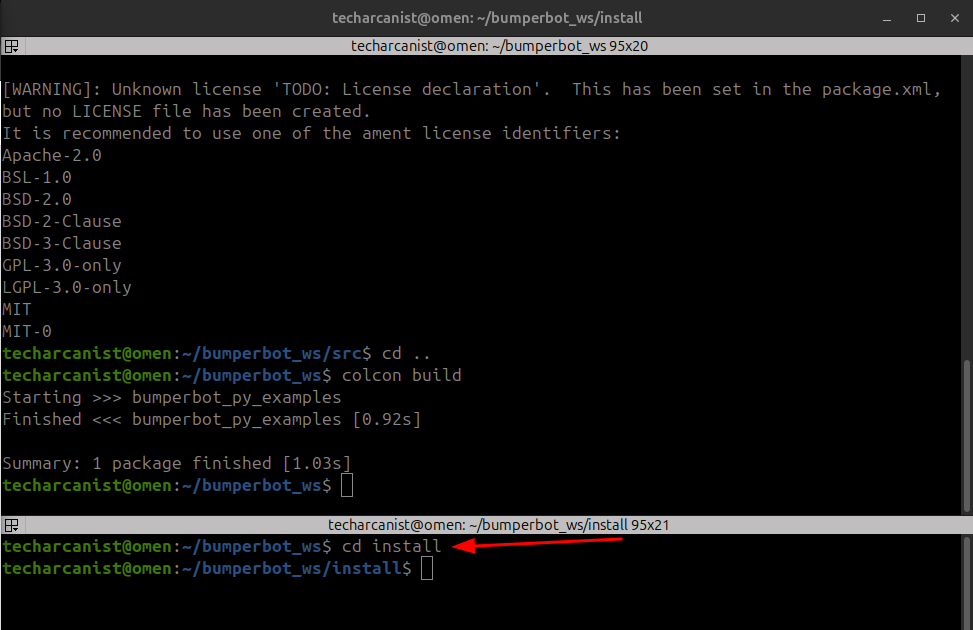
cd installls
. setup.bashThis makes the current terminal:
- Aware of
bumperbot_ws - Able to run its packages
- . = source (source setup.bash)
Verifying Package Recognition
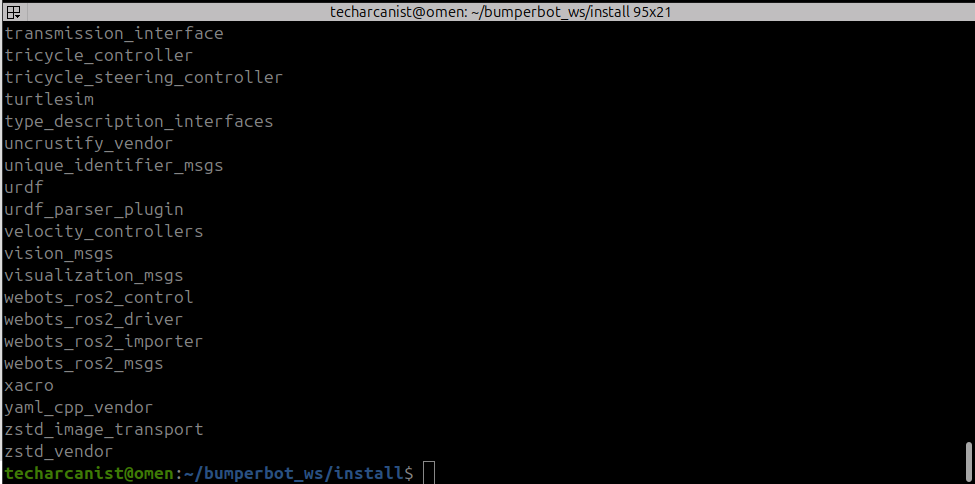
ros2 pkg listOpen a New Terminal (Without Sourcing)
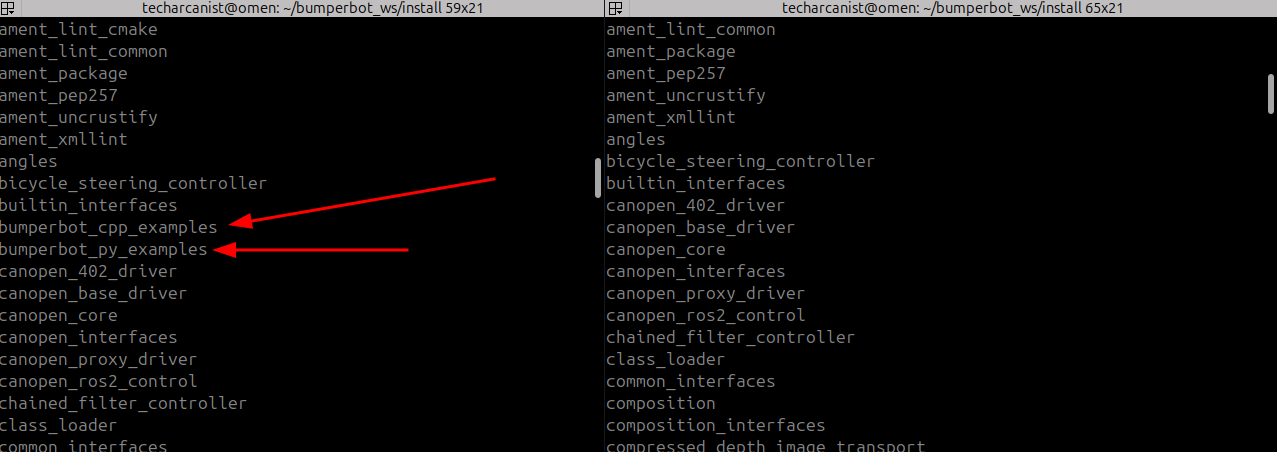
ros2 pkg listIn First bumperbot_* packages is visible and in second bumperbot_* packages is NOT visible