
ROS 2
This series documents my ROS 2 journey, starting with setting up Ubuntu and building up to simulation, ros2_control, robot kinematics and transformations with the BumperBot.
Credits: based on my learning from the Udemy course Self Driving and ROS 2, Learn by Doing! Odometry & Control by Antonio Brandi. The BumperBot files and initial implementations were developed with the guidance of this course.
- Chapters
- 51

-
 Chapter 01Installing Ubuntu Desktop (Dual Boot with Windows)
-
 Chapter 02ROS 2 Jazzy Installation on Ubuntu (Step-by-Step)
-
 Chapter 03Development Environment Setup for ROS 2 Jazzy on Ubuntu (With Clear Explanations)
-
 Chapter 04ROS 2 Fundamentals: Architecture, Communication, Packages, and Workspaces
-
 Chapter 05ROS 2 Workspace & Package Creation
-
 Chapter 06ROS 2 Python Publisher
-
 Chapter 07ROS 2 C++ Publisher
-
 Chapter 08ROS 2 Python Subscriber
-
 Chapter 09ROS 2 C++ Subscriber
-
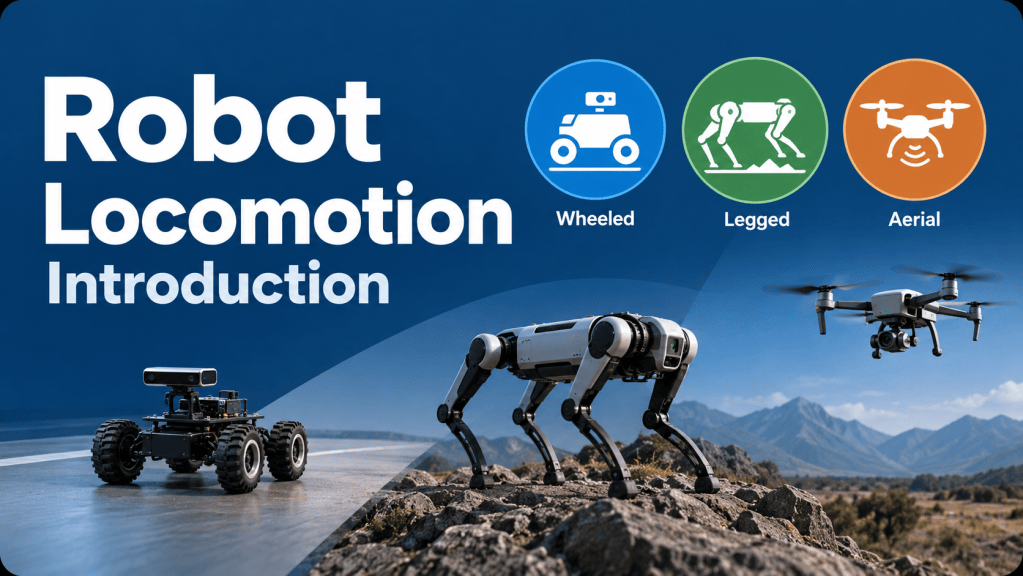 Chapter 10Robot Locomotion: Introduction
-
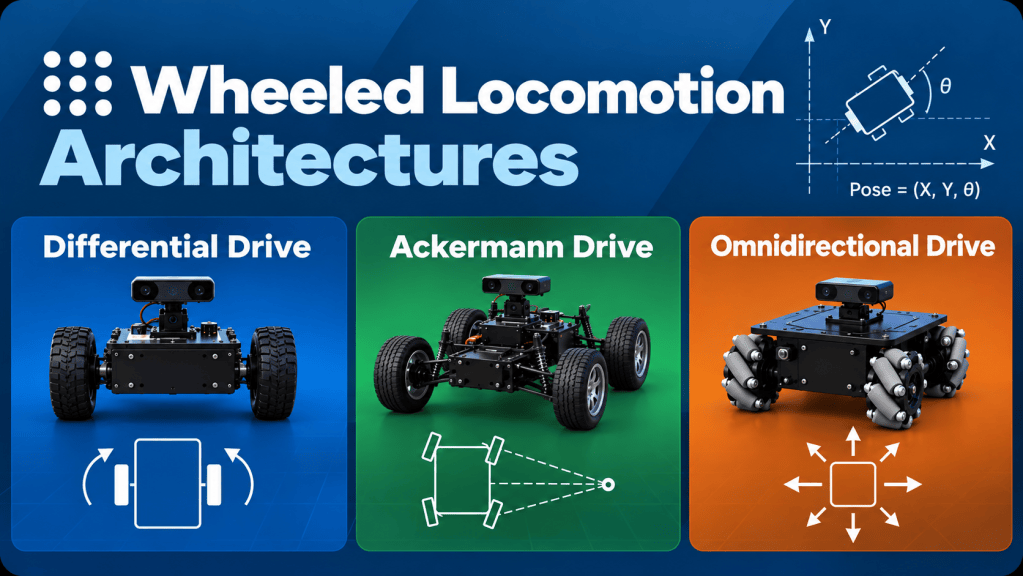 Chapter 11Wheeled Locomotion Architectures
-
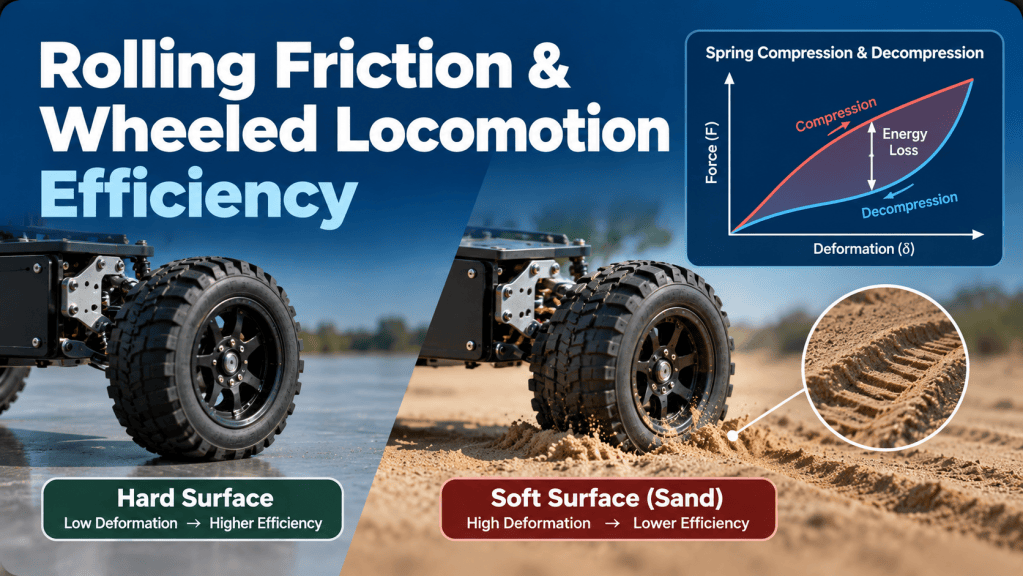 Chapter 12Rolling Friction & Wheeled Locomotion Efficiency
-
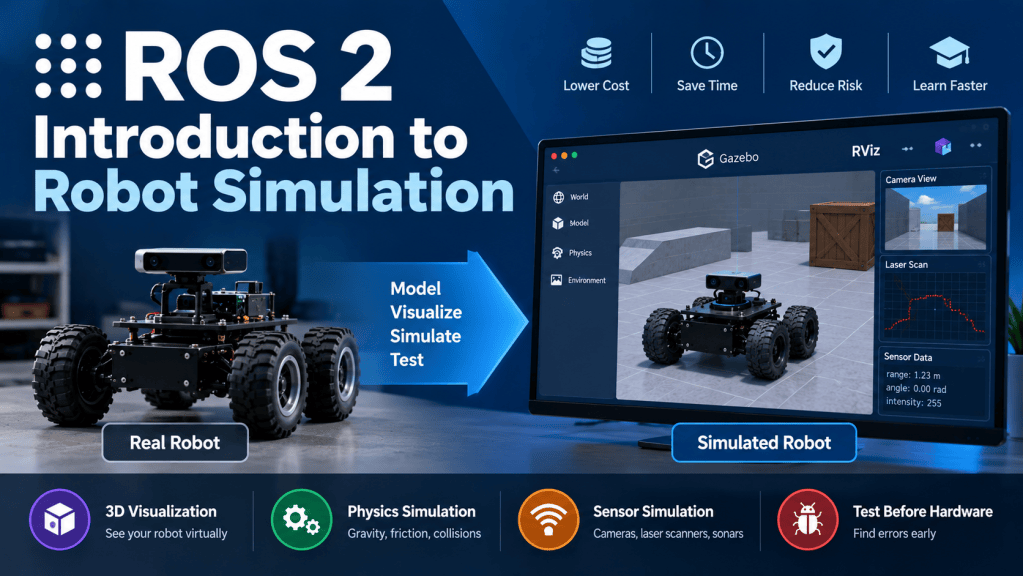 Chapter 13Introduction to Robot Simulation
-
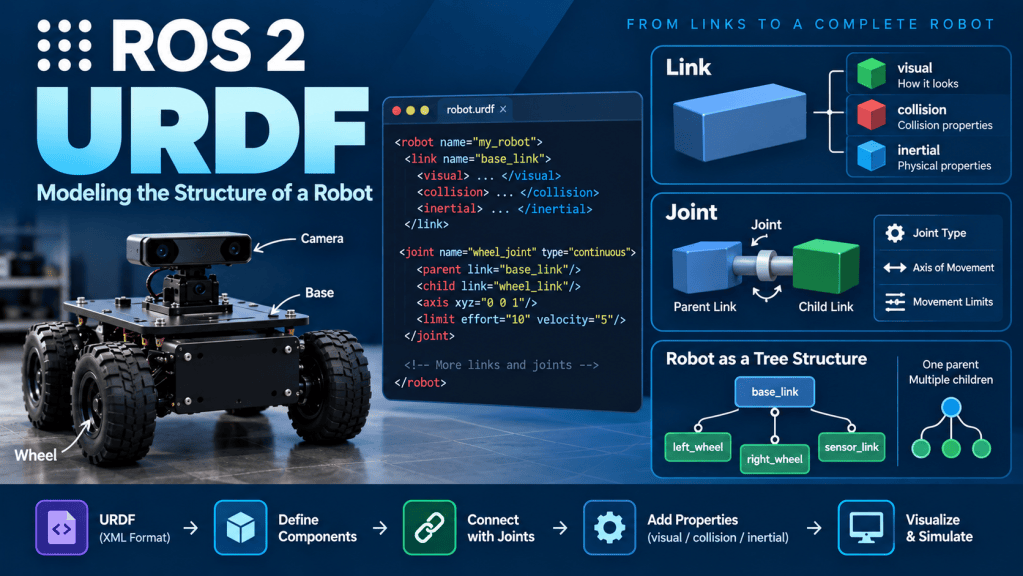 Chapter 14URDF
-
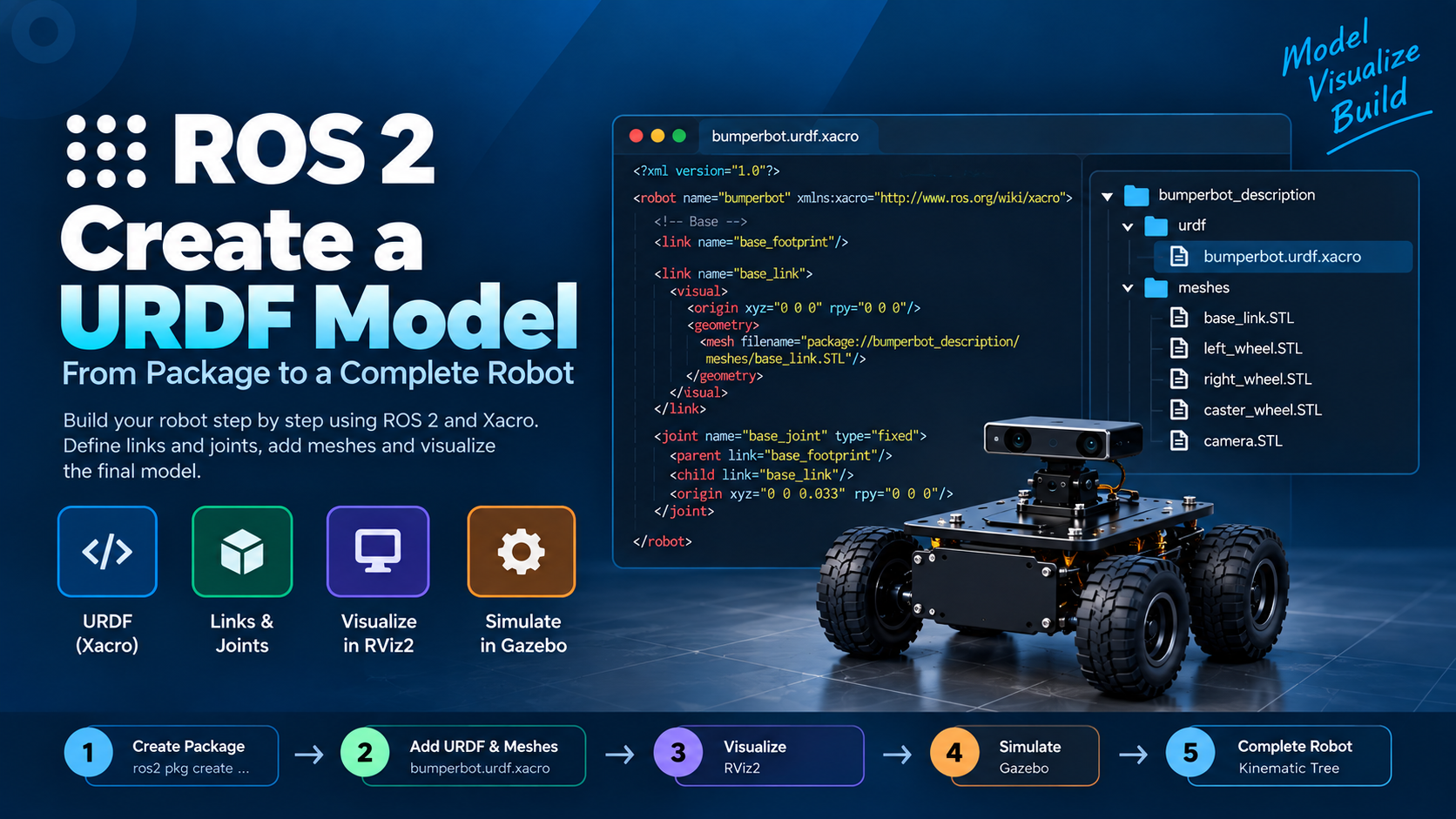 Chapter 15Create a URDF Model
-
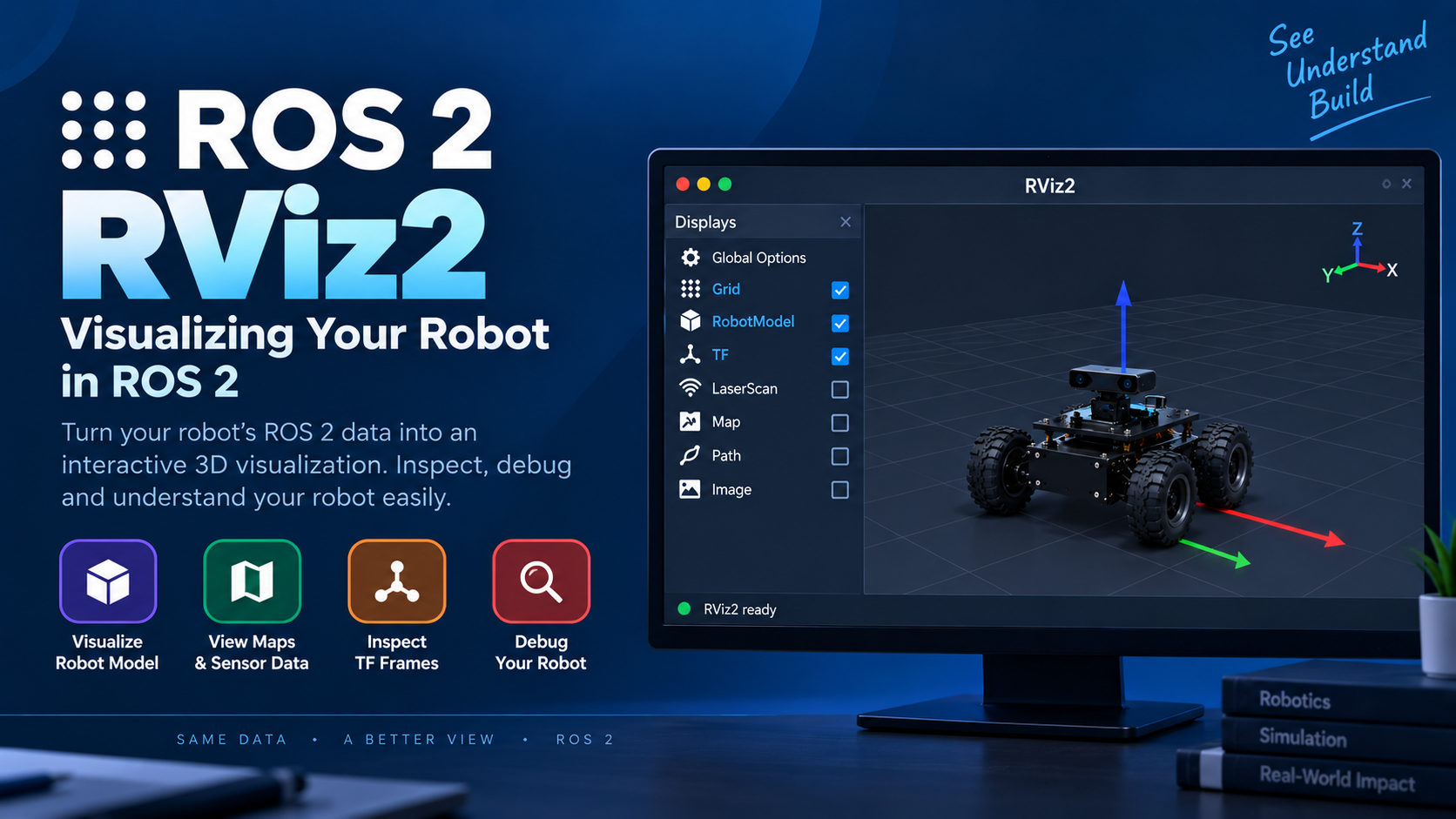 Chapter 16Rviz
-
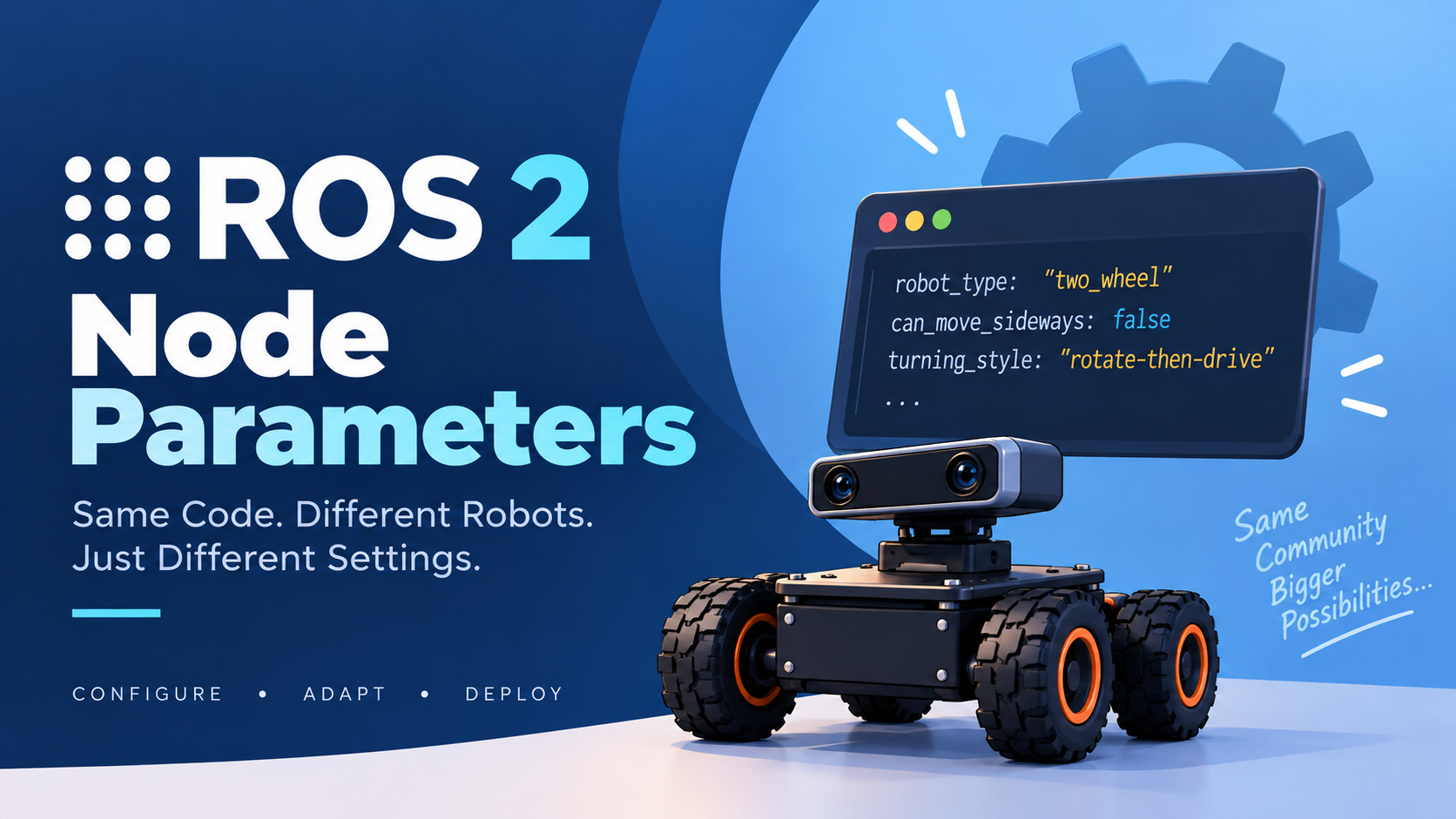 Chapter 17Node Parameters
-
 Chapter 18Python Parameters
-
 Chapter 19C++ Parameters
-
 Chapter 20ROS 2 Parameters
-
 Chapter 21Visualize The Robot In RVIZ2
-
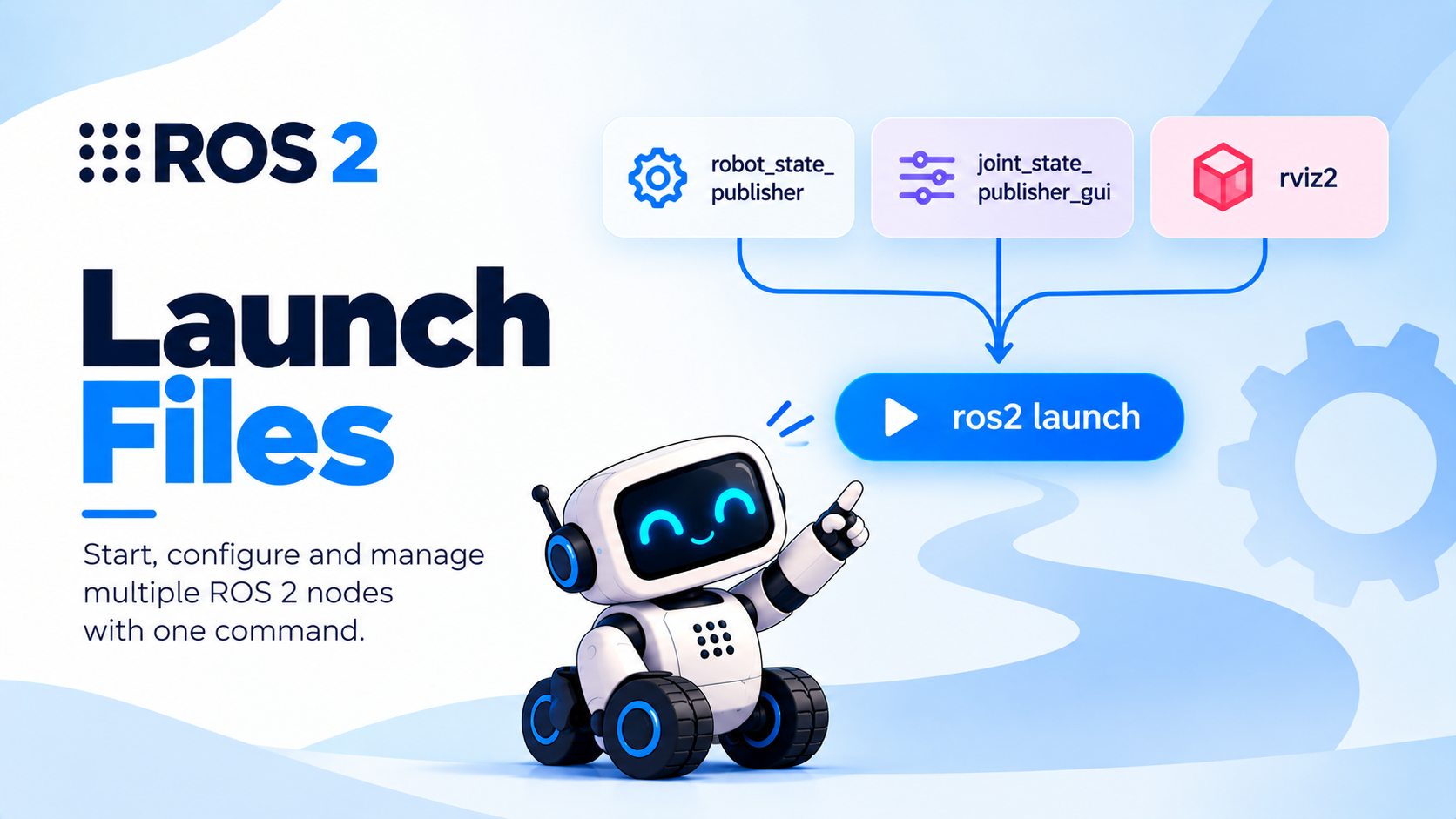 Chapter 22Launch Files
-
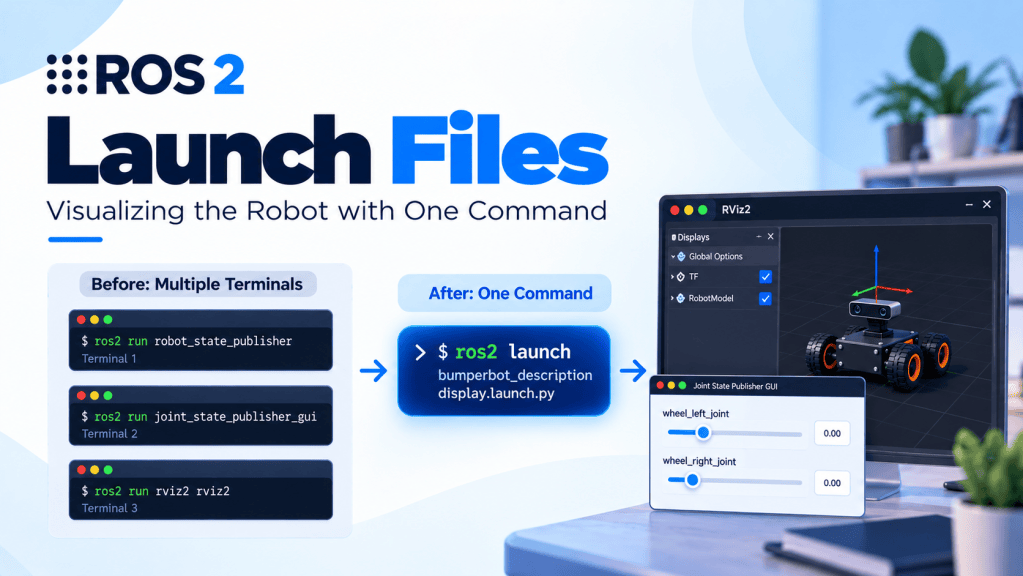 Chapter 23ROS 2 Launch Files: Visualizing the Robot with One Command
-
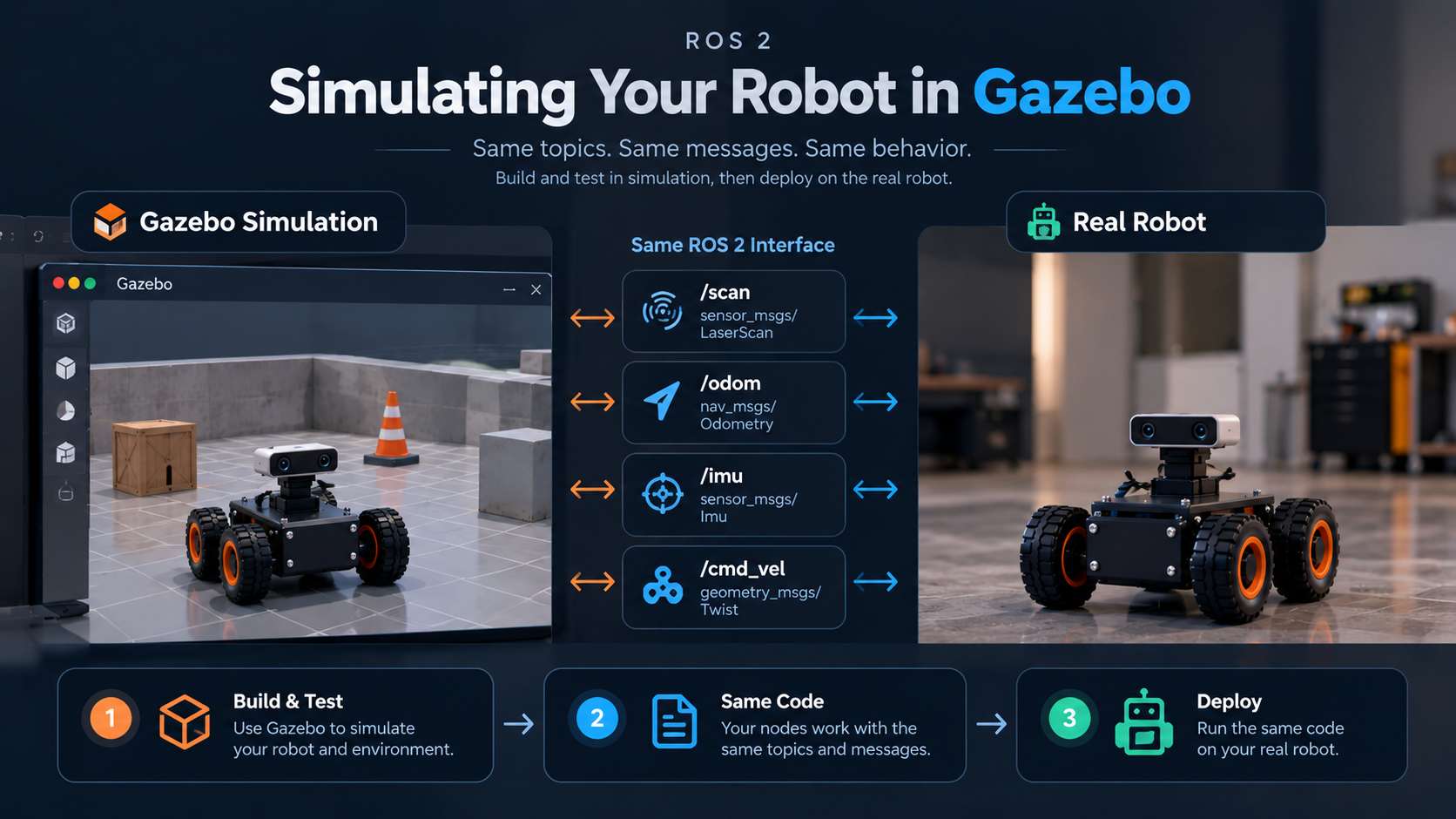 Chapter 24Gazebo
-
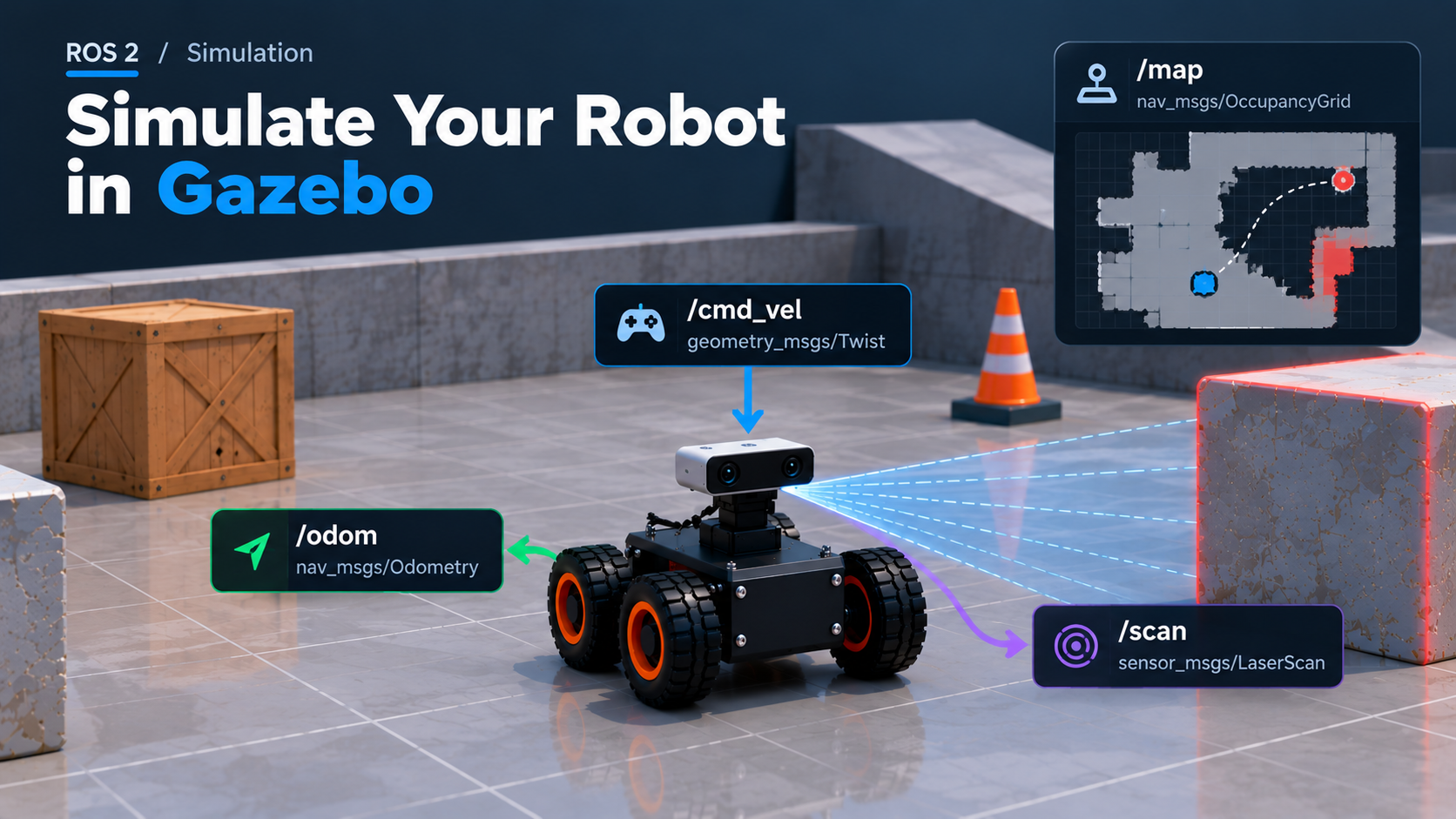 Chapter 25Simulating the Robot in Gazebo
-
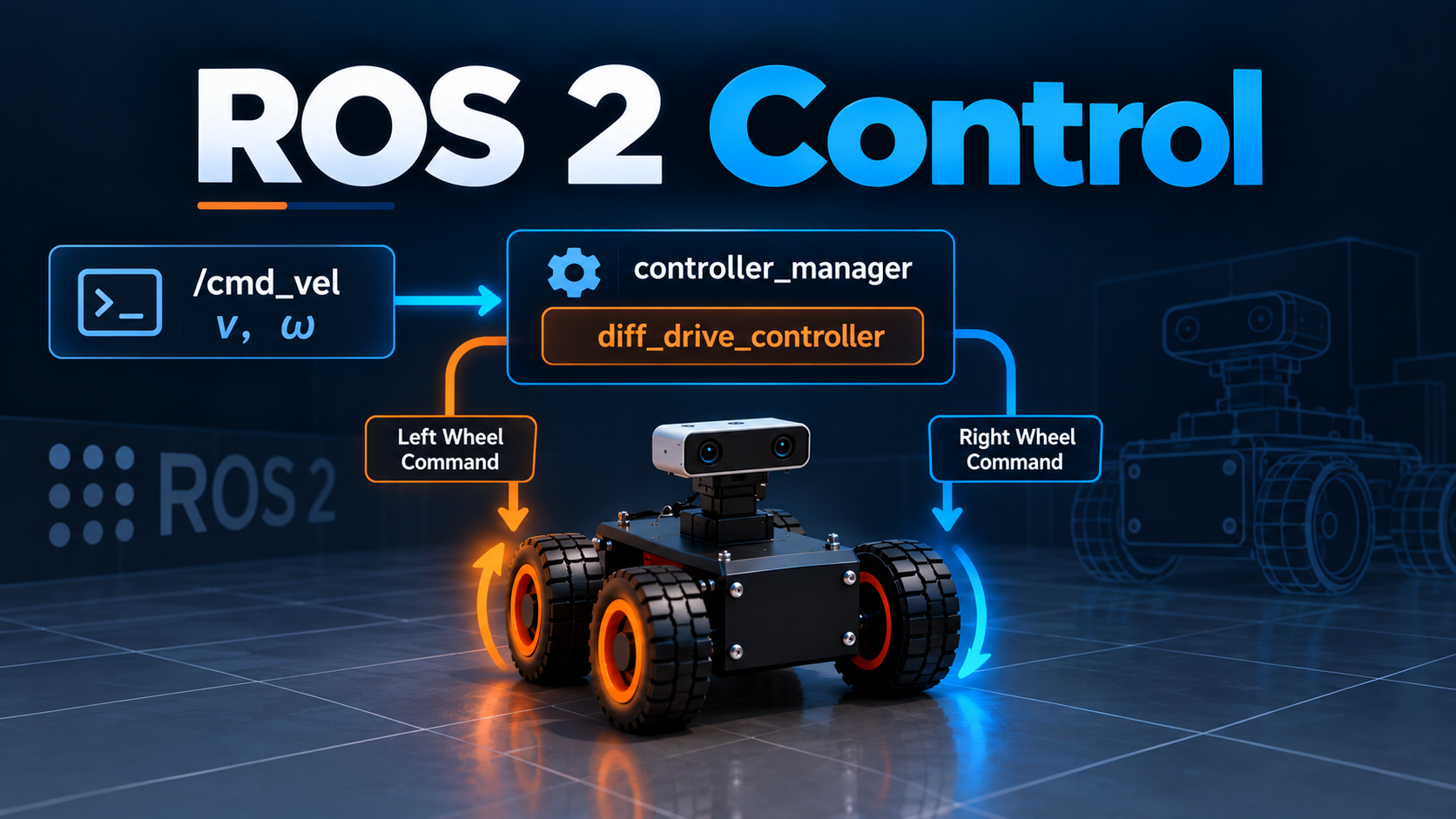 Chapter 26ROS 2 Control
-
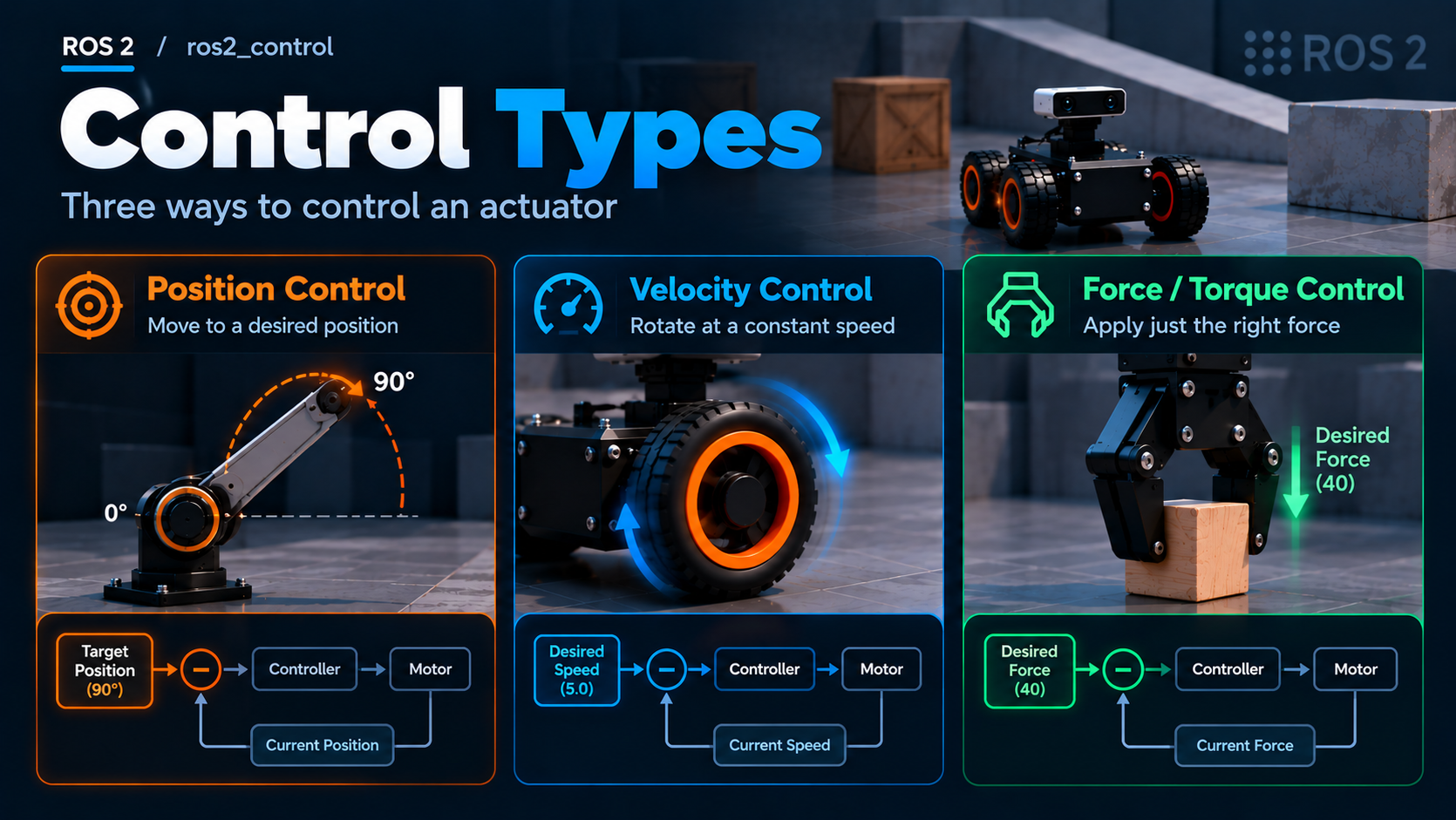 Chapter 27Control Types
-
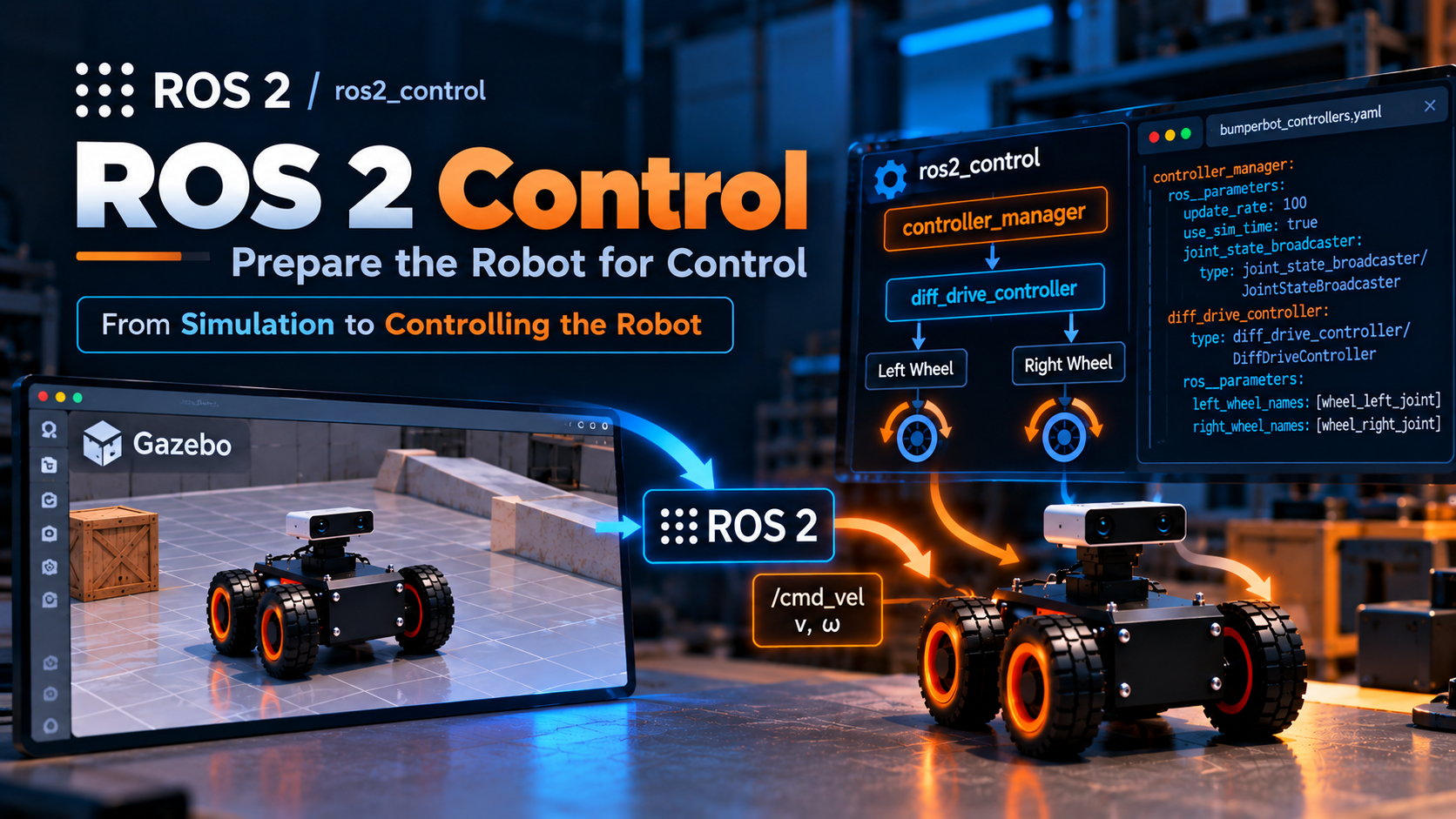 Chapter 28ROS 2 Control: Prepare the Robot for Control
-
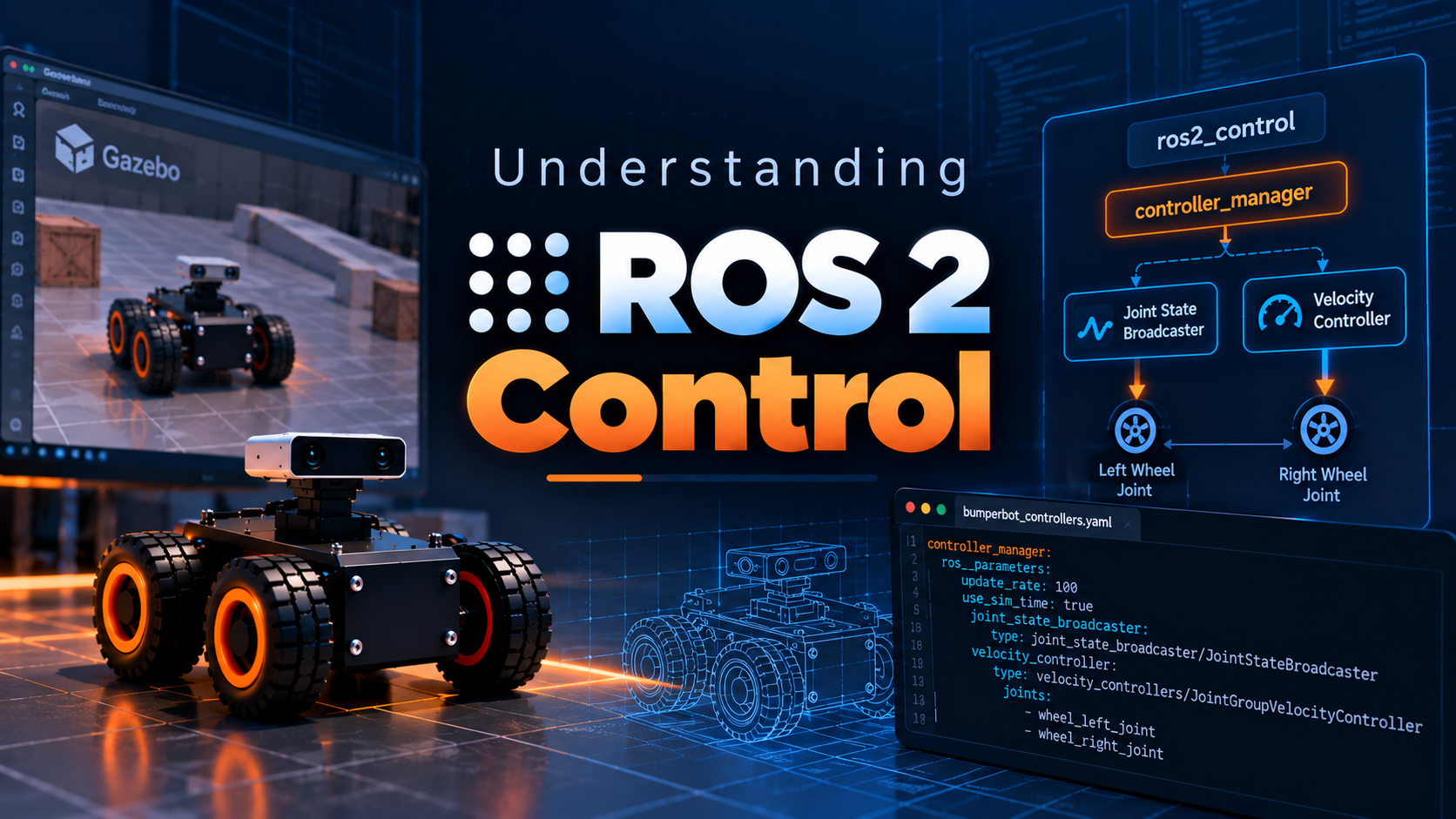 Chapter 29Understanding ROS 2 Control | Explanation of Chapter 28
-
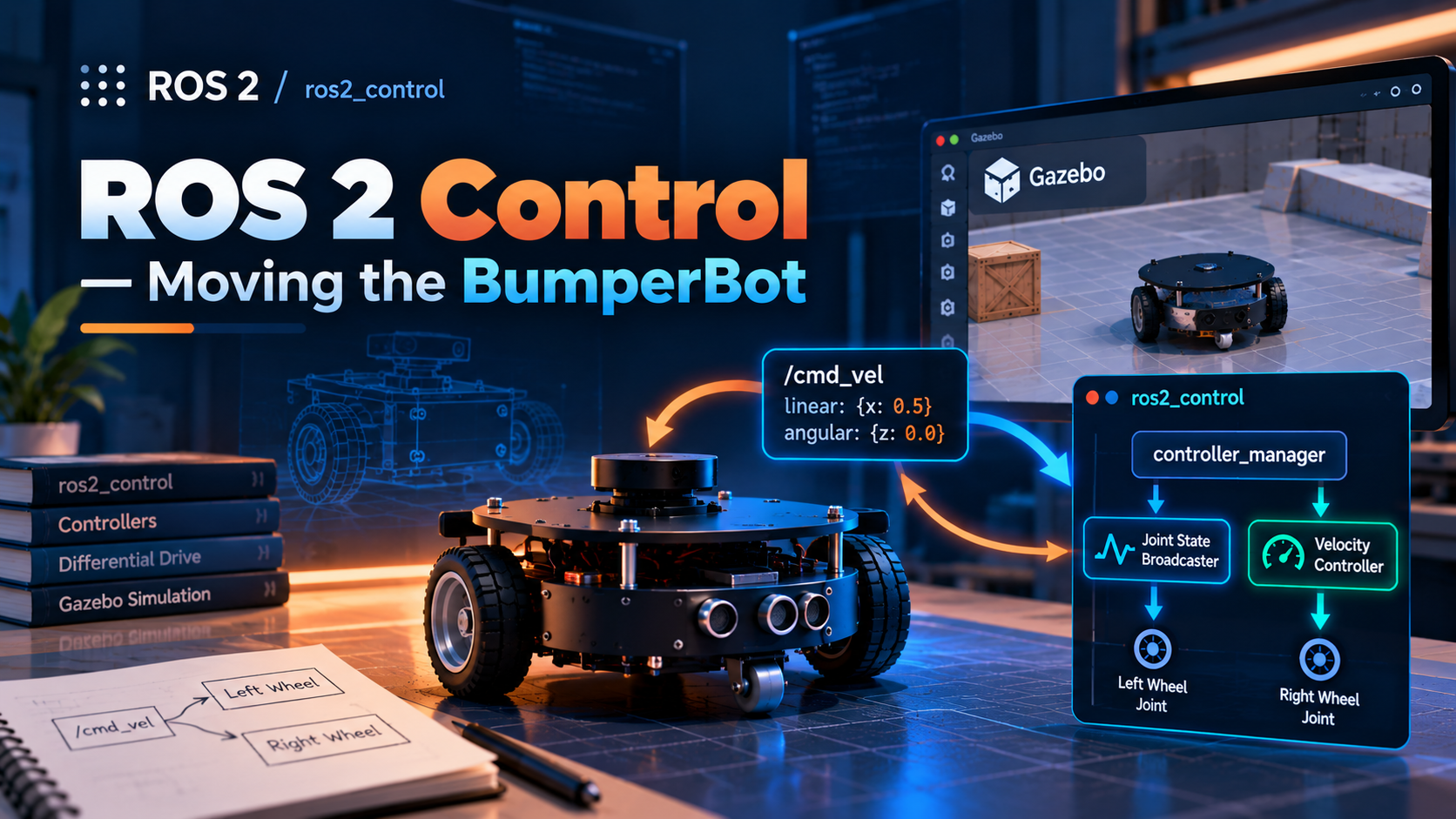 Chapter 30ROS 2 Control: Moving the BumperBot
-
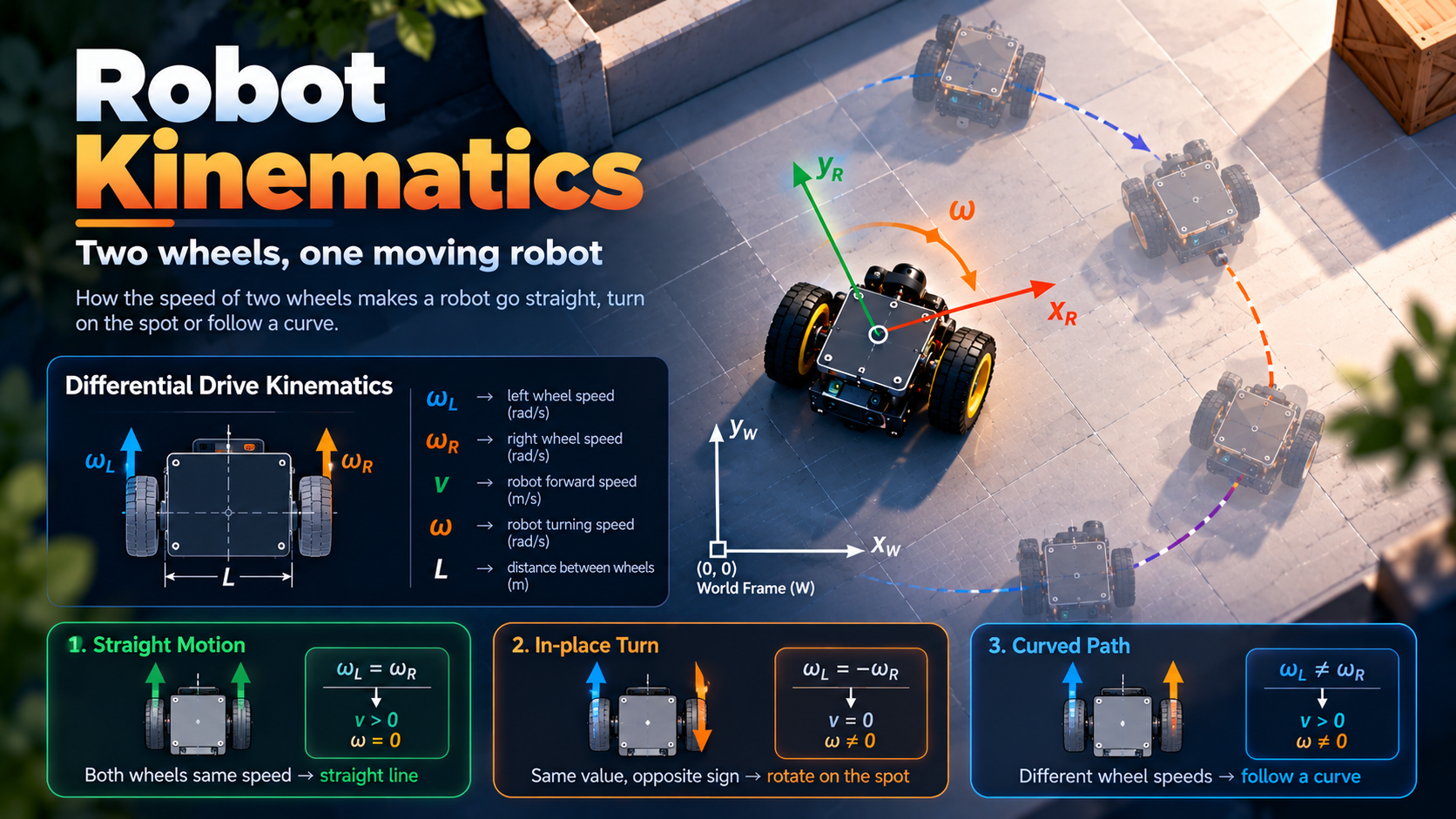 Chapter 31Robot Kinematics
-
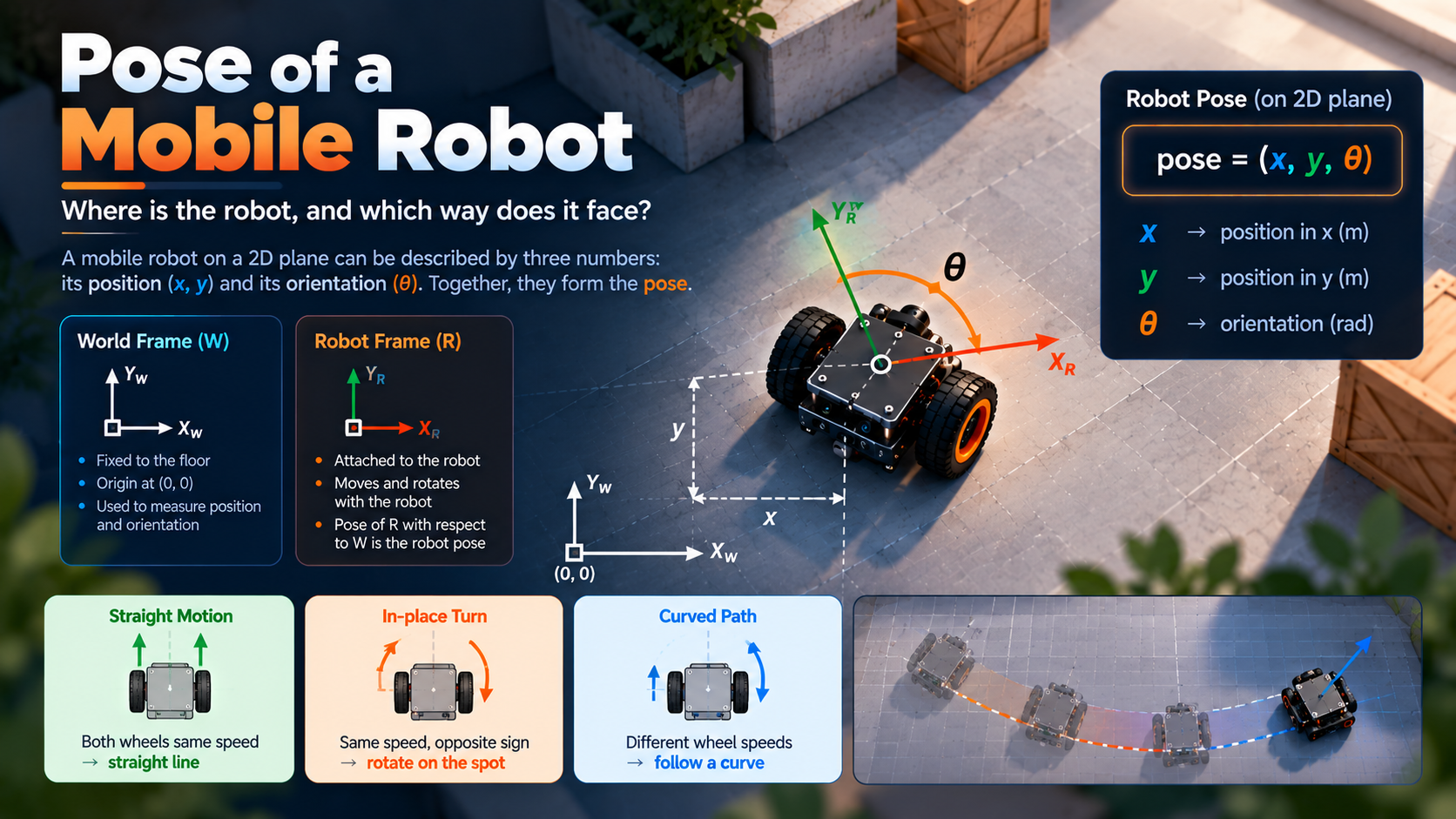 Chapter 32Pose of a Mobile Robot
-
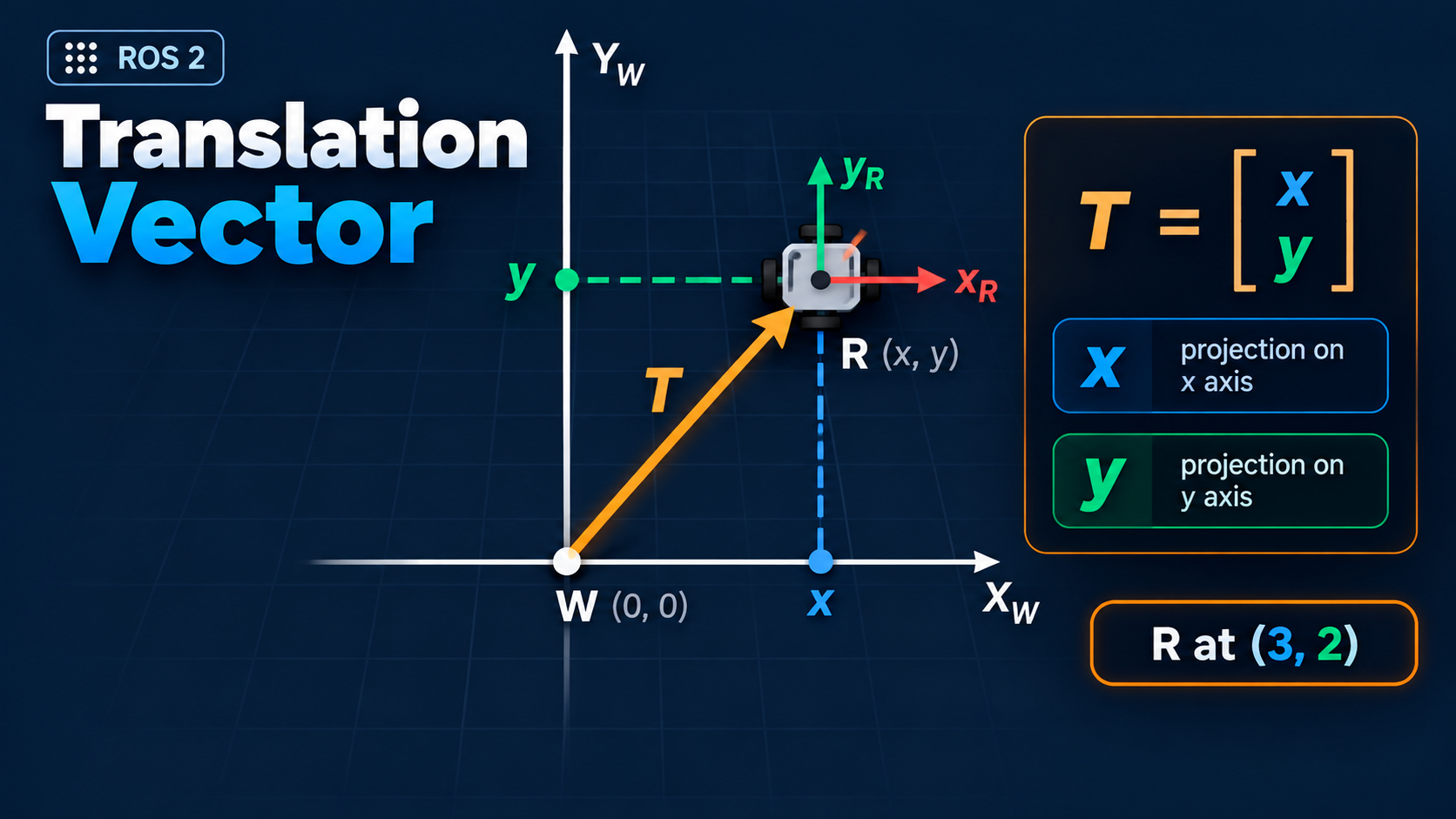 Chapter 33Translation Vector
-
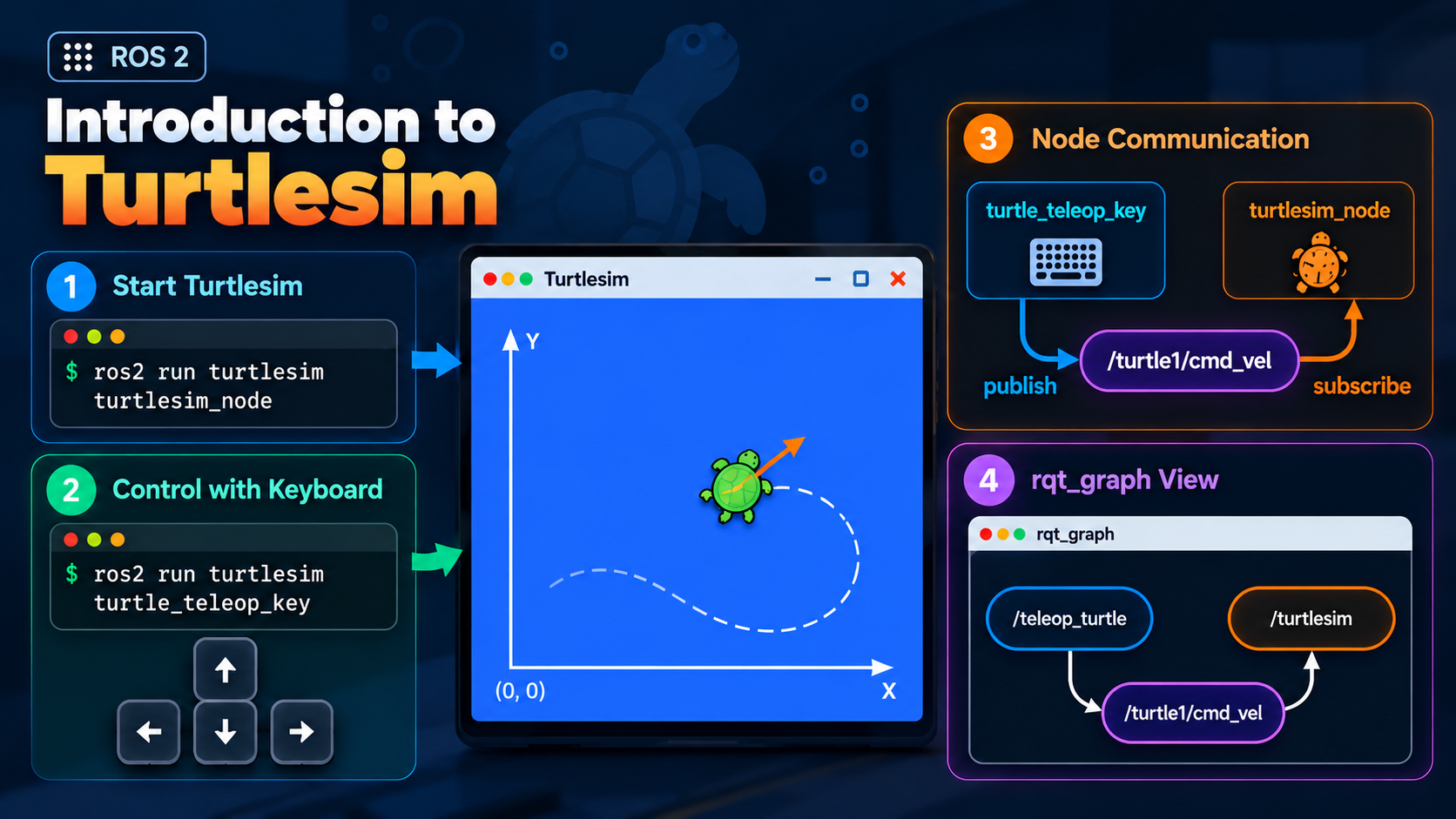 Chapter 34Introduction to Turtlesim
-
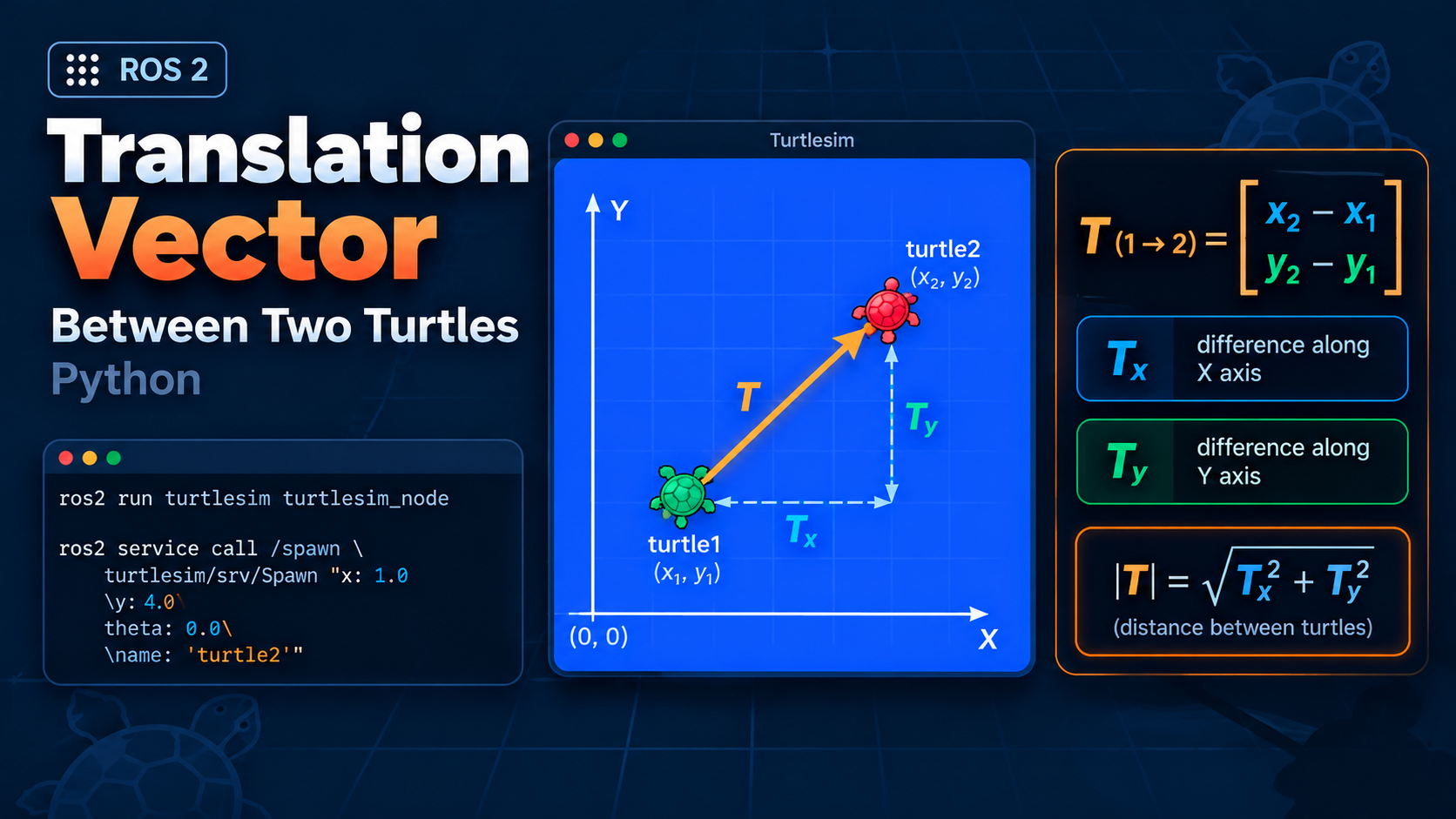 Chapter 35Translation Vector Between Two Turtles: Python
-
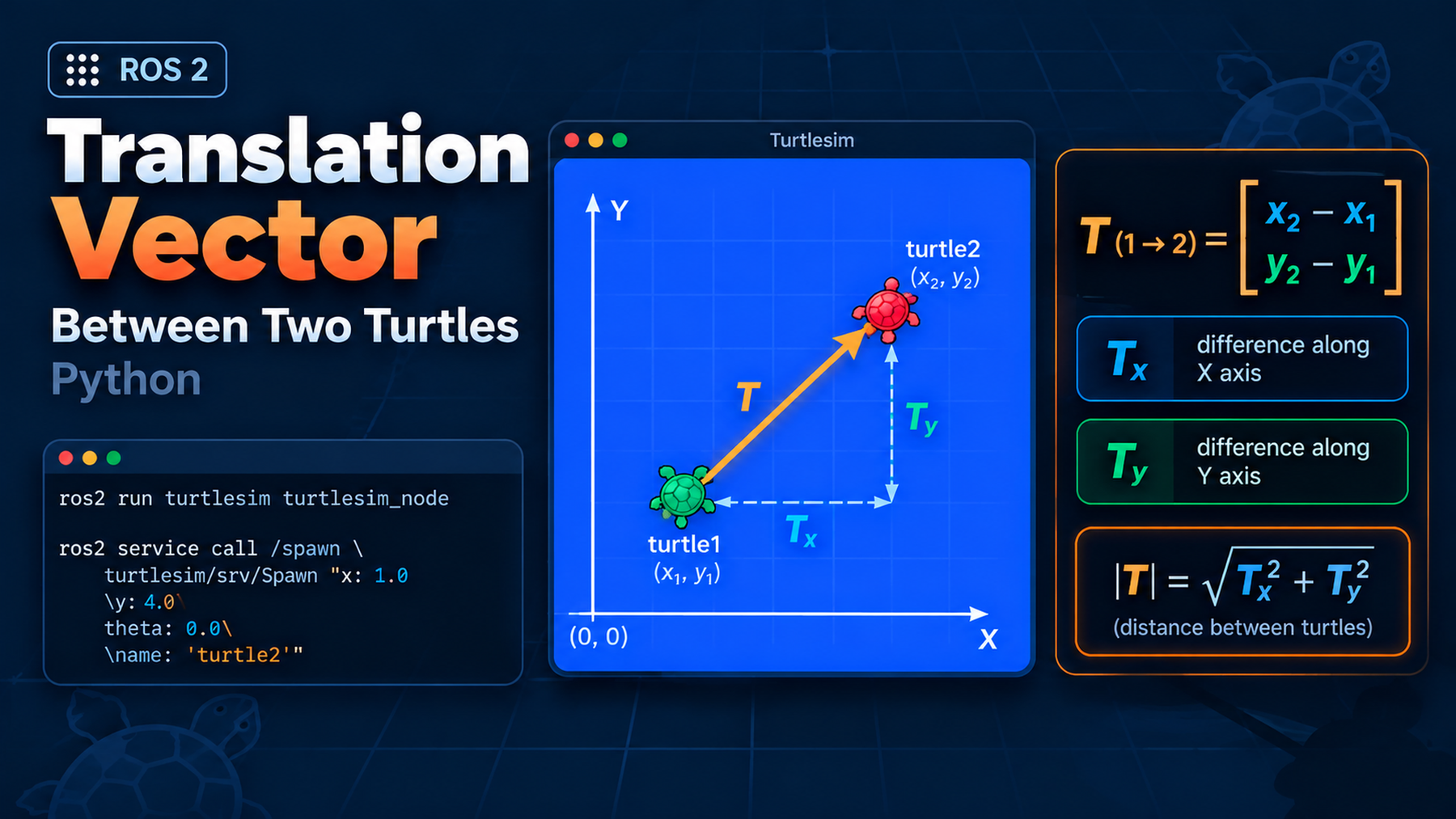 Chapter 36Translation Vector Between Two Turtles: CPP
-
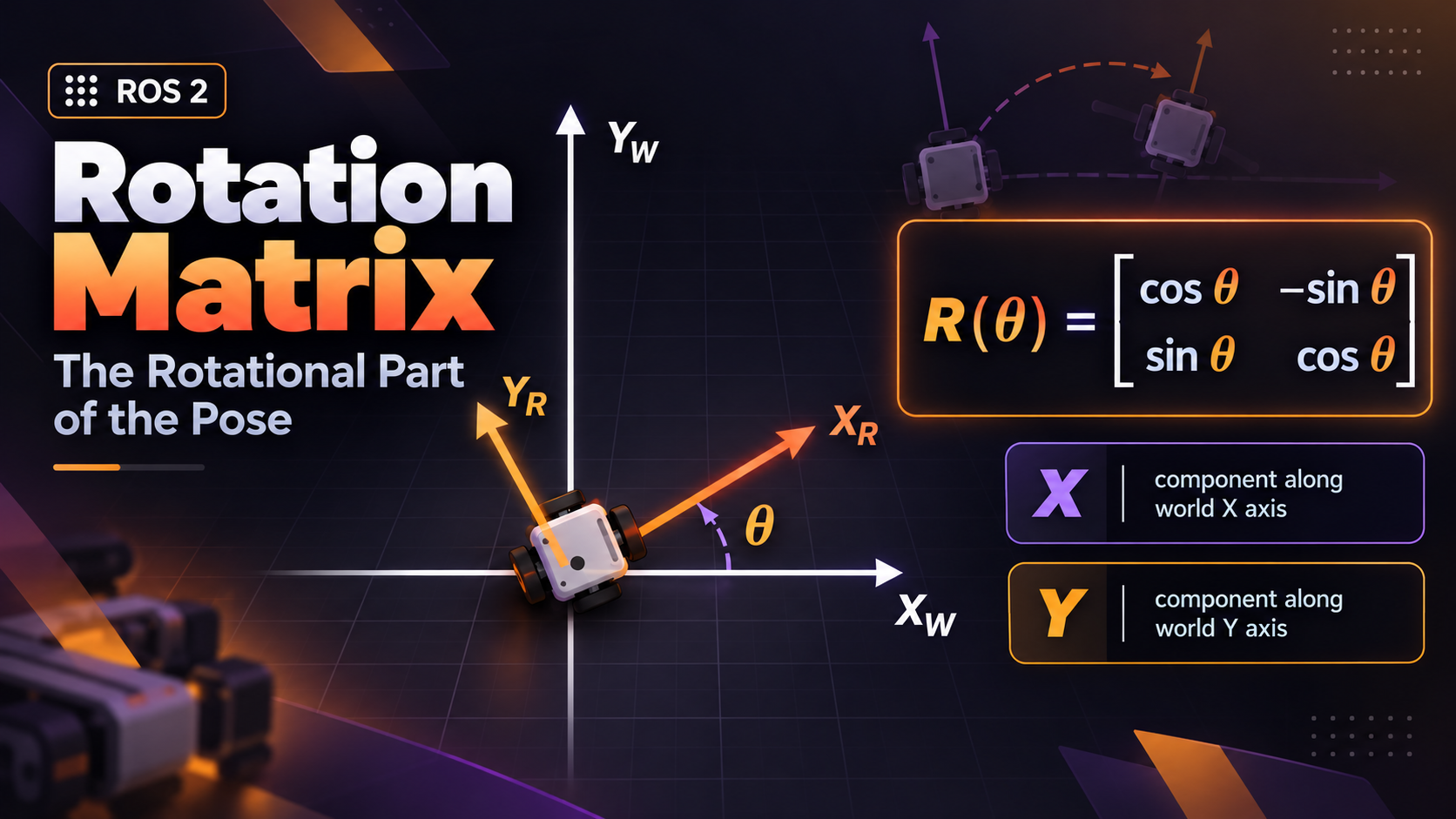 Chapter 37Rotation Matrix
-
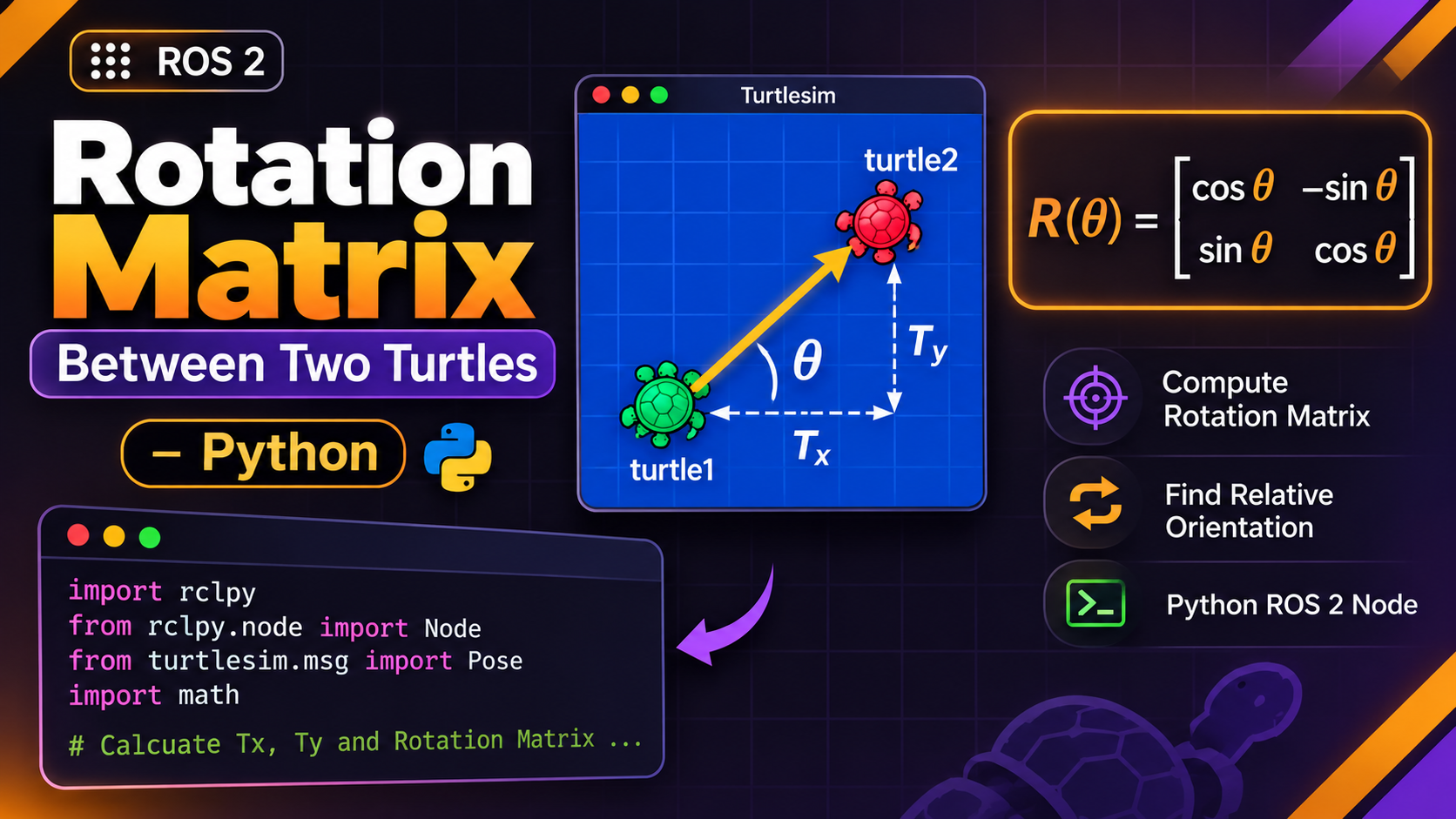 Chapter 38Rotation Matrix Between Two Turtles: Python
-
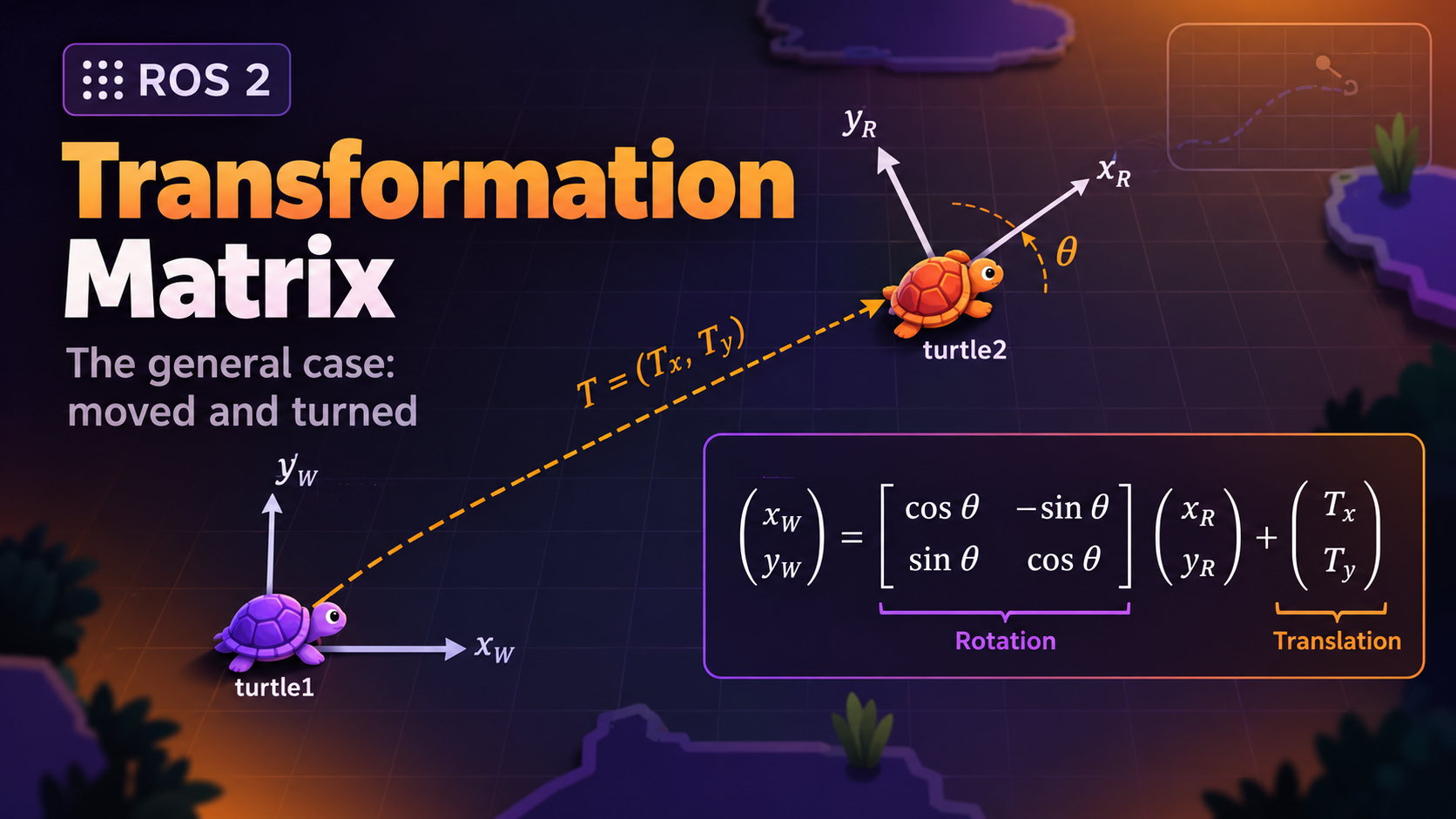 Chapter 39Transformation Matrix
-
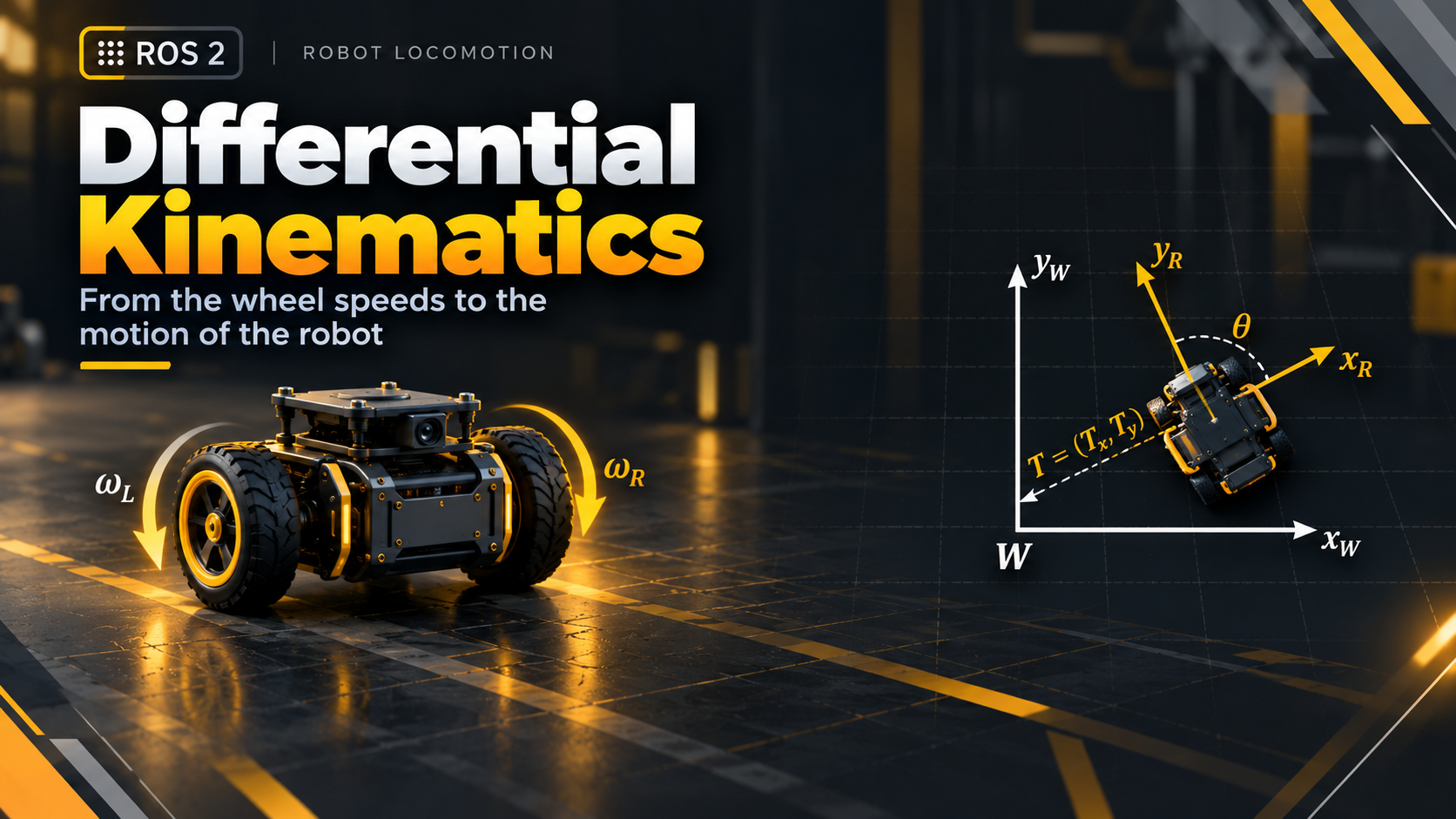 Chapter 40Differential Kinematics
-
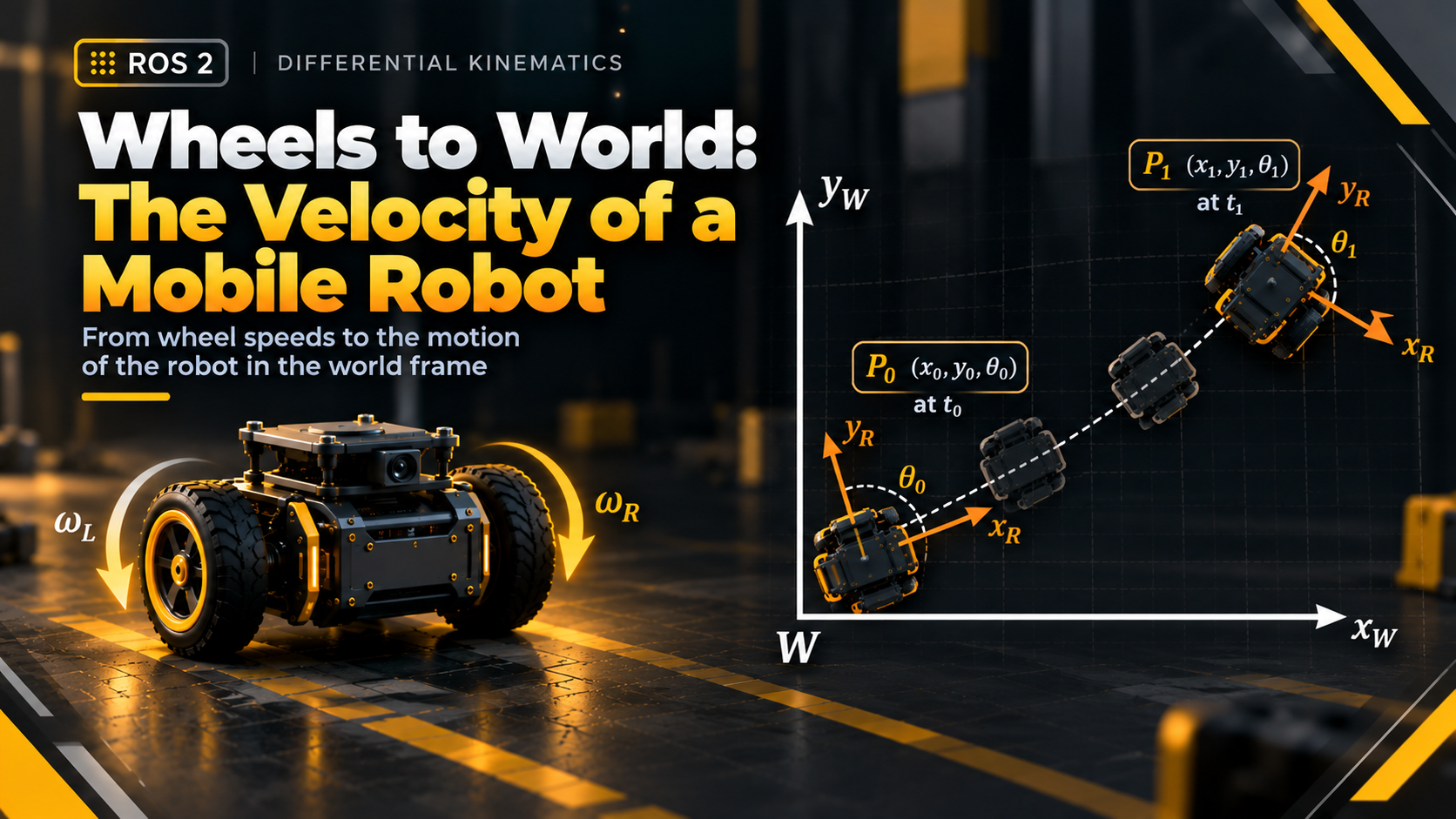 Chapter 41Velocity of a Mobile Robot
-
 Chapter 42Simple Speed Controller: Python
-
 Chapter 43Launch the Simple Speed Controller
-
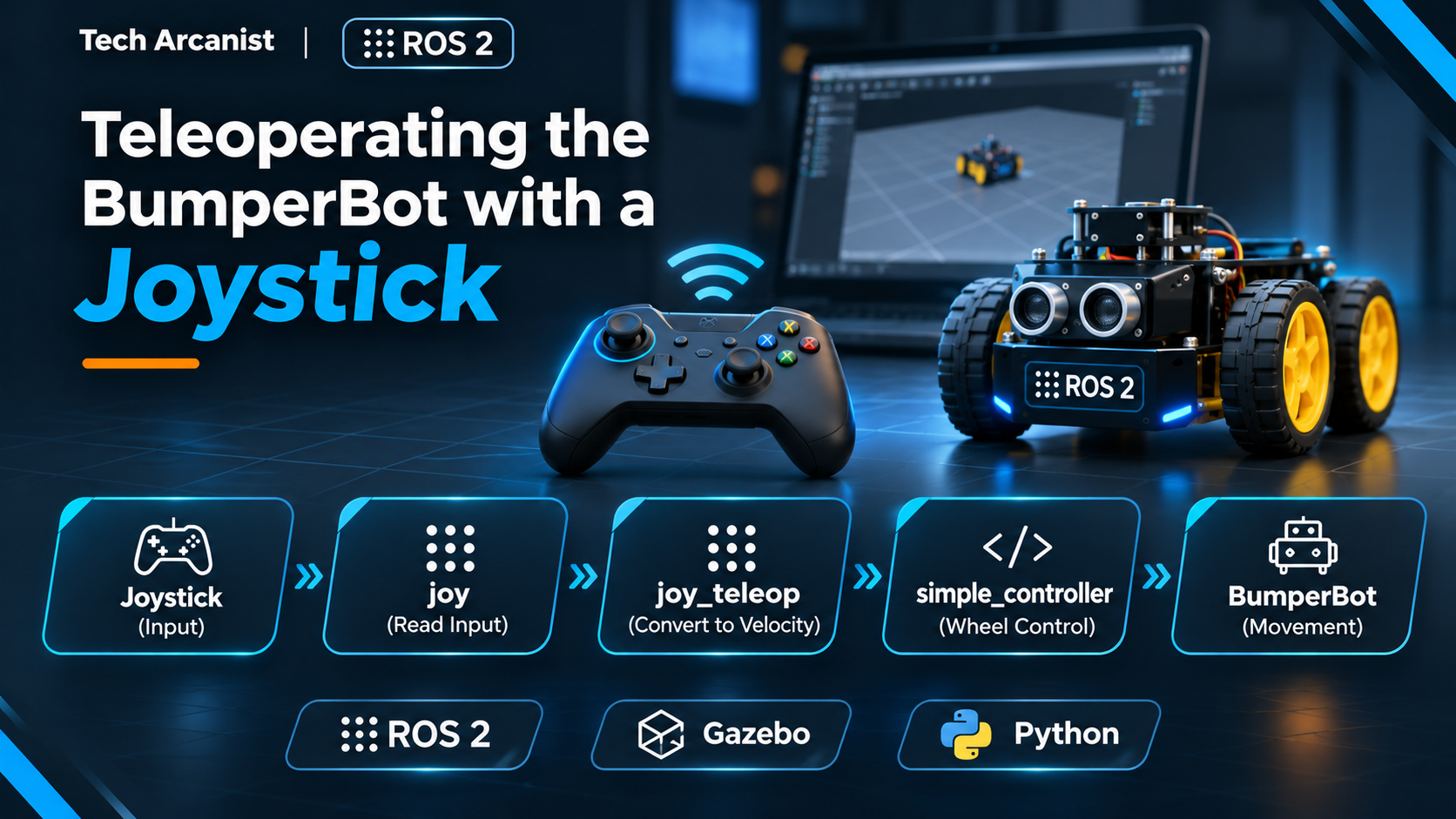 Chapter 44Teleoperating the BumperBot with a Joystick
-
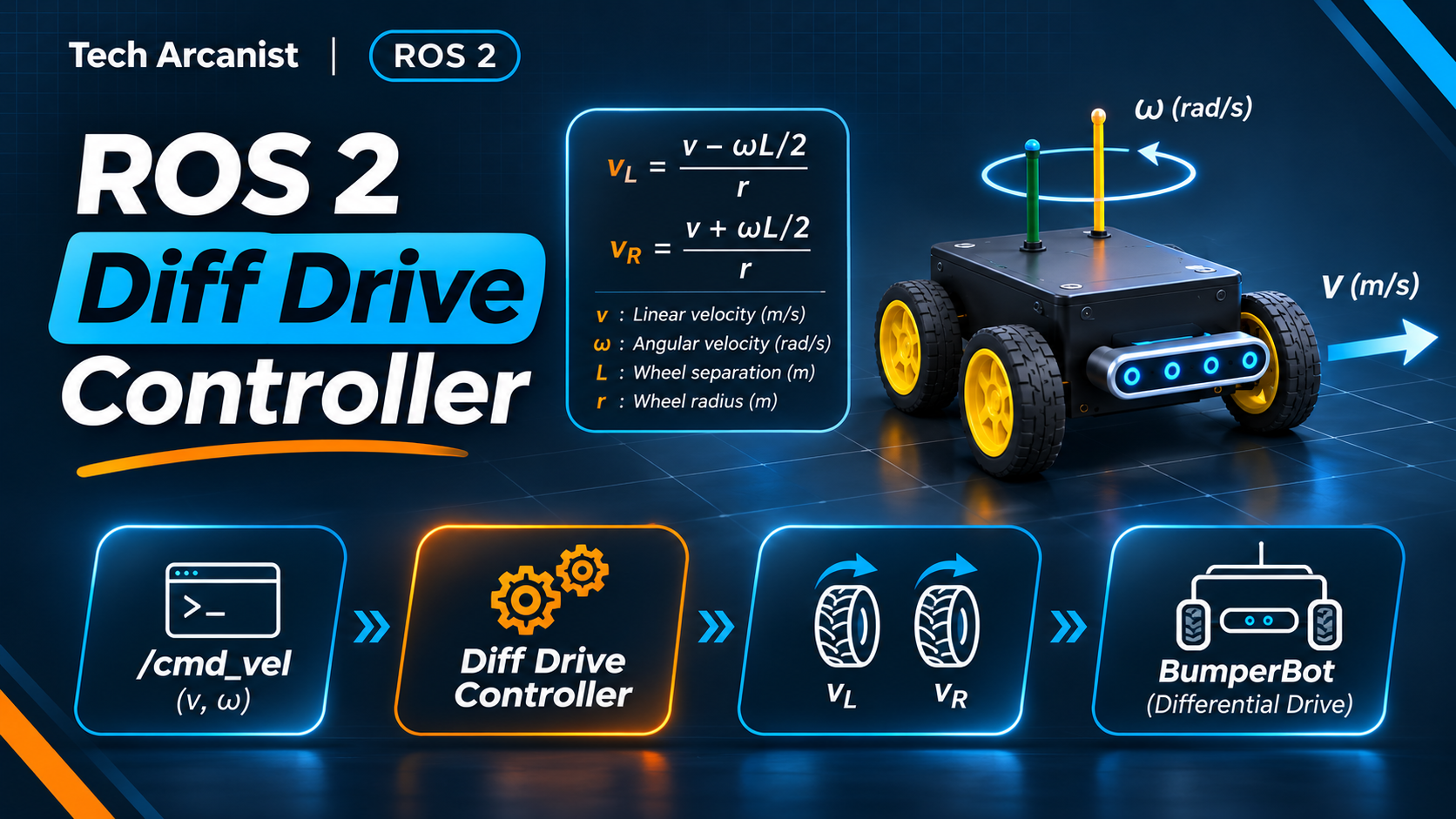 Chapter 45ROS 2 Diff Drive Controller
-
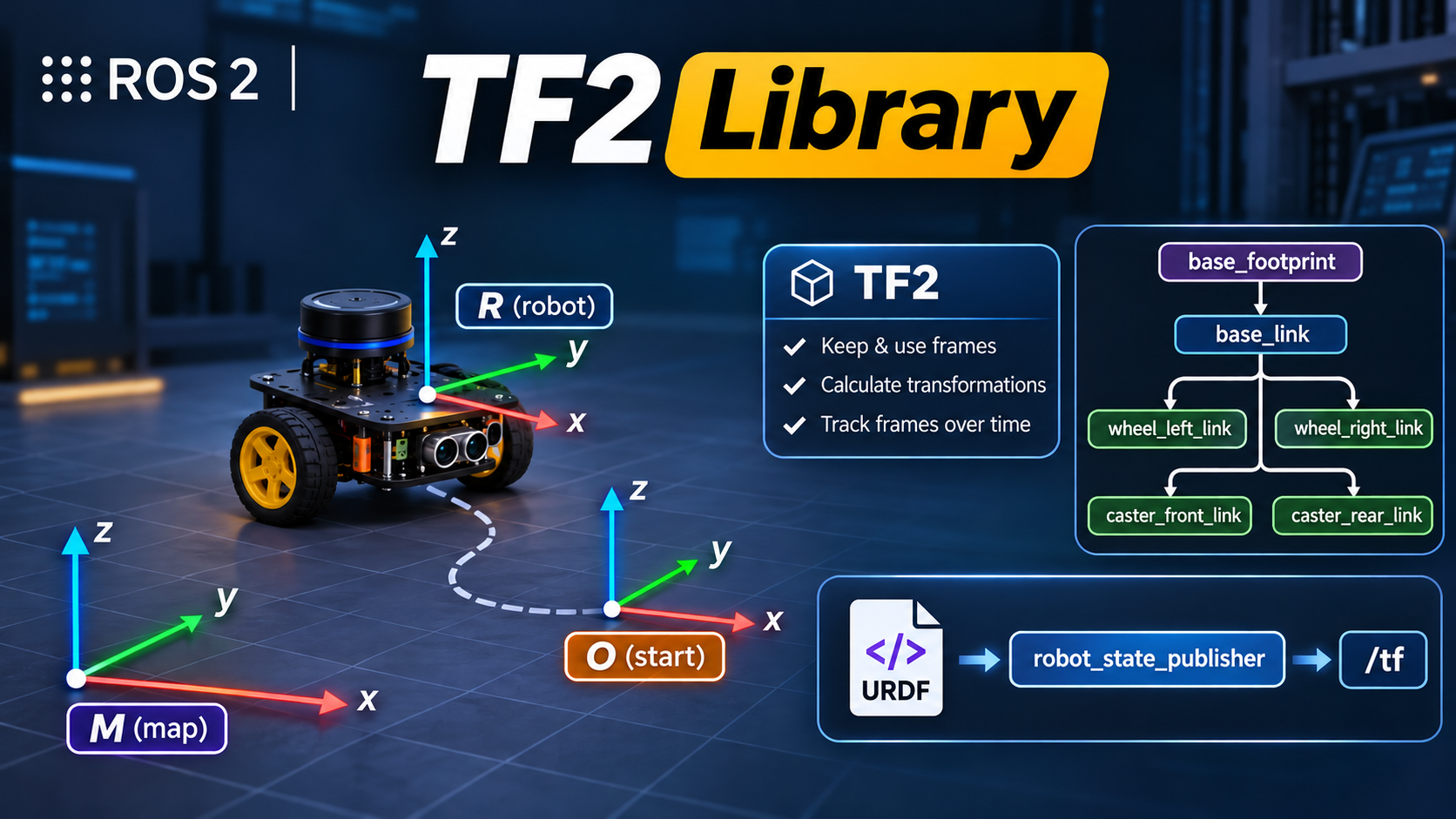 Chapter 46TF 2 Library
-
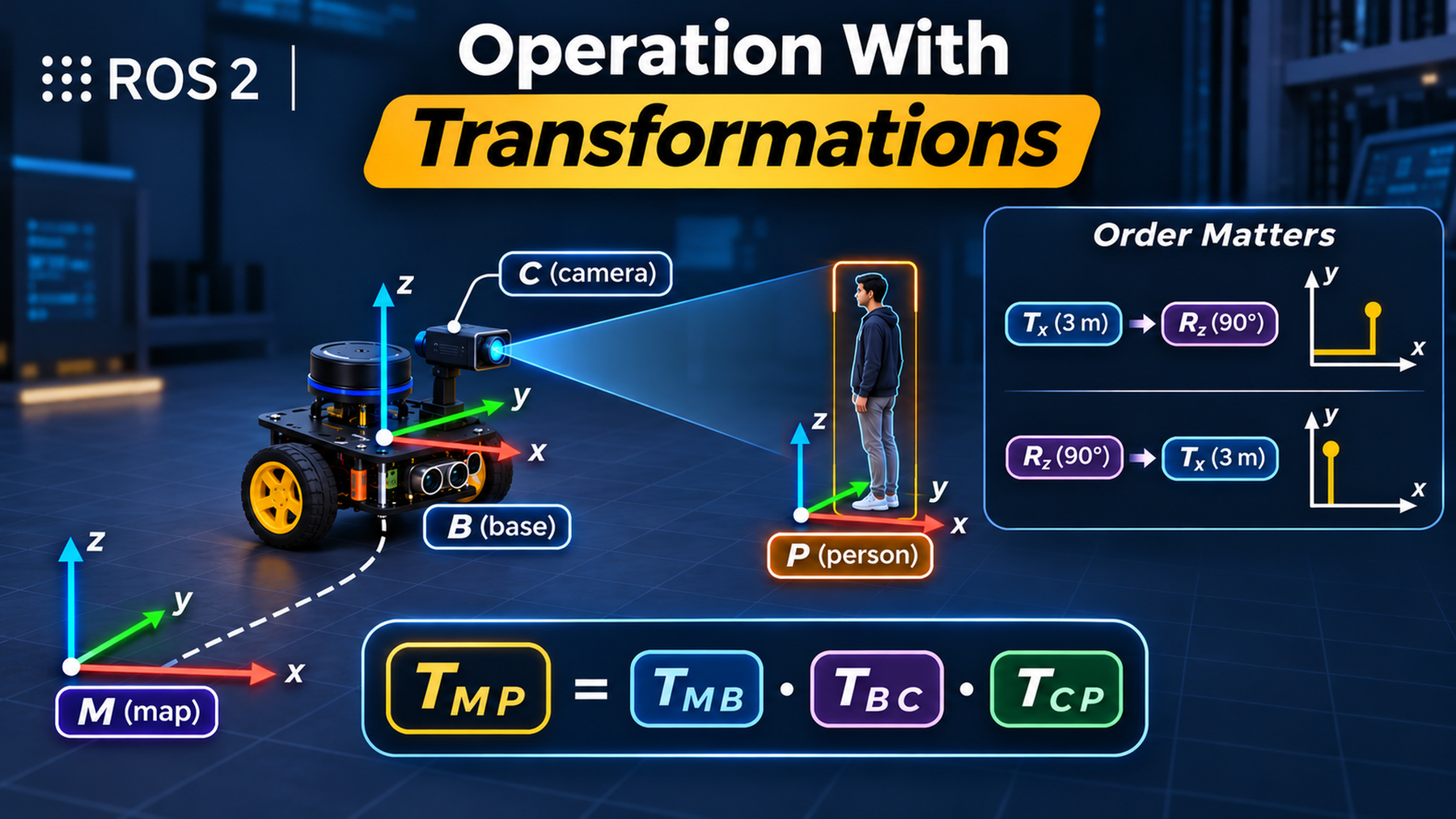 Chapter 47Operation With Transformations
-
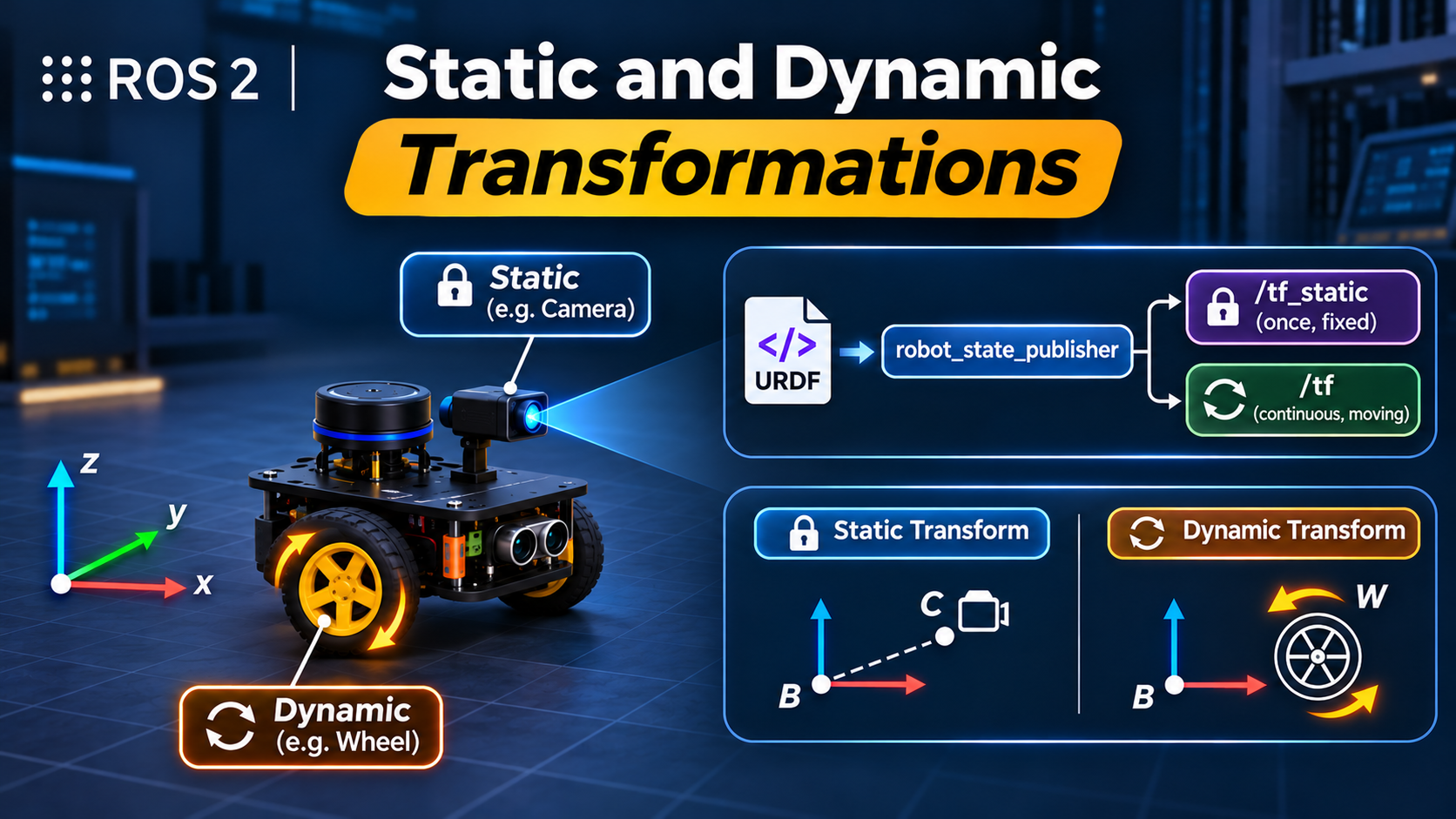 Chapter 48Static & Dynamic Transformations
-
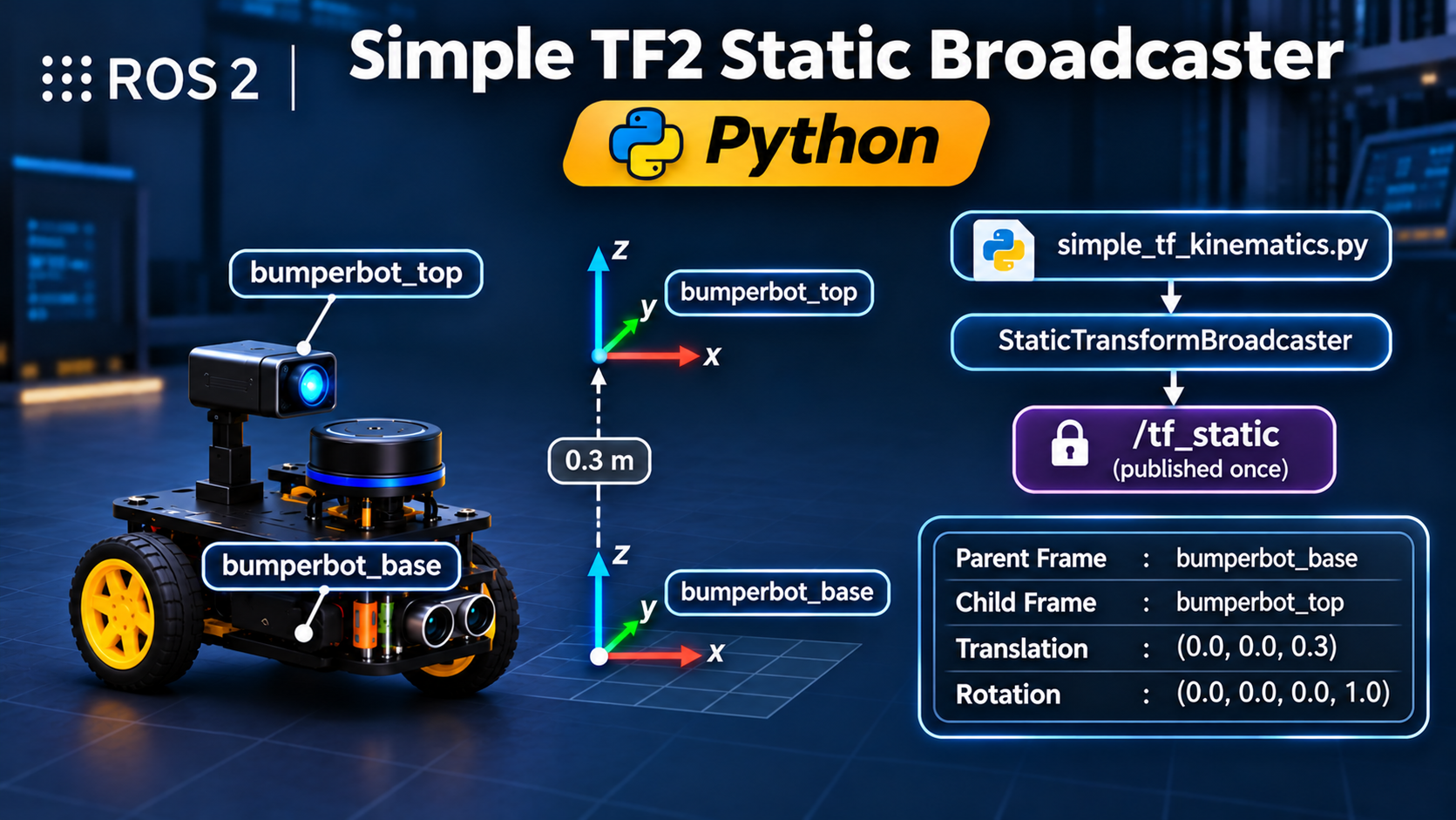 Chapter 49Simple TF2 Static Broadcaster
-
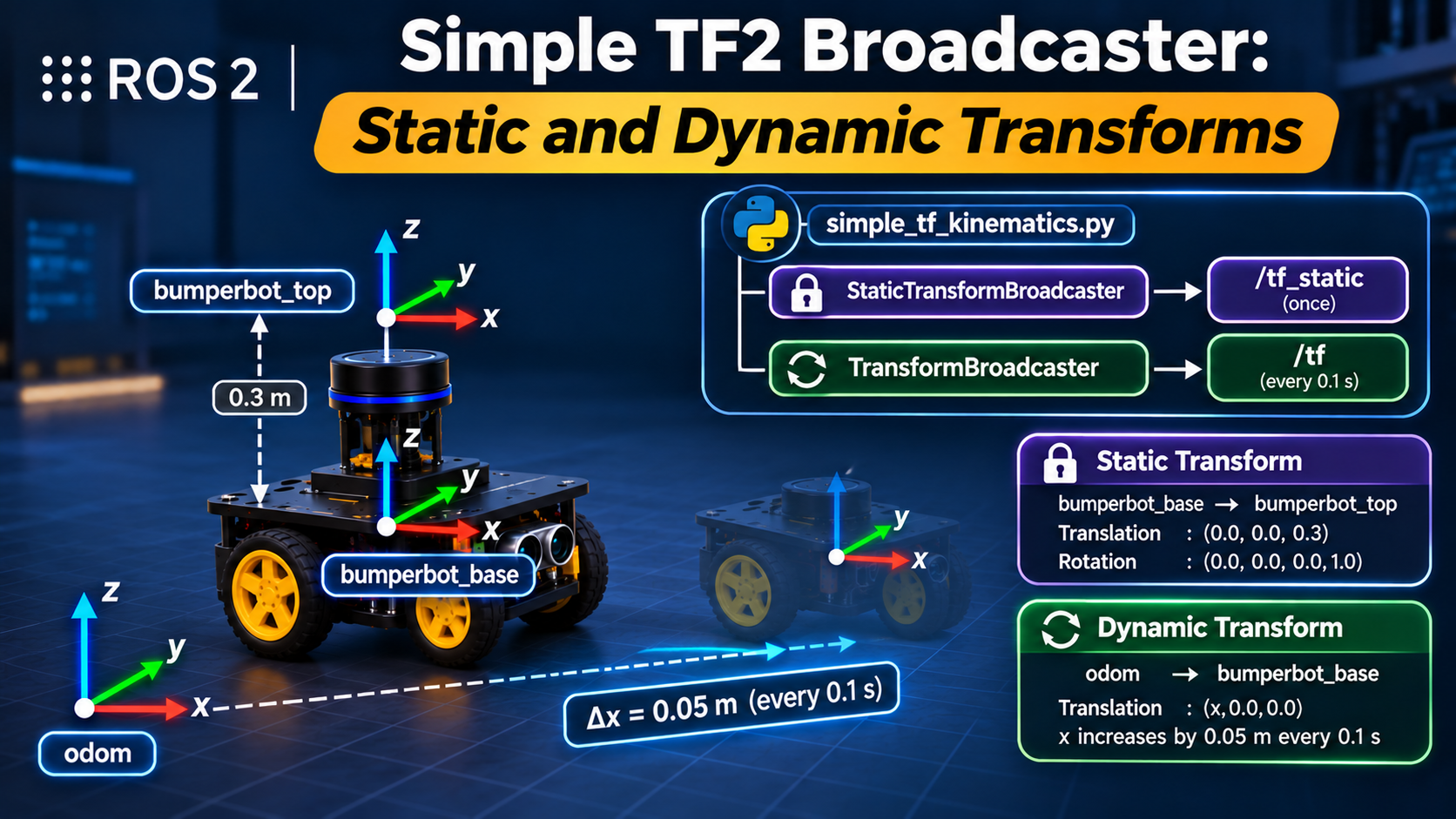 Chapter 50Simple TF2 Broadcaster: Static and Dynamic Transforms
-
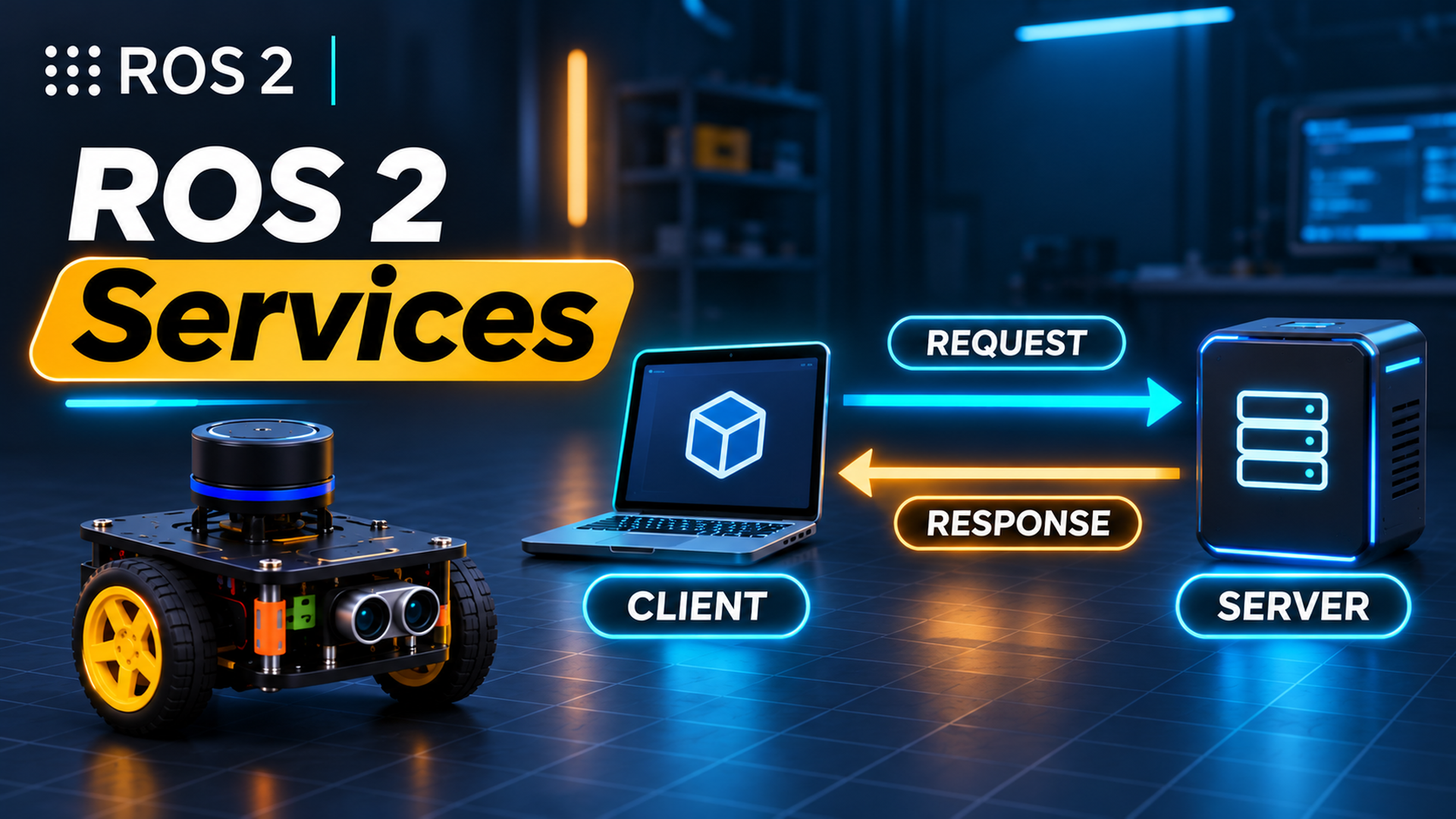 Chapter 51ROS 2 Services