Background / Purpose
When I started working with Jetson Nano, there was no single step-by-step guide that just works.
Most tutorials online were incomplete or outdated, so I decided to:
✅ Try every possible combination
✅ Solve every error manually
✅ Document it in this repository
This repo turned into a full installation guide that others can follow without struggling.
What This Guide Covers
- Updating Jetson Nano and installing correct JetPack version
- Configuring CUDA and cuDNN
- Installing Python 3.8 and fixing pip conflicts
- Creating a virtual environment
- Installing Jetson-compatible PyTorch + Torchvision wheels
- Enabling additional Swap memory so YOLOv5 can train/run smoothly
- Running YOLOv5 with:
- Webcam / CSI camera feed
- USB camera feed
- Images + video feed
How it Works
- Jetson Nano is set up with JetPack (NVIDIA drivers, CUDA, cuDNN)
- Python 3.8 virtual environment created (isolated environment)
- Torch + Torchvision
.whlfiles installed (Jetson-compatible builds) - YOLOv5 repo cloned → dependencies installed
- YOLOv5 executed using:
- Static images
- Live camera feed
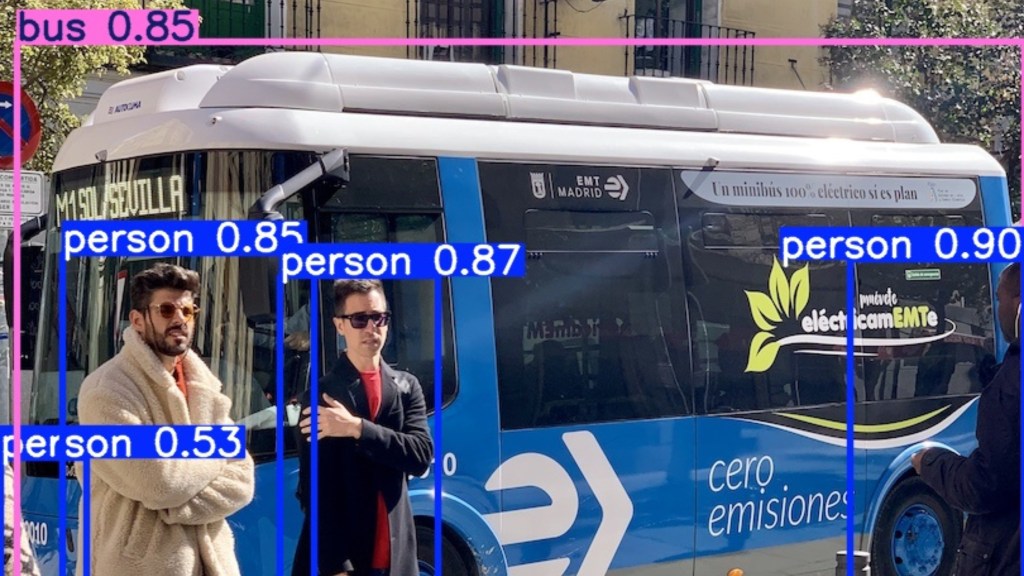
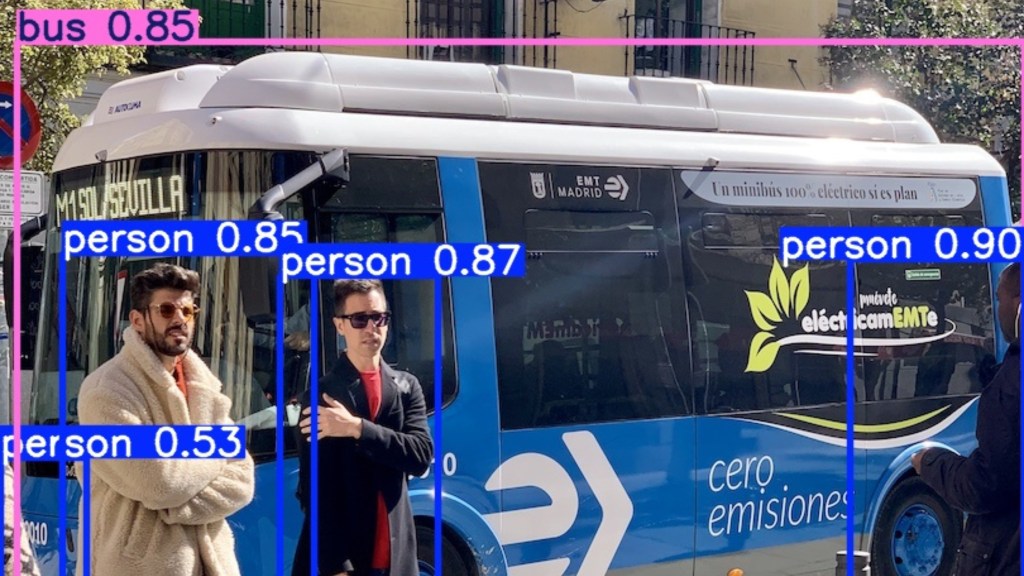
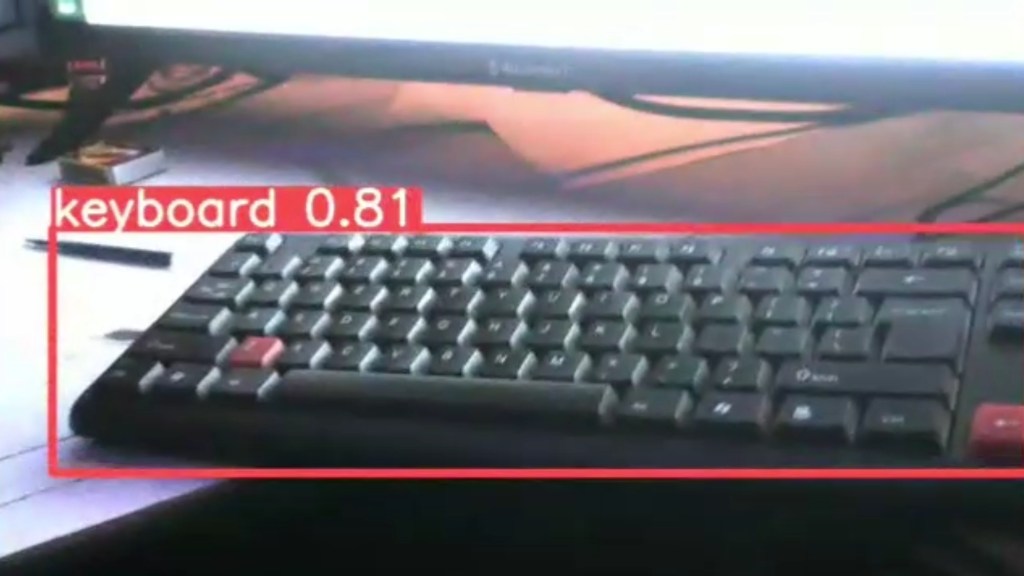
Working
Yolo v5 Working
Code & Installation
The complete source code is available in the GitHub repository.
My Learnings
- YOLOv5 Setup, Installing and configuring YOLOv5 for Jetson Nano
- Python 3.8 Virtual Environment, Managing dependencies cleanly
- JetPack / CUDA / cuDNN verification, Ensuring GPU acceleration works
- Torch & Torchvision installation, Using Jetson-compatible
.whlfiles - Swap Memory Allocation, Improving performance with additional swap
- Camera integration, Running live object detection using CSI / USB webcam
- GPU-based detection, Running YOLO with
--device 0for CUDA inference