Introduction
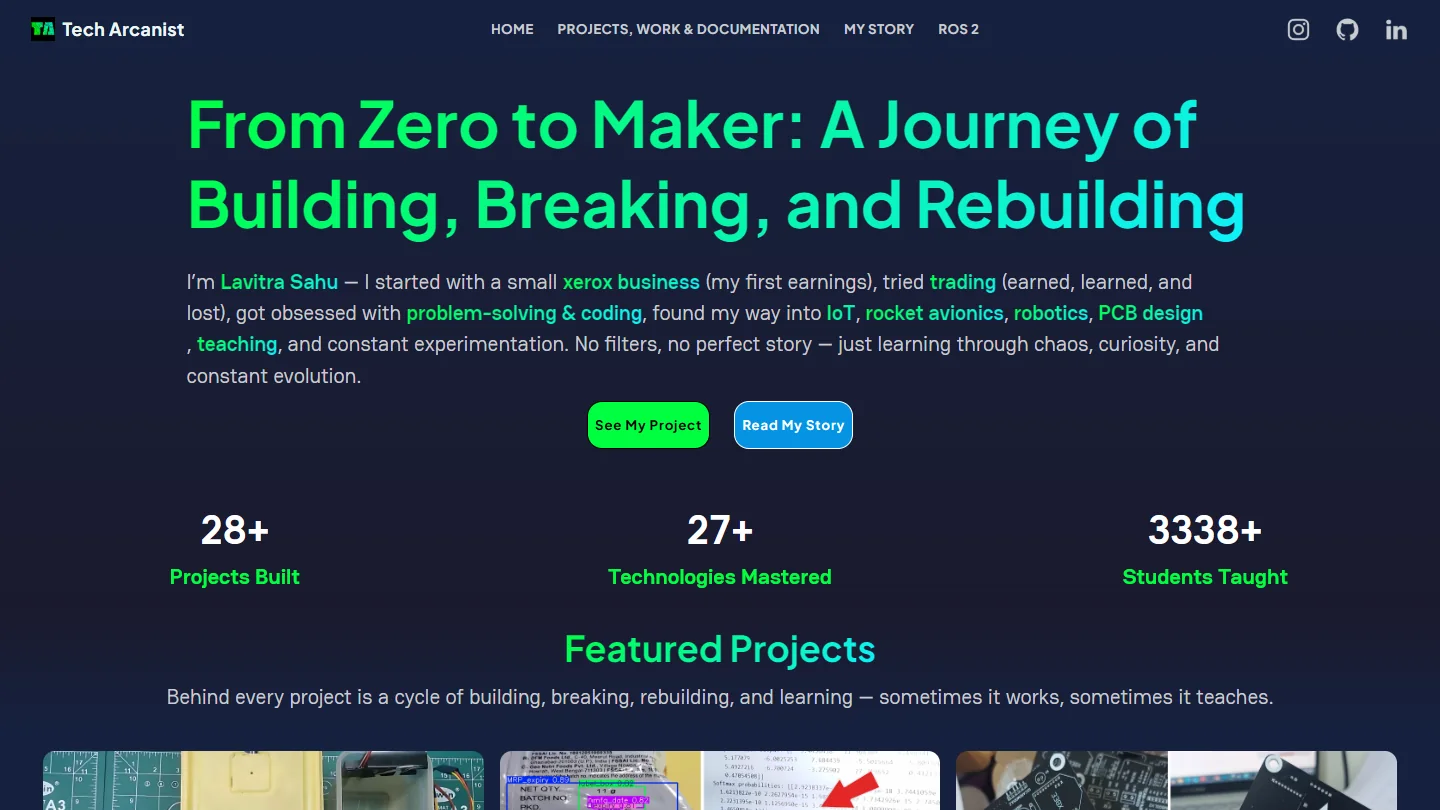
This was my first portfolio website. I built it on WordPress.com and ran it at techarcanist.com until November 2026. It started as a place to put my projects online and grew into the home of everything I was learning and teaching: my story, my projects, the documentation of my courses and a set of interactive guides.
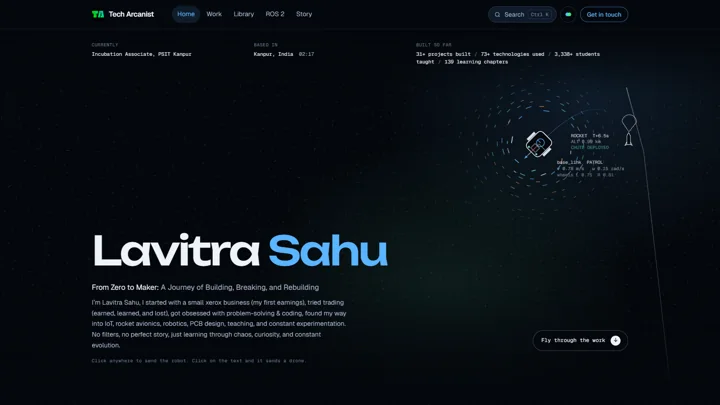
The current site was not started from a blank page. It was built on top of this one: the text, the images, the PDFs and the guides were imported from it, and the domain then moved over to the new site. This page tells the story of the first site honestly, including the parts that did not work well.
What it had to do
- Show my work in one place: projects from IoT and rocket avionics to robotics, each with photos, components, code and what I learned.
- Tell my story as it happened: including the failures, not only the wins.
- Hold my documentation: the notes I write while learning ROS 2, PLC, Fusion, FlutterFlow and more, so that others can follow along.
What it contained
The site was large. When I saved a copy of it in November 2026, it had 167 pages.
Home page
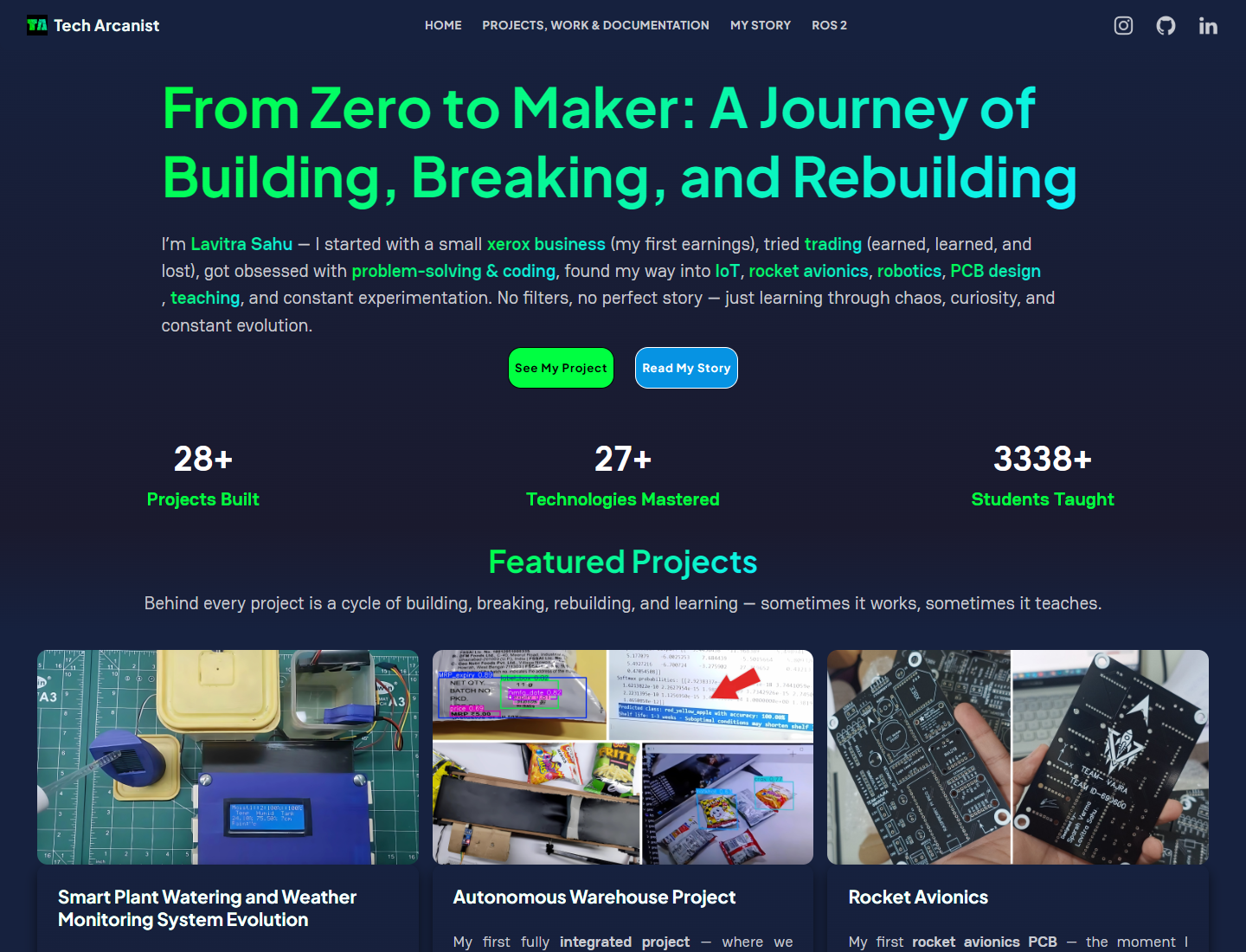
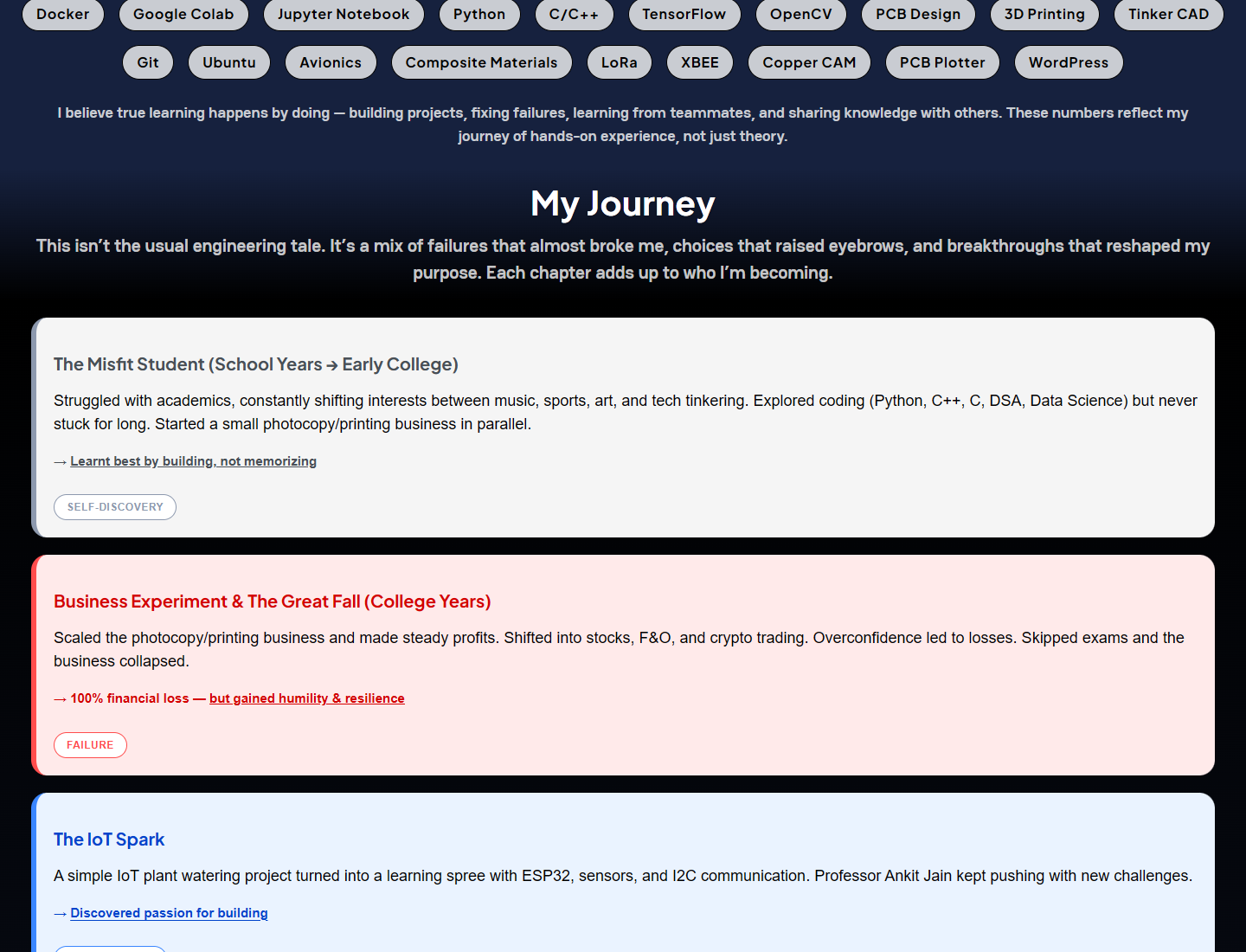
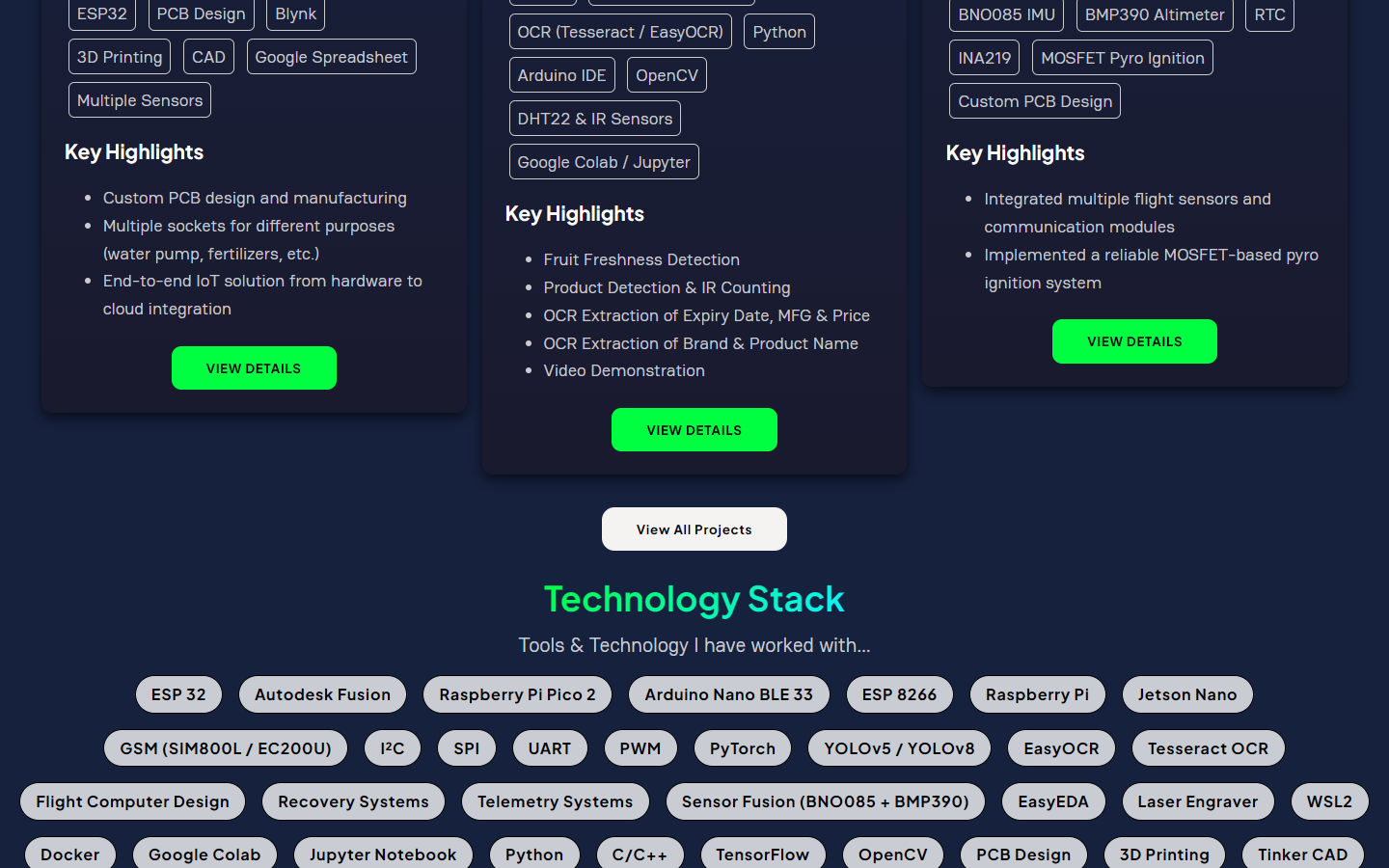
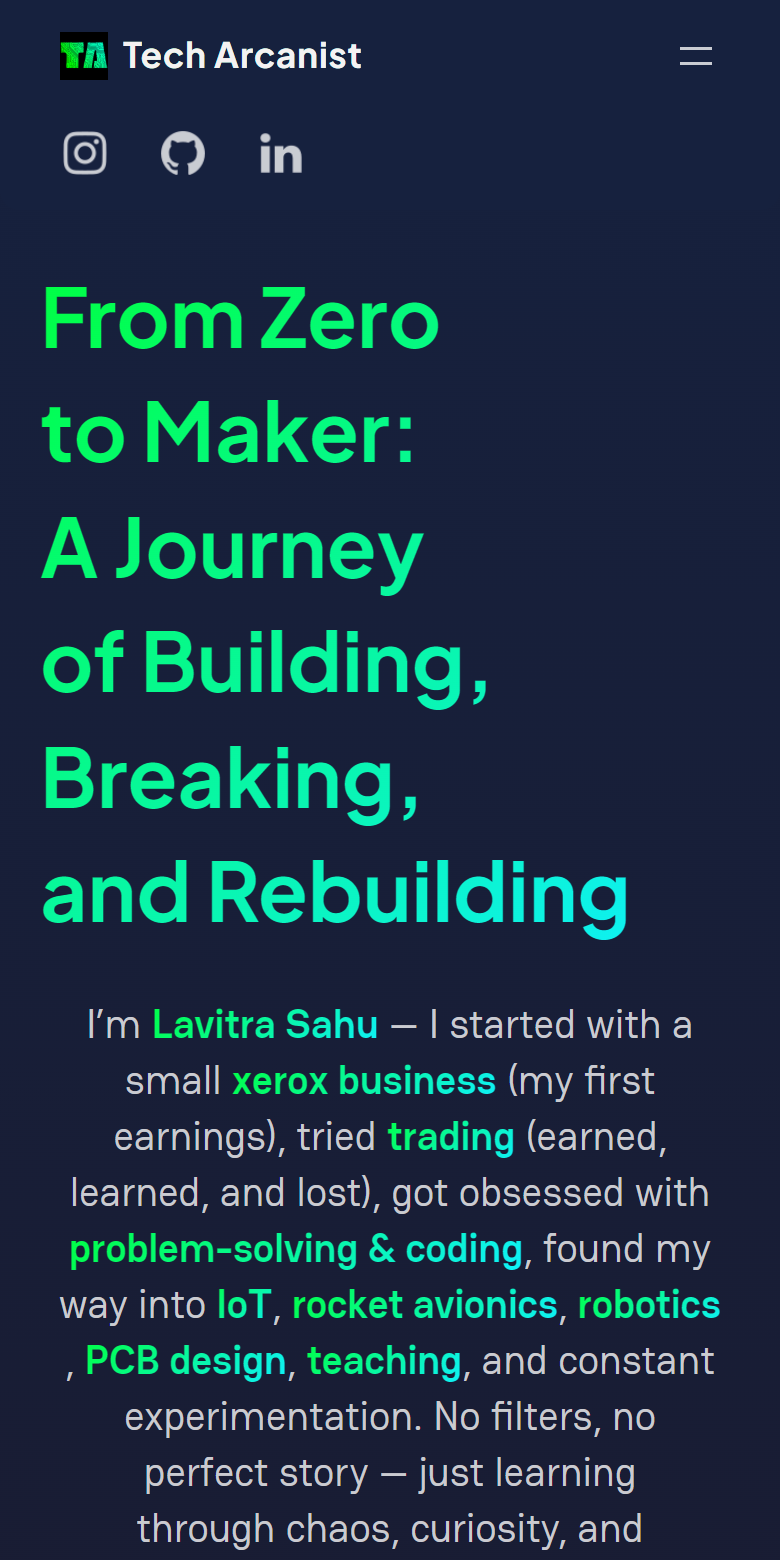
A hero with my line "From Zero to Maker: A Journey of Building, Breaking, and Rebuilding", three counters (28 projects built, 27 technologies mastered, 3338 students taught), three featured projects, a technology stack list and a long timeline called My Journey, with about twenty chapters. Chapters are coloured by type (growth, failure, milestone, education) and carry a one-line lesson.
Projects, Work and Documentation
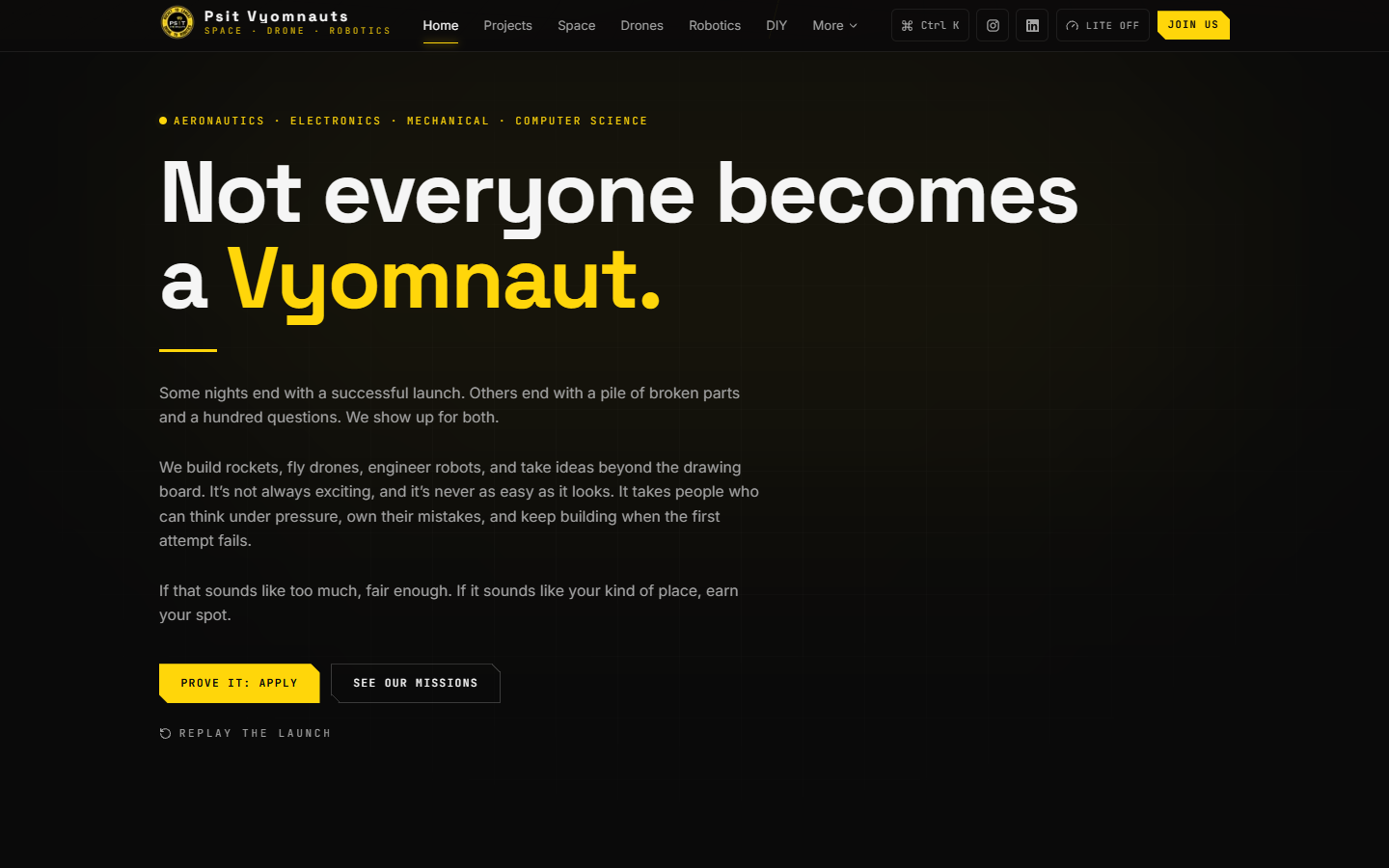
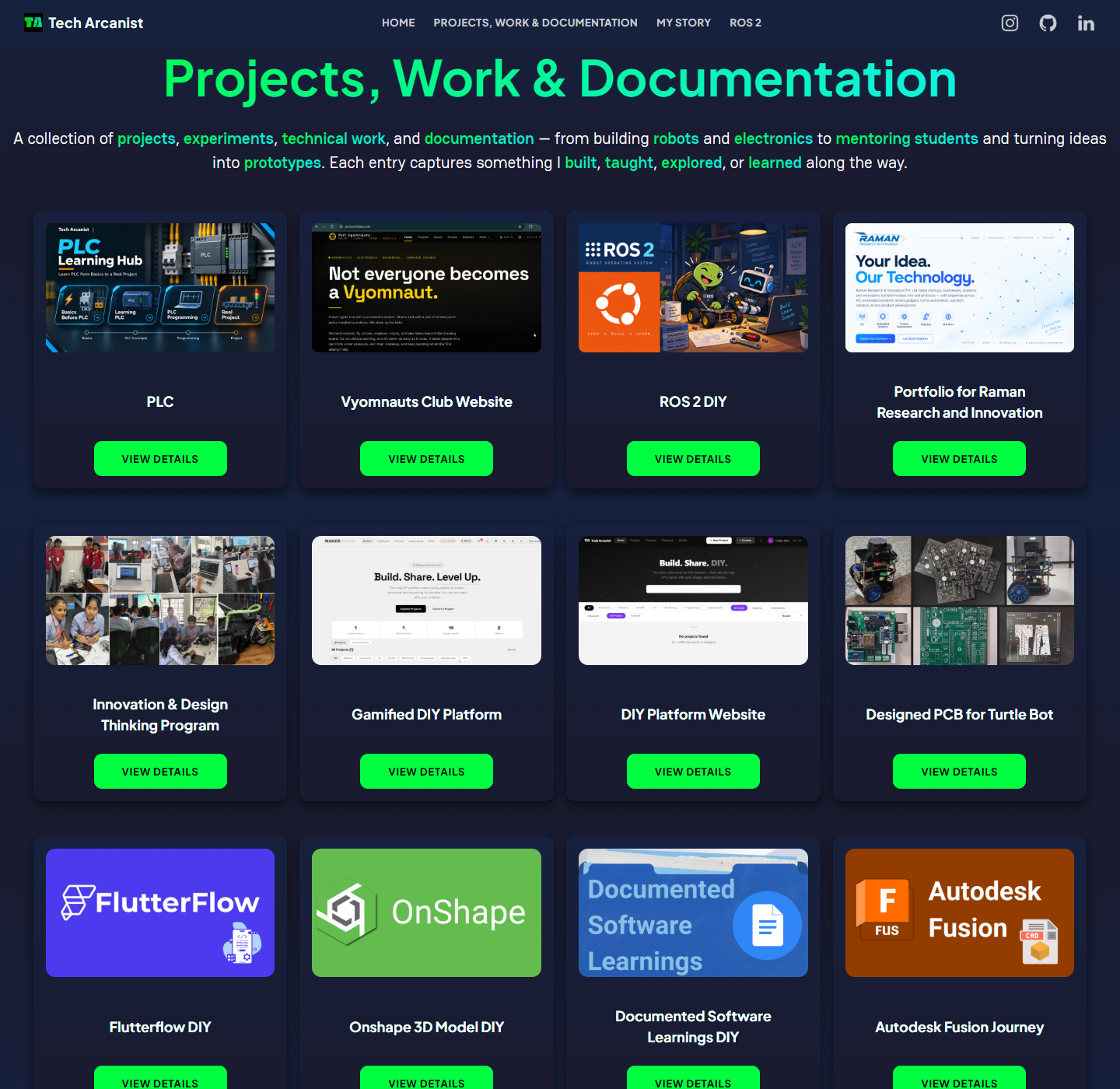
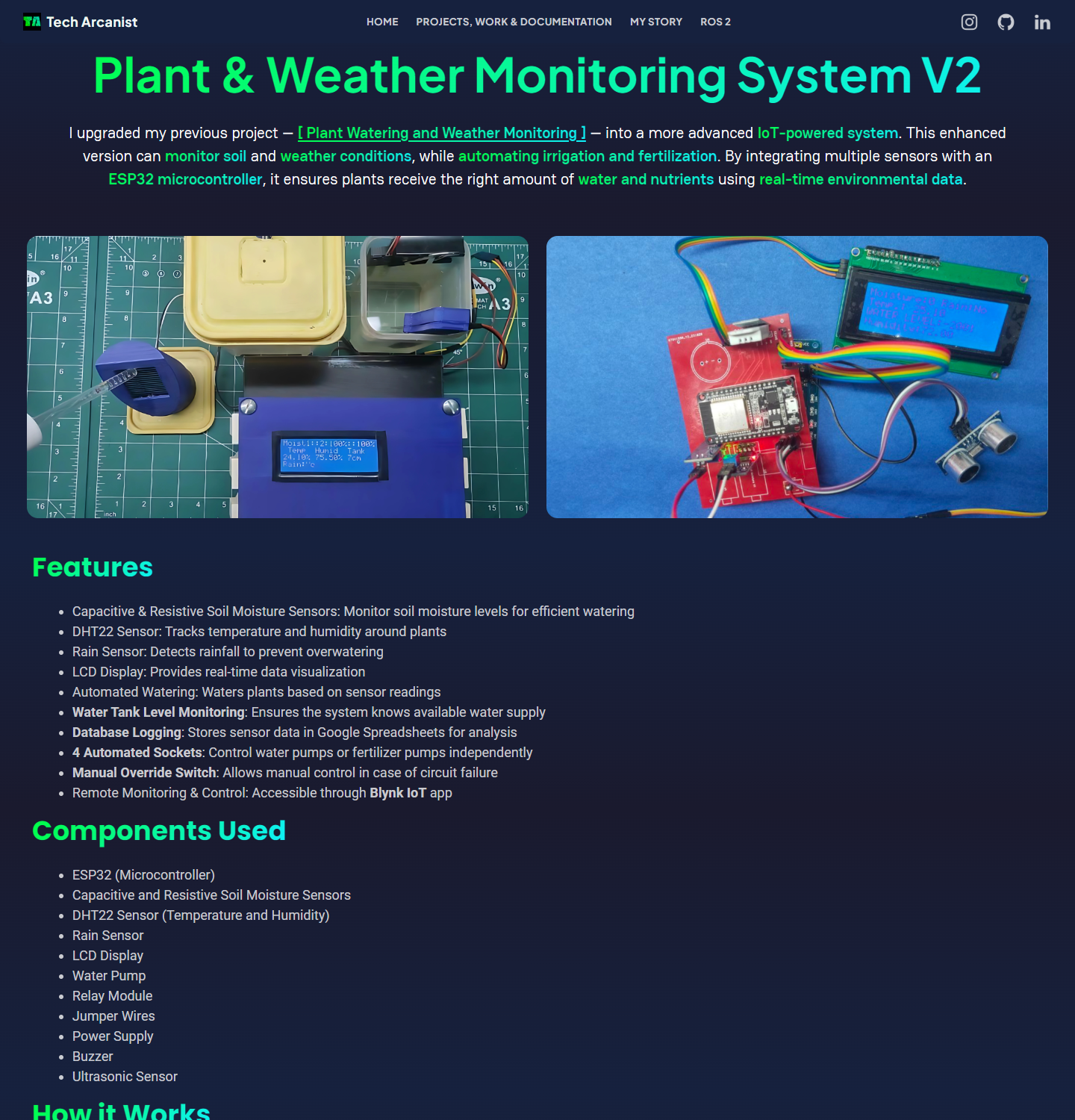
One page held 36 cards: hardware projects (plant watering and weather monitoring, the autonomous warehouse, ThermaLog, Vaman, the secure locks and more), competition work (the INSPACe and Teknofest insights, avionics and CanSat PCBs), website projects (the Vyomnauts club site, the Raman Research and Innovation portfolio, the gamified DIY platform) and the documentation hubs. Most project pages followed one template: introduction, features, components, how it works, working (photos and video), code and installation, my learnings and team collaborators.
Documentation series
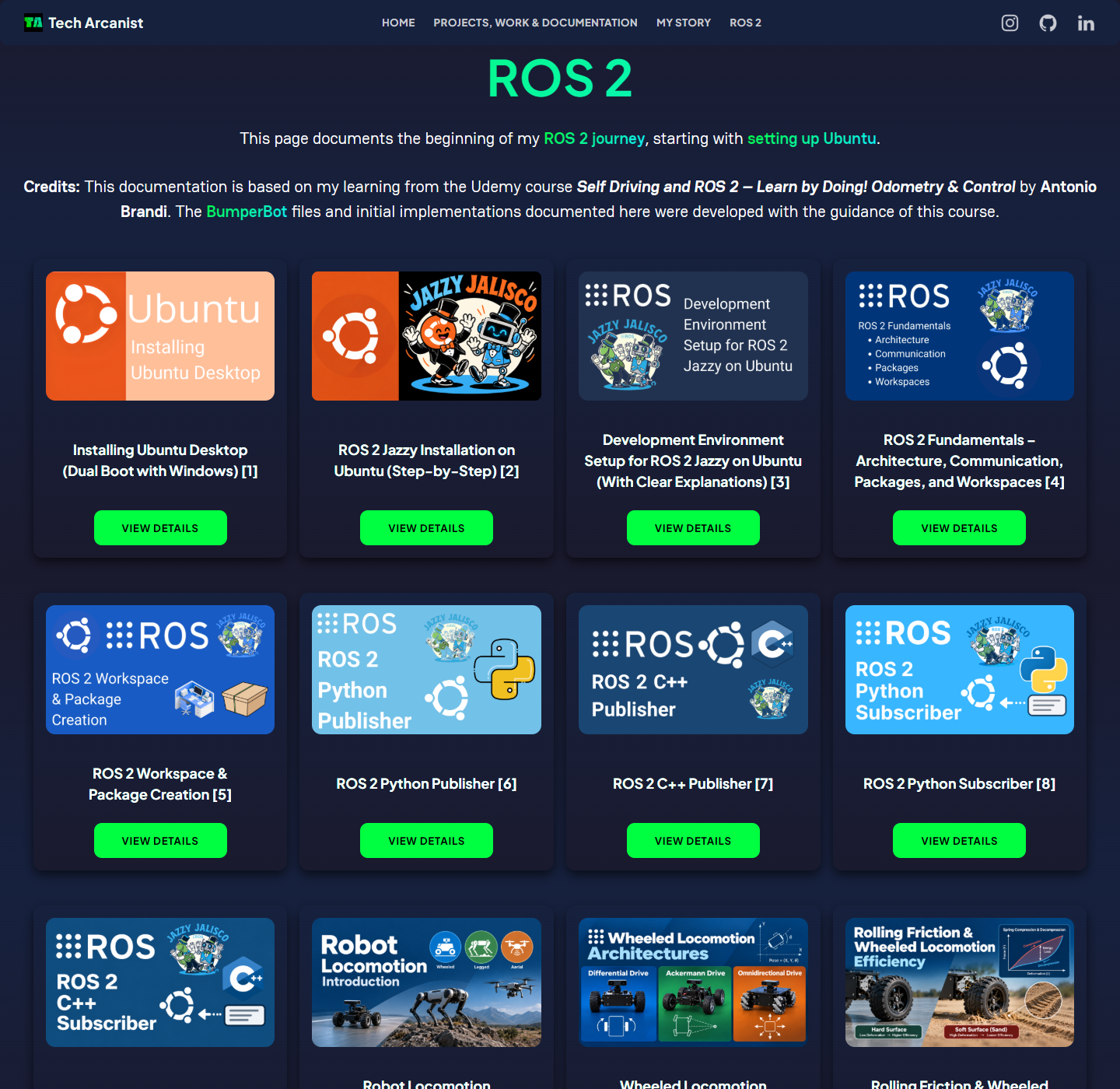
- ROS 2: chapters 1 to 48 listed, from dual-booting Ubuntu to ros2_control, kinematics, turtlesim and TF2, written from my learning with a Udemy course on self-driving and ROS 2 (credited on the page).
- PLC: an introduction and parts on voltage, current and resistance, power, AC and DC and three phase, written from a PLC course.
- Documented Software Learnings: a hub for ROS 2, Onshape, FlutterFlow (27 PDFs, including Supabase), Ultimaker Cura and Fusion.
- Autodesk Fusion Journey: 27 numbered entries, from a glass bottle to a keyring from an SVG, mostly shown as embedded PDFs.
Interactive guides
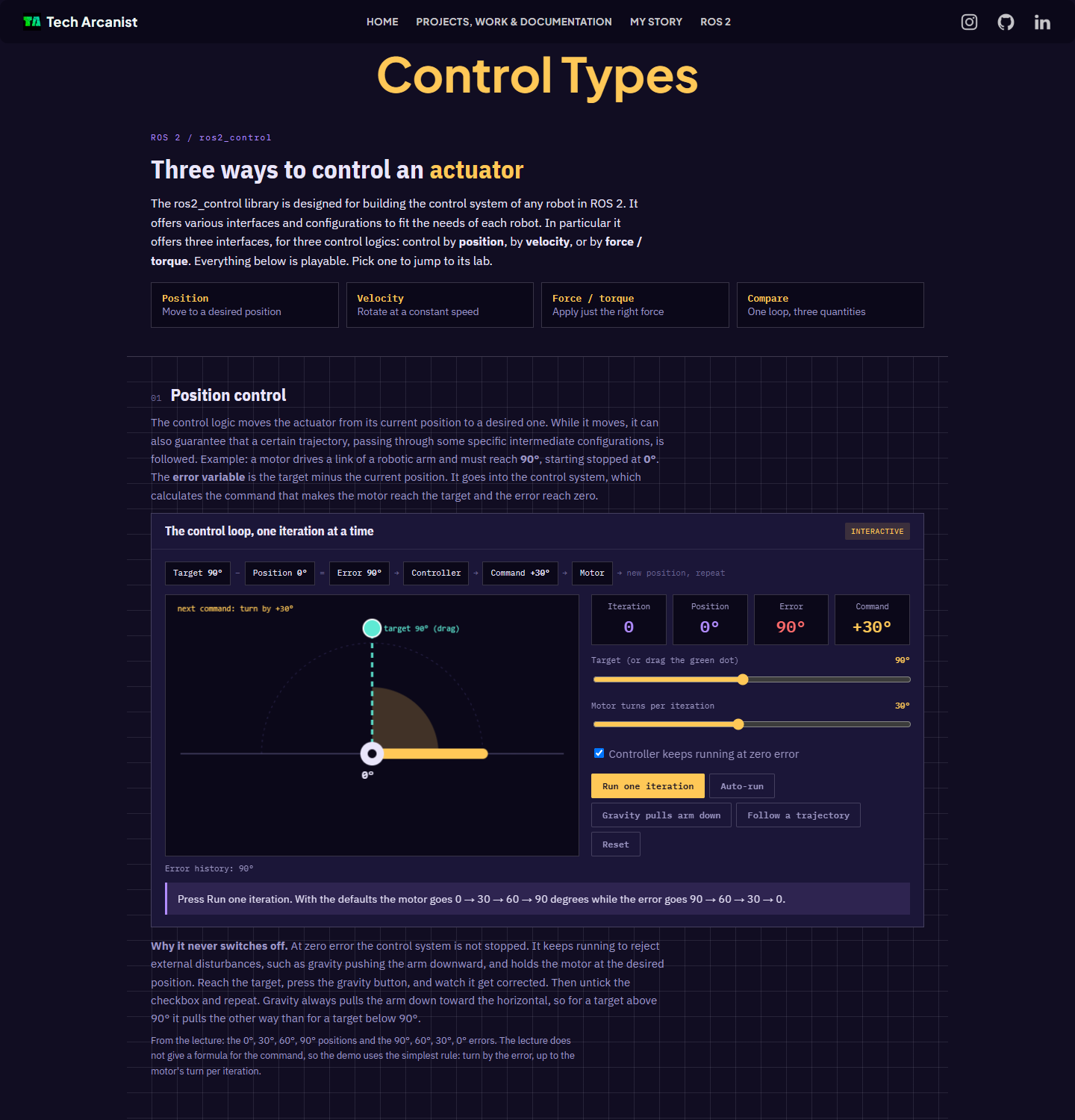
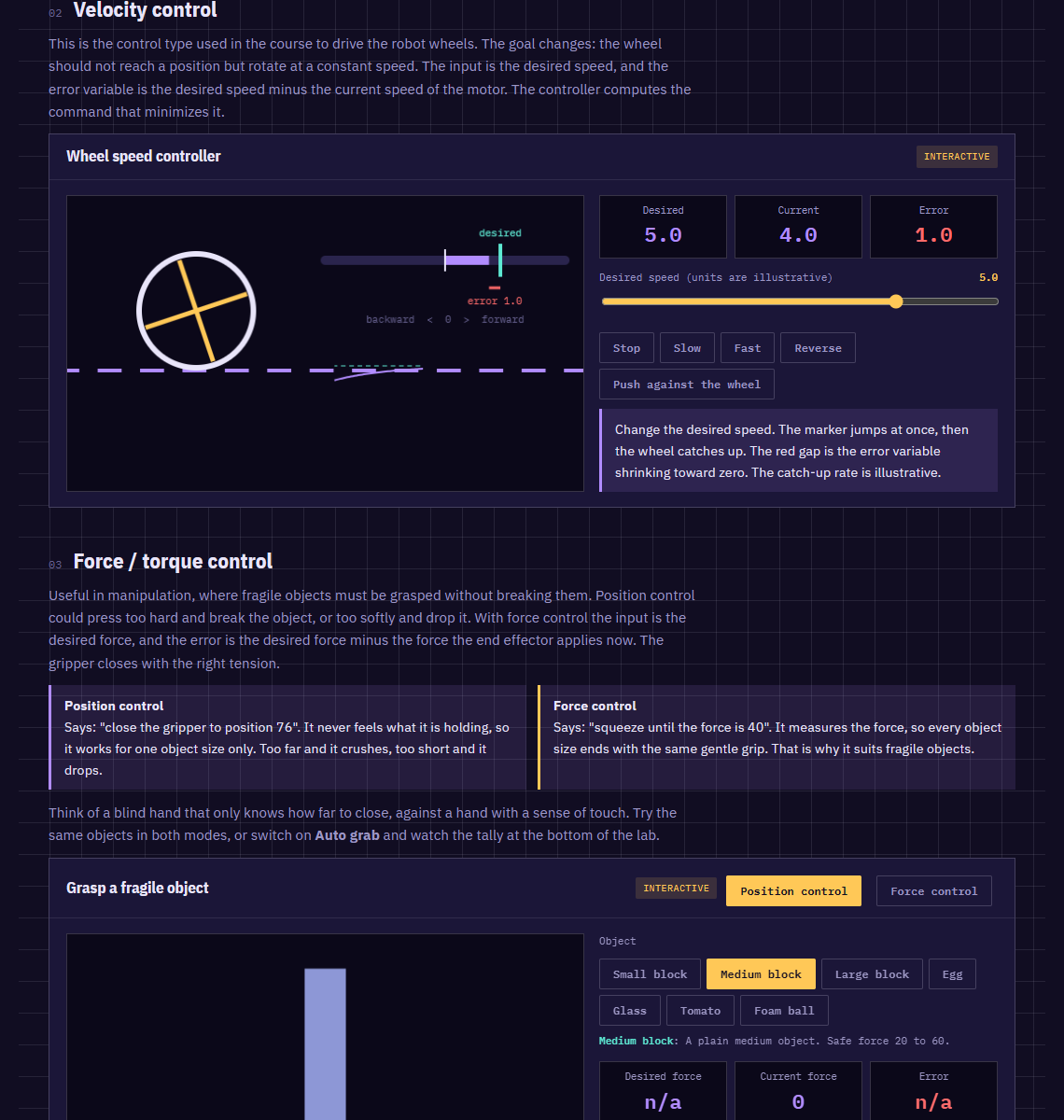
Many ROS 2 and PLC chapters had interactive guides: small simulations placed inside the page, for example a control loop you can step through one iteration at a time, or a wheel speed controller with sliders.
How it was built
| Part | Choice | Why |
| Platform | WordPress.com, with a block (full site editing) theme | No server to run, and I could publish pages without writing a site from scratch |
| Plugins and services | Jetpack for the sitemap, comments and image CDN; Ideabox blocks for the counters | Features I needed came ready-made |
| Content | Gutenberg blocks; interactive guides as custom HTML blocks; PDFs and videos embedded | Quick to add a chapter: paste, embed, publish |
| Look | A dark theme with a bright green accent, and blue panels on the guide pages | It matched the hardware and robotics feel I wanted |
What worked well
- Fast to start: a working portfolio went online without me building hosting, a login or a page editor first.
- Easy to add content: a new chapter or project was a page in the editor, and PDFs, images and videos could be dropped in.
- It grew with me: from a few projects to 36 cards and two long documentation series, using the same few page types.
- An honest front page: failures sat next to wins, and the featured projects showed time, cost and status.
- Guides worked inside pages: custom HTML blocks let me place real simulations next to the explanation.
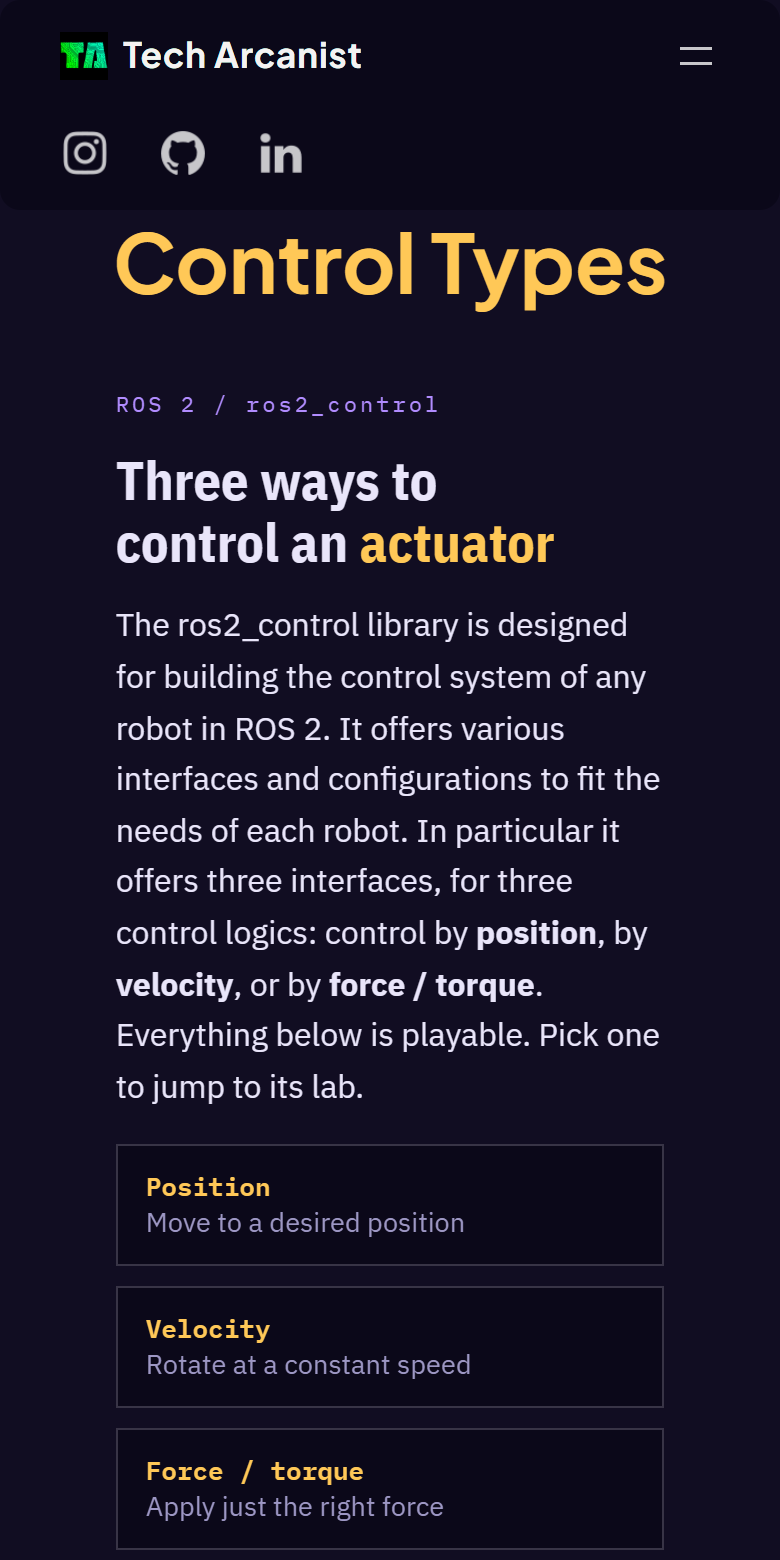
- Phone friendly: pages folded into a single column.
Where it fell short
As the site grew, the limits became clear. None of them was one big failure; they added up.
Broken and half-finished places
- Five links led to pages that did not exist (About, Skills, Workshop, Content and the Becoming an Educator page linked from my journey), and the footer link called Project sent visitors to the home page.
- The ROS 2 index was also published a second time at another address, as a copy of the first.
- Some pages were placeholders: ROS 2 chapters 49 to 56 existed but were empty or not listed, and the indexes carried "Coming soon" cards.
Content mistakes that were easy to make and hard to find
With 36 project pages built from one template, copy-paste errors slipped in: one project had the "My learnings" text of another, one GitHub link pointed to the wrong repository, and one diagram caption named the wrong project. A typo, "Competetion", even ended up in addresses.
Hard to restructure
- The page text lived in the theme templates, not in the page content, so reading or exporting it needed a crawl of the rendered pages instead of a simple export.
- Many documentation chapters were long pages of images, embedded PDFs and blocks, with no shared structure, so a chapter could not be reorganised or linked section by section without editing it by hand.
- Interactive guides were pasted in as custom HTML, so each one had to be maintained inside the editor.
Reading and navigation
- The small body text of the guides was low in contrast against the dark background.
- The menu offered Home, Projects, My Story and ROS 2; the other documentation series were reached through the Projects page.
How it became the base for the current site
The current site was built using this one as its base. None of the content had to be thrown away.

- Snapshot first: I saved the full text and the site map of the old site, so I had a record of every page and could see what was broken.
- Content as files: each page became its own folder with a small data file (title, summary, picture, type, order) and the page body, so a page can be moved, restructured or kept as a draft without touching the rest.
- Media brought in: the images (870), the PDFs (63) and the other downloads were copied into the new site, so nothing loads from the old address any more.
- Guides and code kept: the interactive guides became standalone files that open inside their chapter, and the code blocks of the documentation (445 blocks on 25 pages) were rebuilt with line numbers and colours.
- Fixes along the way: the dead links and the duplicate ROS 2 index were sorted out, and the story moved onto the home page.
- A local admin: I wrote a small admin for myself to edit pages, reorder the Work grid, keep drafts private and send a page to Claude to be restructured.
- The domain switch: techarcanist.com stays registered at WordPress.com. On 8 November 2026 I changed its DNS records so that the domain points to the new site, and the old WordPress site stopped being the public face of the name.
Numbers
- 167 pages in the saved copy of the old site.
- 36 cards on the Projects, Work and Documentation page.
- 3 counters on the home page: 28 projects, 27 technologies, 3338 students.
- 48 ROS 2 chapters listed, 27 Fusion entries, 27 FlutterFlow PDFs.
- 870 images and 63 PDFs brought into the current site.
What I took from it
- A platform that is quick to start can slow you down once the content is big and needs structure.
- Keep the content separate from the look: when pages are plain files, a redesign does not mean rewriting them.
- Templates are fast, but copying them needs a check: most of the mistakes were pasted text that nobody re-read.
- Take a snapshot before any big move. It made the rebuild safe and showed me every broken link.