Introduction
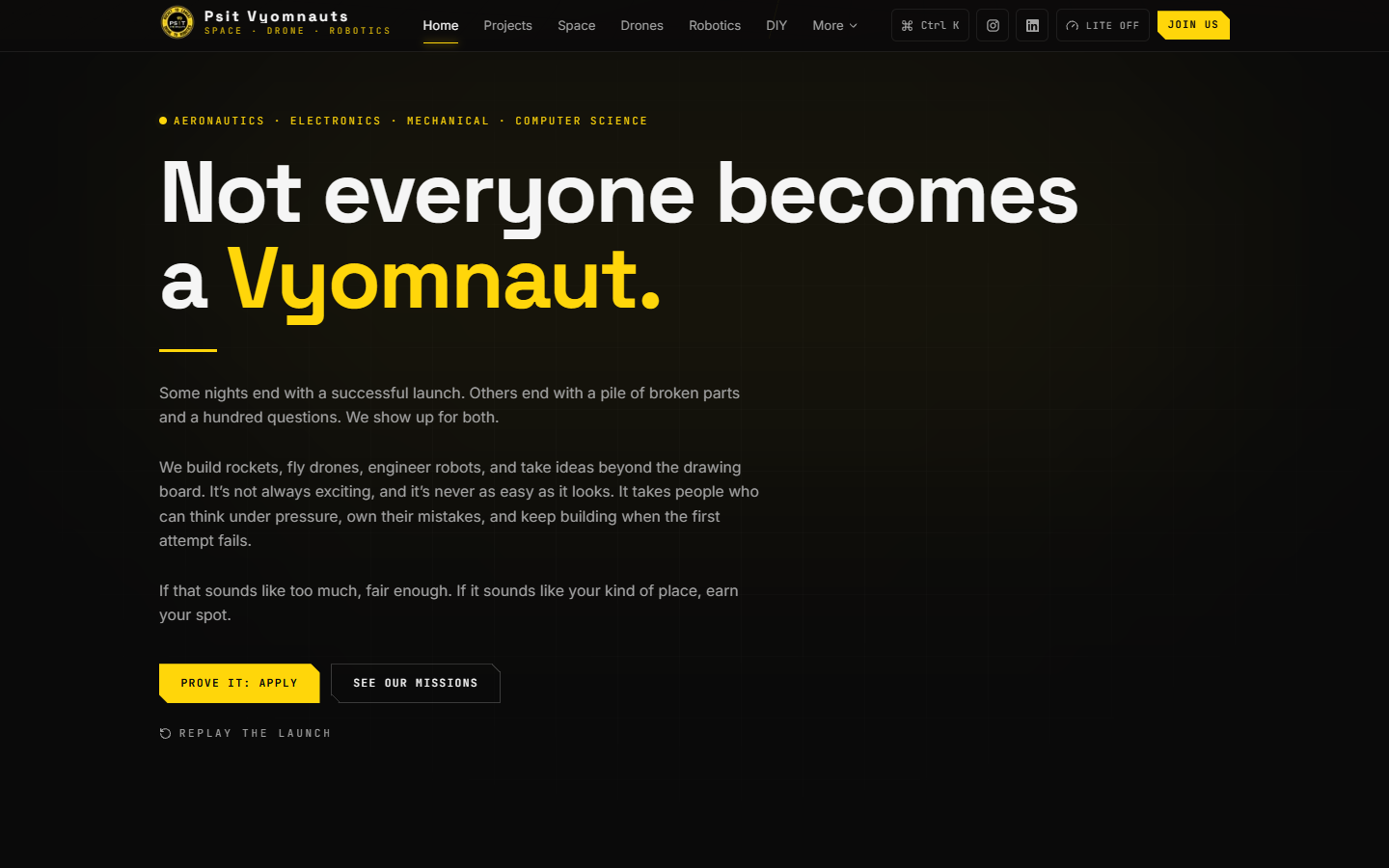
PSIT Vyomnauts is the student aerospace, rocketry, drone and robotics club of Pranveer Singh Institute of Technology (PSIT), Kanpur. The club builds rockets, CanSats, drones and robots and takes them to national competitions: IN-SPACe / ISRO rocketry and CanSat, IIT Bombay e-Yantra, the NIDAR drone competition and Teknofest.
Before this website the club had no home of its own. Projects, results and recruitment lived in scattered Instagram posts and Google Forms. This site gives the club one place that shows what it actually builds: a 3D, content-managed website with its own admin panel, interactive engineering simulators, recruitment campaigns and a DIY guide platform written by club members.
What it had to do
- Show the real work: every project gets its own page with rounds, specs, photos and videos, and the home page keeps an honest "flight record" that counts every round cleared, not only wins.
- Teach: each division (Space, Drones, Robotics) has live, interactive simulators of the engineering the team does.
- Be run by students who are not developers: everything visible on the site is edited in an admin panel that works from any browser.
- Cost nothing to run: no paid backend. The content lives in the GitHub repository itself and the site is hosted on Vercel's free plan.
- Let members share builds: club members get their own login, write step-by-step DIY guides, and an admin approves them before they go live.
- Live site: www.psitvyomnauts.com
Tech stack
| Part | Choice | Why |
| Framework | Next.js 16 (App Router, Cache Components, Turbopack), React 19 | Fast static public pages, refreshed on demand when the admin saves; server actions for the admin |
| Language | TypeScript | One set of typed data models for the site, the admin and the validator |
| Styling | Tailwind CSS v4 with design tokens | One design system ("Mission Gold": dark space, neon gold accents) with an accent theme per division |
| 3D | three.js through React Three Fiber and drei | The home intro film, the division 3D teardowns and the recruitment visuals |
| Motion | Motion (Framer Motion), GSAP, Lenis | Page reveals, the scroll-driven intro film, smooth scrolling |
| Rich text | TipTap in the admin, sanitize-html on save | Formatted descriptions without letting scripts through |
| Search | cmdk | The Ctrl/⌘+K command palette |
| Images | sharp on upload, Next Image | Uploads kept at up to 4K and re-encoded once to WebP |
| Sign-in | Own system: scrypt password hashes, signed session cookie, Google Authenticator codes (TOTP) with an encrypted secret | No paid auth service, two-step sign-in for admins |
| Data | No database server: content.json and a private accounts file in the private GitHub repository | Free, every edit is a git commit (history and rollback), content can also be edited in code |
| Uploads | Committed to the repository, served from Vercel's CDN | Free |
| Hosting | Vercel (free plan) with a custom domain | Free, analytics included |
| Deploys | A Vercel Deploy Hook behind the admin's "Publish to website" button | Saves alone do not deploy (the free plan allows 100 deploys a day) |
| Contact form | Web3Forms | Emails the club without a mail server |
| Analytics | Vercel Web Analytics and Speed Insights (admin pages excluded) | |
| Video | YouTube (loaded only on play), VideoPress, Instagram reels (official embed script) |
The first plan was Firebase (Auth and Firestore) with Cloudinary. On day 2 it was replaced by the GitHub-backed store, because the club needed free hosting, editing from anywhere, several admins with a history of every change, and the option to change code and content directly.
How it works
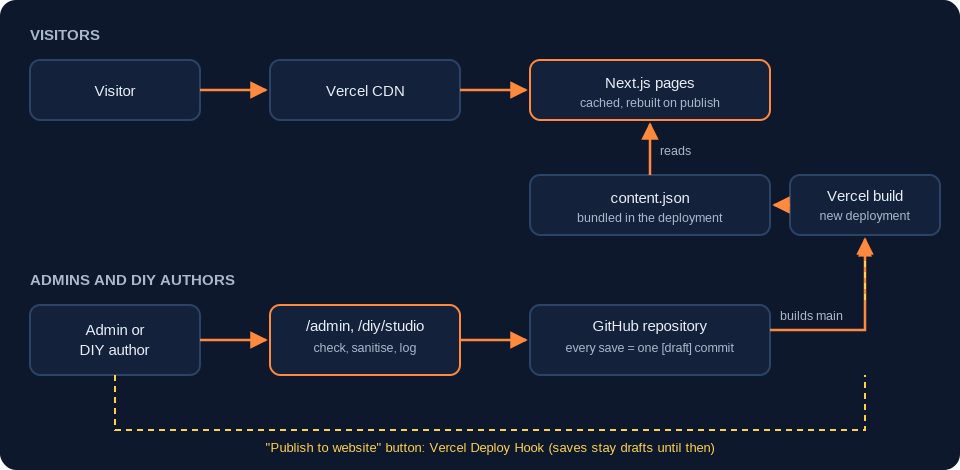
- Public pages read the content through cached functions. On Vercel they read the content.json bundled with the deployment, so unpublished drafts never appear on the live site.
- The admin panel uses server actions. Every action checks the session and permissions again, validates and sanitises the input against a schema, saves it, writes an activity log entry and refreshes the affected pages.
- Storage: on a local computer the admin reads and writes the JSON files. Online it reads the latest commit through the GitHub API and saves every change as one "[draft]" commit (account-only changes as "[log]" commits). A short-lived cookie remembers the commit just saved, so the next page shows the change even if GitHub's API is a moment behind.
- Publishing: "Publish to website" calls the Vercel Deploy Hook. Vercel builds the latest version and the drafts go live. The admin sidebar shows "deploying" and the live version.
- Preview: "Preview website" turns on Next.js Draft Mode for that browser, so the public pages show the latest saved drafts, including DIY guides that are not approved yet (clearly marked).
- Sign-in and routing guard: signed session cookies, a session version for "sign out everywhere", a separate session type for DIY accounts, the authenticator step and lockouts.
- Uploads go through sharp and, online, are committed to the repository; admins can preview photos that are not published yet.
The public website
Home: intro film, counters and flight record
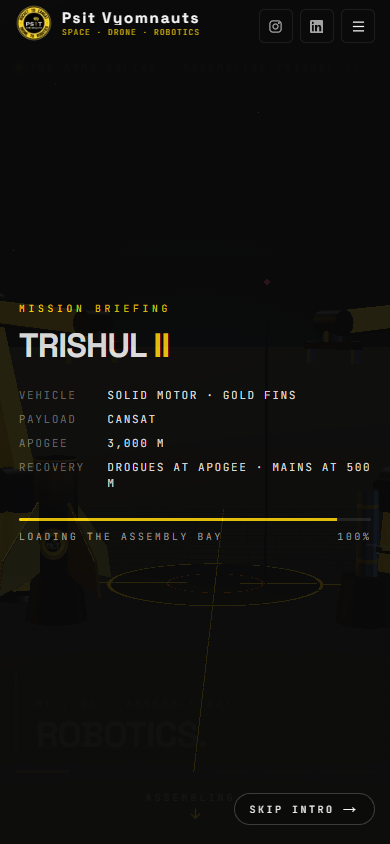
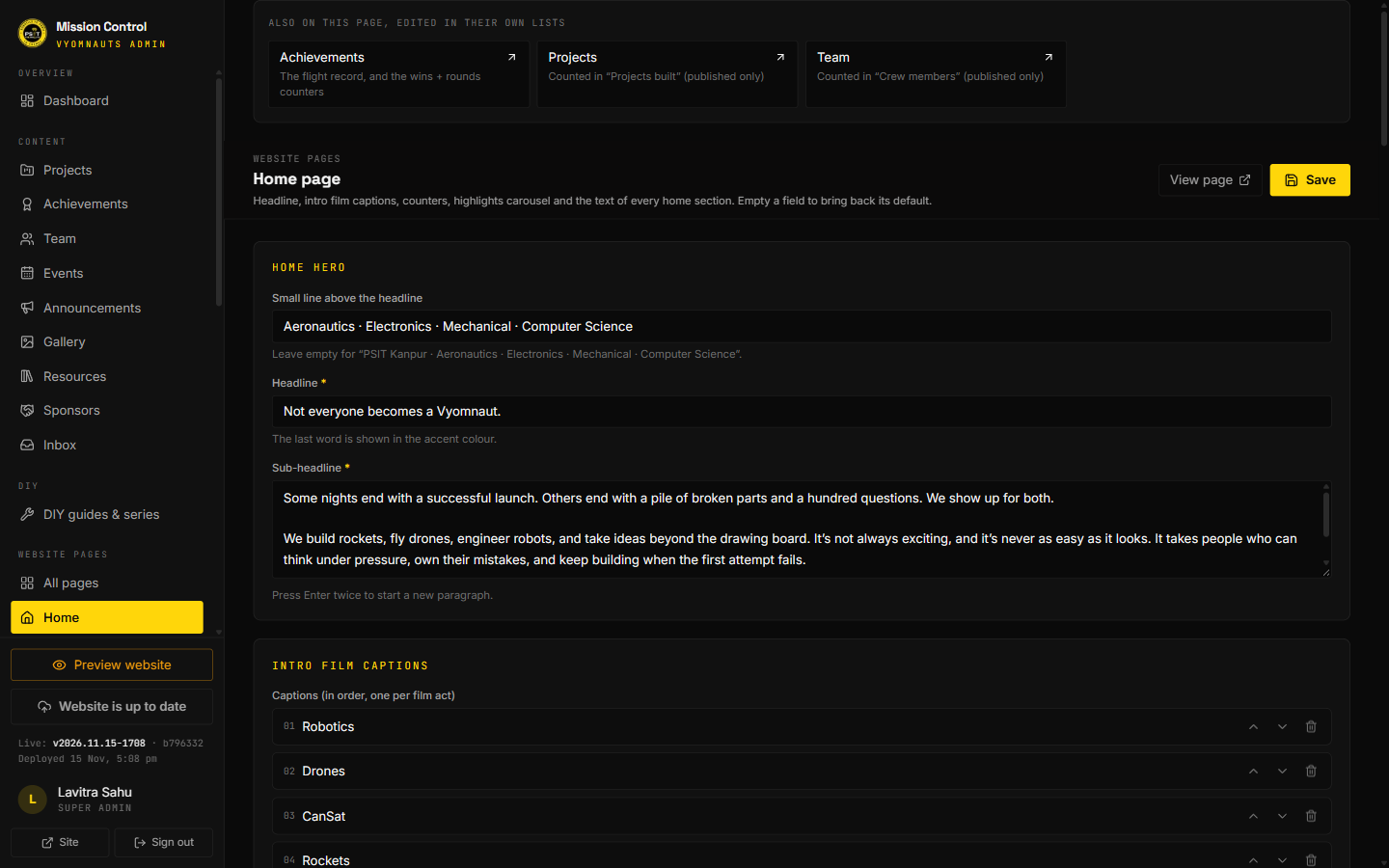
The home page opens with a scroll-driven 3D film: two robot arms assemble the TRISHUL II rocket with a CanSat and a drone, captioned Robotics, Drones, CanSat, Rockets, Separation and Launch, then a "Launch now" button and a replay. Scrolling speeds the assembly up, and "Skip intro" jumps straight to the text.
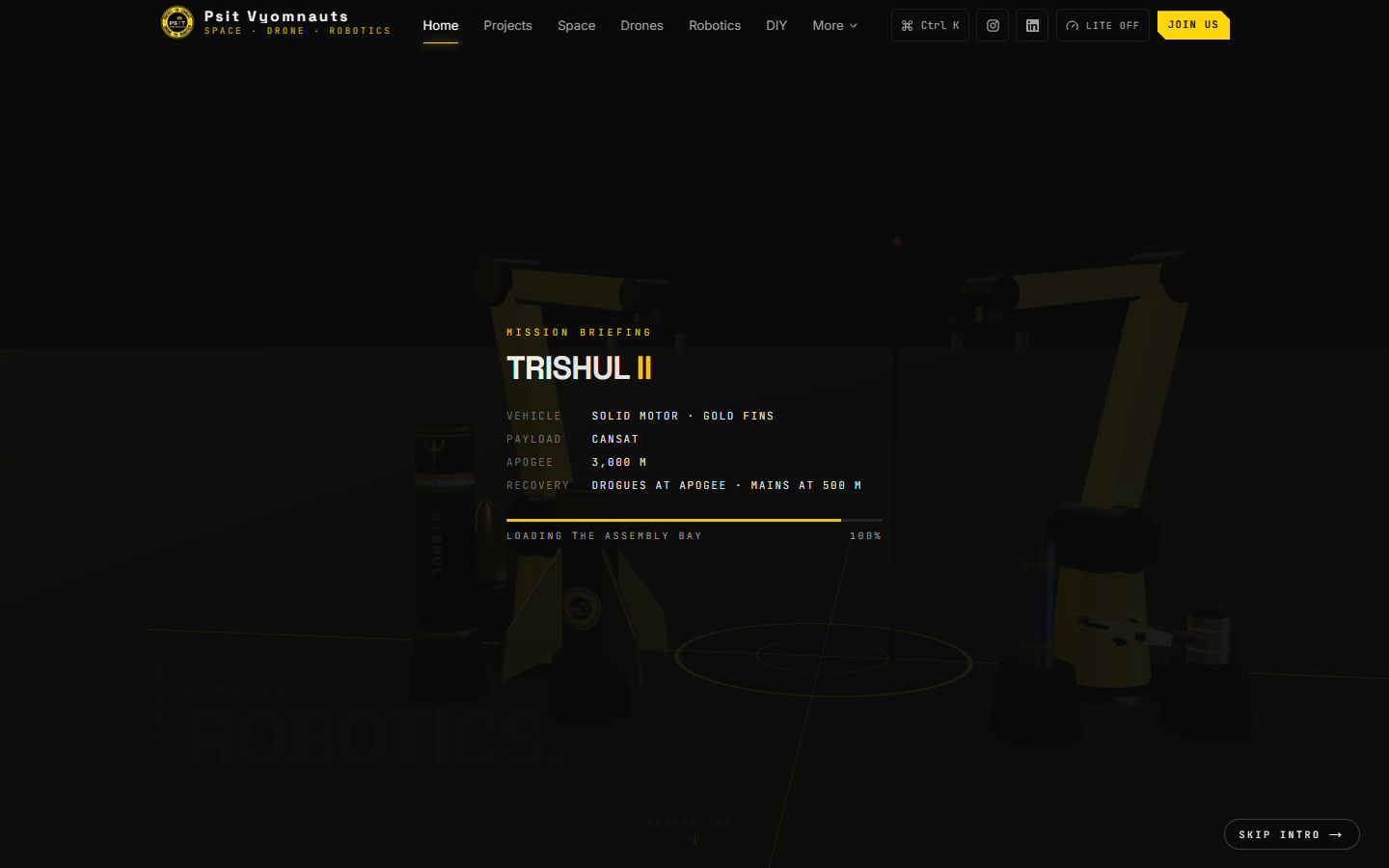
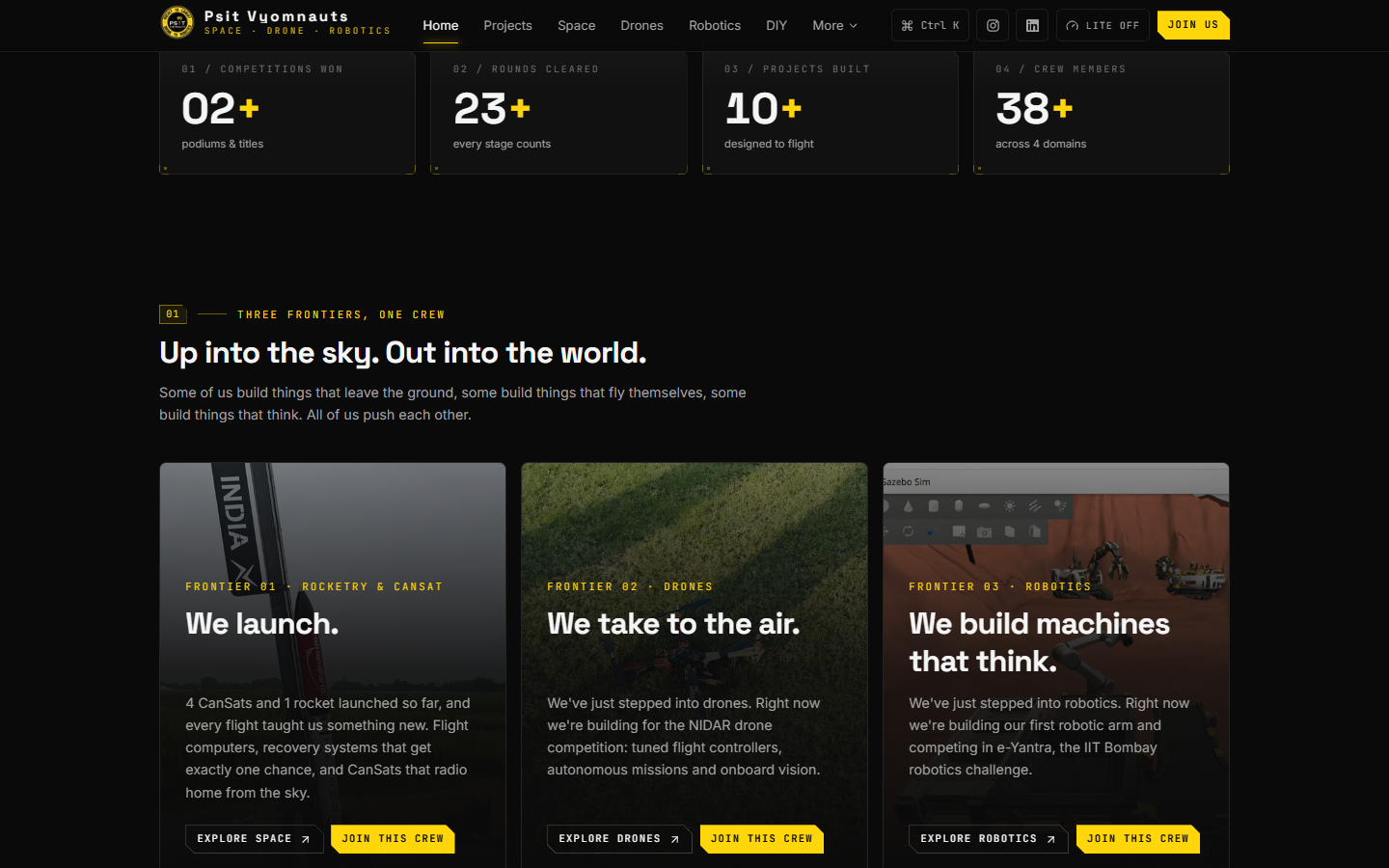
Below it, four counters show competitions won, rounds cleared, projects built and crew members. They are computed from the real records, not typed in. Three "frontier" cards lead to Rocketry and CanSat, Drones and Robotics.
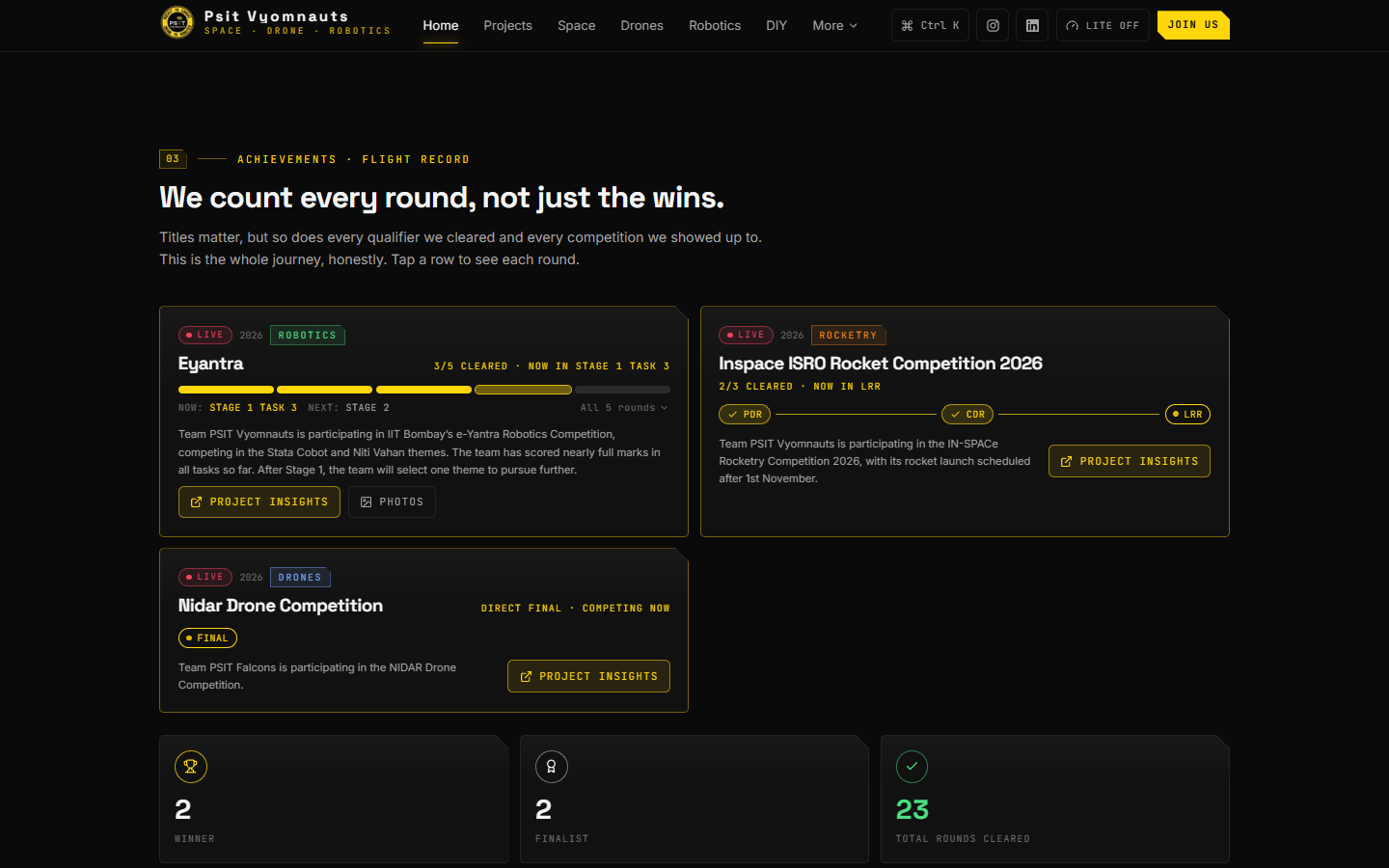
The achievements "flight record" lists every competition with its result (live, winner, finalist, round cleared), a round-by-round progress path, links to project insights and photos, and totals. A competition without rounds counts as one "direct final". The home page also shows the newest approved DIY guides (hidden until there are some) and a highlights carousel the admin can edit.
Projects
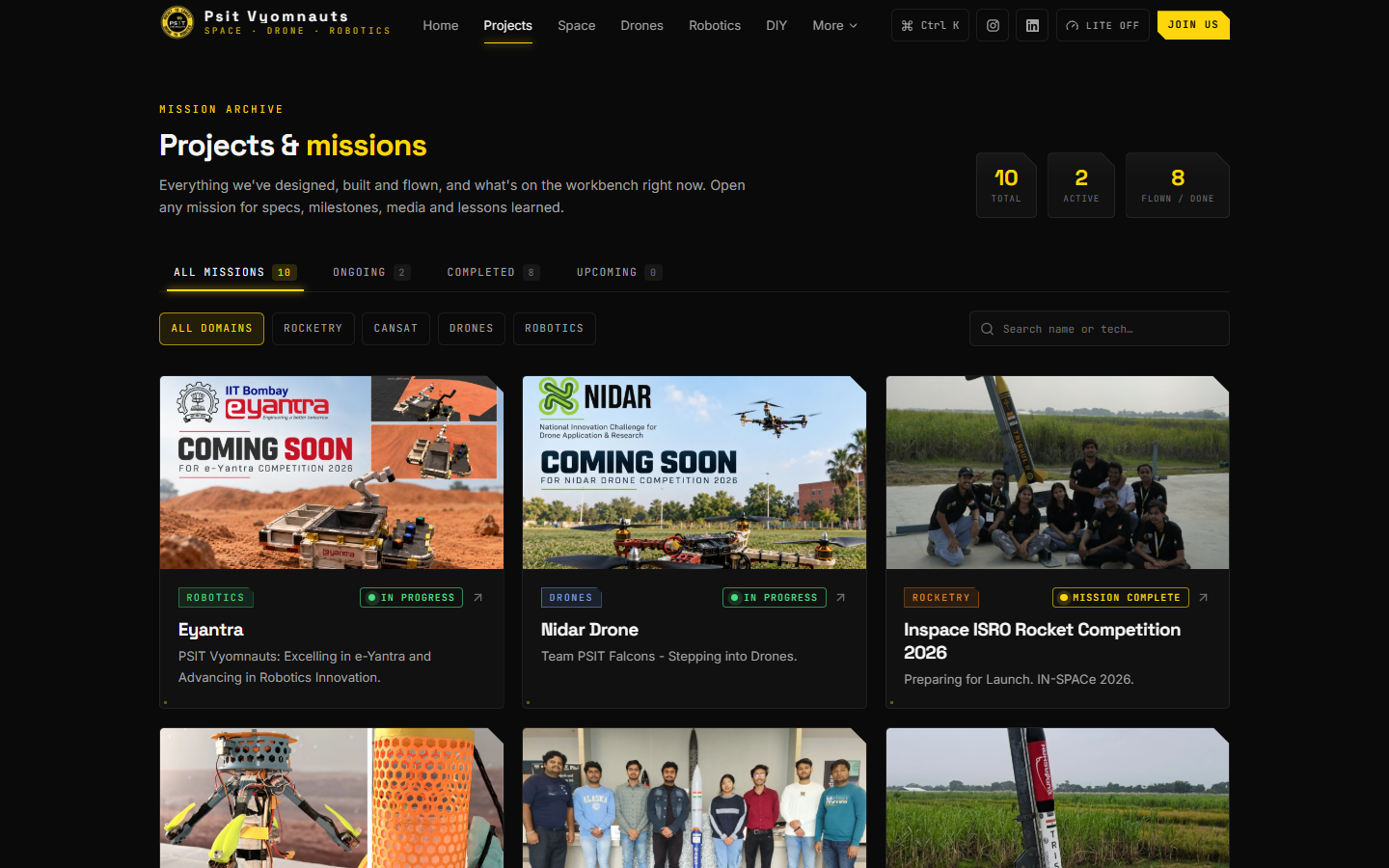
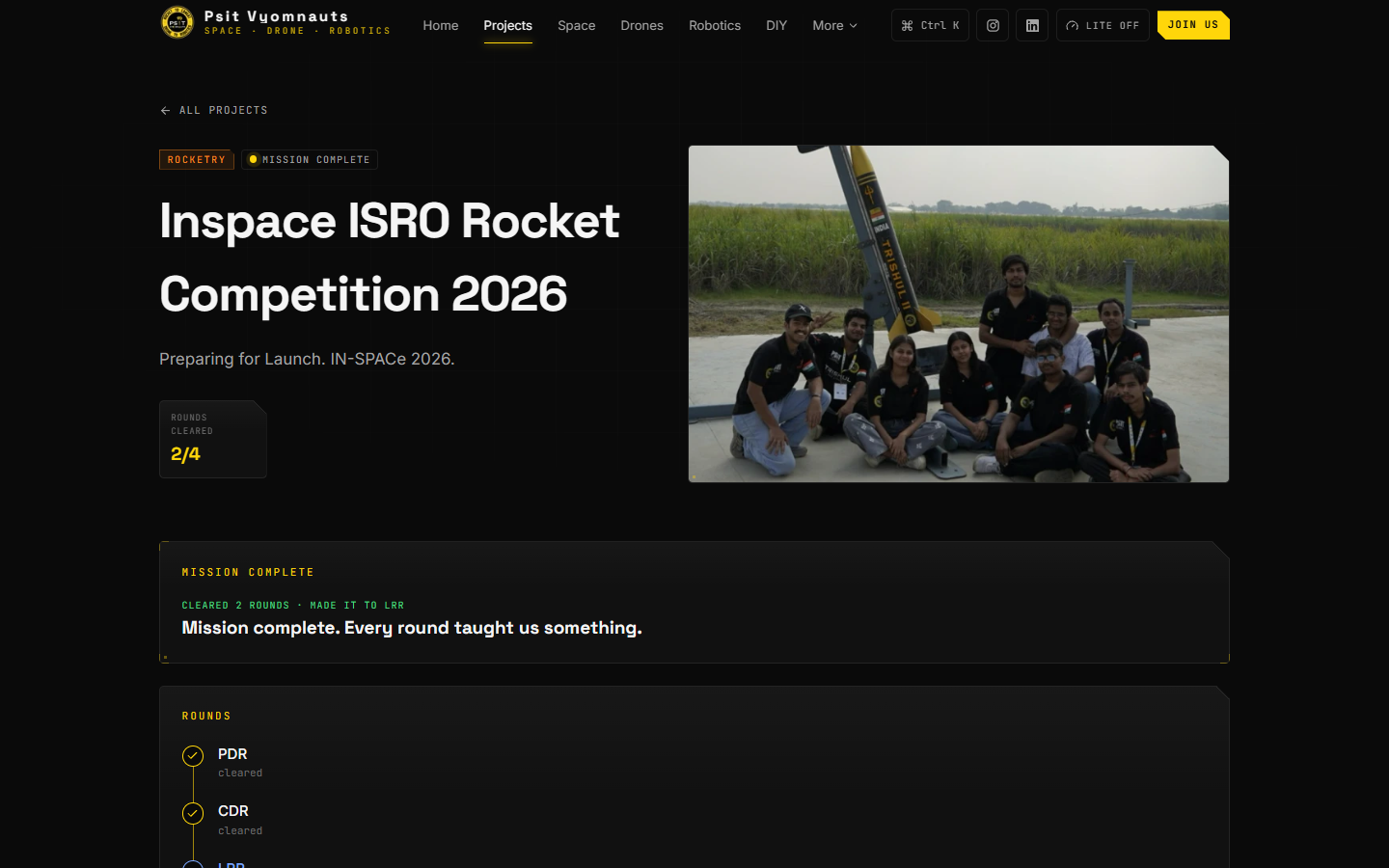
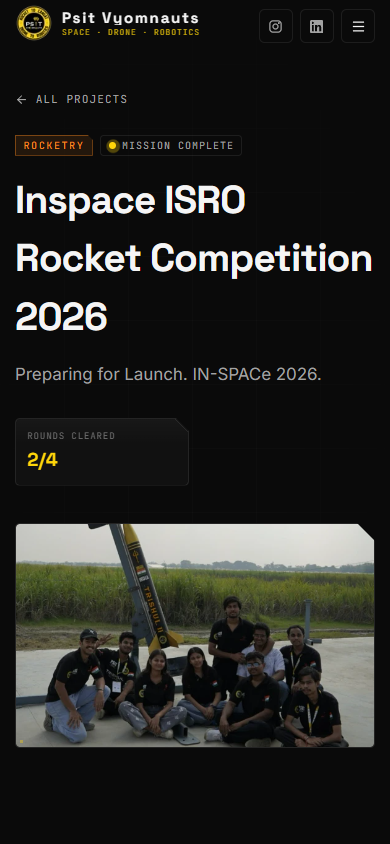
All missions in one explorer, filterable by domain and status. Each project page has a cover, status, links, a mission status card (the next round with a countdown, or how far the team got), specs, tech stack, team, a rounds timeline, overview, lessons learned, a photo gallery with a lightbox, videos, previous and next mission, and structured data for Google.
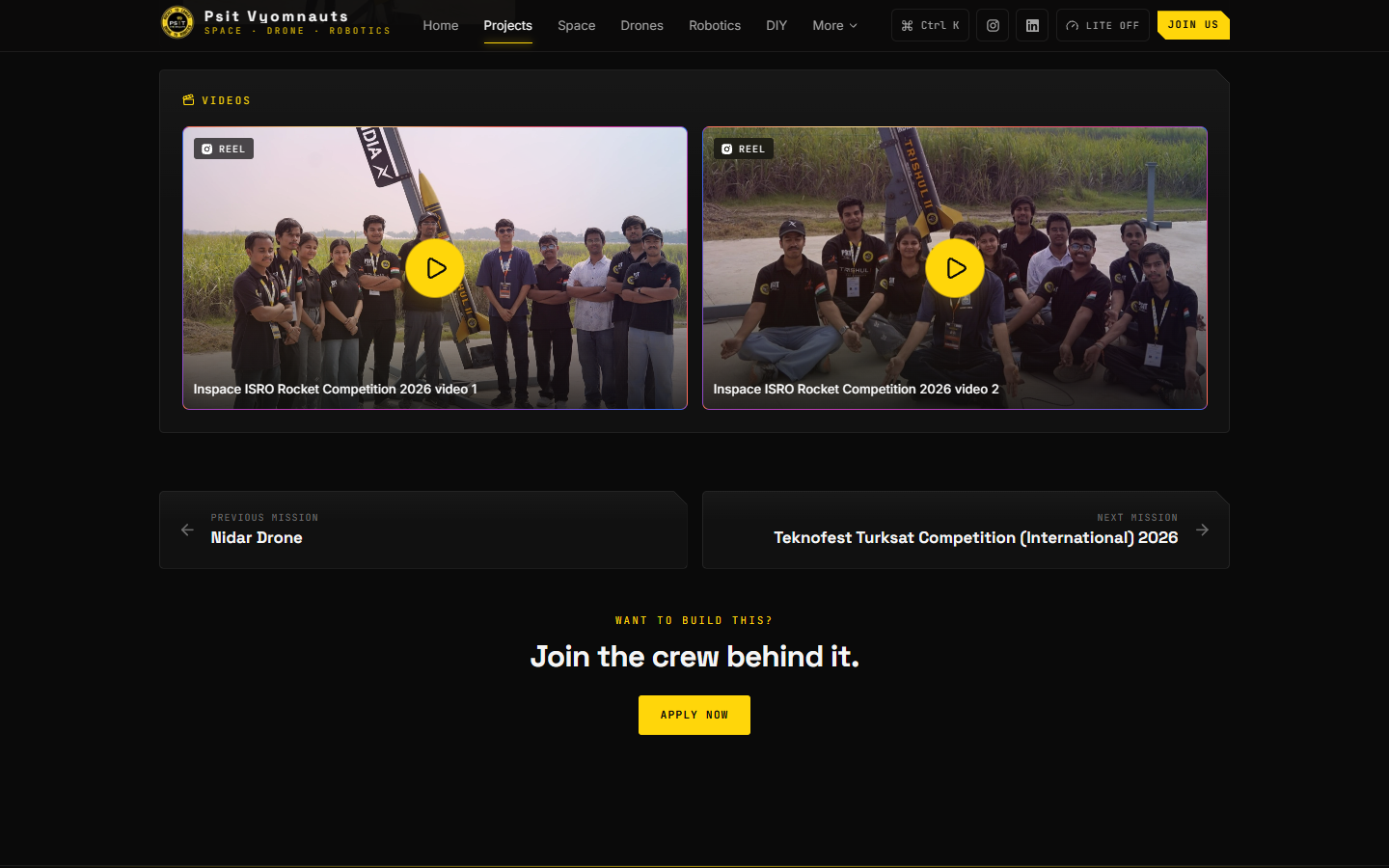
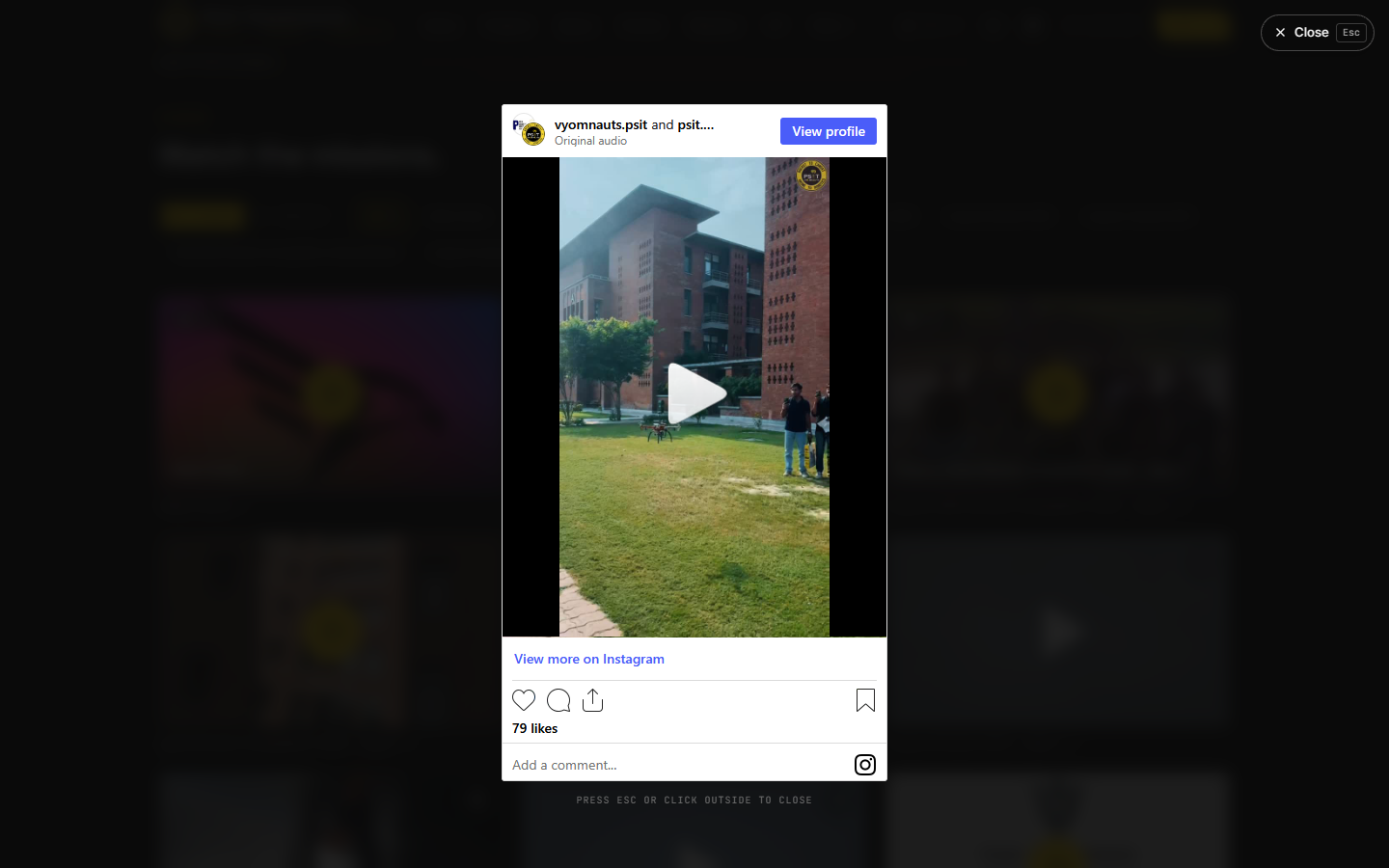
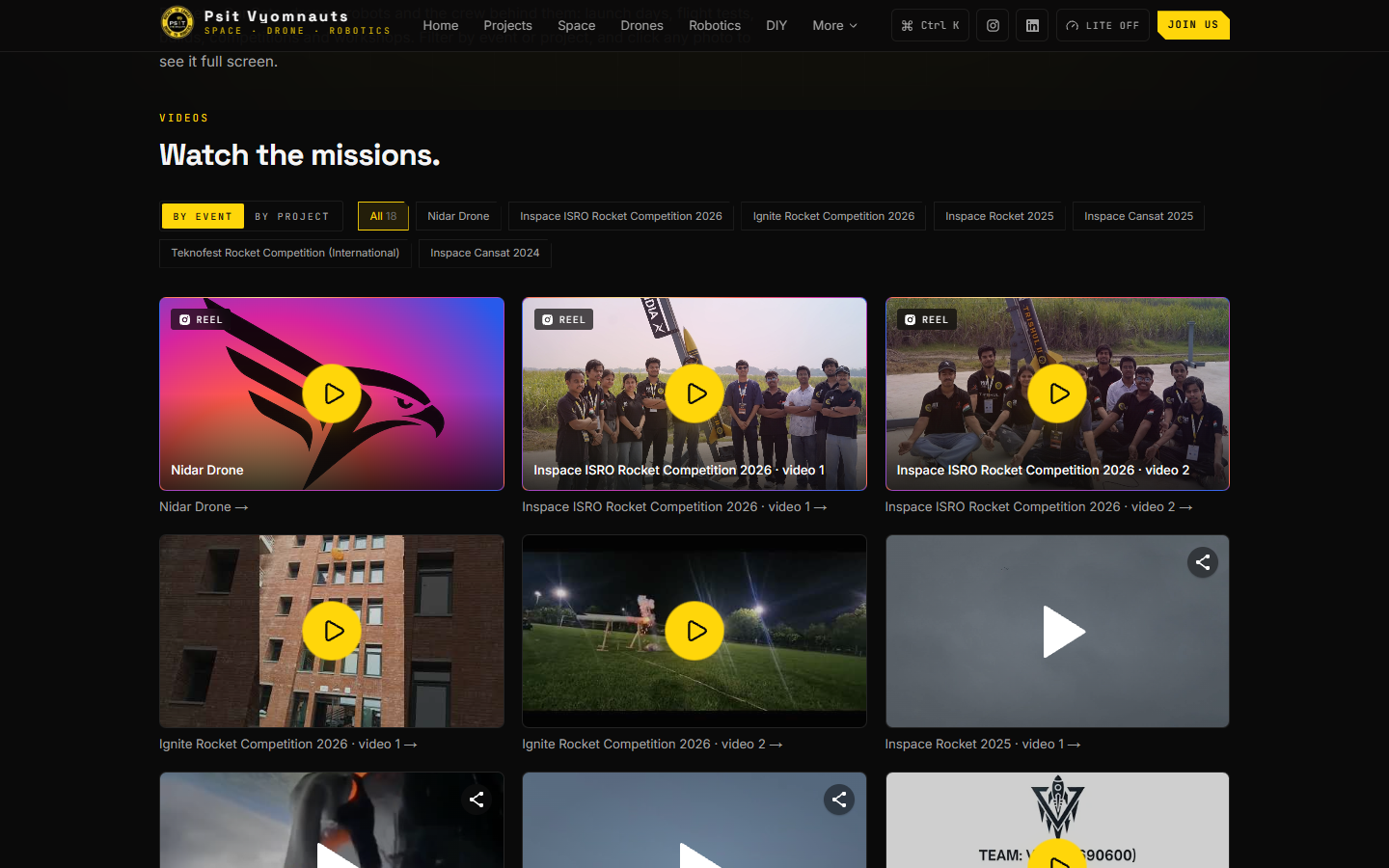
Videos are light on the page: YouTube loads only after the visitor presses play (a thumbnail stands in until then), VideoPress loads lazily, and Instagram reels show as a 16:9 tile that opens Instagram's official player in a pop-up.
Division pages and interactive labs
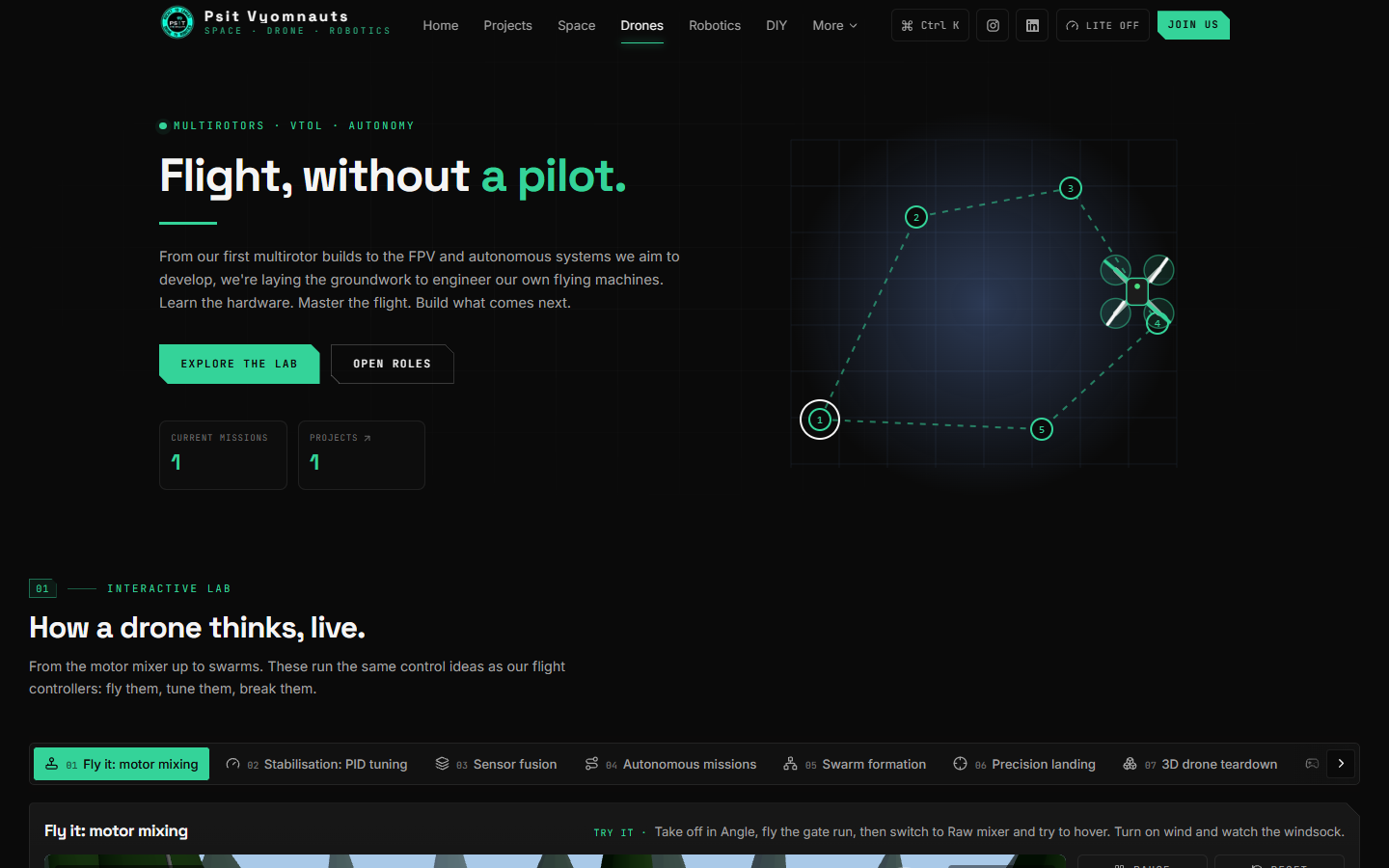
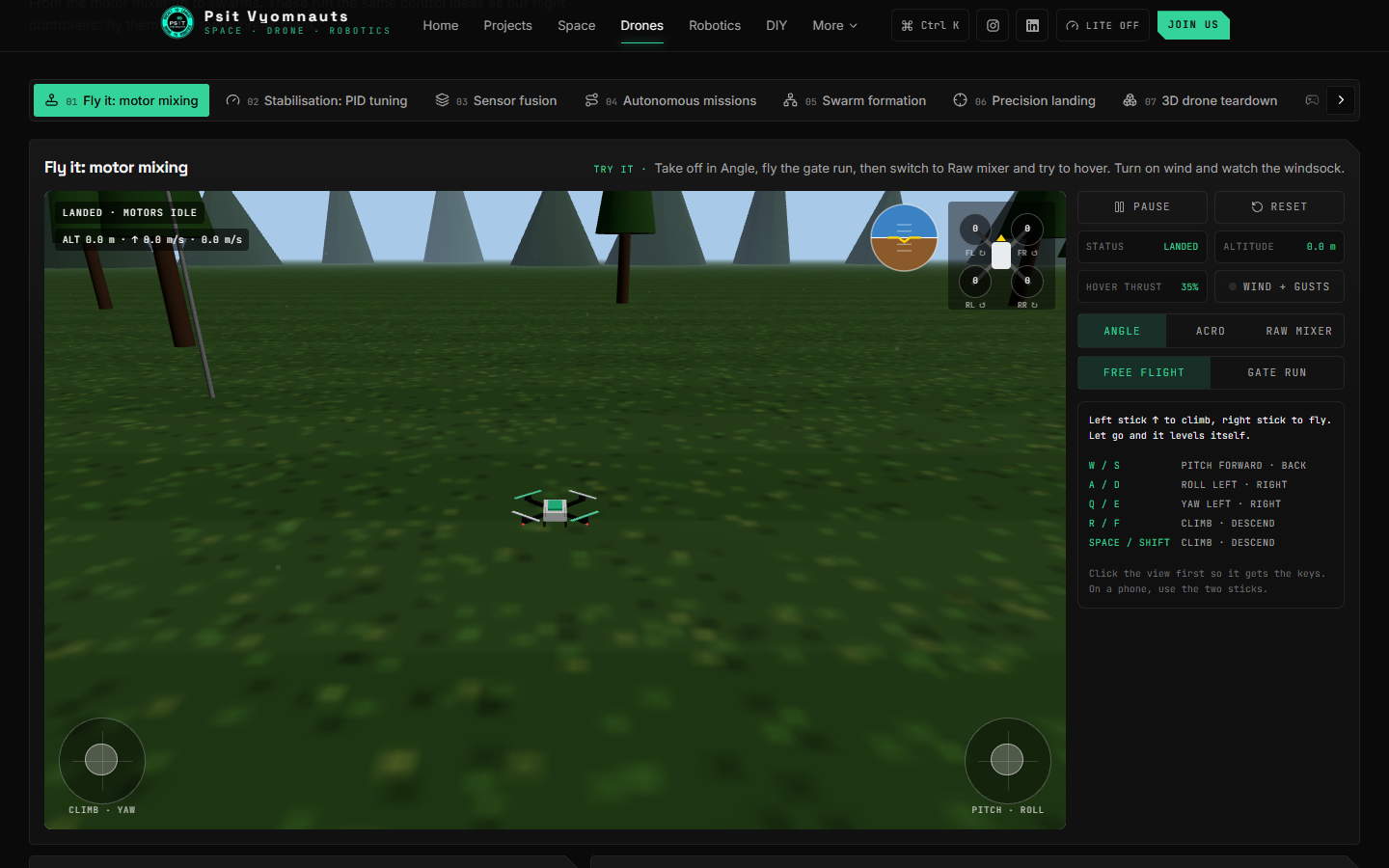
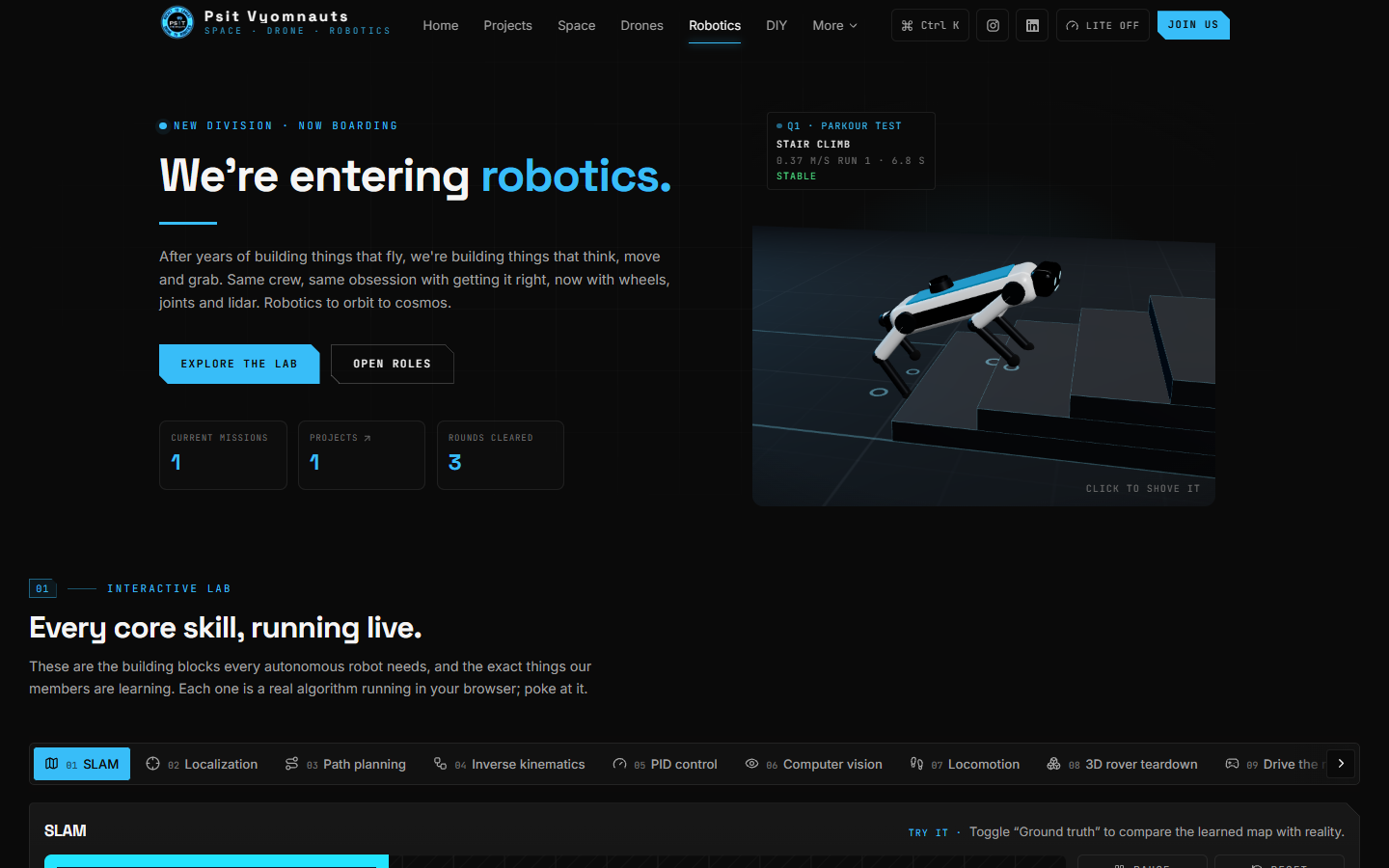
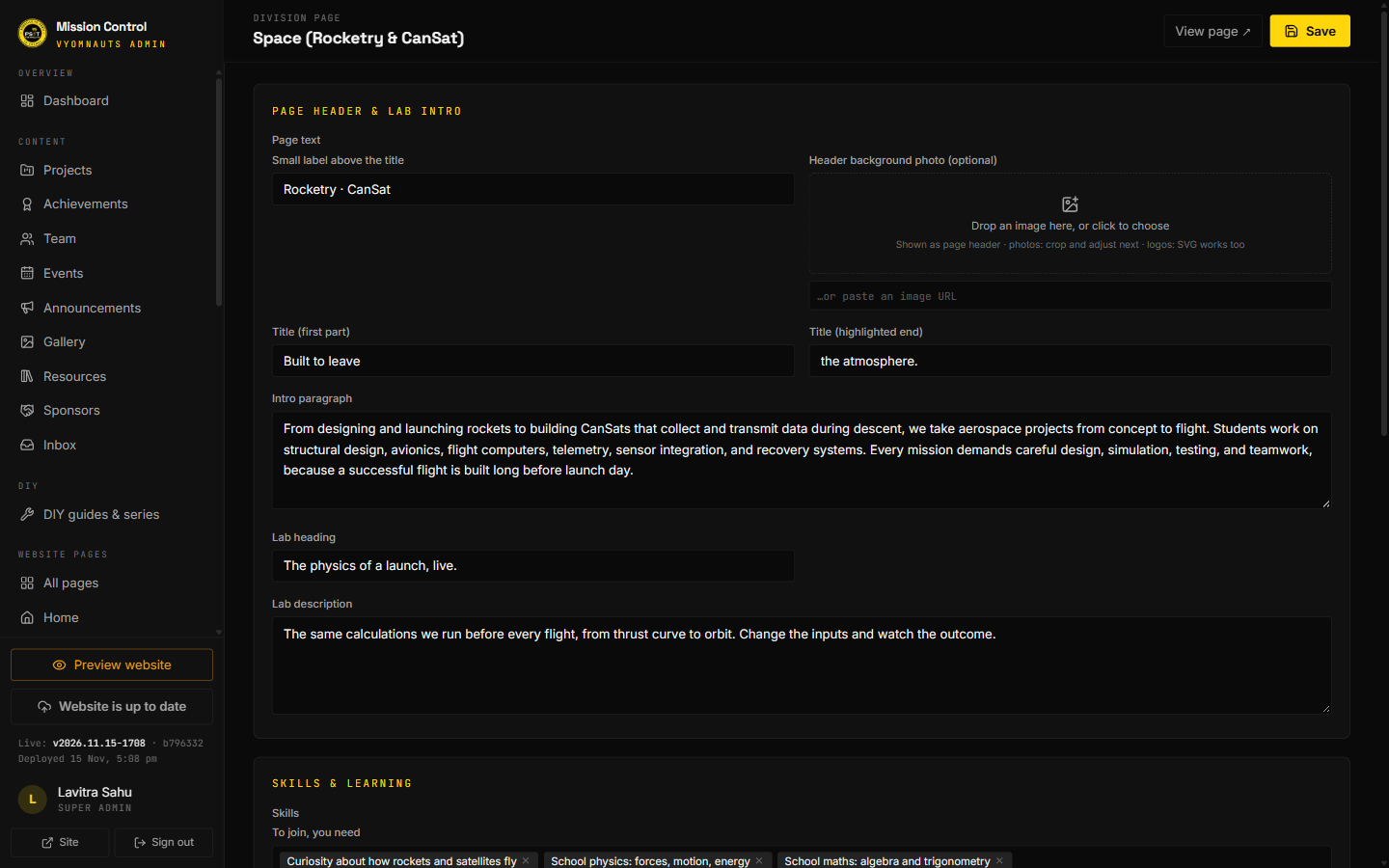
Space, Drones and Robotics each have their own page with an accent colour and logo, a hero with stats, a "lab" of interactive simulators, the division's competition record, a skills roadmap, builds and open roles. There are 24 simulators and 3D scenes in total: 7 in Space, 8 in Drones and 9 in Robotics.
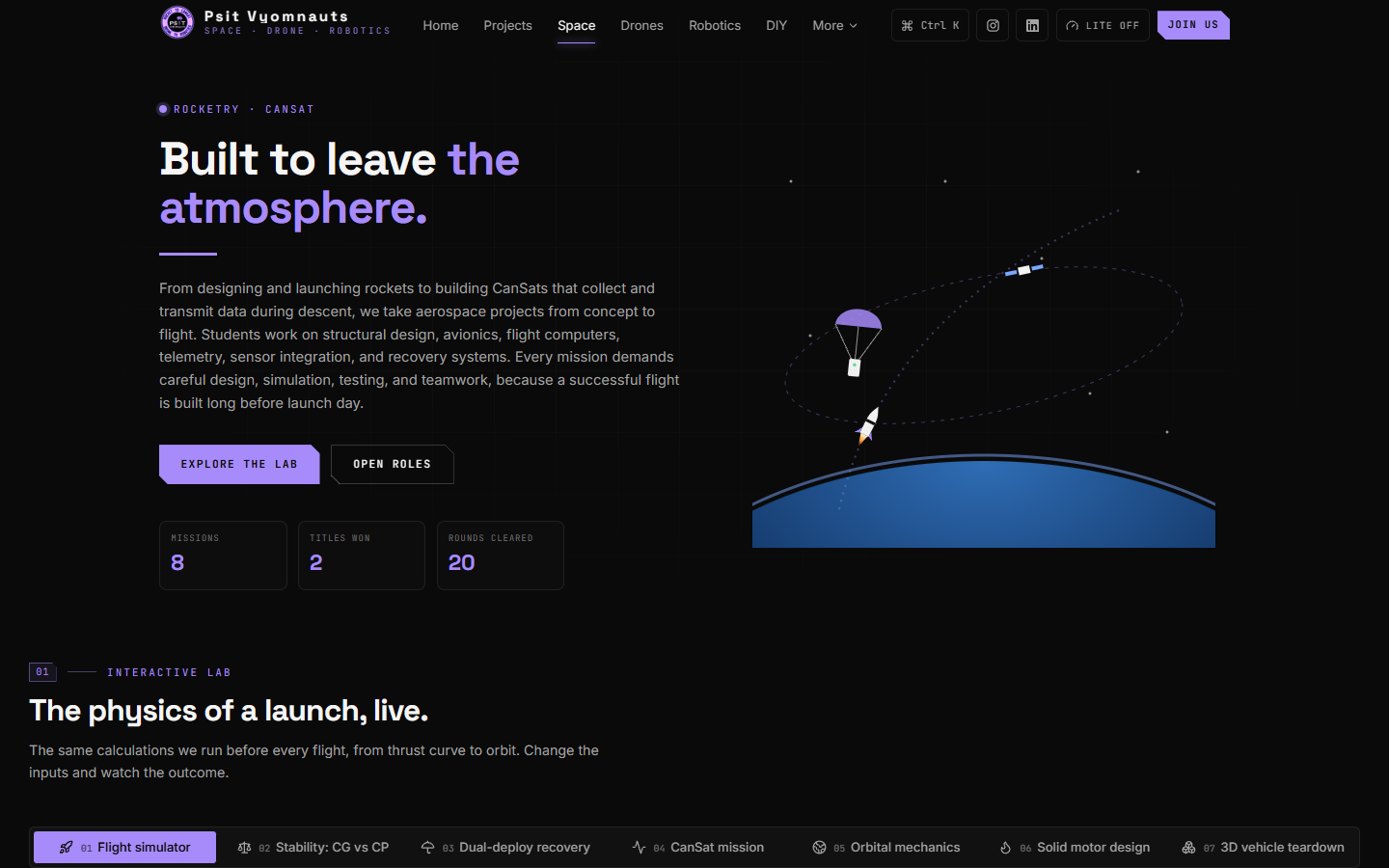
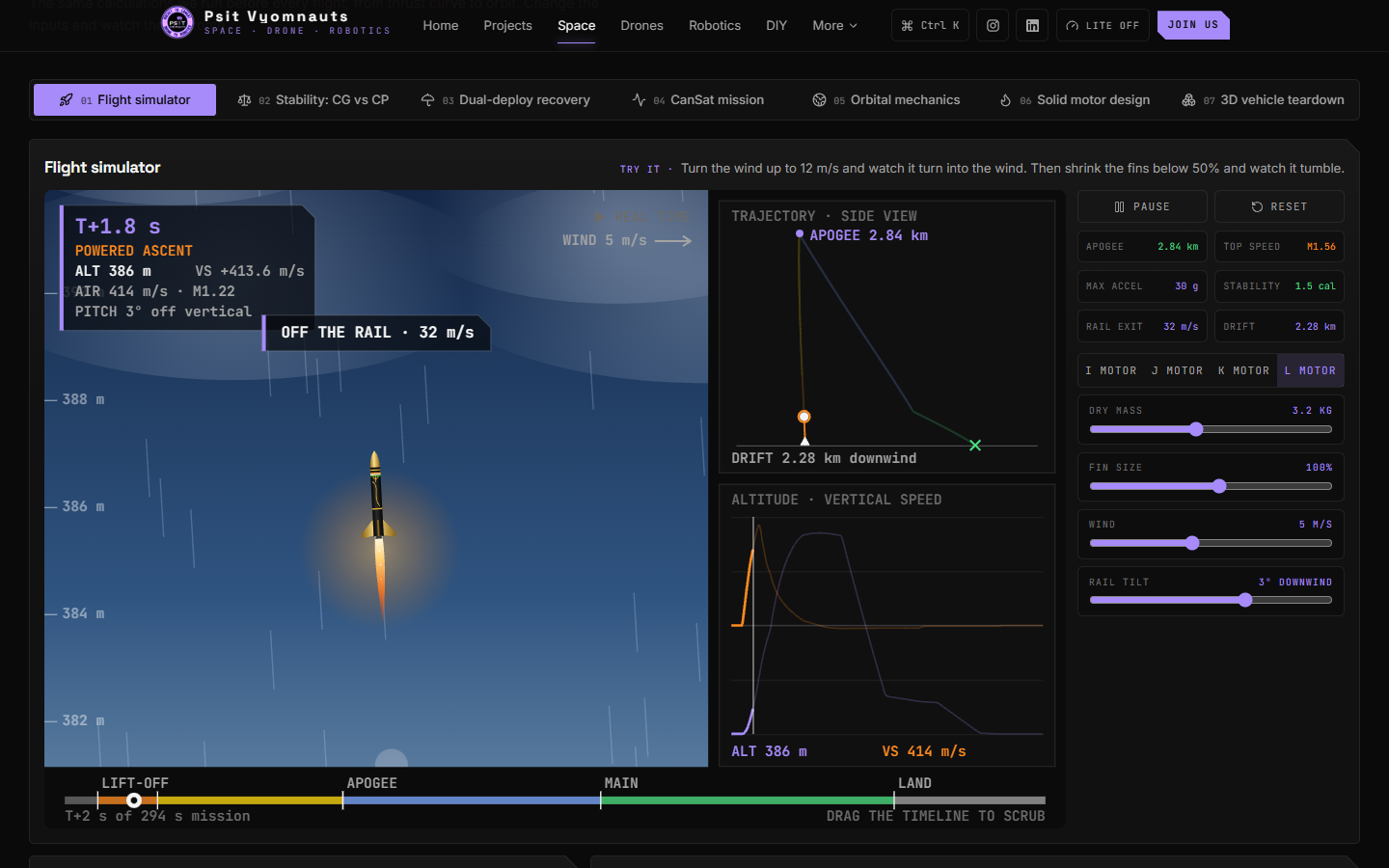
- Space lab: flight simulator, stability (CG against CP), dual-deploy recovery, CanSat mission, orbital mechanics, solid motor design, 3D vehicle teardown.
- Drones lab: motor mixing ("fly it"), PID stabilisation tuning, sensor fusion, autonomous missions, swarm formation, precision landing, 3D drone teardown, fly it yourself.
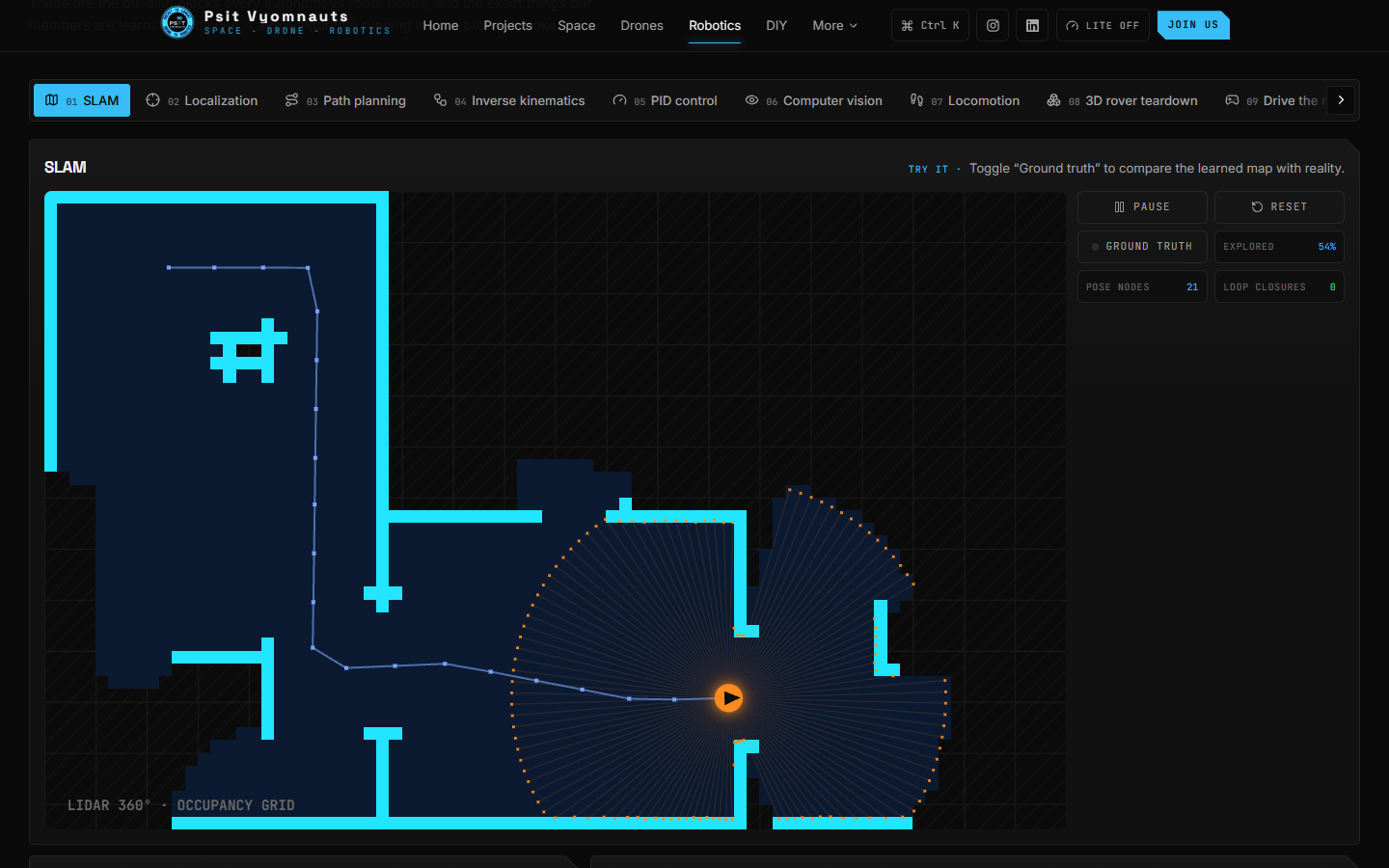
- Robotics lab: SLAM, localization, path planning, inverse kinematics, PID control, computer vision, locomotion, 3D rover teardown, drive the rover.
Team and member profiles
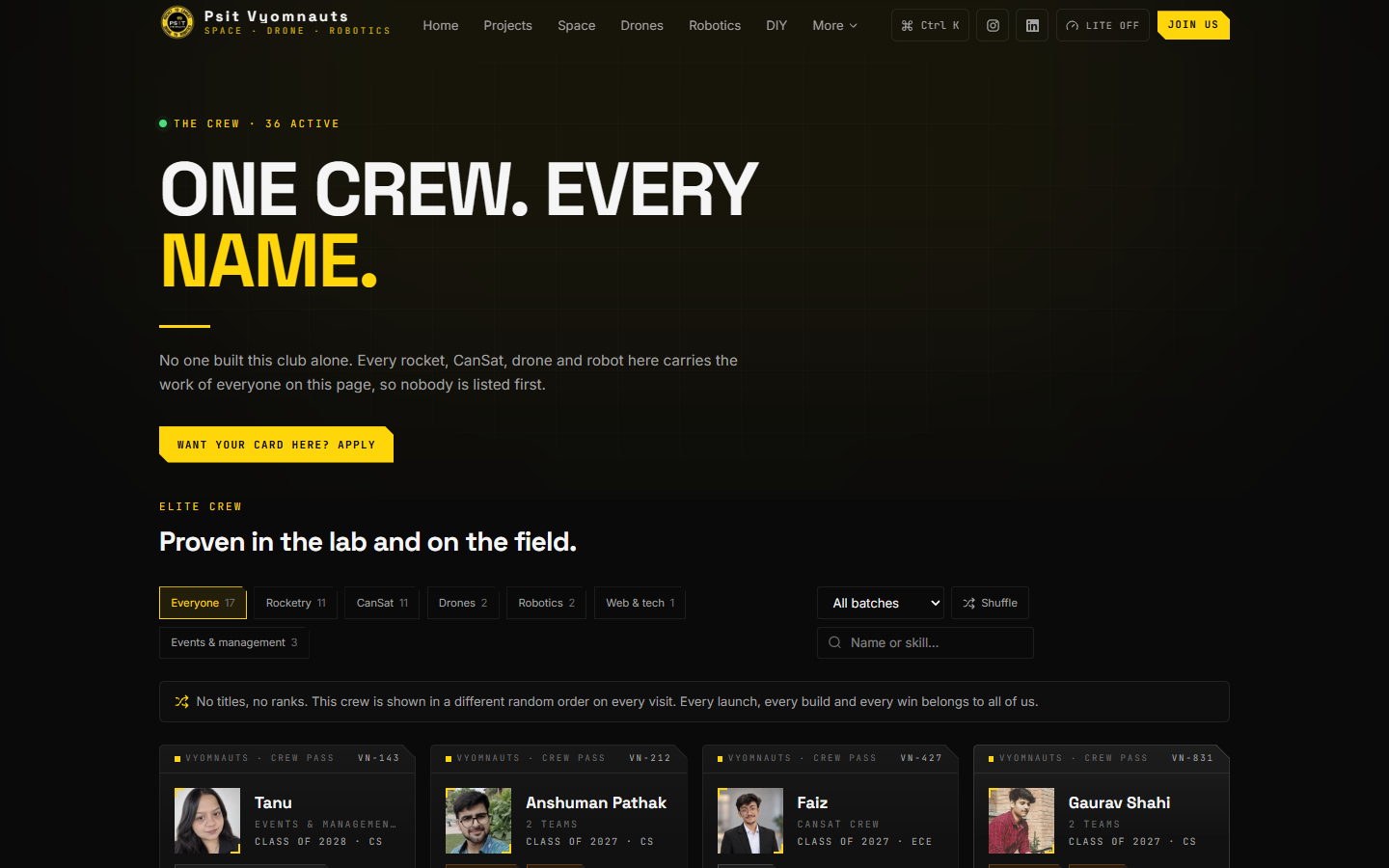
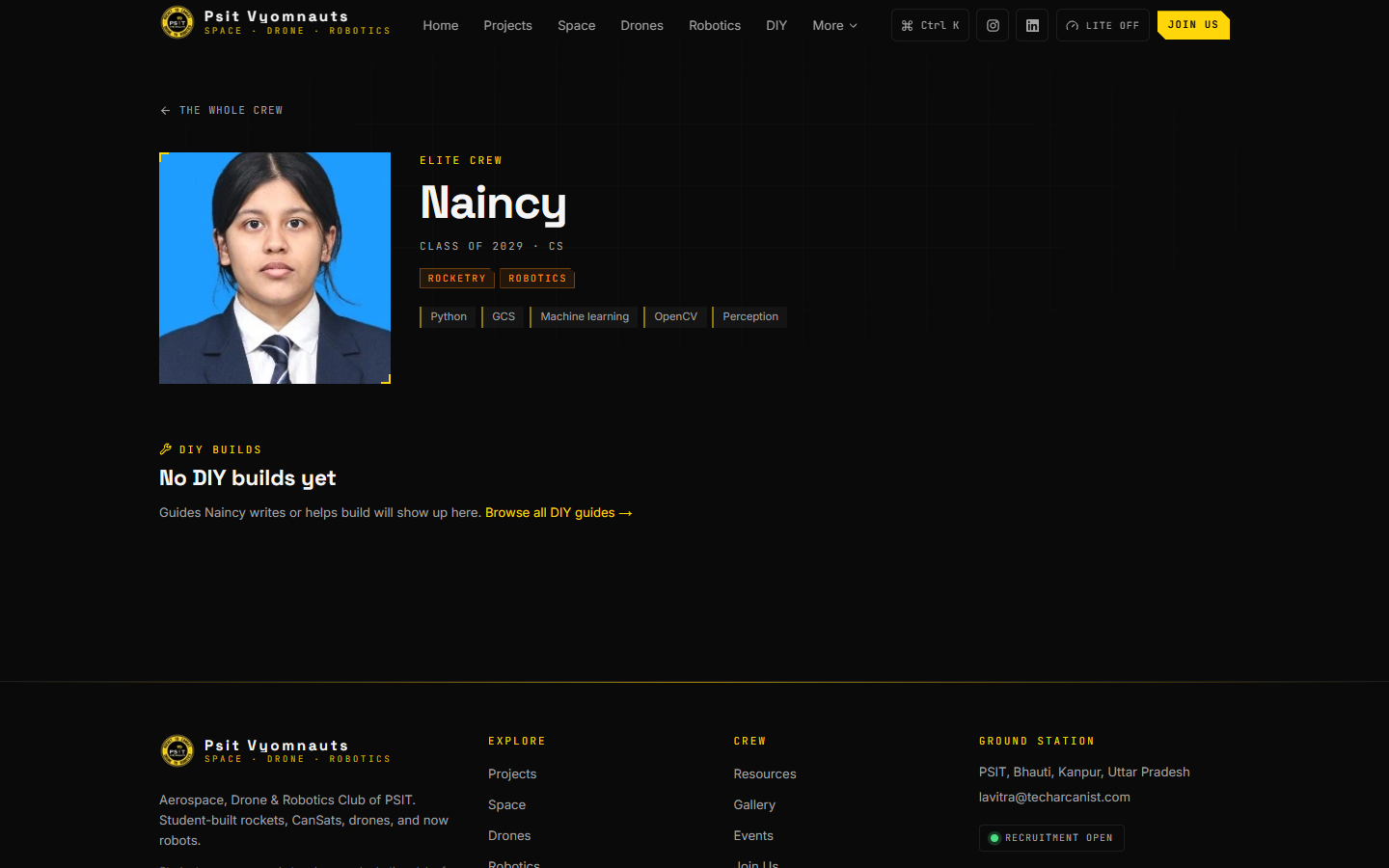
The crew page has filters by team and batch, search and a shuffle. On purpose there are no ranks, and the order is random on every visit. New recruits in training and mentors have their own blocks. Every card opens the member's profile: photo, teams, class, branch, bio, skills, socials and the DIY guides and series they wrote or helped build. Trainees show only name, photo, branch and teams.
DIY lab
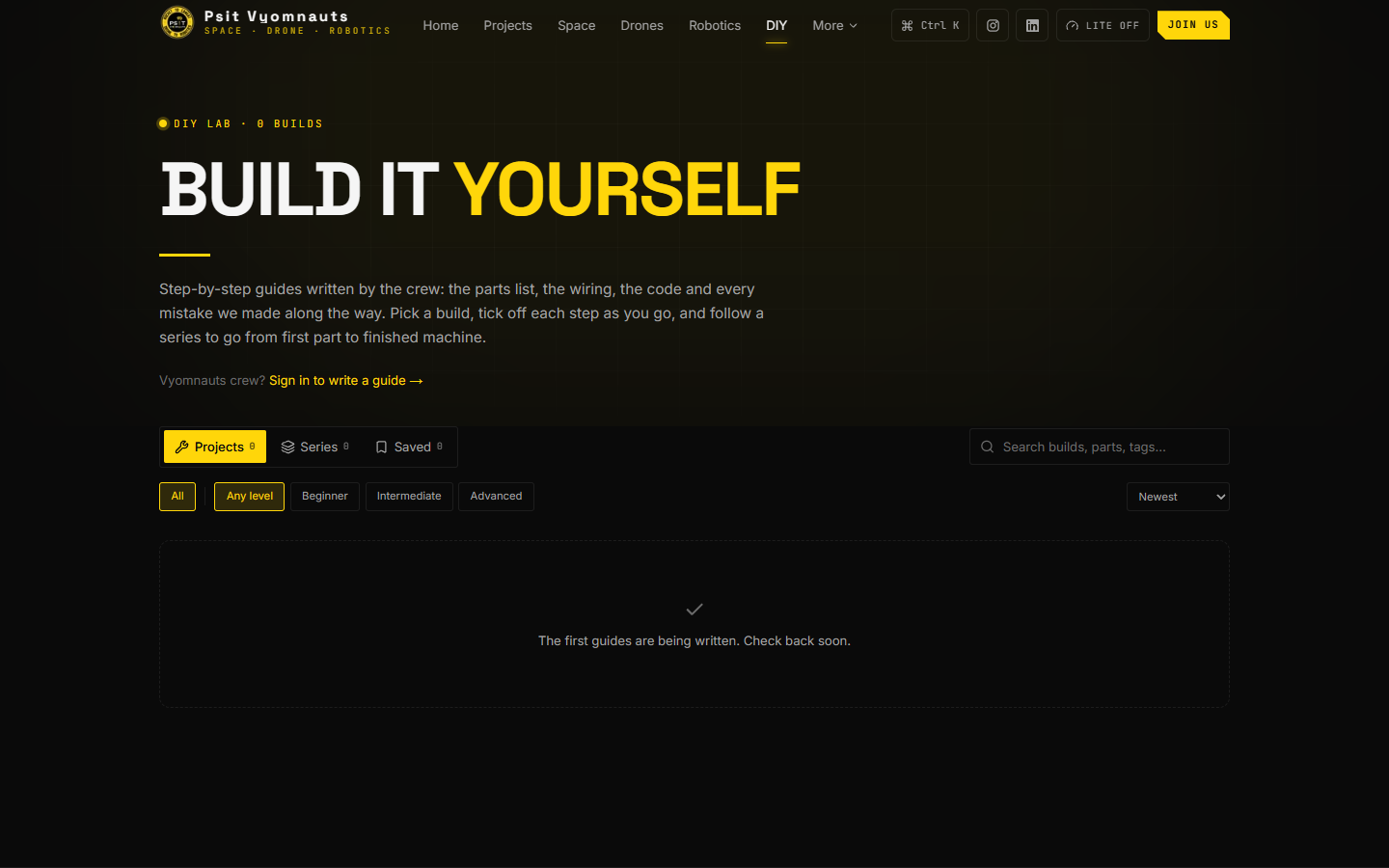
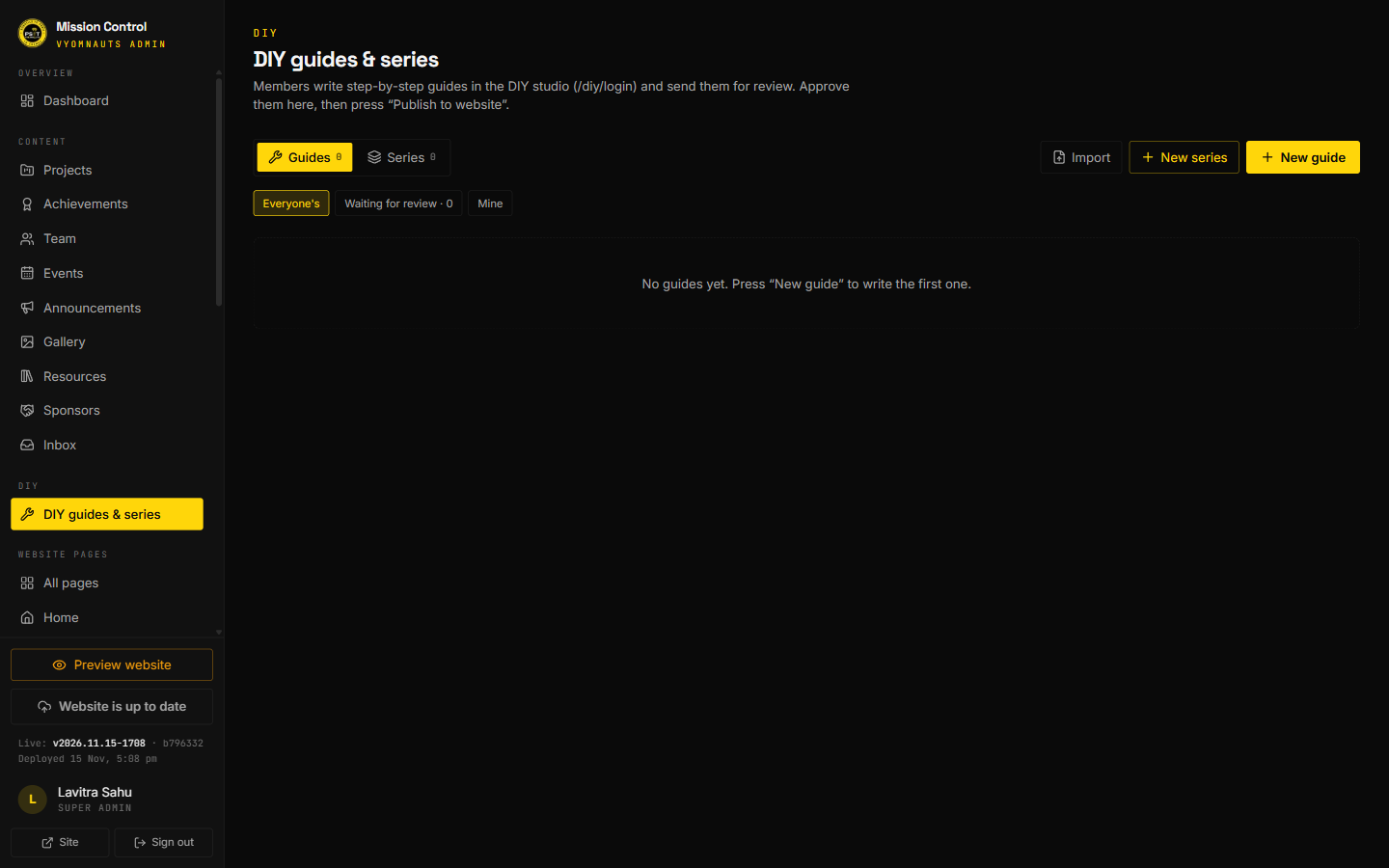
The DIY lab has Projects, Series and Saved tabs, search, category and difficulty filters, sorting and "pick up where you left off". No guides were approved yet when these screenshots were taken, so the list is still empty.
- A guide page has a cover, the author and the crew who built it (linking to their profiles), time, parts cost, a video, the materials with buy links and a total, and steps with photos, text, code with a Copy button, Wokwi or Tinkercad simulators, sandboxed HTML demos and downloads. Each step has "Mark done" and a progress panel. Progress and saved guides are kept in the visitor's browser, so visitors need no account.
- A series page splits a big build into ordered parts, with progress per part and "Continue: part N".
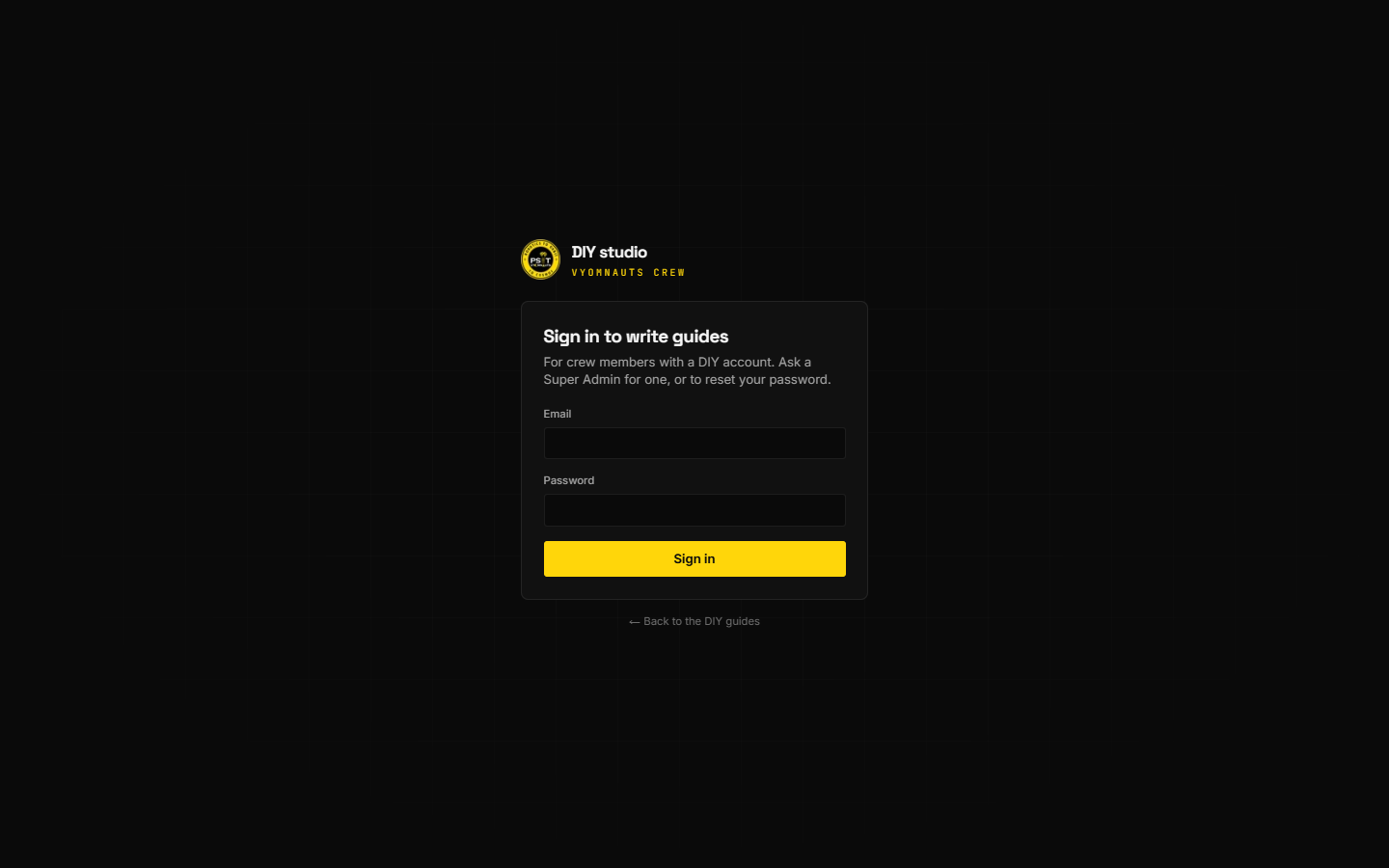
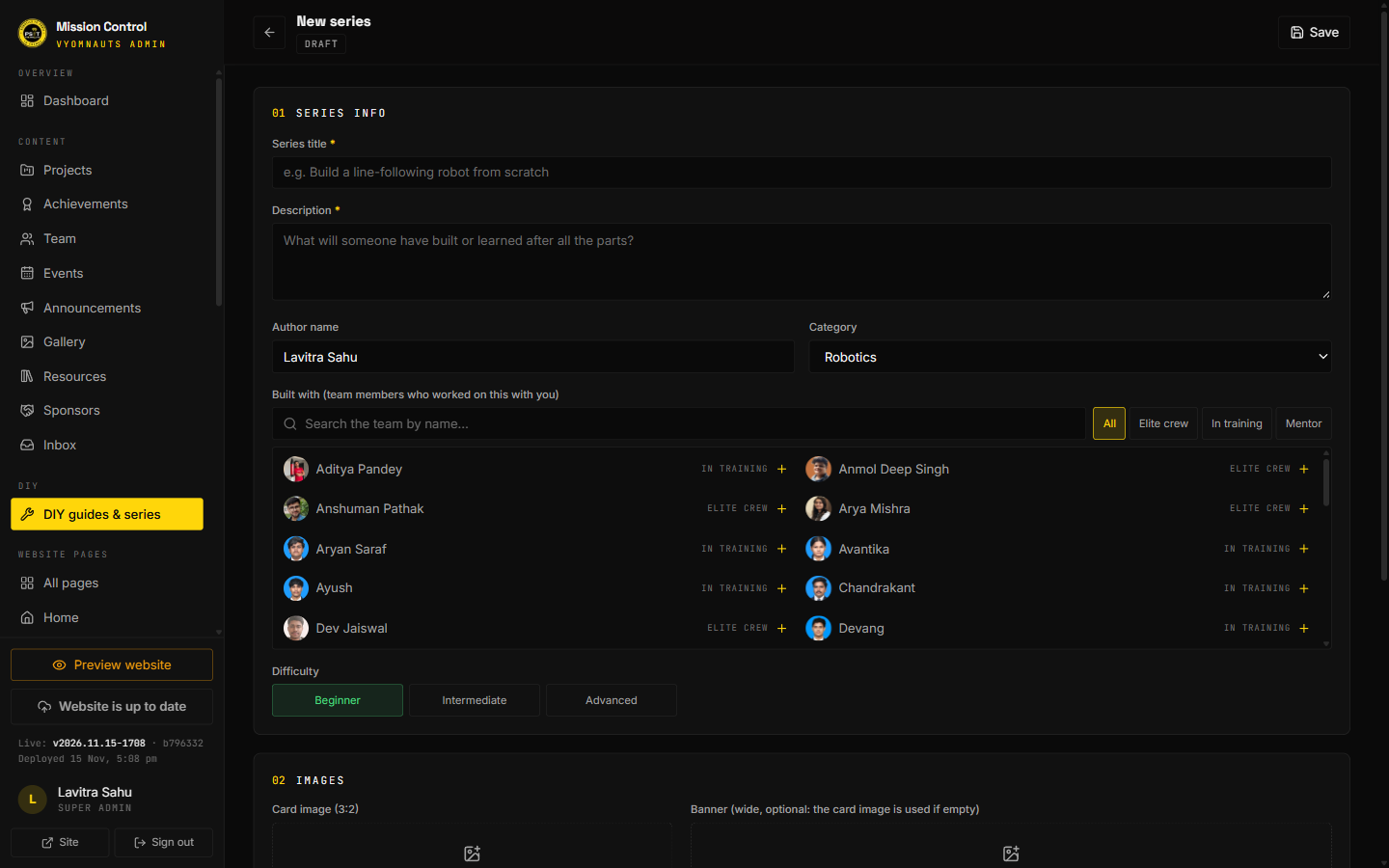
- Members sign in at a separate DIY login and write in the DIY studio, with the same guide and series editors as the admin, a password change page and sign out. DIY accounts can never open the admin panel.
Gallery
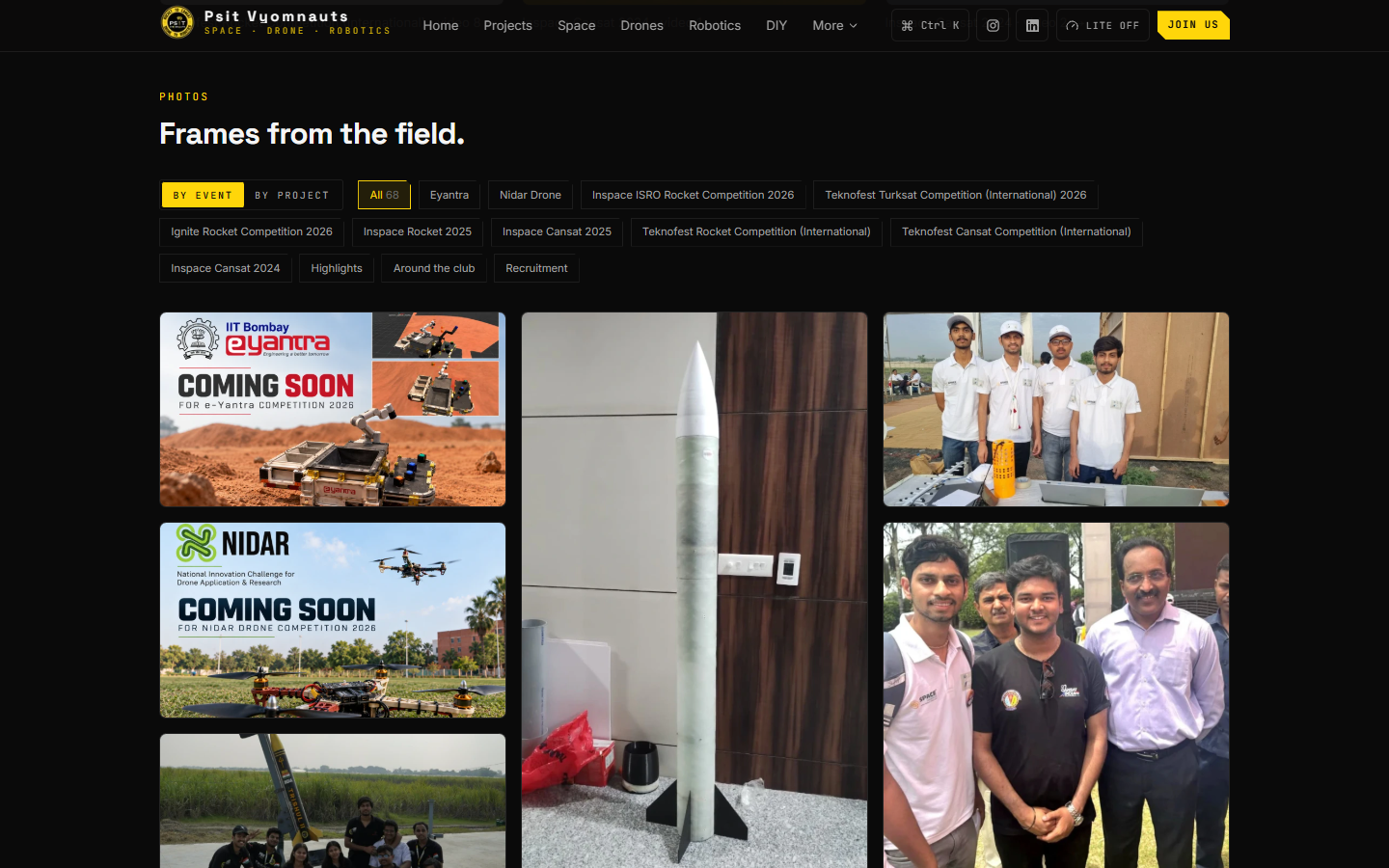
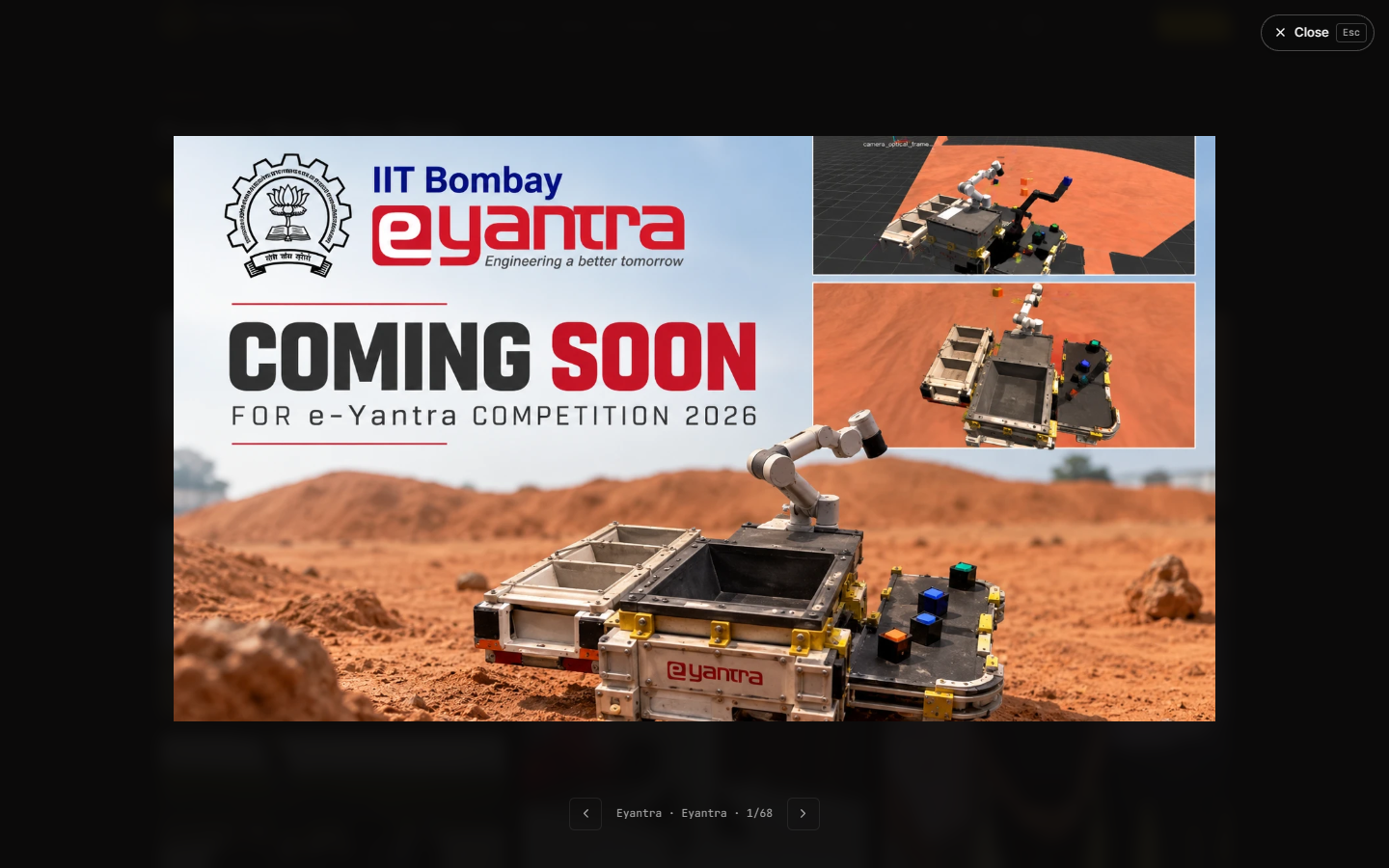
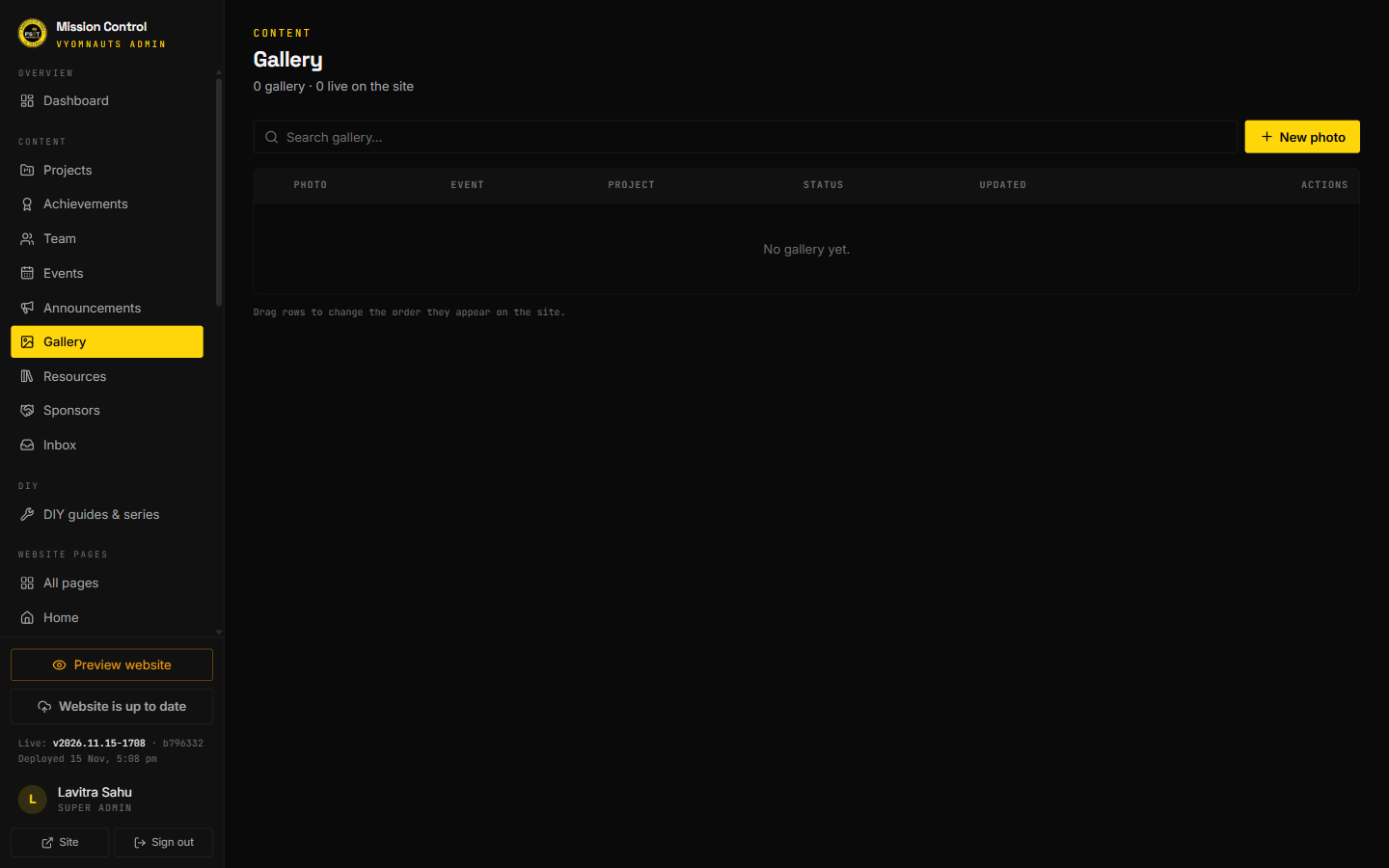
Every photo published anywhere on the site (projects, achievements, events, highlights, recruitment cards) is collected into the gallery automatically, filterable by event or project, with a full-screen lightbox. Every video on the site sits in a filterable section above it.
Events and resources
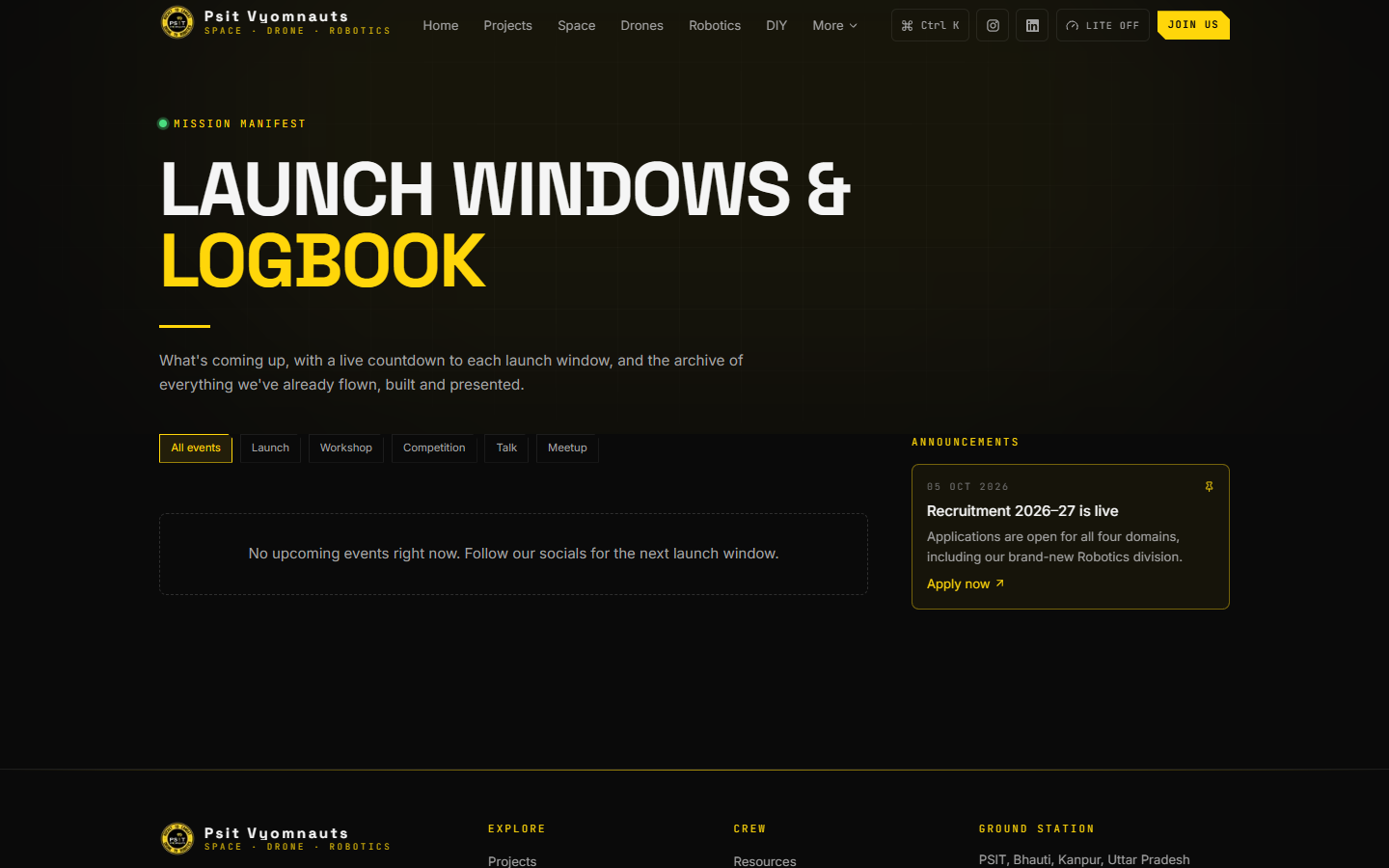
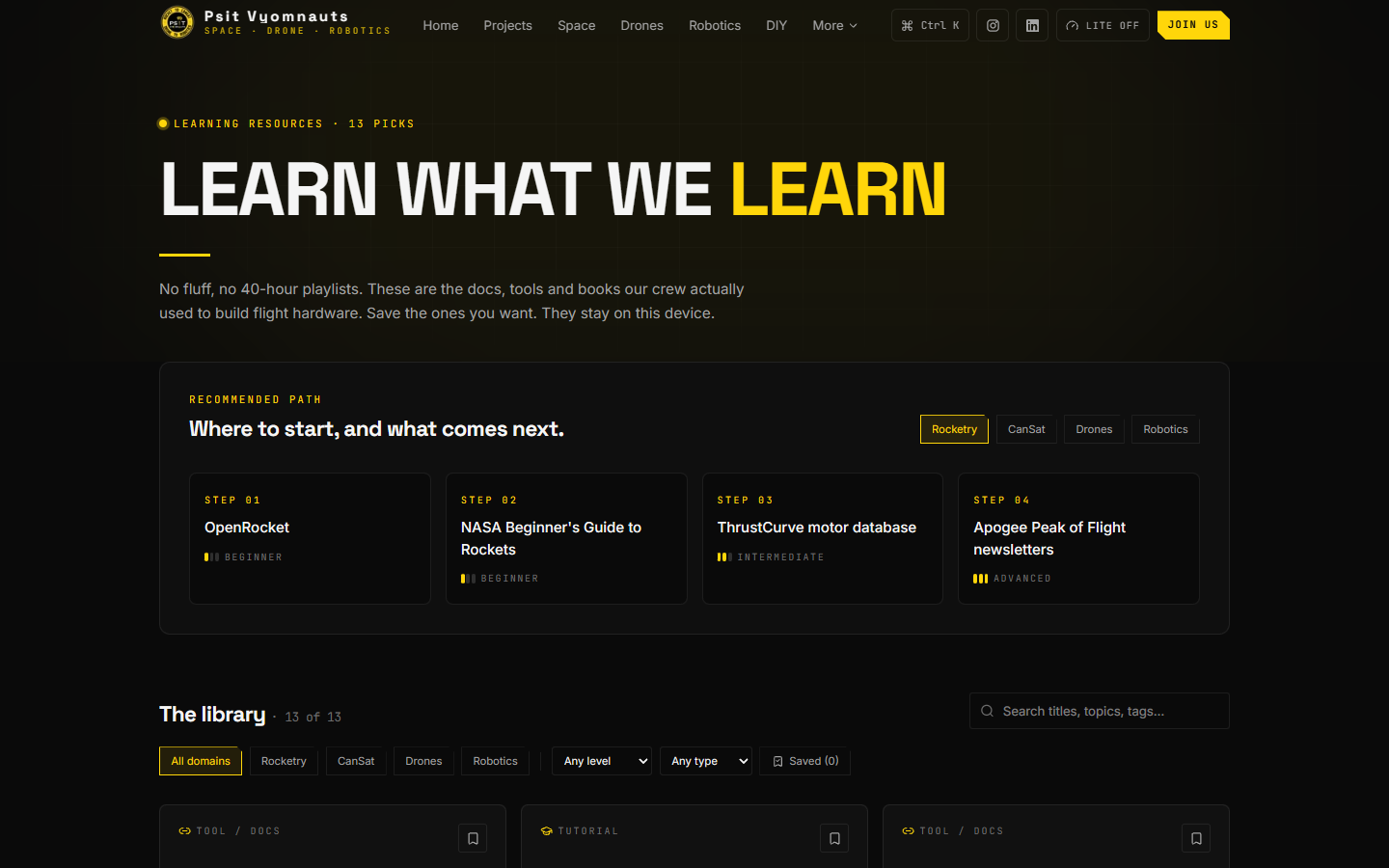
Events shows upcoming launches and workshops with live countdowns, a logbook of past events and announcements. Resources is a library of tutorials, PDFs, videos and roadmaps, filterable by domain and level, with bookmarks saved in the browser.
Recruitment
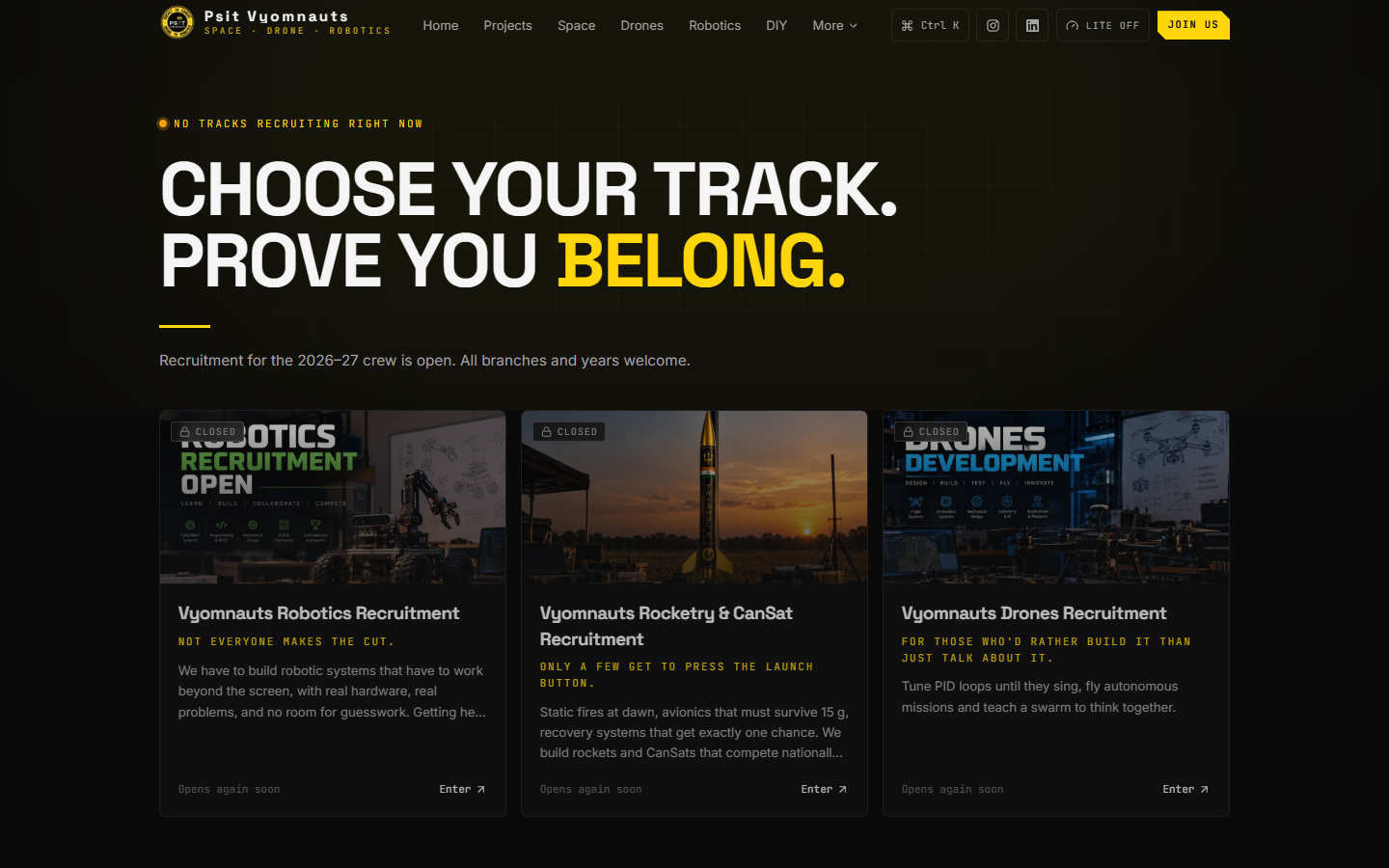
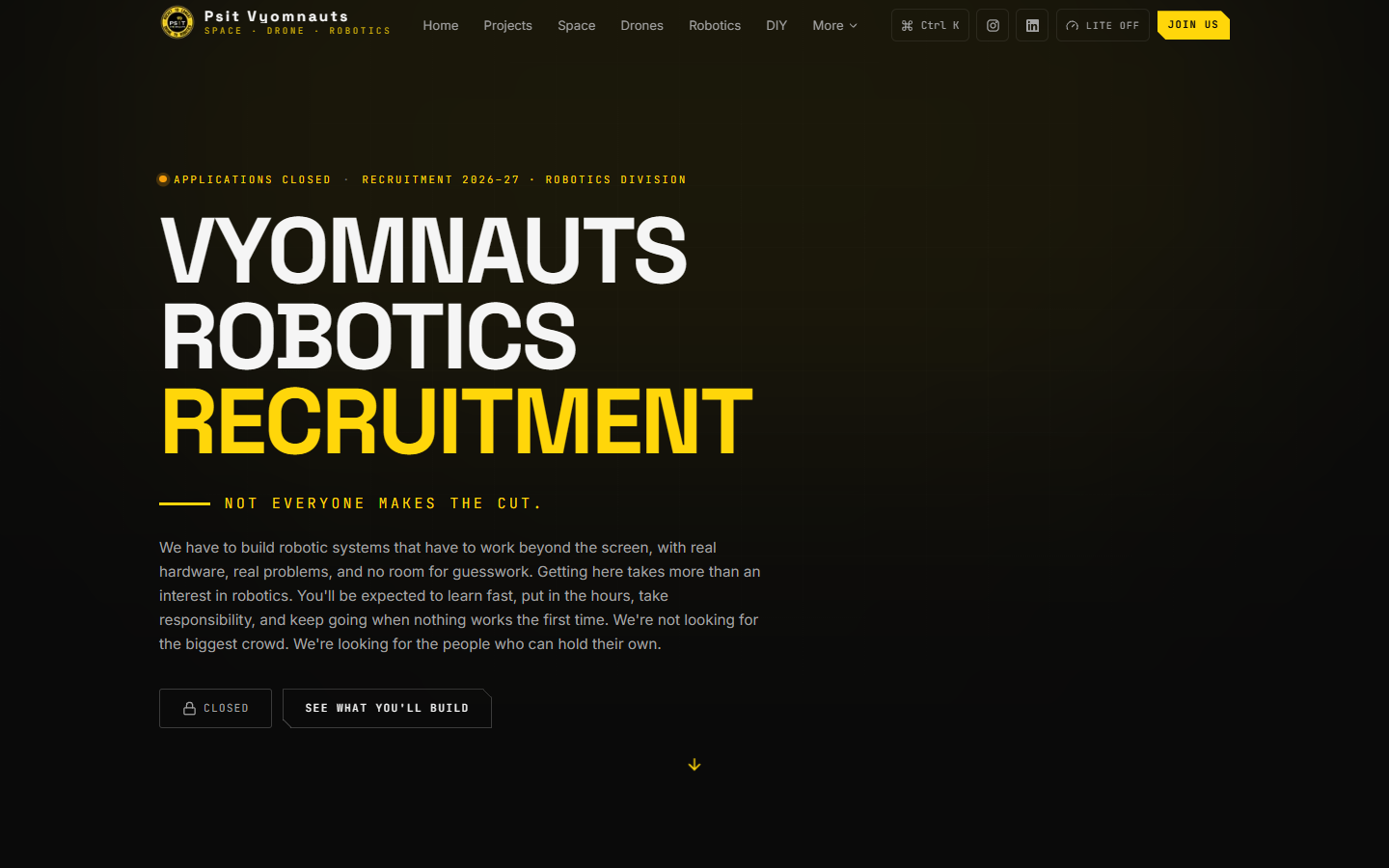
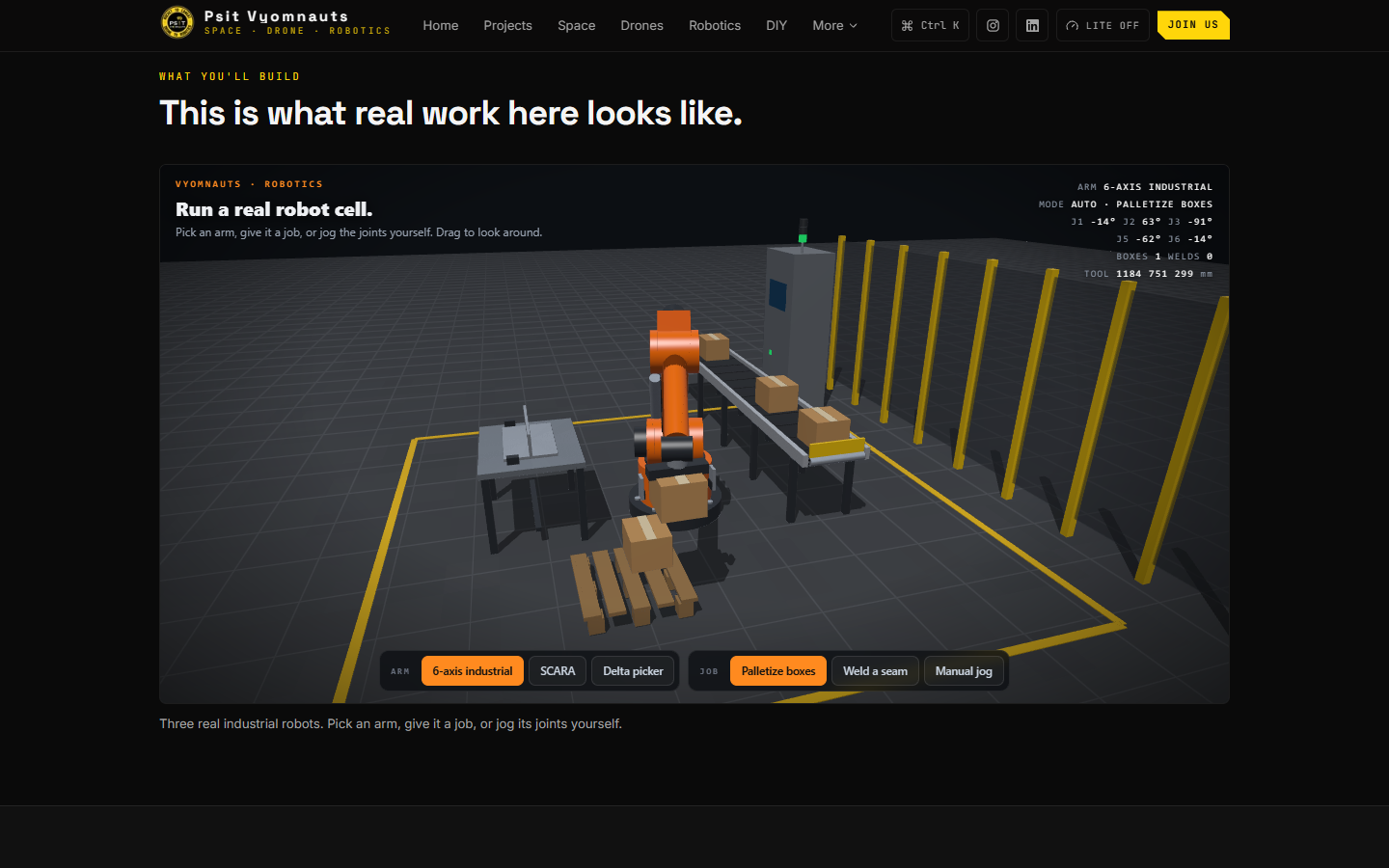
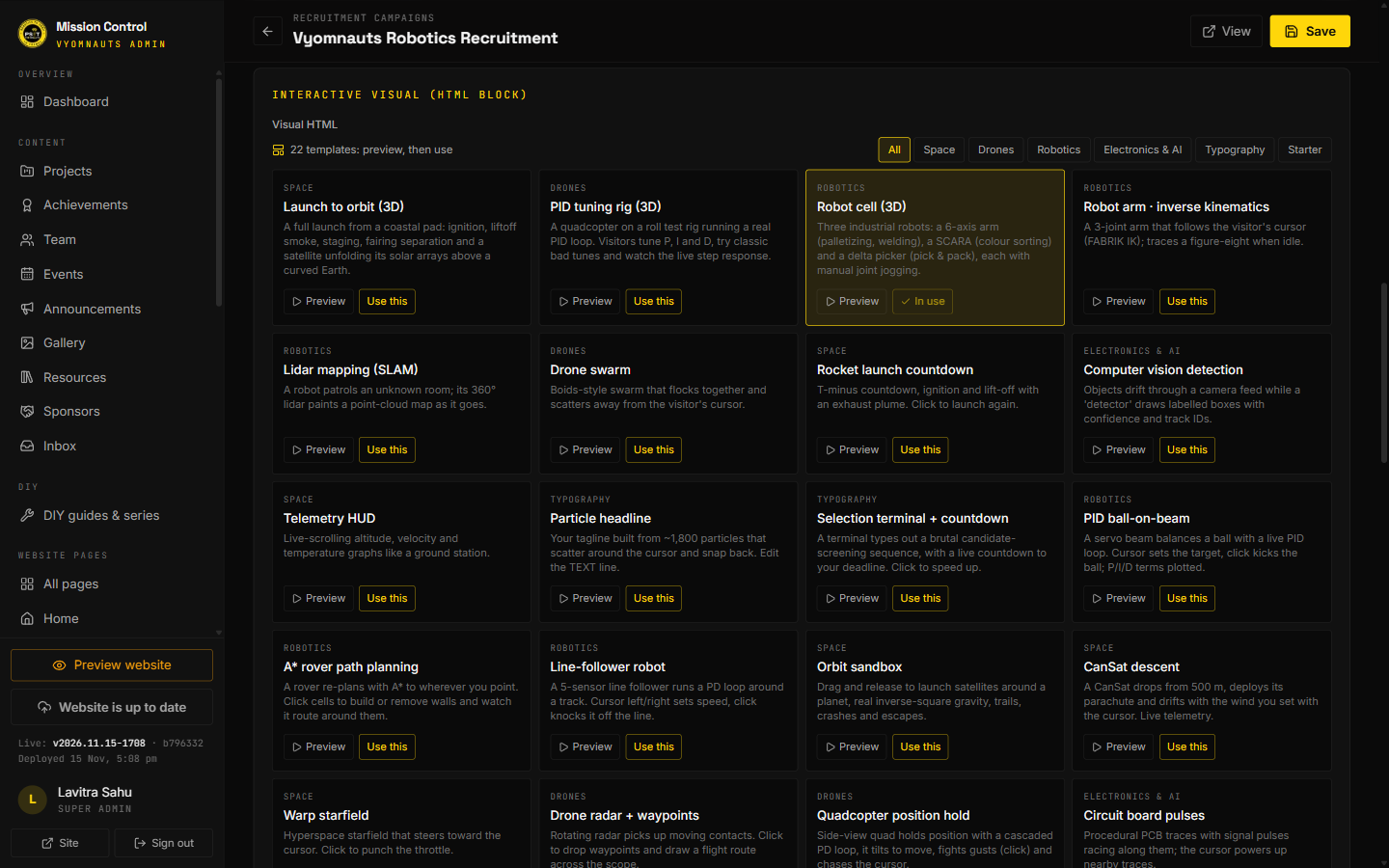
The recruitment page lists each track's campaign. Every campaign has its own page with a hero, an interactive 3D "what you'll build" visual (a robot cell, drone PID tuning, a rocket launch), expectations, selection steps and the embedded Google Form, or a closed message.
Contact, search and Lite Mode
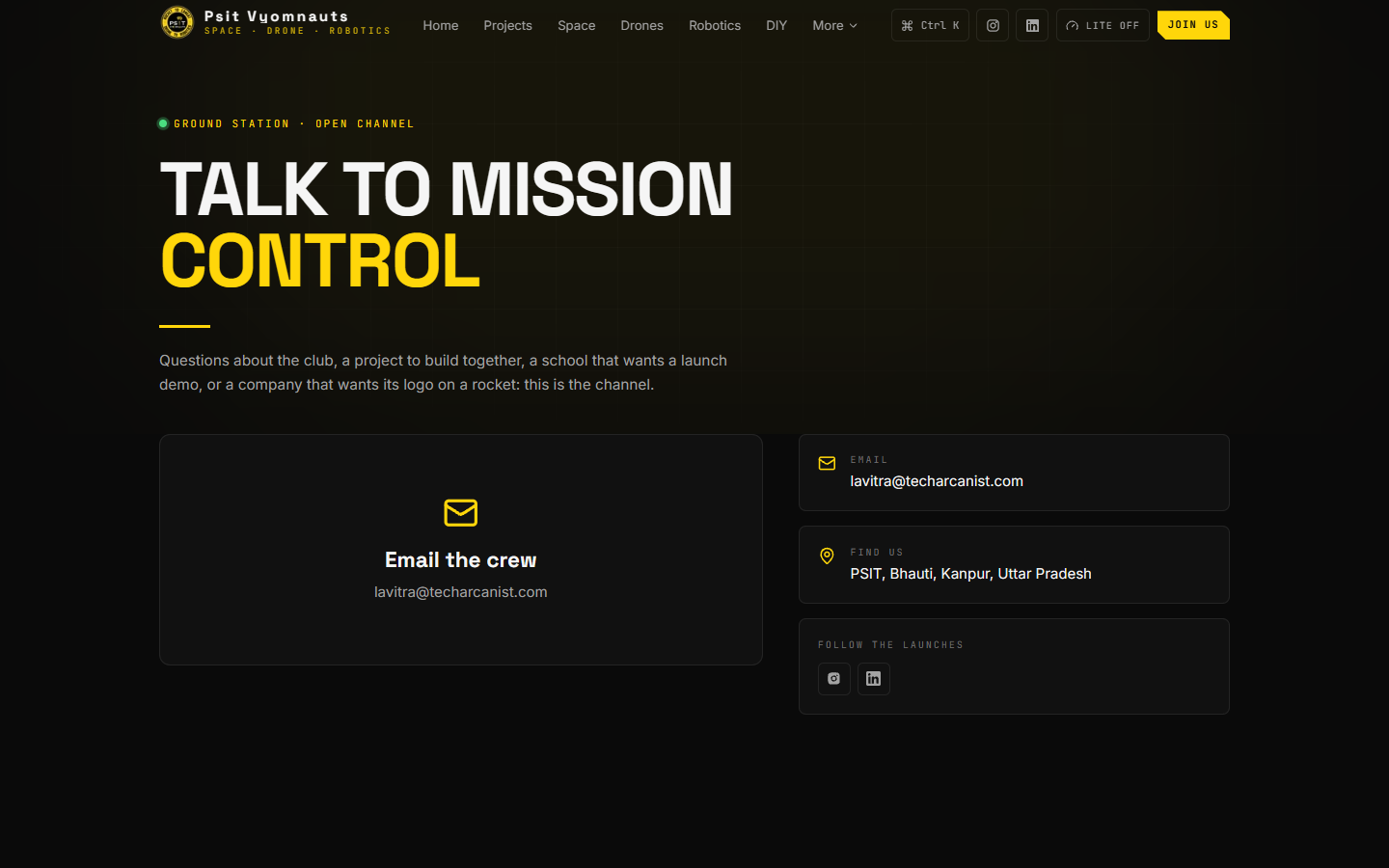
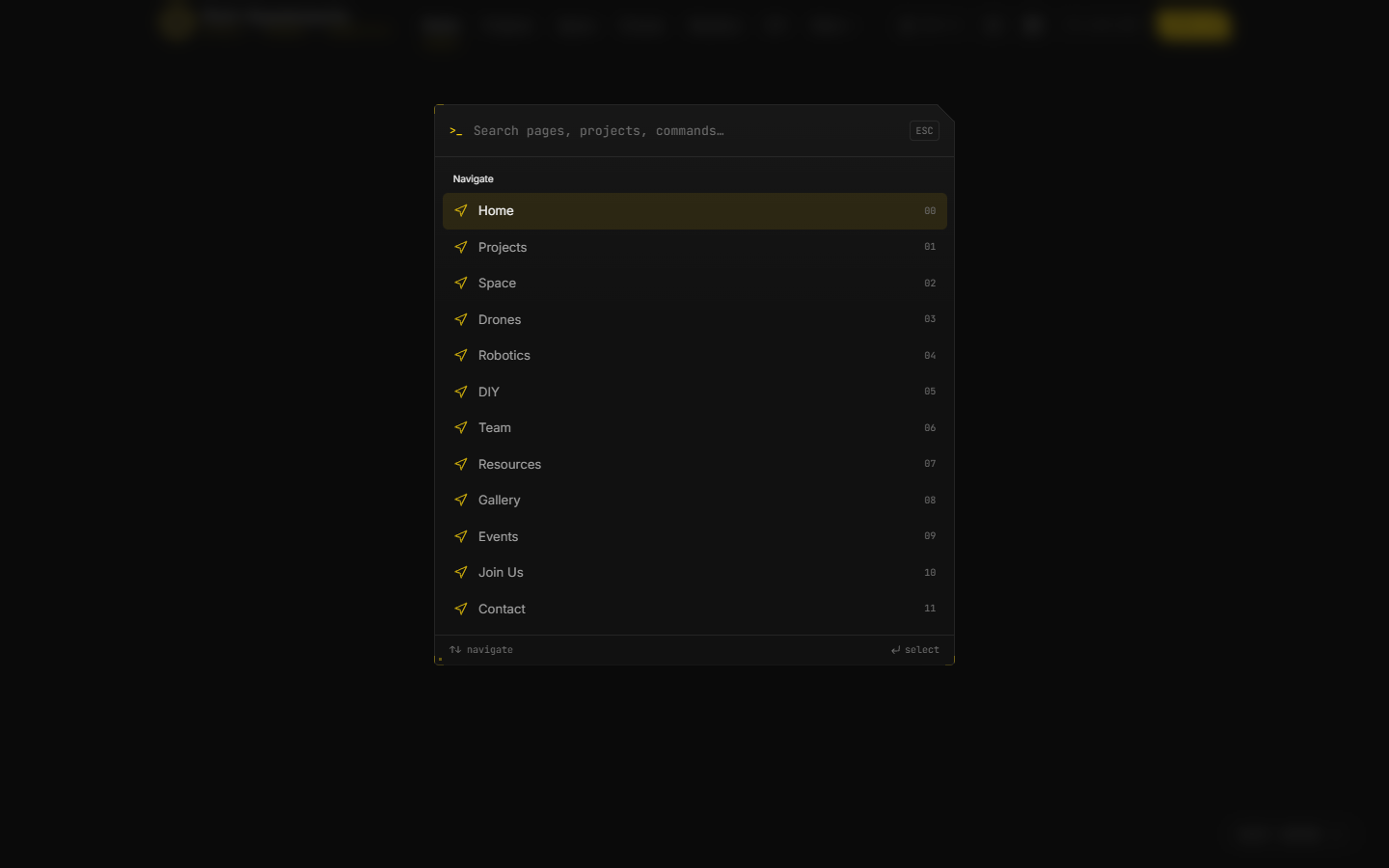
The contact form is protected by a hidden honeypot field, a minimum fill time and a rate limit, and on the live site it emails the club through Web3Forms. Ctrl/⌘+K opens a command palette that searches pages, projects and DIY guides. A single Lite Mode switch turns off WebGL, smooth scrolling and heavy motion; it is on by default for people who prefer reduced motion and is set before the first paint.
On a phone
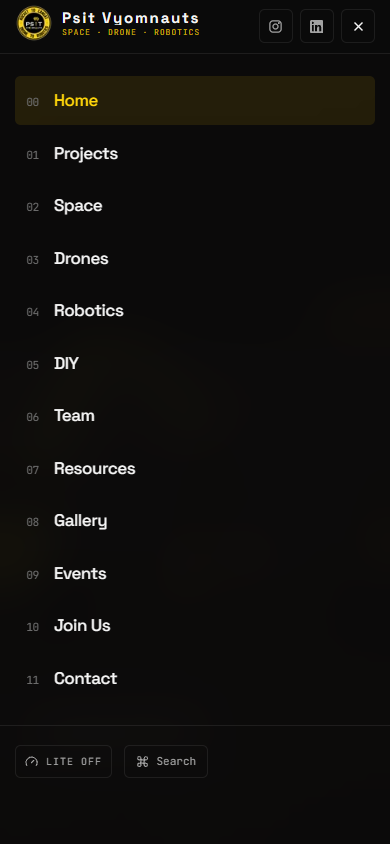
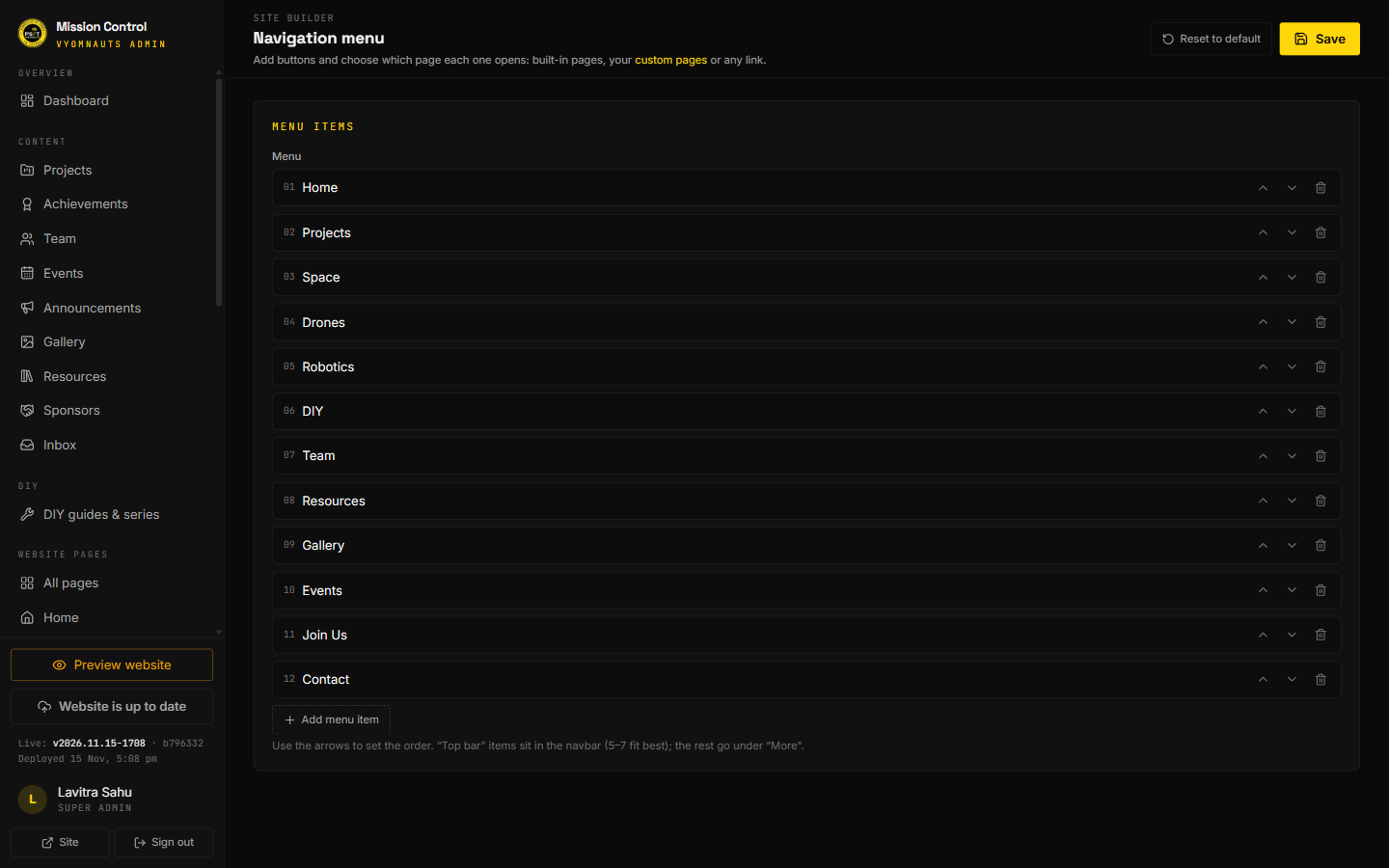
The menu, the intro film and every page work at phone width. The navigation itself is edited in the admin.
Custom pages and search engines
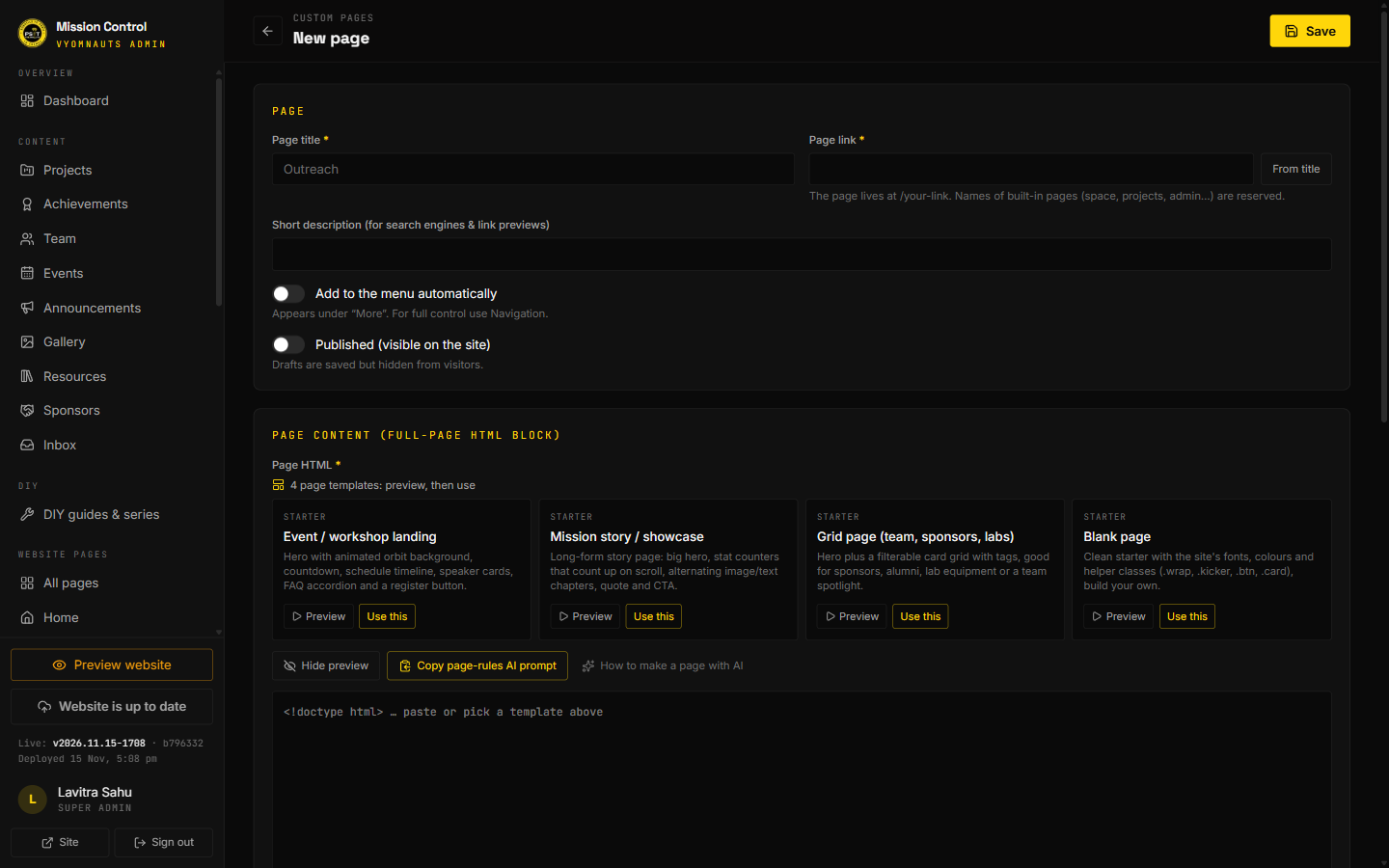
- Custom pages: admins can build full HTML pages at their own address; they are shown sandboxed.
- SEO: titles and descriptions per page, share images generated by the site, a sitemap (pages, projects, campaigns, DIY, profiles), robots rules, and structured data (Organization, WebSite, BreadcrumbList, CreativeWork, HowTo, Person) that ties the club to PSIT.
The admin panel: Mission Control
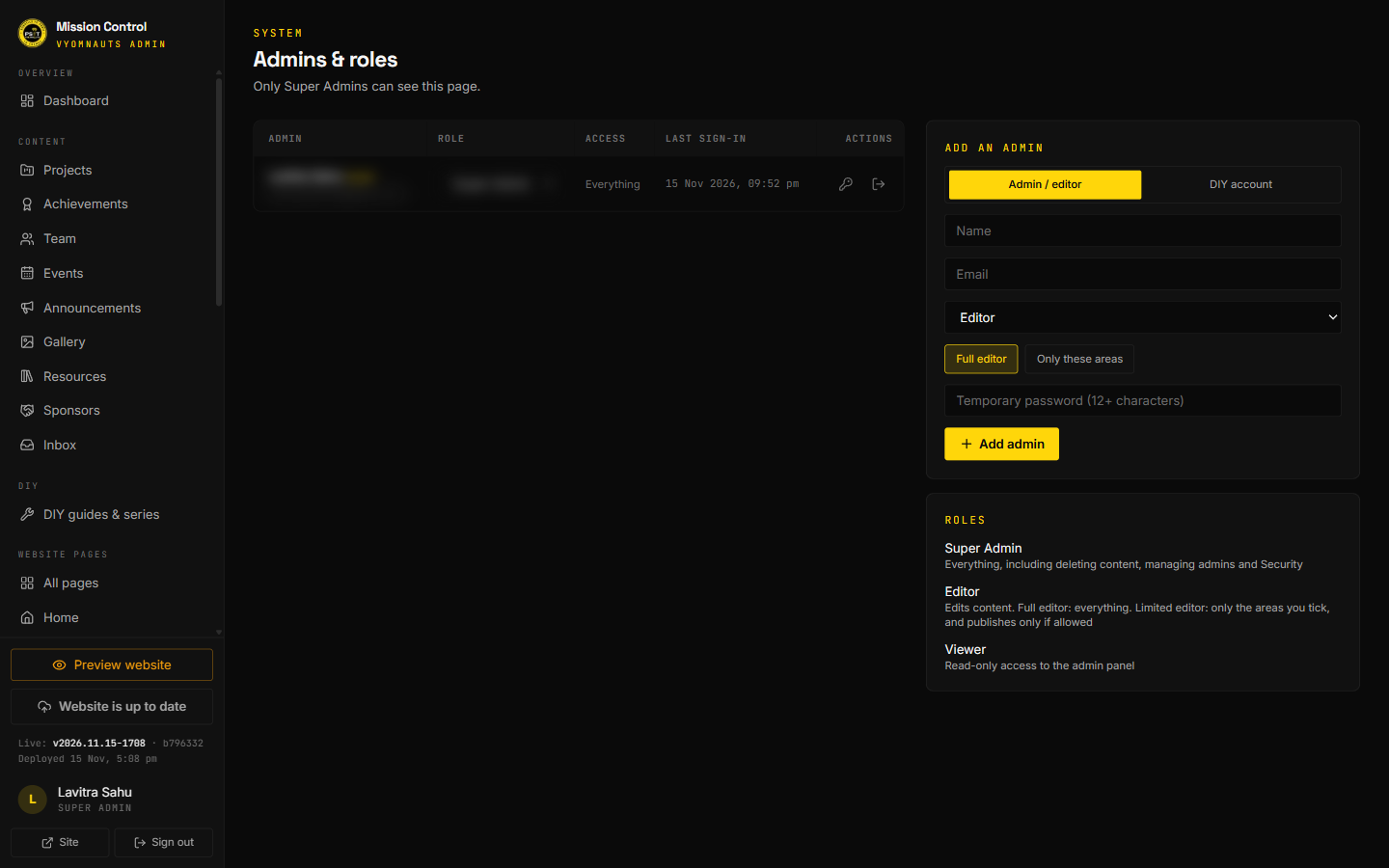
Everything visible on the site is edited here, from any browser. There are four kinds of account:
| Role | Can do |
| Super Admin | Everything, including accounts and security |
| Editor | Full editor, or a limited editor for ticked areas only (for example Projects or the Home page), with or without the right to publish |
| Viewer | Read-only |
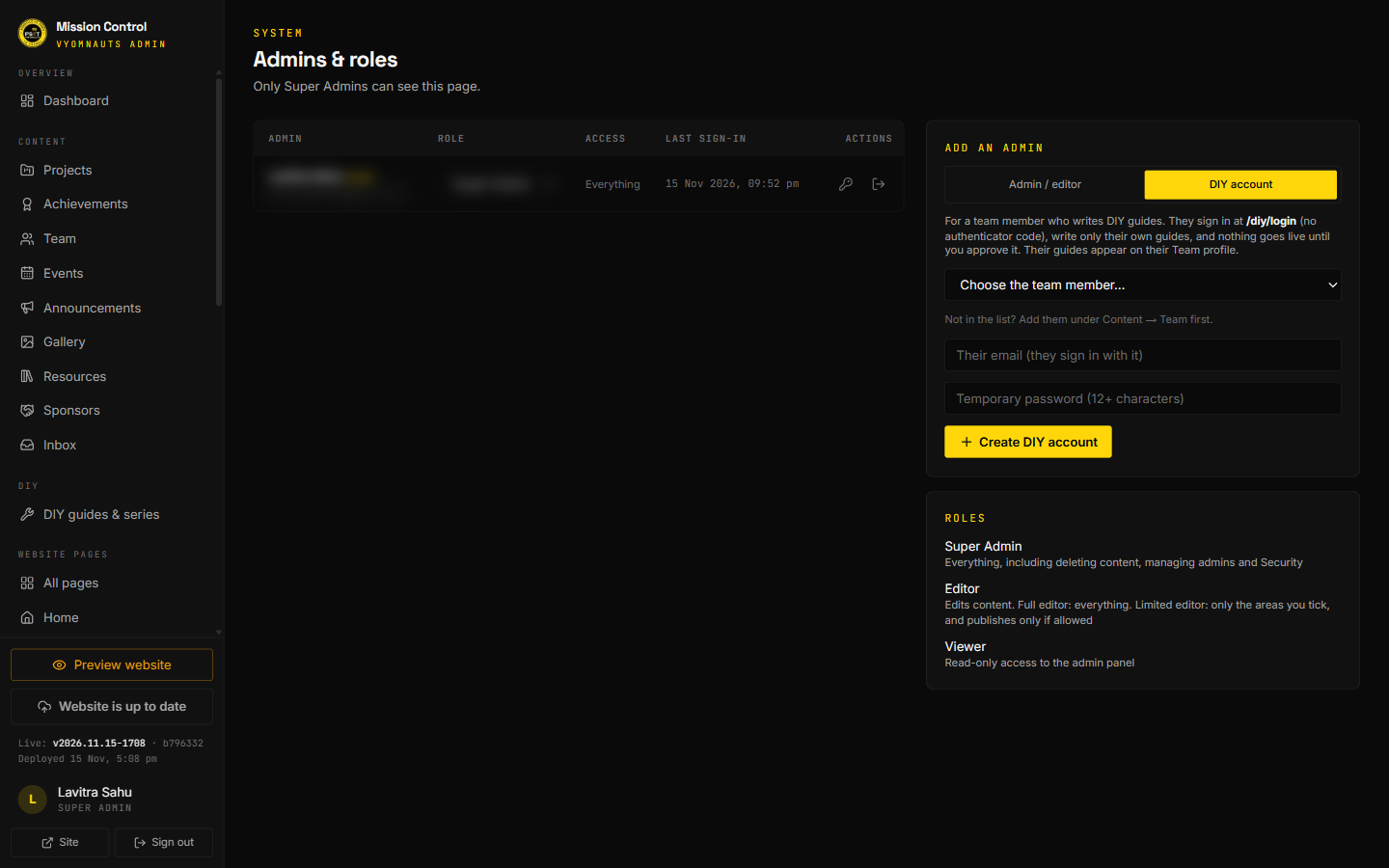
| DIY account | A team member who writes only their own DIY guides, signing in at the DIY login |
Every server action checks these permissions again, so hiding a button is never the only protection.
Dashboard
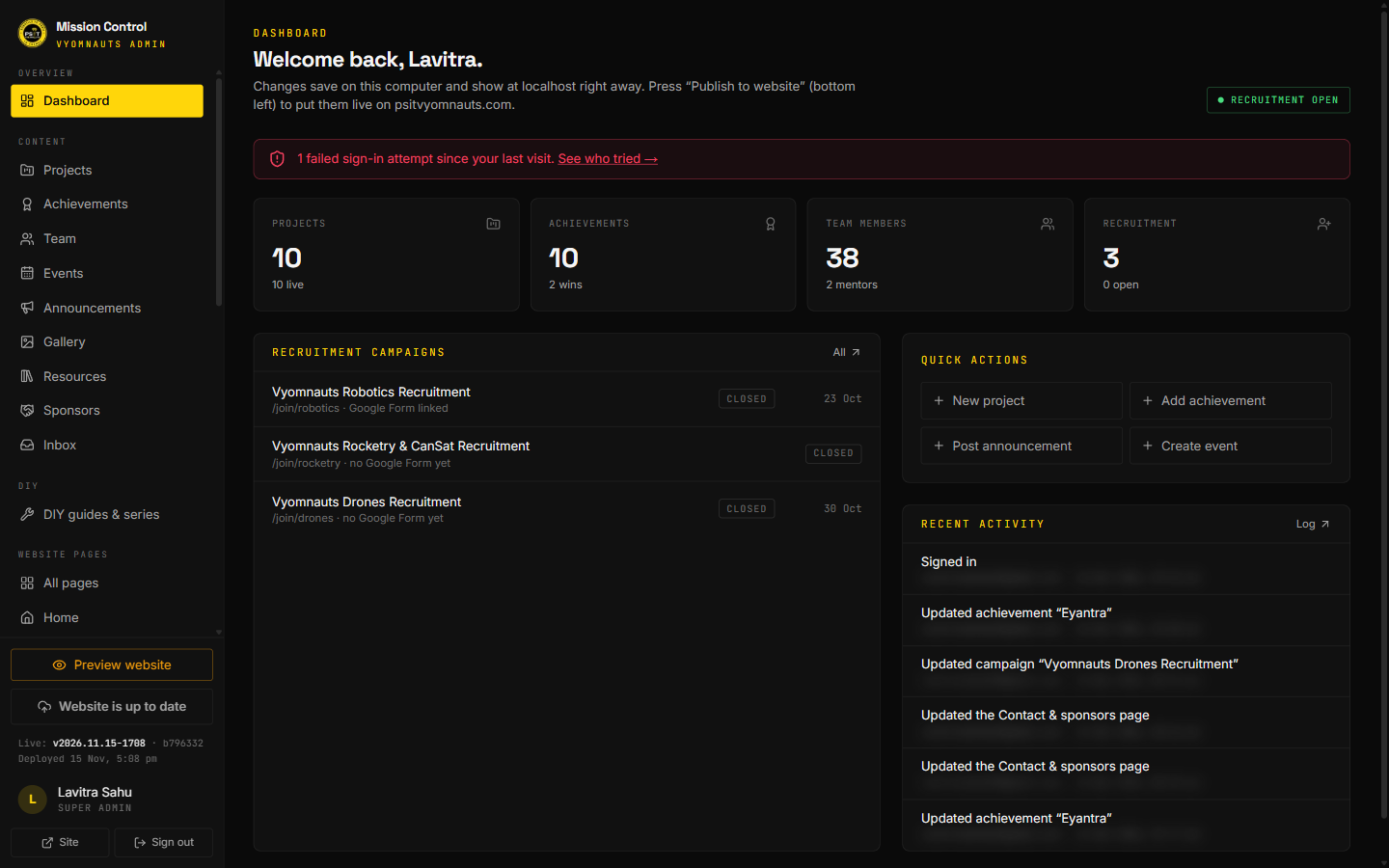
A welcome, the recruitment status, content counts, drafts waiting, how many DIY guides wait for review and a warning about failed sign-ins. Every admin screen has the sidebar with "Preview website", "Publish to website" and the live version.
Projects, achievements and team
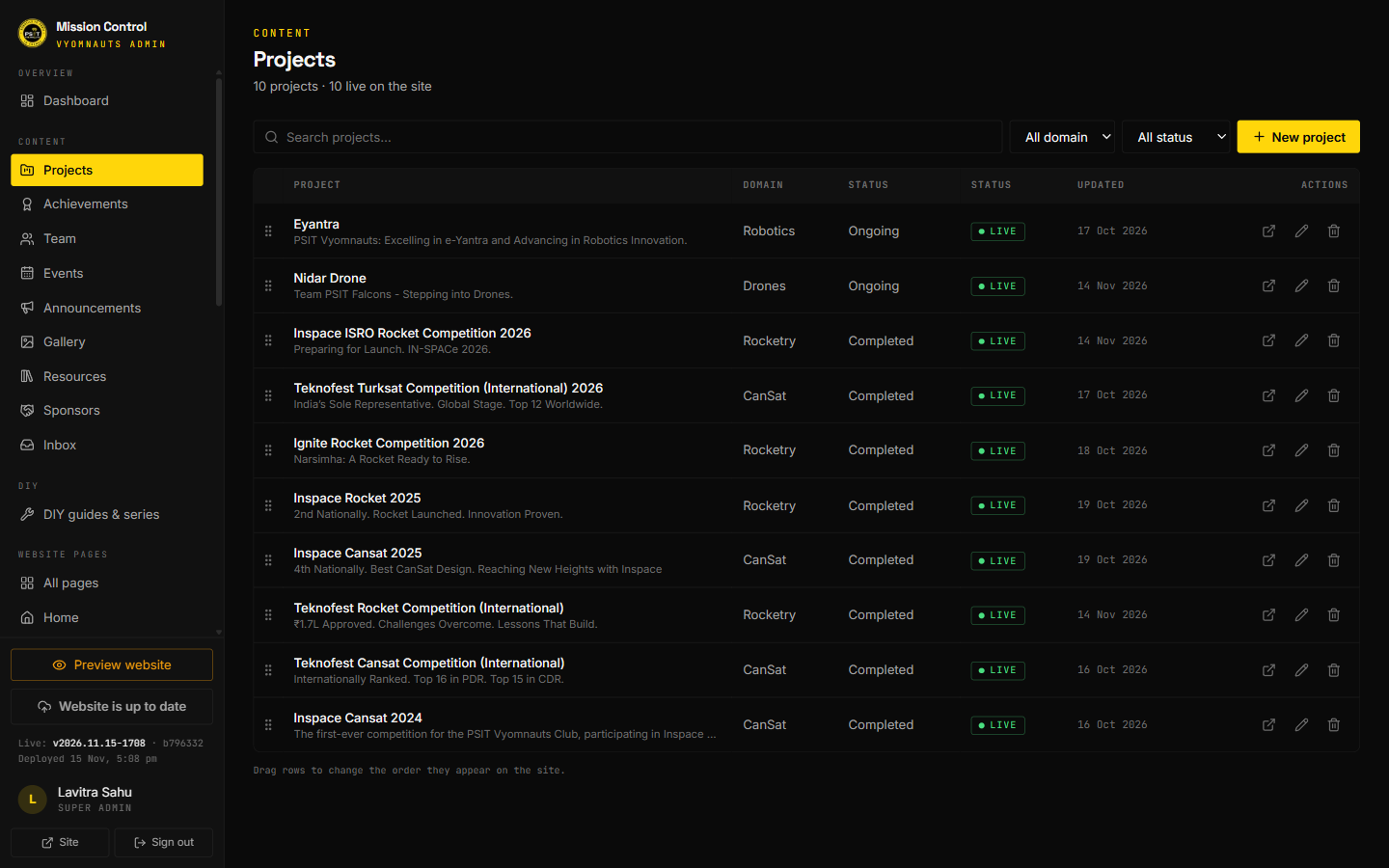
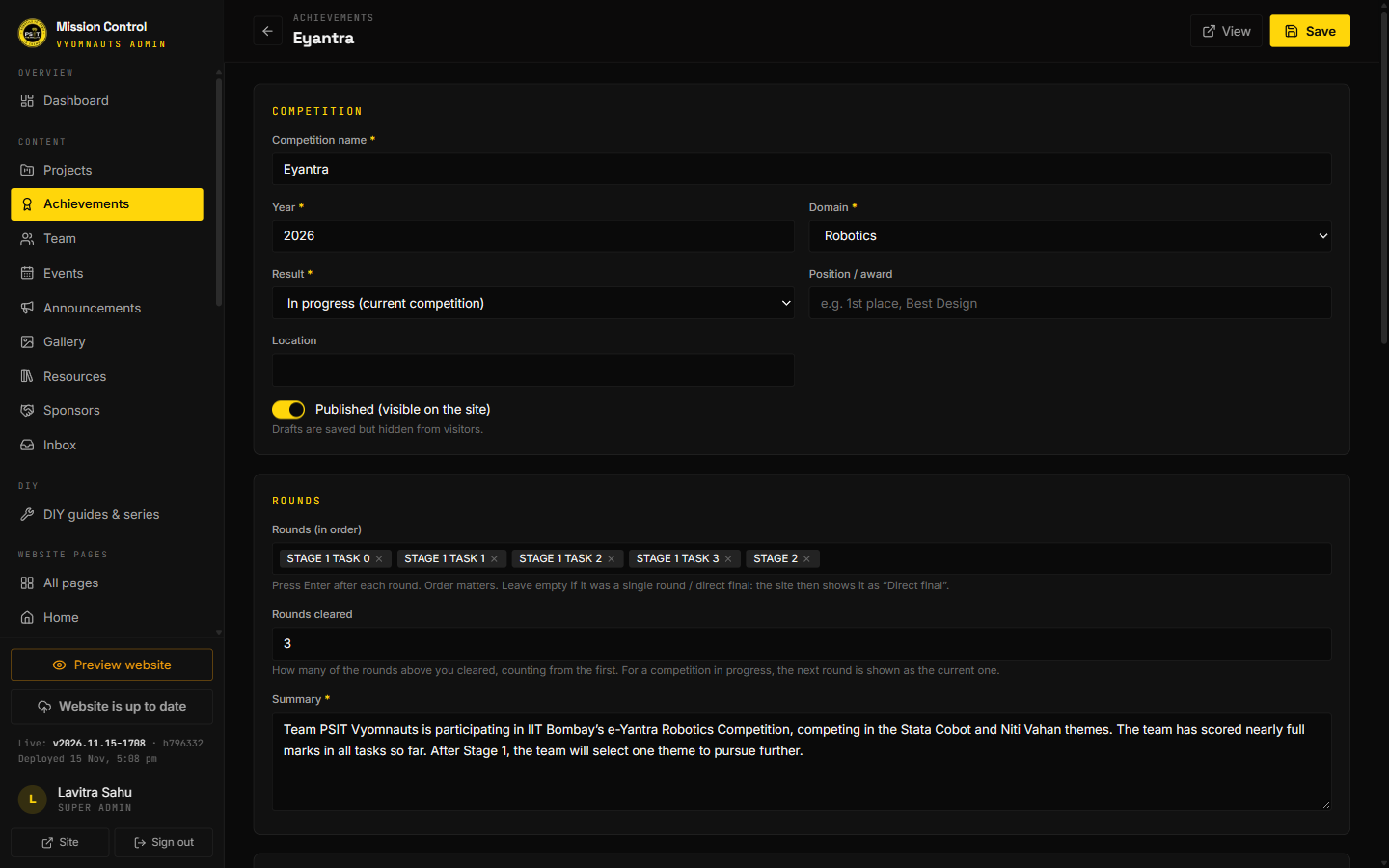
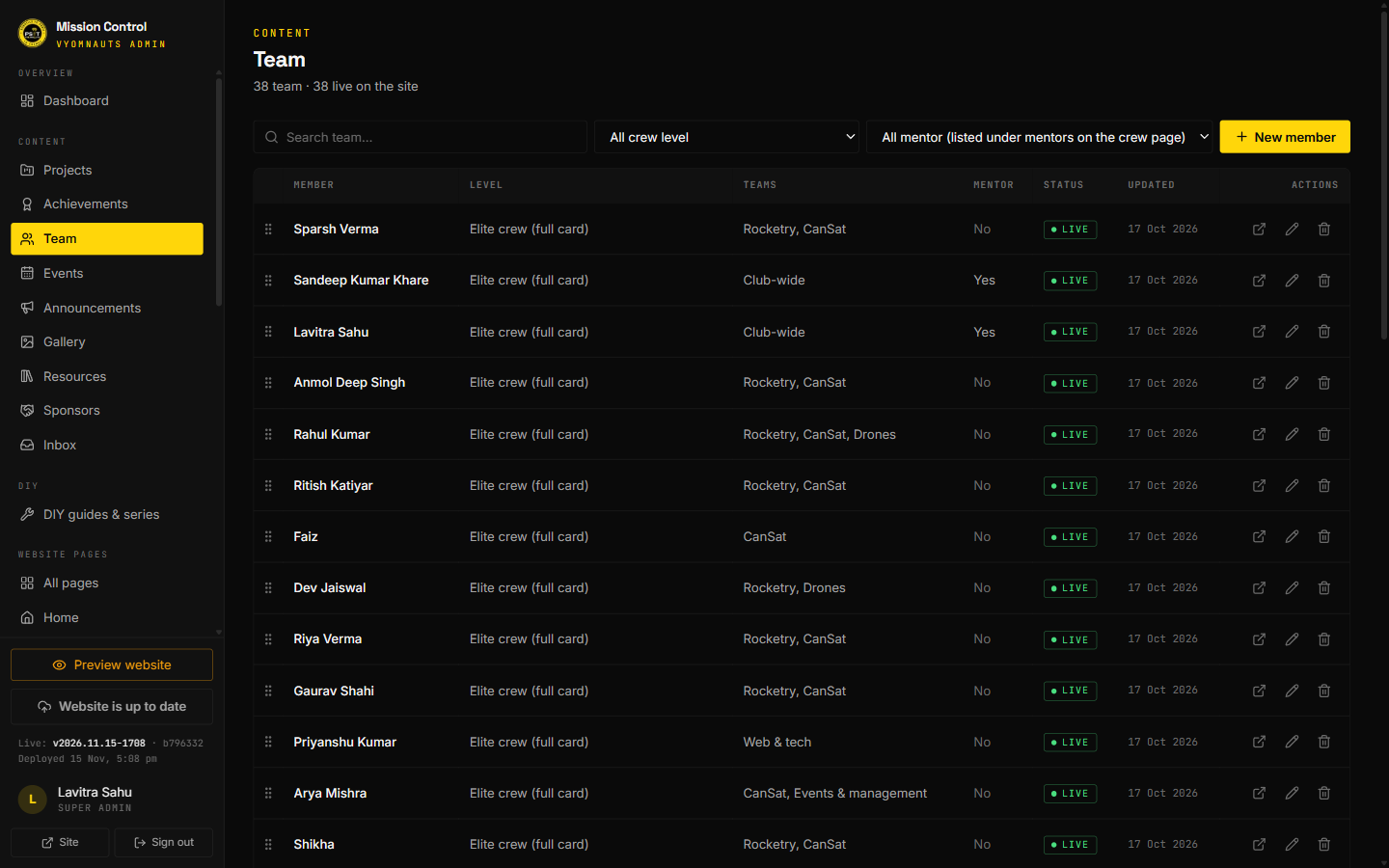
Each content type has a list with filters, a publish switch and drag-to-reorder, and an editor generated from the data schema. A project has basics, a cover, a rich-text story, lessons, tech, team, rounds with dates, specs, links, a photo gallery, videos and Instagram reels with optional cover pictures. An achievement has the competition, year, domain, result, rounds and rounds cleared, photos, a certificate and a link.
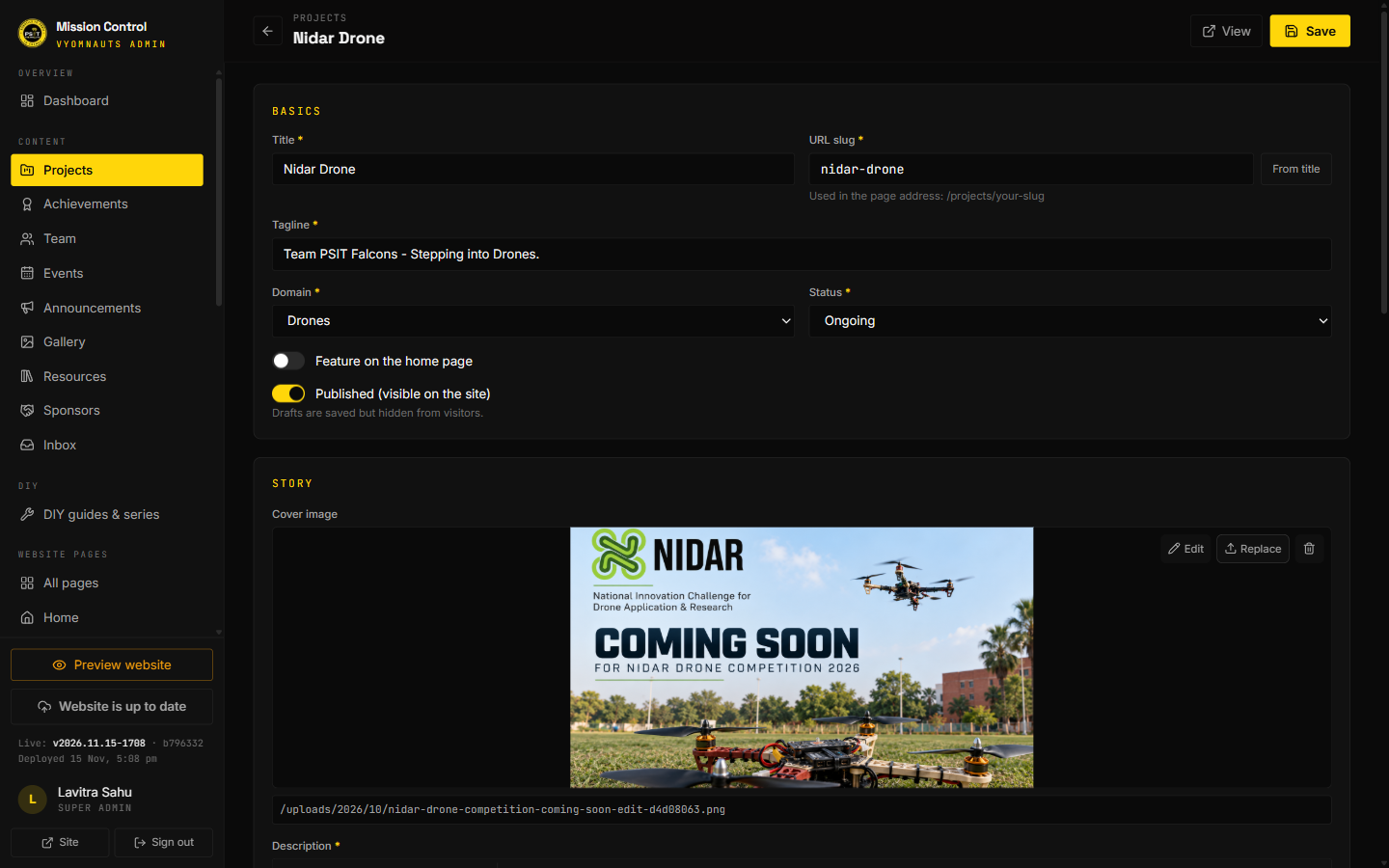
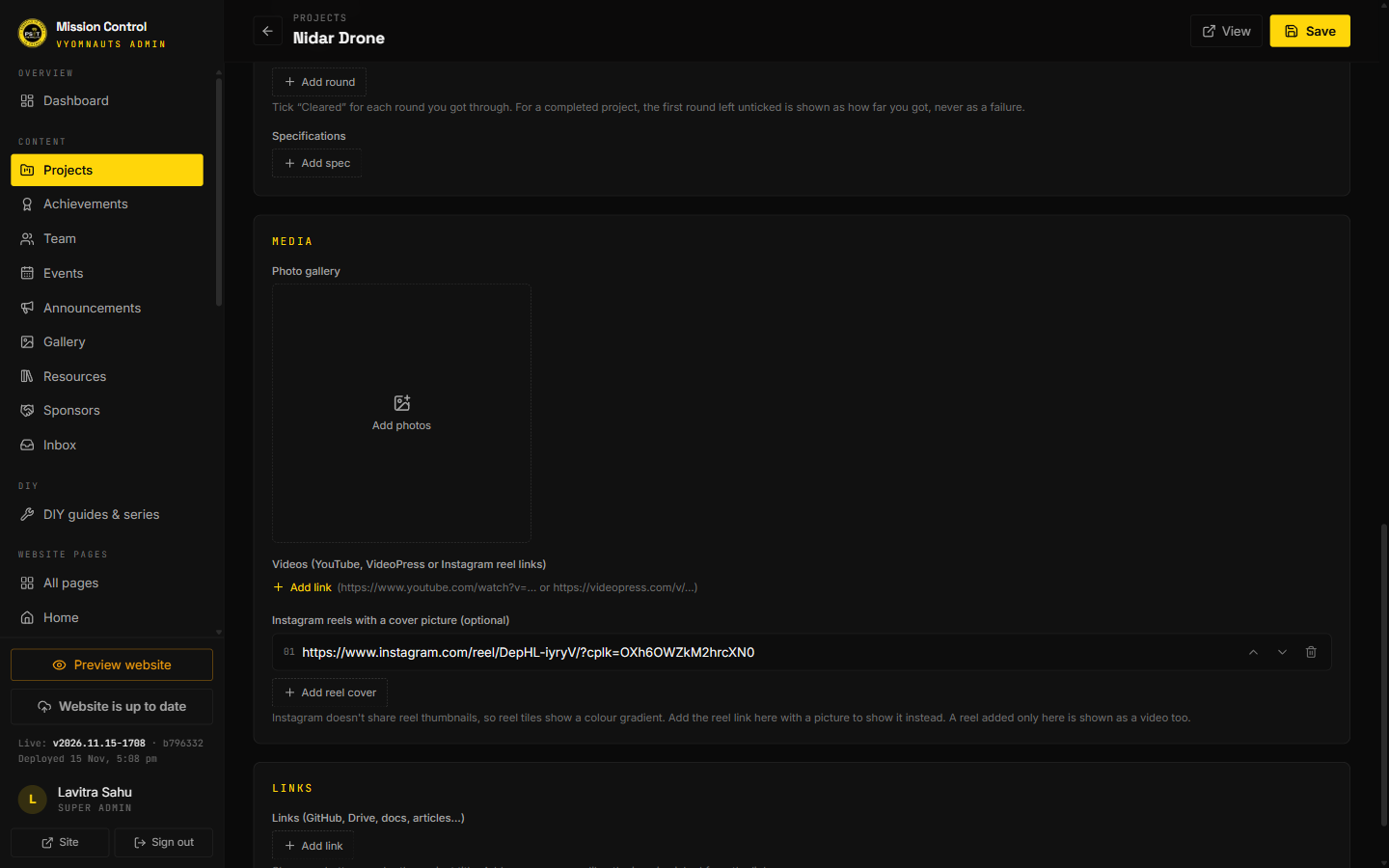
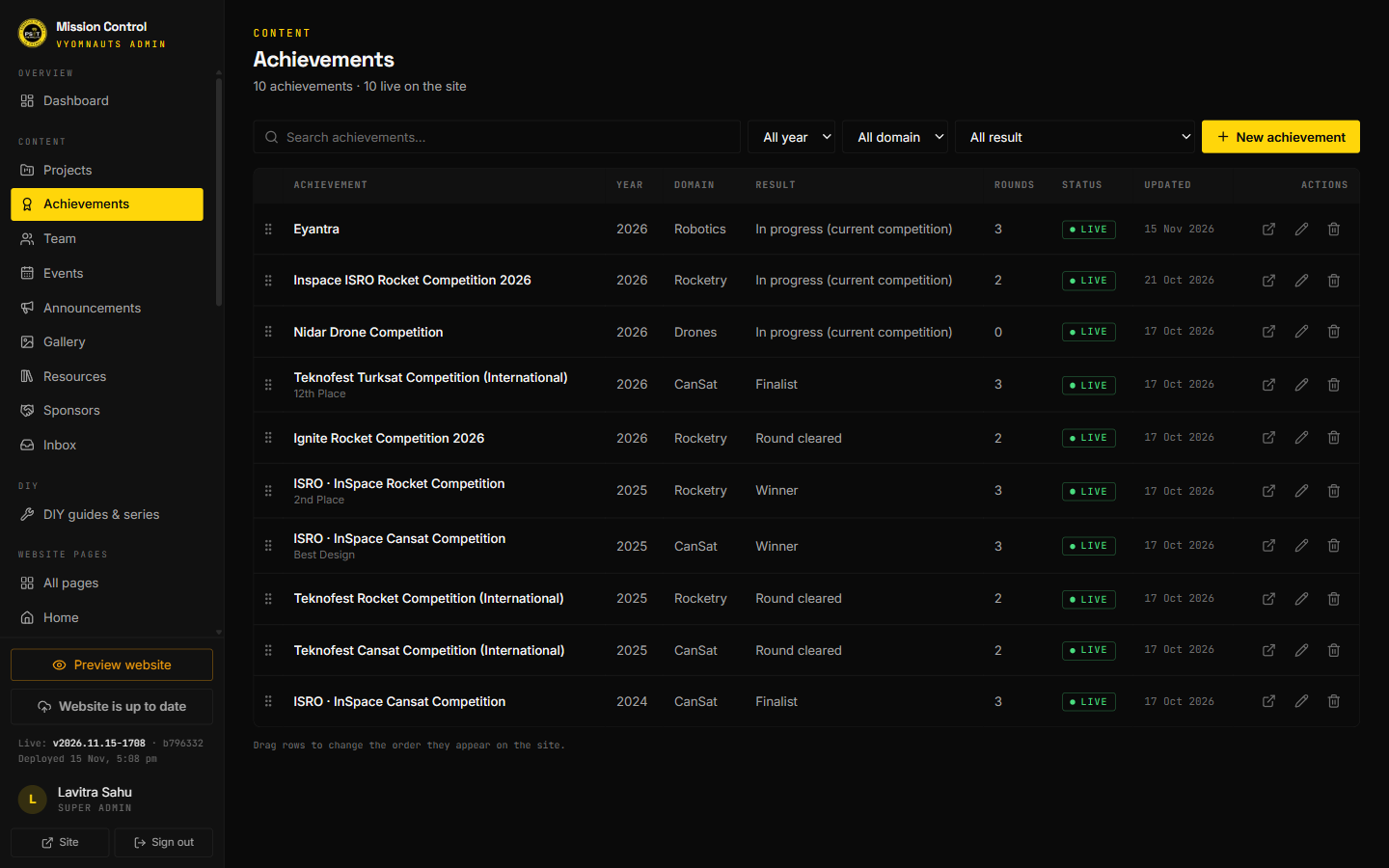
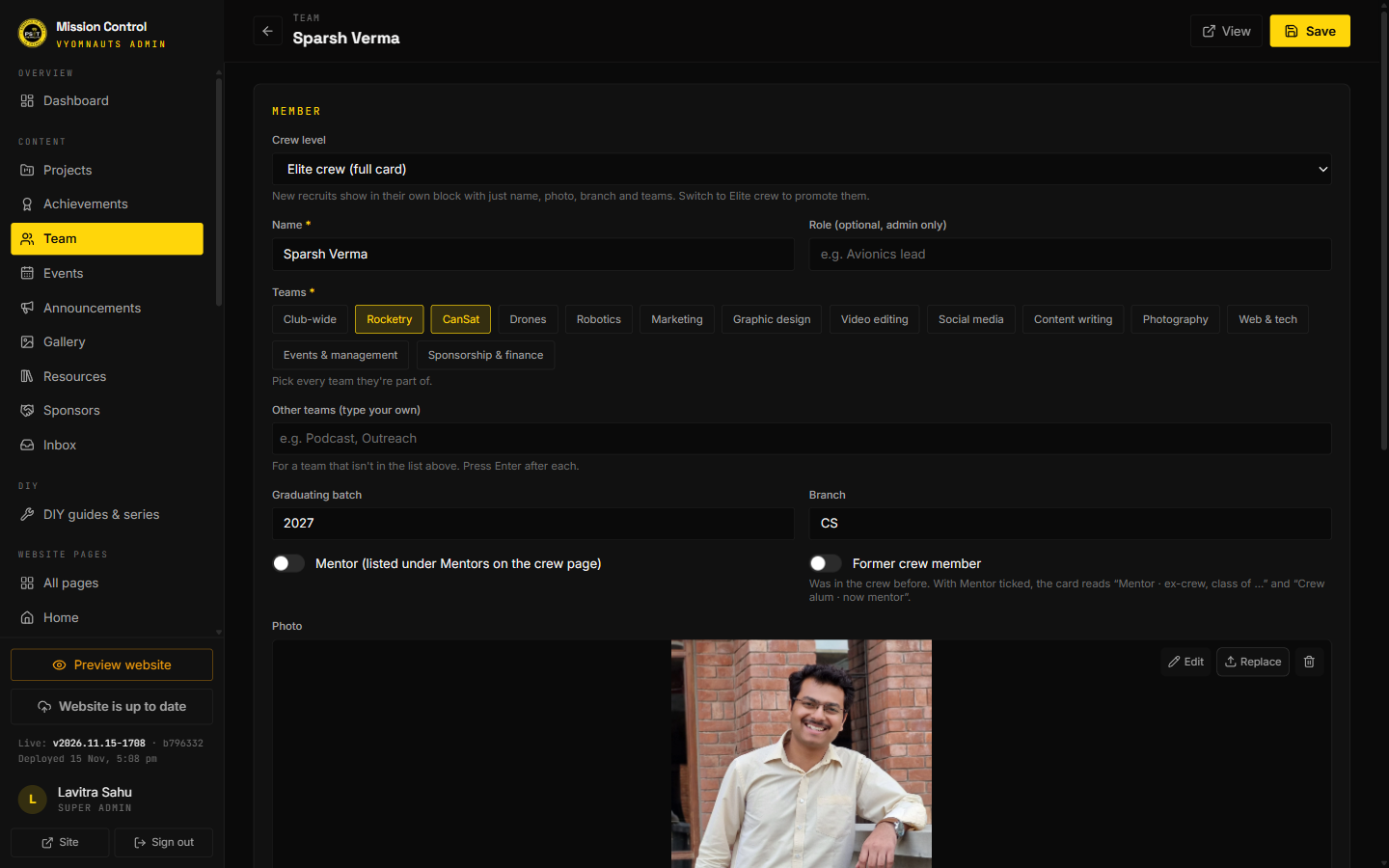
Members are either elite crew (full card) or in training (only name, photo, branch and teams). The editor has a teams multi-select plus "other" teams, skills with one-click suggestions, socials including a portfolio, and mentor and alumni switches. Events, announcements, resources and sponsors use the same list and editor pattern.
Gallery and photo uploads
Photos are uploaded with captions and event or project tags. The uploader takes drag and drop, crops each picture to the shape of the spot it goes in (16:9 cards, 3:2 DIY covers and so on), keeps it at up to 4K and checks SVG files for scripts.
Website pages, divisions, menu and custom pages
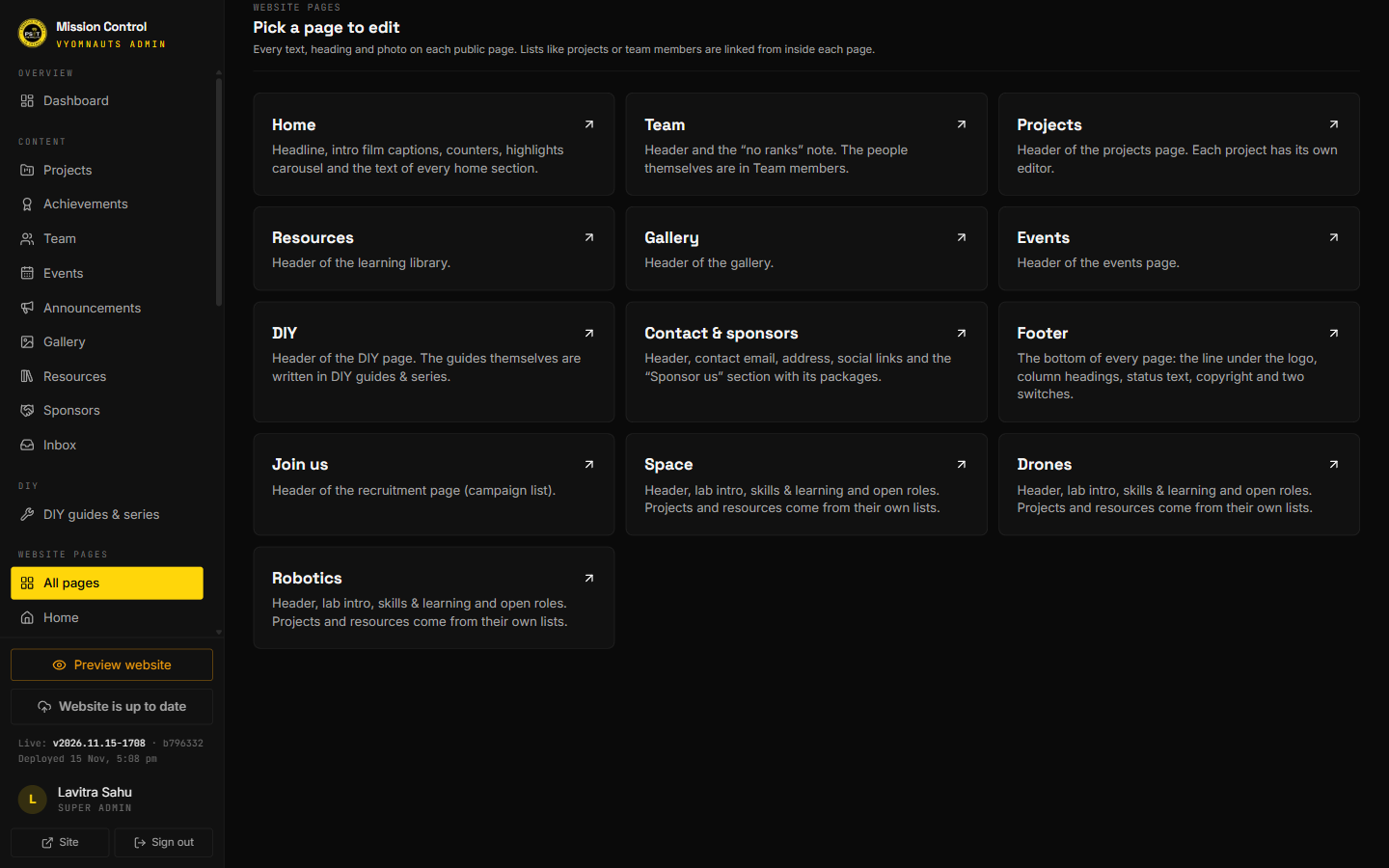
Every page's header text and photo can be edited, plus the home sections, the team note, contact details, socials and the footer. The division editor holds the Space, Drones and Robotics stats, roadmap, skills, builds and roles. The menu can be reordered, with each link on the bar, under "More" or hidden. Custom pages start from HTML templates or own HTML, with layout, accent, logo and "add to menu".
Recruitment campaigns
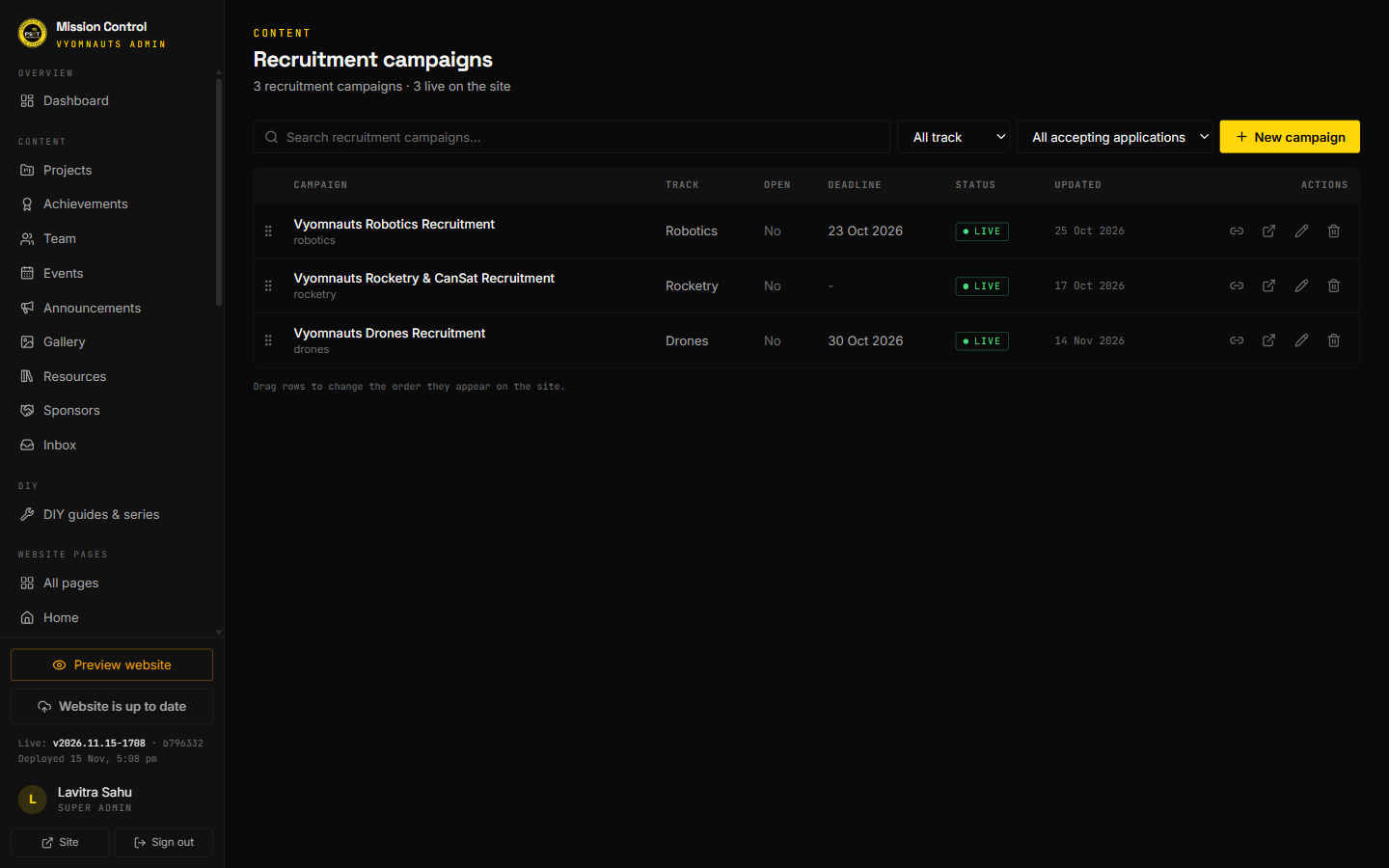
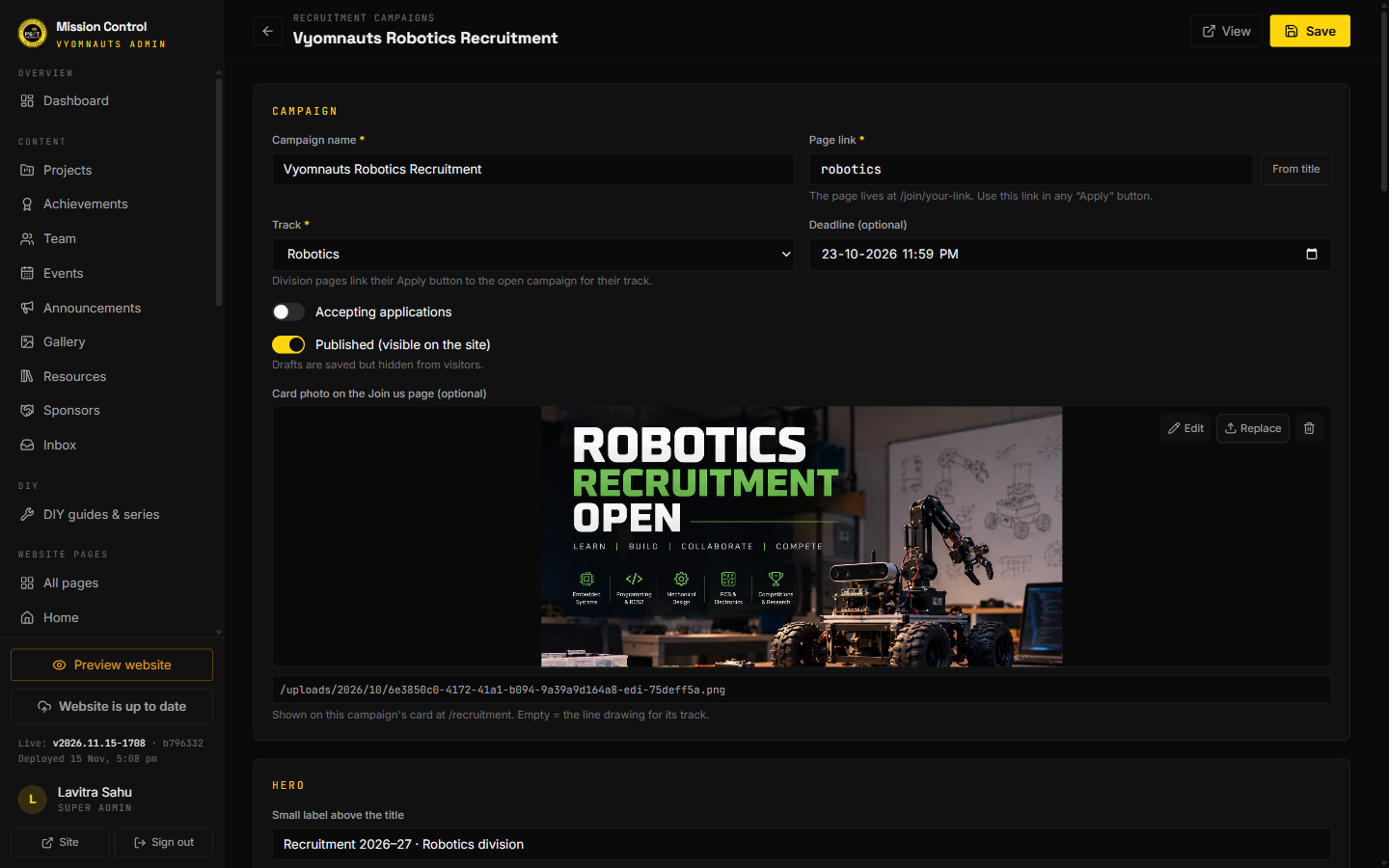
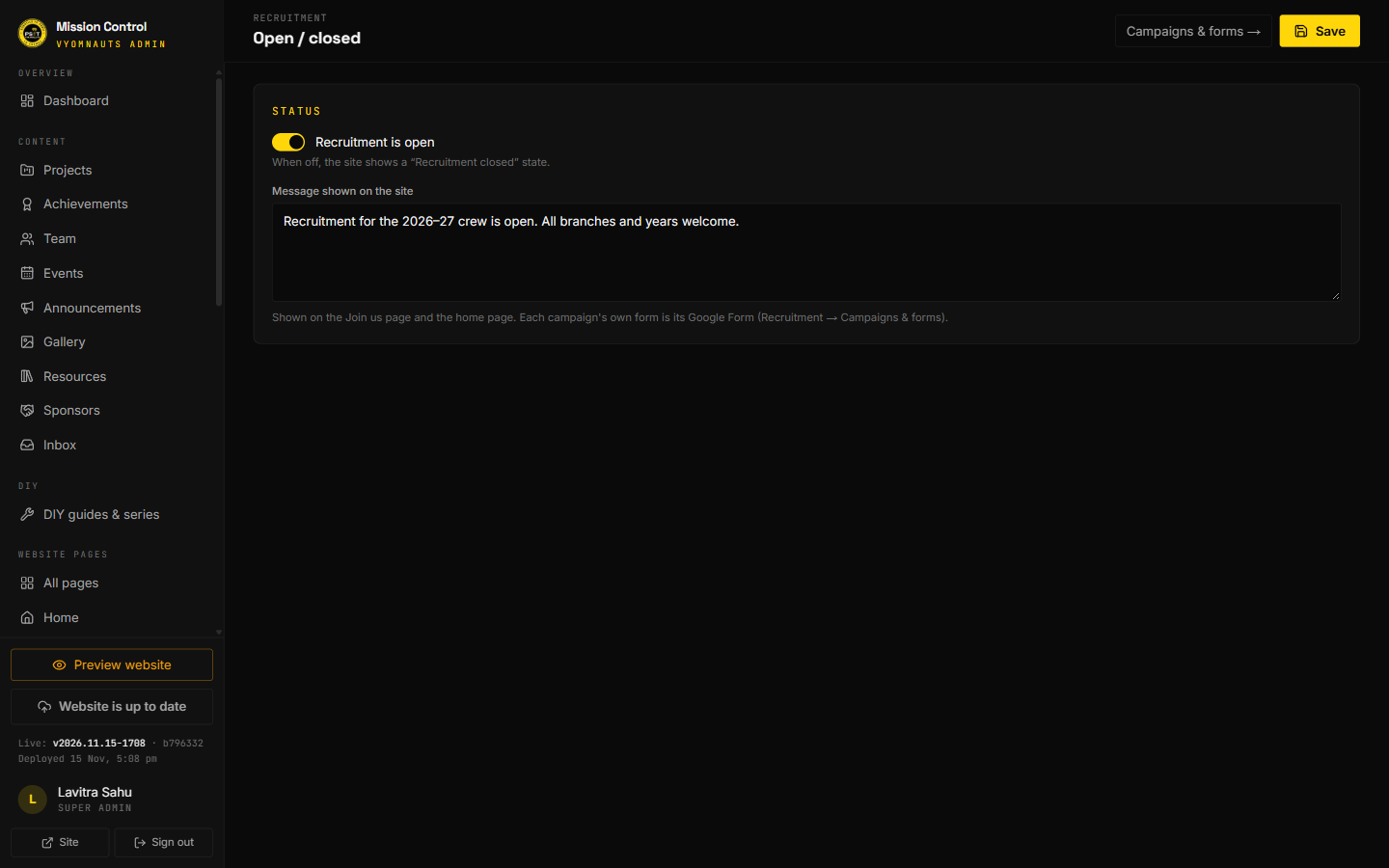
One campaign per track, with a hero, the Google Form, a closed message, expectations, steps, a card photo and an interactive visual picked from built-in 3D templates or pasted as HTML (sandboxed). A global switch opens or closes recruitment with its own message.
Logo, themes and site settings
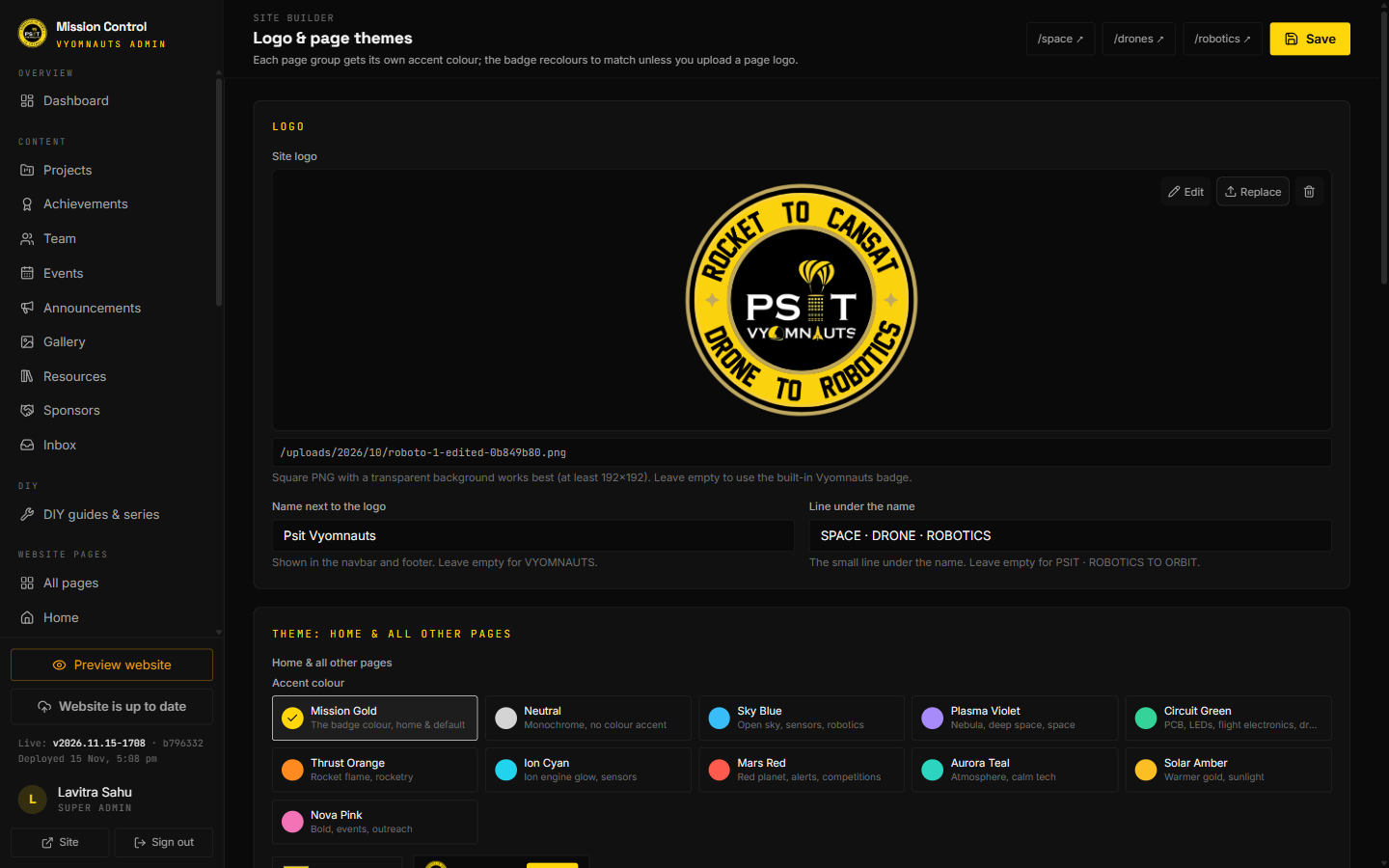
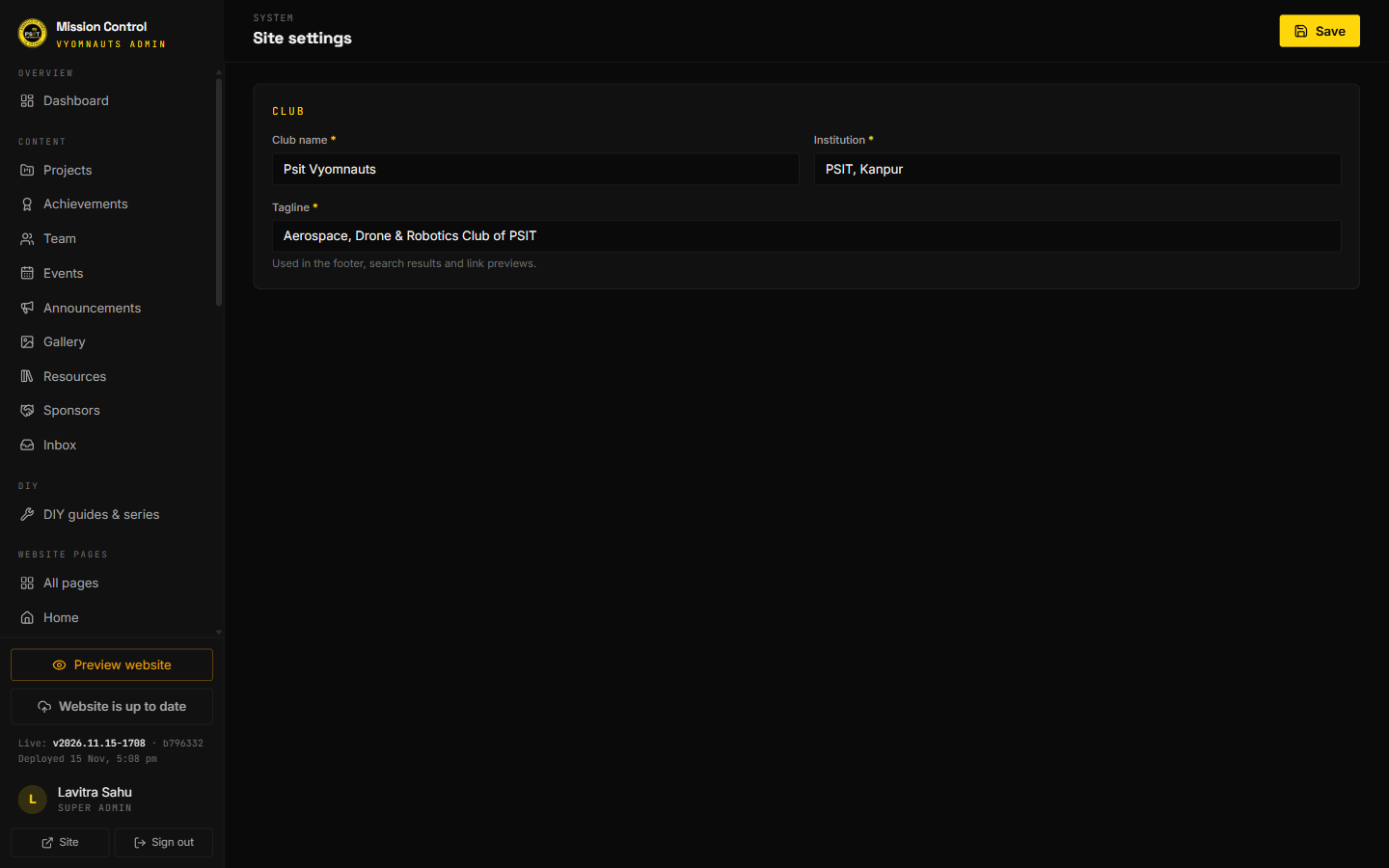
The site logo, an accent colour and logo per division (with a recolour option), and the club name, institution, tagline and brand line.
DIY review, guide and series editors
The review queue shows everyone's guides and series with their status: draft, waiting for review, changes requested, approved, or approved with unsent edits. A yellow count in the sidebar shows what is waiting.
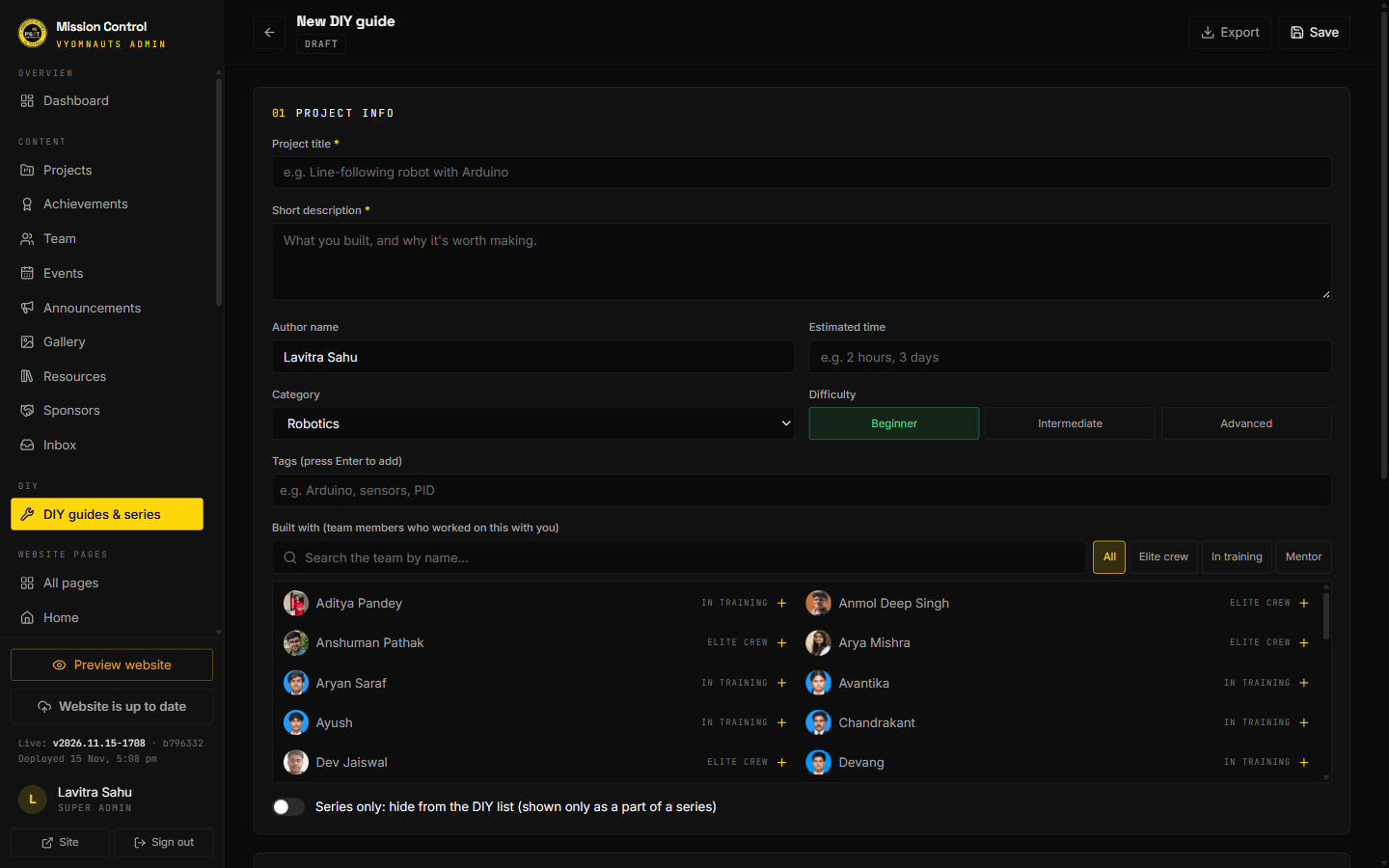
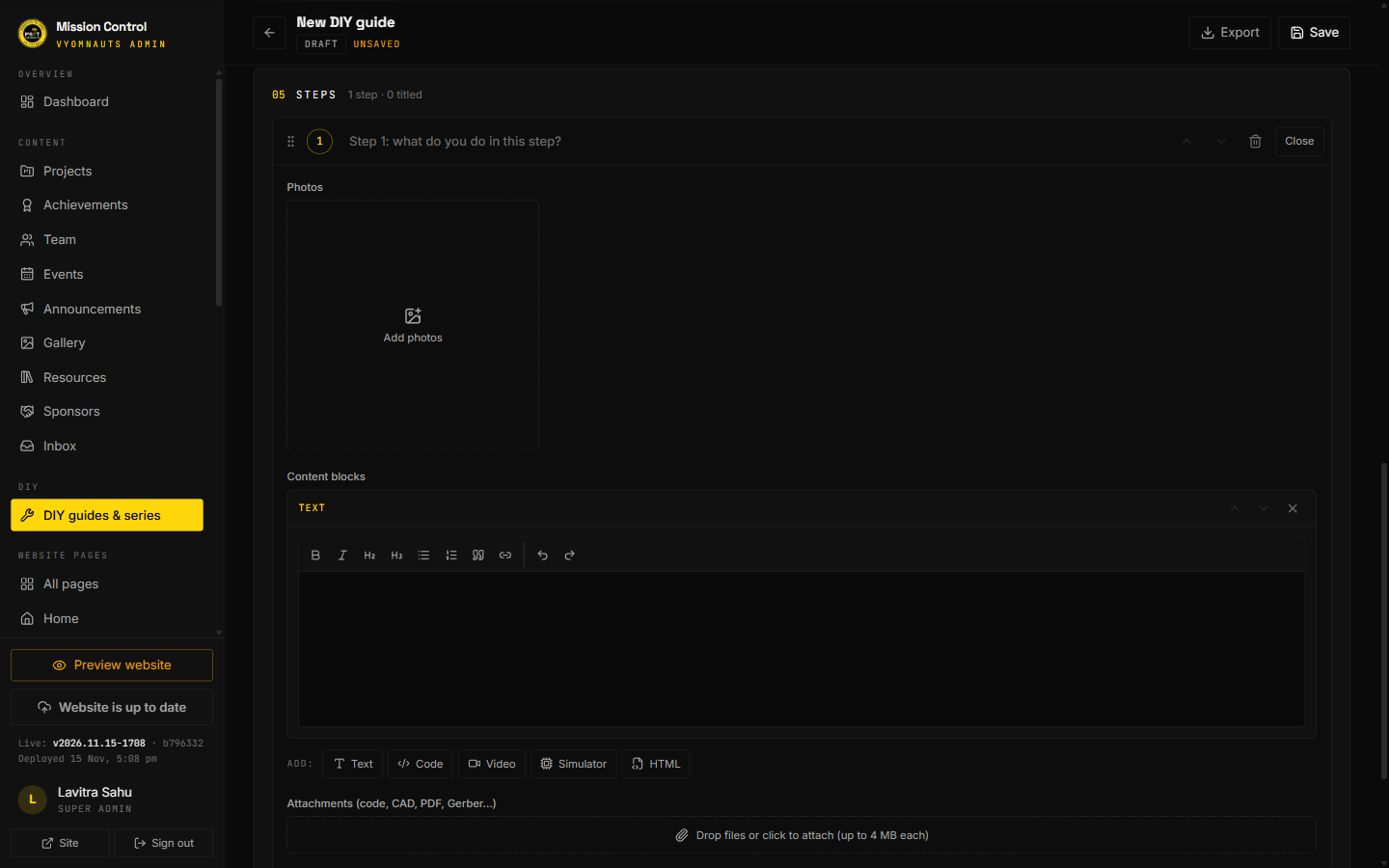
The guide editor covers project info, a crew picker (team members only), cover, video, a materials table with prices and a total, and steps (drag to reorder) with photos, content blocks (Text, Code, Video, Simulator, HTML) and attachments. It has Save draft, Send for review, Approve, Ask for changes (with a note for the author), Take off the site, Duplicate, Export and Import (including old Tech Arcanist backups) and Preview. When an author edits an approved guide, the live version stays unchanged until the edit is approved.
Admins, security, activity log and inbox
- Admins and roles: add admins or DIY accounts (a DIY account must be linked to a real team member), change roles and limited-editor areas, reset passwords, sign out everywhere, delete.
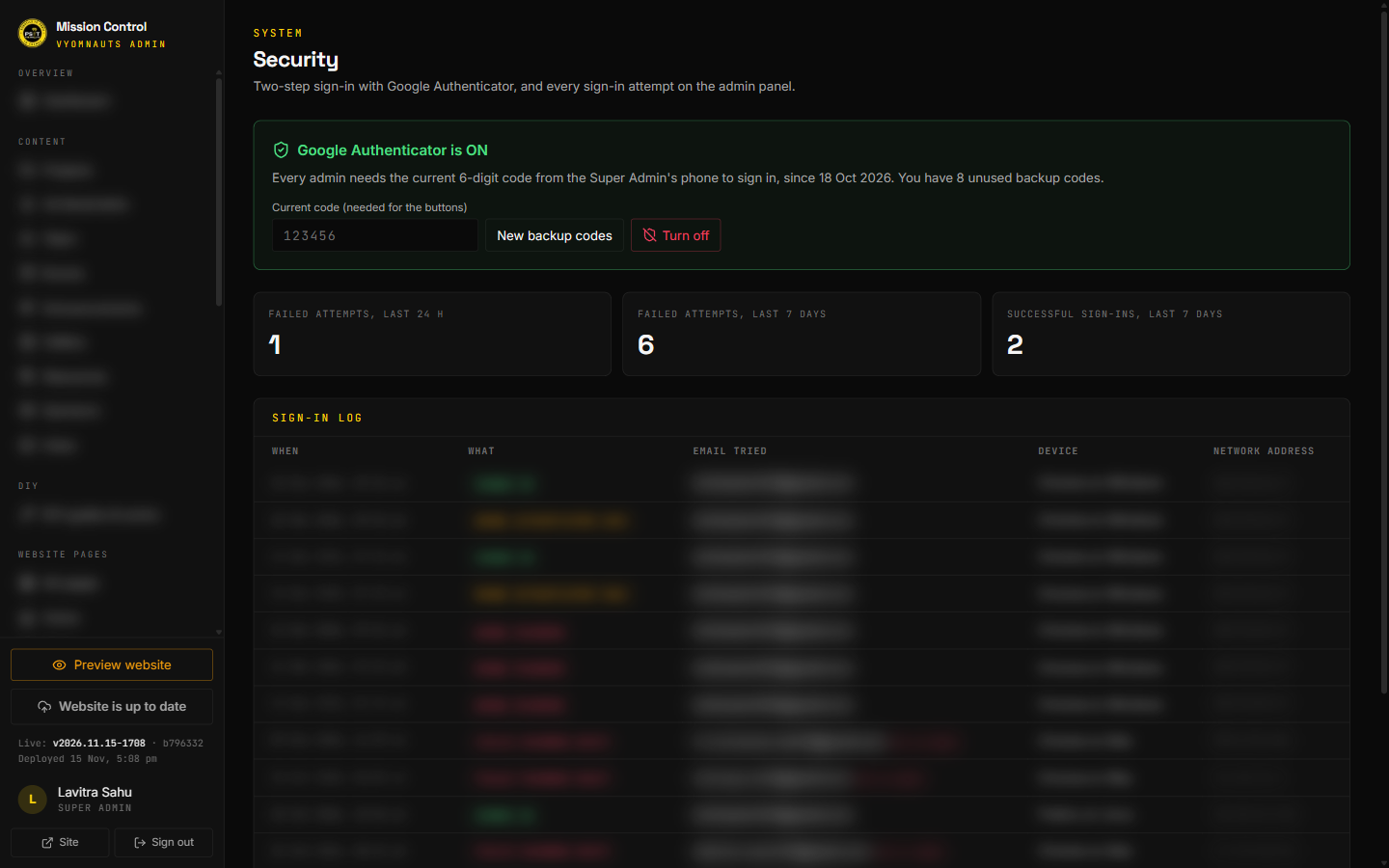
- Security: a Google Authenticator code for every admin sign-in (QR setup, backup codes), and a log of sign-in events with failed attempts and lockouts. The super admin can reset a password with a backup code.
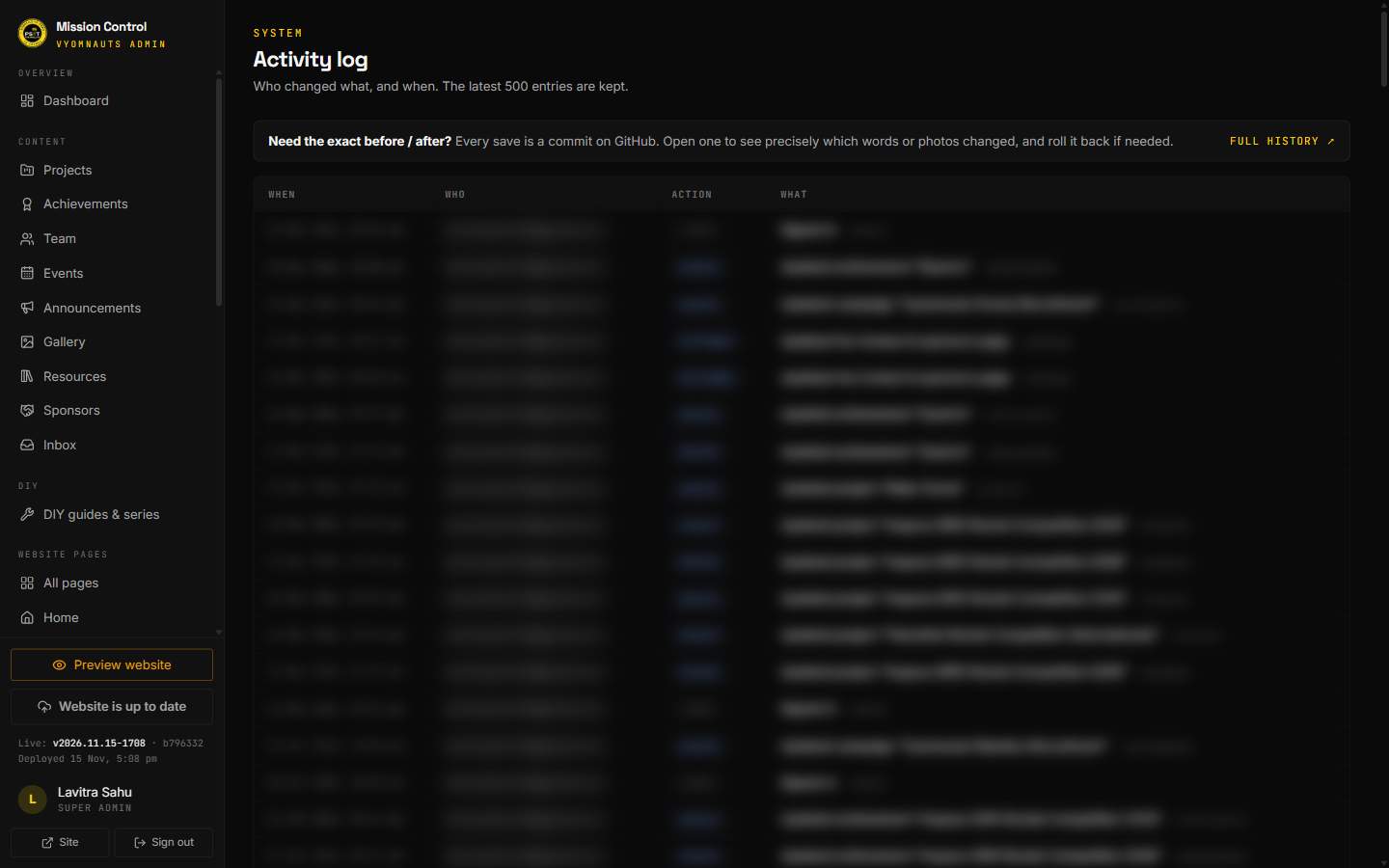
- Activity log: who changed what, and when.
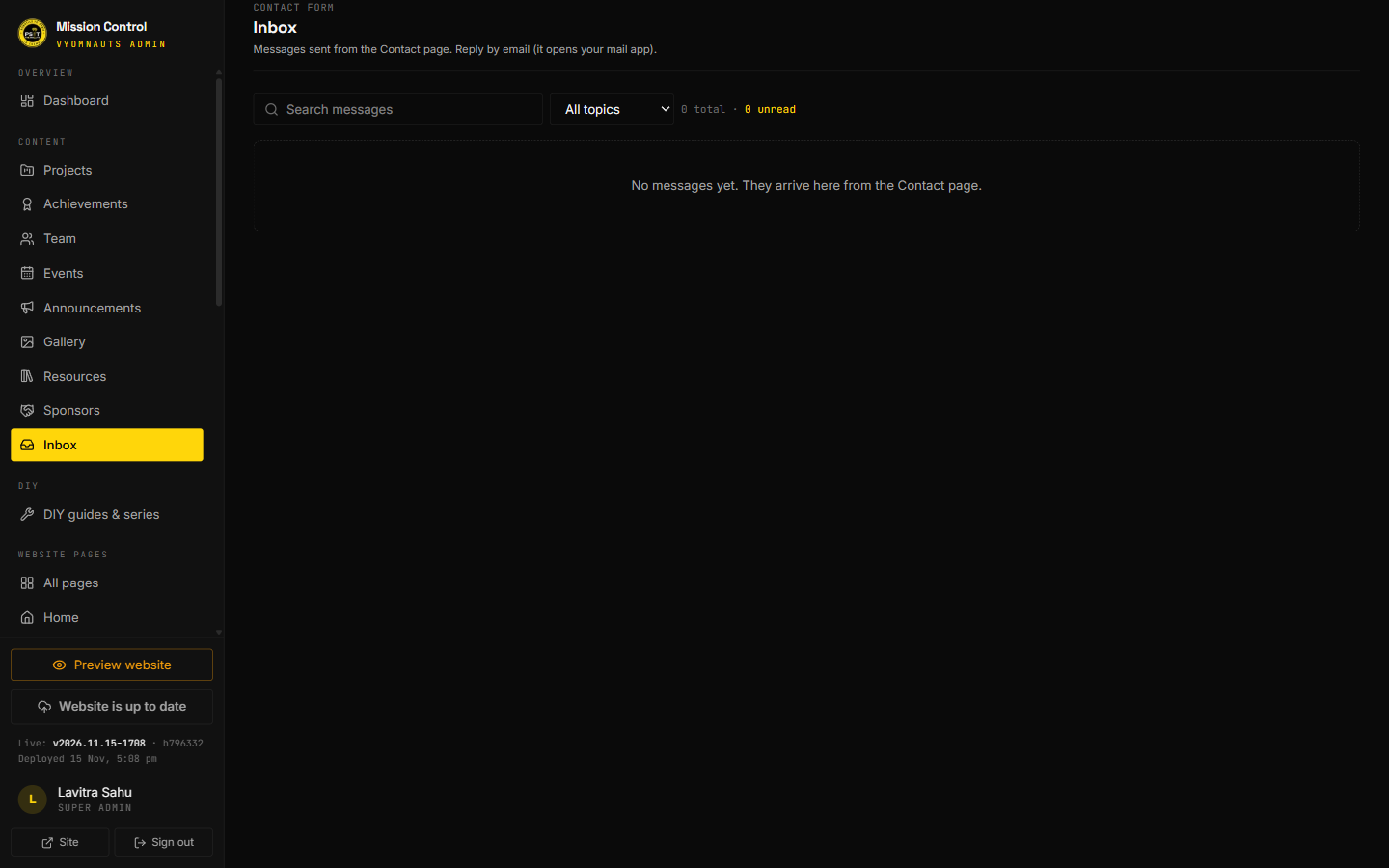
- Inbox: contact messages (used by the local admin).
Names, emails and sign-in details are blurred in these screenshots.
Data model
All the public content is one JSON document, plus one private JSON file. Every content document has an id, a published switch, an order and created and updated dates.
| Collection | Main fields |
| projects | slug, title, tagline, description (sanitised HTML), status, domain, progress, cover, gallery, videos and video covers, links, tech stack, team, milestones, specs, lessons, featured |
| achievements | competition, year, domain, result, position, rounds, rounds cleared, summary, certificate, photos, location, link |
| members | name, role, tier (elite or recruit), teams, year, branch, skills, photo, bio, socials, alumni, mentor |
| events, announcements | title, description or body, dates, location, type, cover, registration link, pinned |
| gallery, resources, sponsors | photo with caption and tags; resource type, domain, level and tags; sponsor tier, logo and link |
| recruitments | slug, title, track, open, deadline, hero texts and image, visual HTML, expectations, steps, Google Form, card image, closed message |
| pages | slug, title, description, HTML, layout, accent, logo, show in menu |
| diy, diySeries | guides with author, crew, time, category, difficulty, materials, steps and blocks (text, code, video, simulator, HTML), and review fields; series with ordered guides and crew |
| settings, divisions | club details, socials, stats, highlights, menu, themes, logo, all page text; division stats, roadmap, skills, builds and roles |
| private file | admin accounts (hashed passwords, roles, areas), the activity log, messages and security settings; never shown publicly |
Problems solved
Free hosting hit the deploy limit
Every admin save is a git commit, and Vercel deployed every commit. On 16 October 2026 there were 148 commits in 24 hours, and Vercel's free plan (100 deploys a day) blocked all deploys. Now commits no longer deploy by themselves: the admin's "Publish to website" button calls a Vercel Deploy Hook, saves stay drafts until then, and the sidebar shows the live version and a "deploying" state.
Blank 3D scenes in some browsers
The recruitment visuals ran in a sandboxed iframe, and some Chromium builds never drew the WebGL frames: the text updated but the scene stayed black. The built-in visuals are now recognised exactly and run normally, while anything an admin pastes stays fully sandboxed.
Vercel storage nearly full
Functions storage reached about 9 GB of the 10 GB free allowance. The upload route was bundling all 79 MB of uploaded photos into every server function, and 300 old deployments each kept a copy. The uploads were excluded from the functions, the 300 old deployments deleted (keeping the 3 newest) and a retention policy set so it does not build up again.
Instagram reels would not play
A plain iframe to Instagram stayed blank, because Instagram forbids being framed that way. The site now uses Instagram's official embed script. Reels are tall, so in grids they appear as a 16:9 tile with an optional cover picture that opens the player in a pop-up with a visible "Close · Esc" button.
Students writing guides without weakening admin security
Admin sign-in needs a Google Authenticator code from the super admin's phone, which would block every member. Members got a separate DIY login and studio with their own session type, which the routing guard keeps out of the admin. Every DIY account is tied to a real team member, nothing goes live without approval, and edits to approved guides are held aside until reviewed.
A security block in Next.js stopped publishing
On 14 November 2026 a publish failed: the build refused the installed Next.js version (16.4.0), which had a known vulnerability, and a font download failed in the same build. Next.js was upgraded to the patched 16.4.6, a clean production build checked locally, and the site redeployed. The live site never went down, because a failed build keeps the last good version online.