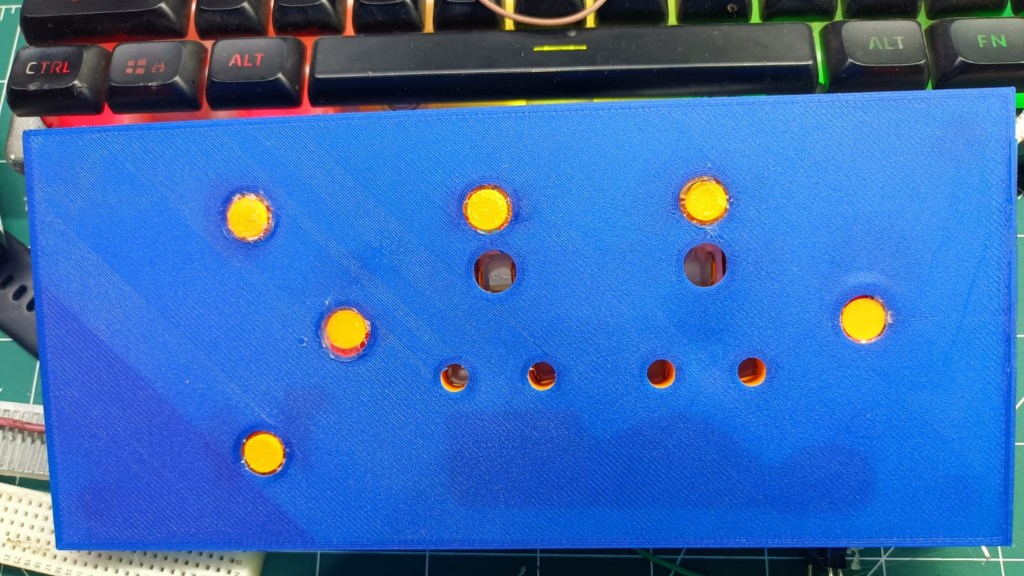
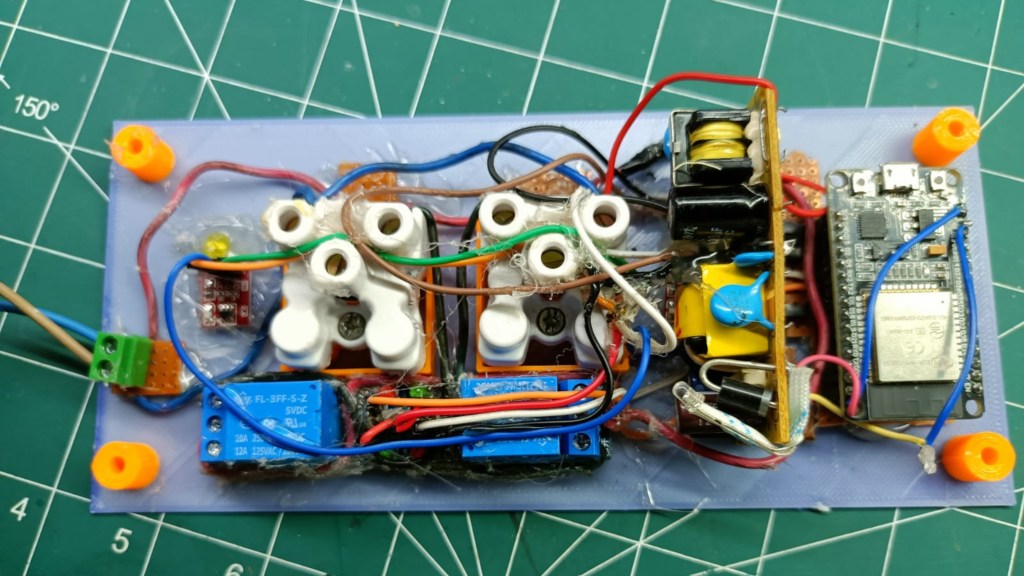
Features
- Touch-Based Switching
Control sockets by gently tapping the touch pads, no mechanical switches. - Independent Dual Socket Control
Each socket works separately through its own touch sensor. - ESP32 Powered Logic
The ESP32 reads touch input and controls socket relays with reliable switching. - Safe Power Conversion
A dedicated voltage converter ensures stable 5V power to ESP32. - Compact & Aesthetic Design
Clean touch operation without any moving parts.
Components Used
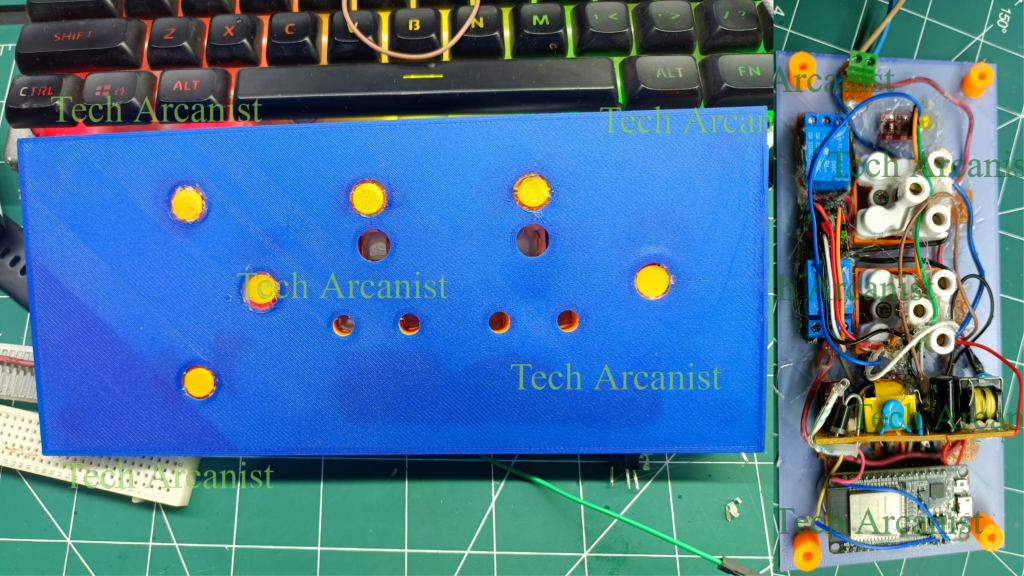
- ESP32, Microcontroller processing touch input & relay trigger
- 2 × Capacitive Touch Sensors, Touch-based switching input
- 2 × AC Power Sockets, Appliance connection output
- Voltage Converter (AC → 5V DC), Powers ESP32
- Jumper Wires, Connections
- Power Supply, Main AC power input
How it Works
- User touches the touch sensor pad.
- ESP32 detects touch input and toggles the relay ON/OFF.
- Relay switches the AC socket power accordingly.
- Voltage converter ensures ESP32 gets stable 5V power.
- Just tap → socket turns ON
- Tap again → socket turns OFF
- No physical switch. No mechanical wear.
Working
Touch Socket Panel
Code & Installation
The complete source code is available in the GitHub repository.
My Learnings
- How to interface capacitive touch sensors with ESP32 and handle reliable touch detection
- Debouncing and improving touch sensitivity through both hardware grounding techniques and software filtering
- Controlling AC loads safely using relays while keeping ESP32 circuitry electrically isolated
- Designing a minimalistic touch-based user interface without physical switches
- Using a voltage converter to step down AC mains to a safe, regulated 5V for ESP32
- Managing relay toggling logic (state handling, edge detection, avoiding false triggers)
- Enclosure design considerations when dealing with high-voltage + low-voltage systems together