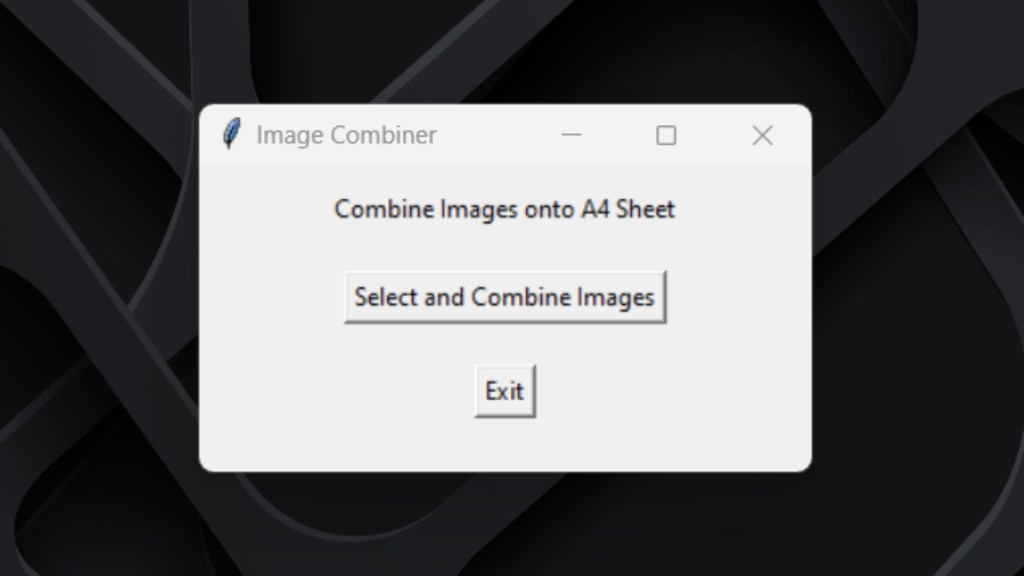
Features
- Upload 6 Polaroid photos (exported from the Instaroid app)
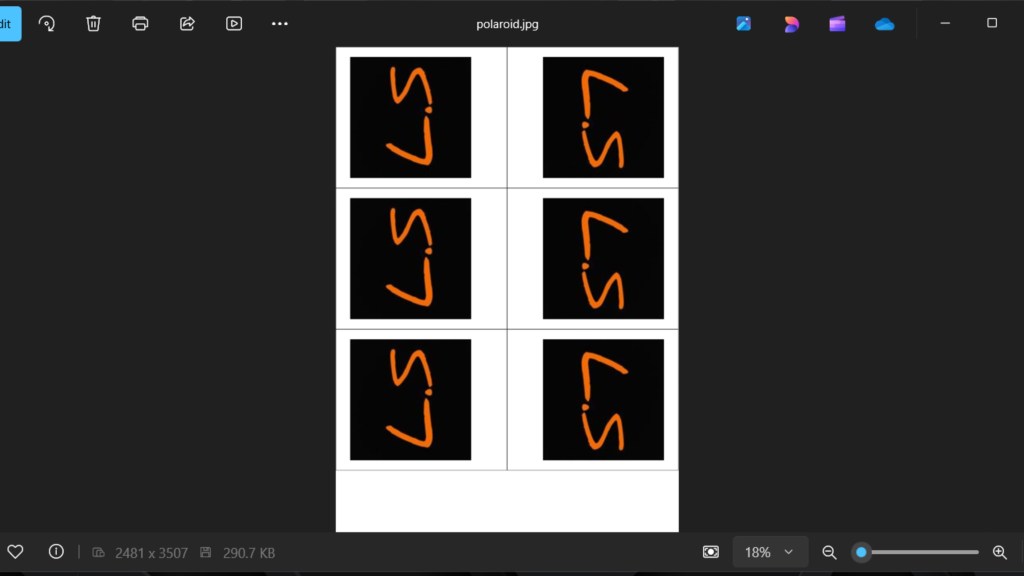
- Automatically arranges them into a 2×3 A4 grid
- One-click high-quality A4 JPEG export
- Simple and clean desktop GUI (Tkinter-based)
- No photo editor required, fully automated
Components Used
- Python, Core development language
- Tkinter GUI, User interface for selecting images and exporting output
- PIL / Pillow Library, Image processing, resizing, and collage generation
- OS library, Handles file access and saving
How it Works
- Use the Instaroid / SimplePiece app to create square Polaroid images.
- Open the A4 Polaroid Collage Generator.
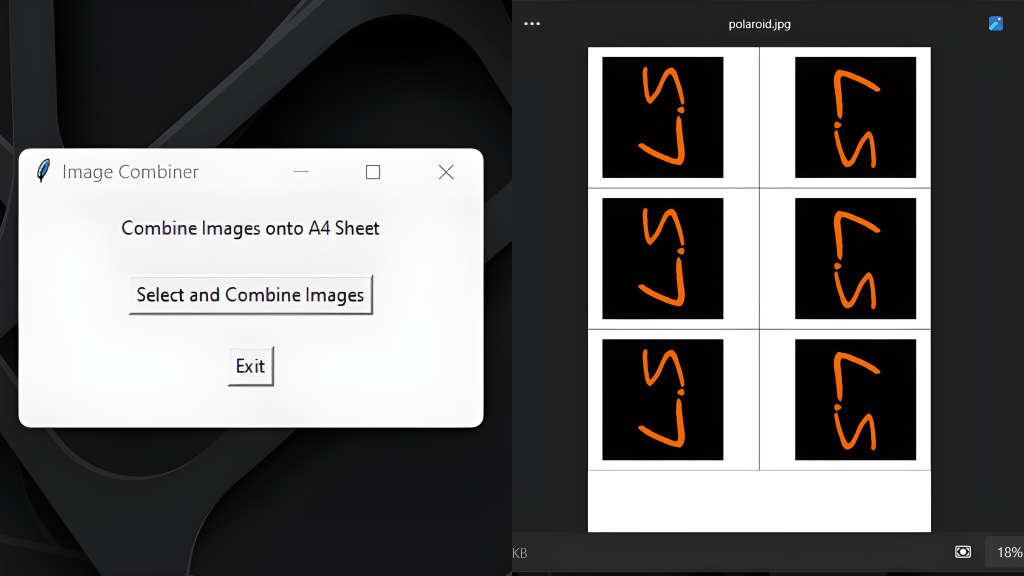
- Click Select and Combine Images
- Select the 6 Polaroid images.
- Software automatically arranges them on A4 and exports a JPEG.
- From phone → Polaroid app → Desktop → A4 collage → Print
Working
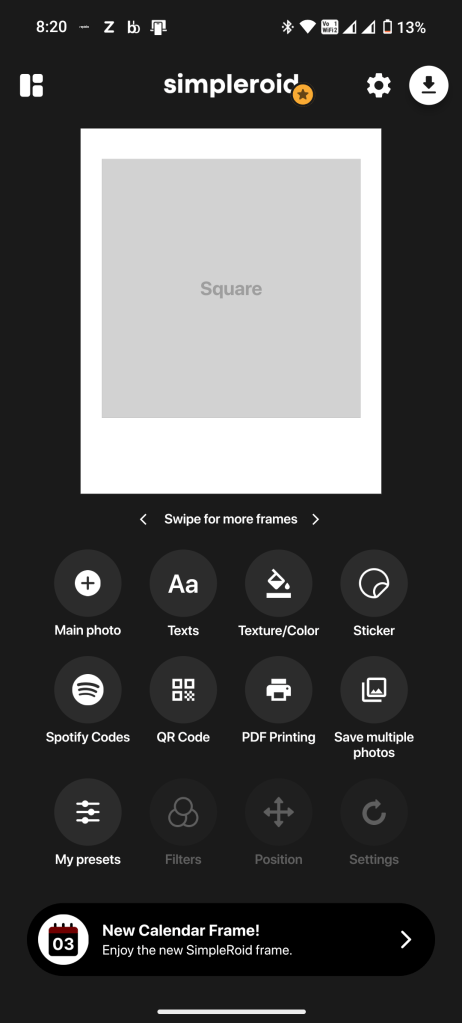
Upload 6 Polaroid photos (exported from the Instaroid app)
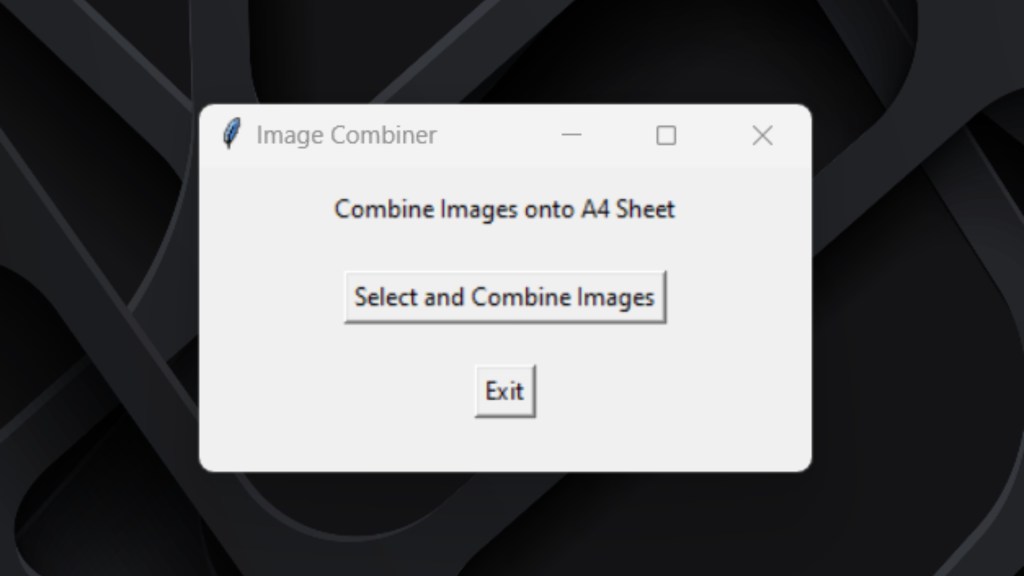
Select and Combine Images
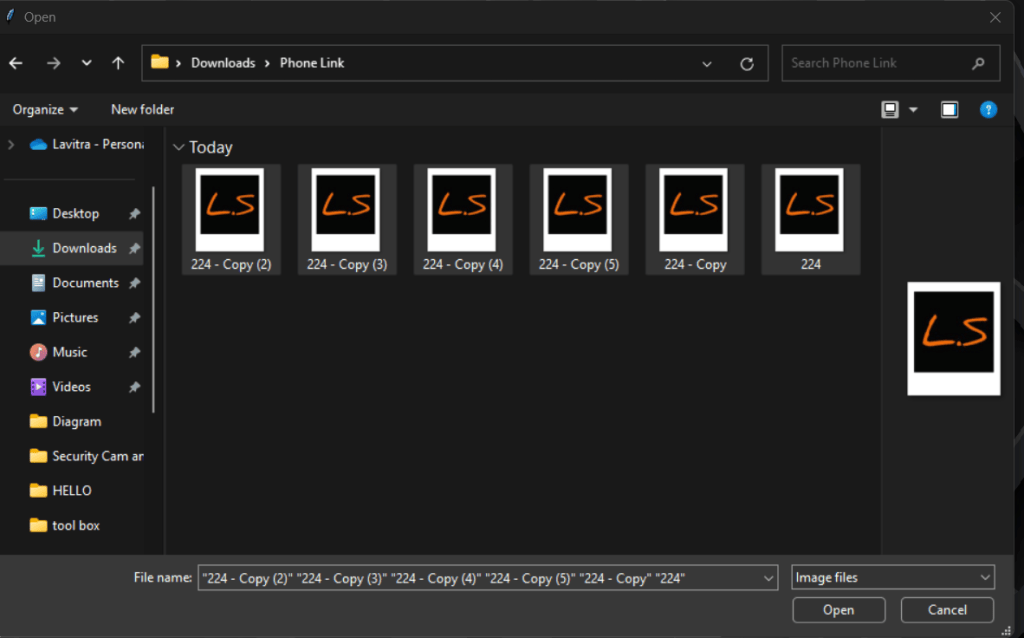
Upload 6 images from your system.
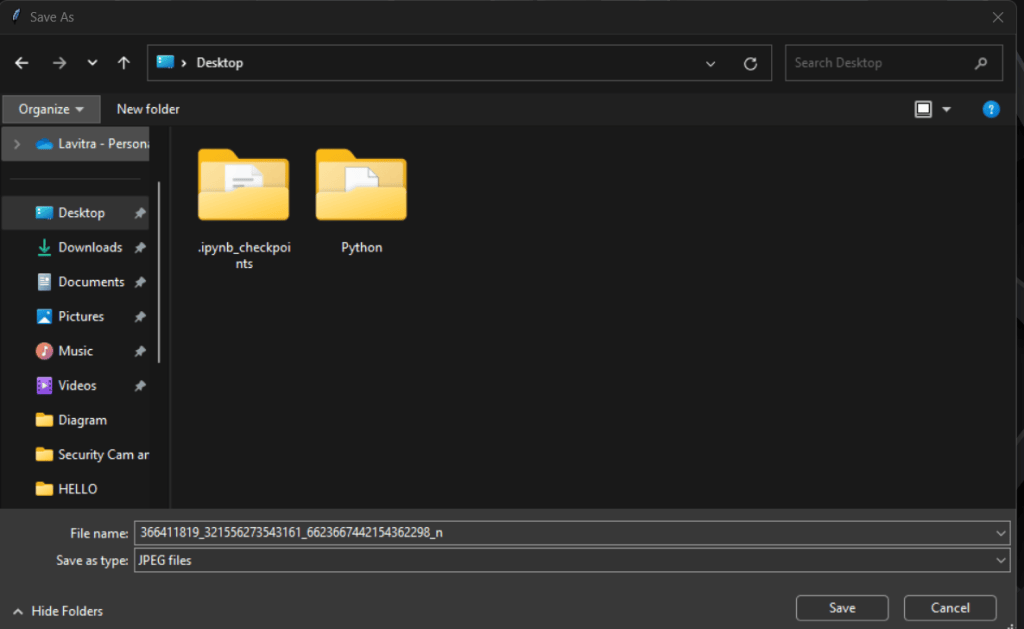
The program will automatically arrange them in a 2×3 grid.
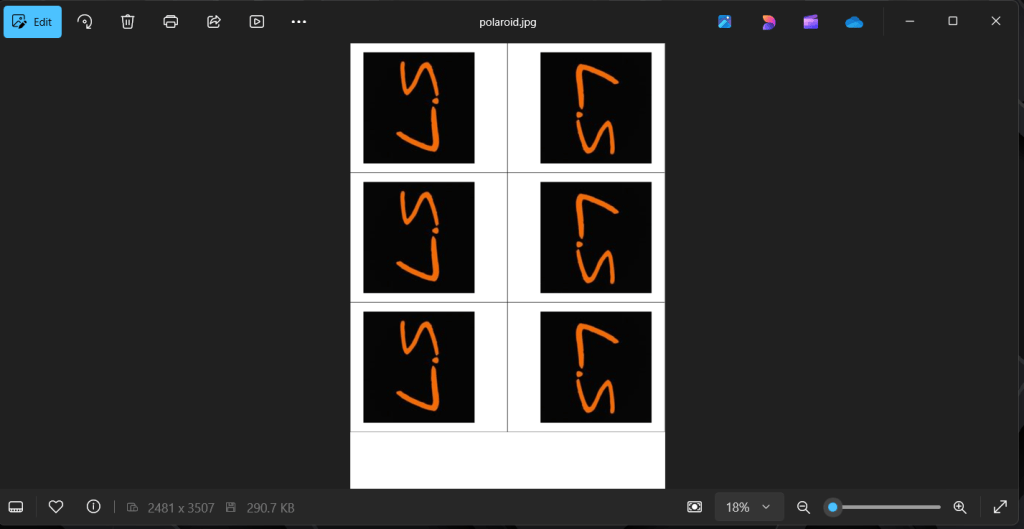
The final A4-sized JPEG will be saved and ready for printing.
Code & Installation
The complete source code is available in the GitHub repository.
My Learnings
- Building desktop-based GUI applications using Python and Tkinter
- Working with the Pillow (PIL) library for image manipulation
- Automating dynamic image placement based on A4 dimensions
- Managing file dialogs and path selection using the OS library
- Handling image resizing, aspect ratio maintenance, and canvas merging
- Exporting programmatically generated graphics into a single JPEG file